

iPhone MagSafe Not Working After a Drop: UK Fixes
Dropped your iPhone and now MagSafe won’t snap on or charge? In most cases, a fall has shifted or damaged the charging coil, magnets, back glass, or the charger itself. The good news is that an iPhone MagSafe not working fault is often fixable, and it doesn’t always mean a new phone.
We see this after pocket-height drops, car park slips, and those sofa-to-tile accidents that somehow do the most damage. If cable charging still works, start with simple checks first, then treat MagSafe as a likely hardware issue.
Why iPhone MagSafe not working after a drop is usually a hardware problem
A MagSafe system is simple on the outside and fussy underneath. Your iPhone needs the magnets to line up, the wireless charging coil to sit flat, and the back of the phone to stay clean and uncracked. A drop can knock any of that out.
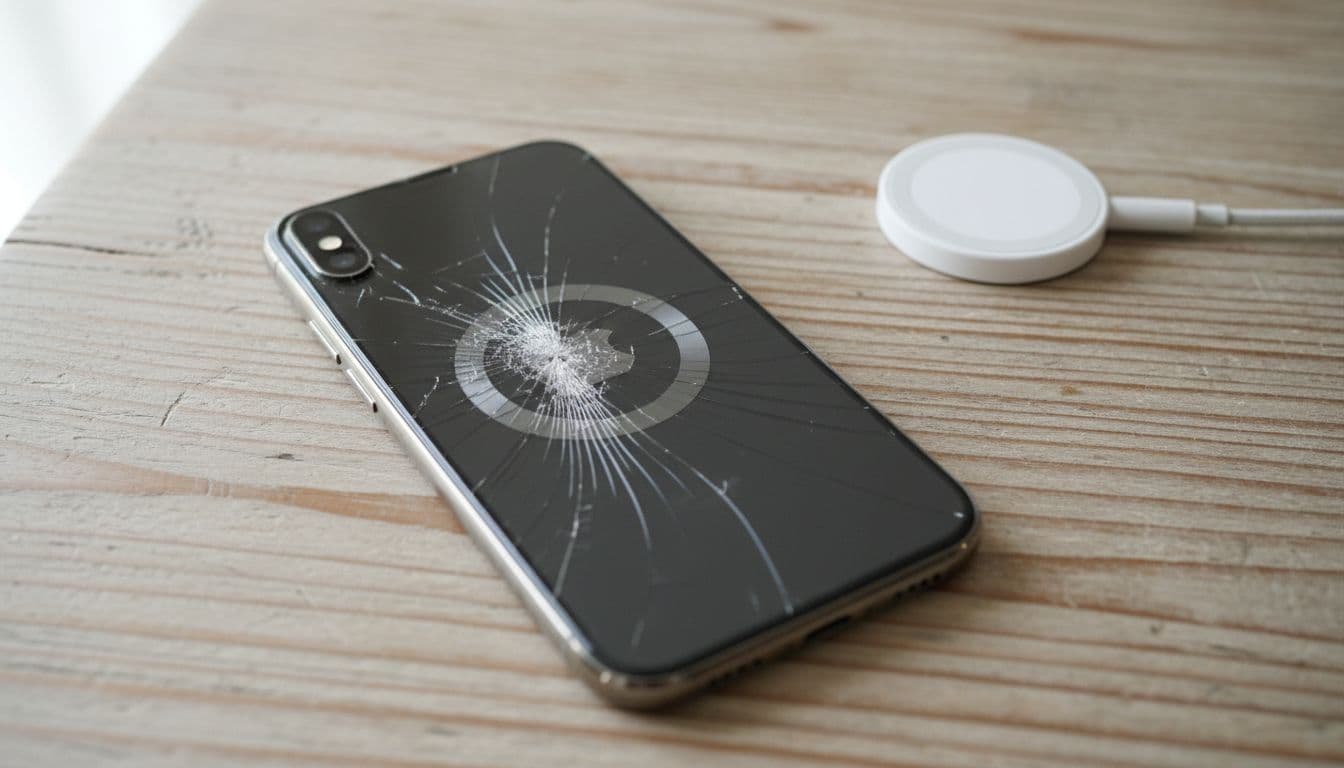
We often find one of four faults: a case now blocks contact, the charger cable took a hit, the back glass cracked around the ring, or the internal coil shifted. Sometimes the phone still charges by cable, yet MagSafe feels weak or drops in and out. That’s the classic clue.
The symptoms often mirror older Apple Community reports on MagSafe charging issues, but a fresh drop gives us a much stronger hardware lead.
If MagSafe stopped after impact but wired charging still works, we treat it as a likely drop-damage fault, not a random setting.
A fall can also bring friends along. The same impact may leave you needing common iPhone repair issues sorted, such as a charging port clean, back glass repair, or a bruised display. Plenty of customers first search for iPhone screen repair UK or cracked iPhone screen repair, then realise MagSafe failed on the same day.
Battery symptoms matter too. If the screen is lifting, the phone gets hot, or charge drops fast, mention that straight away. In those cases, iPhone battery replacement UK can become part of the job. We also repair Samsung devices every week, so the same kind of impact faults turn up in samsung phone repair UK bookings as well.
The checks we do first, before we open the phone
Before we reach for tools, we rule out the easy stuff. It saves time, and sometimes saves money too.
- Remove the case and clean the phone back and charger with a dry microfibre cloth.
- Test the iPhone with a cable. If it charges normally, the fault is MagSafe-specific.
- Try another power adaptor or another MagSafe charger.
- Force restart the phone, then check for the latest iOS update.
- Test the charger on another compatible iPhone.
This quick table shows how we narrow it down:
| Symptom | Likely cause | Best next step |
|---|---|---|
| No magnetic snap | Case, damaged magnets, cracked back glass | Remove case, inspect rear glass |
| Snaps on but won’t charge | Coil fault, charger fault, power adaptor issue | Test cable charging and another charger |
| Charges on and off | Misalignment, loose coil, damaged cable | Re-test without case, bench diagnosis |
| Gets warm then stops | Software bug, poor power supply, internal damage | Restart, update iOS, test hardware |
Recent 2026 reports show that software can muddy the water, so it’s worth updating first. We’ve seen readers compare their symptoms with this wireless charging troubleshooting guide. Still, after a drop, hardware is the usual culprit.
A quick bench example from Essex
Last week, we had an iPhone 13 in for phone repair Essex after a pavement drop. Cable charging was fine, but MagSafe only connected if the charger sat at a funny angle. Once we opened it, the charging coil had taken the impact and the back glass had a hairline crack near the ring.
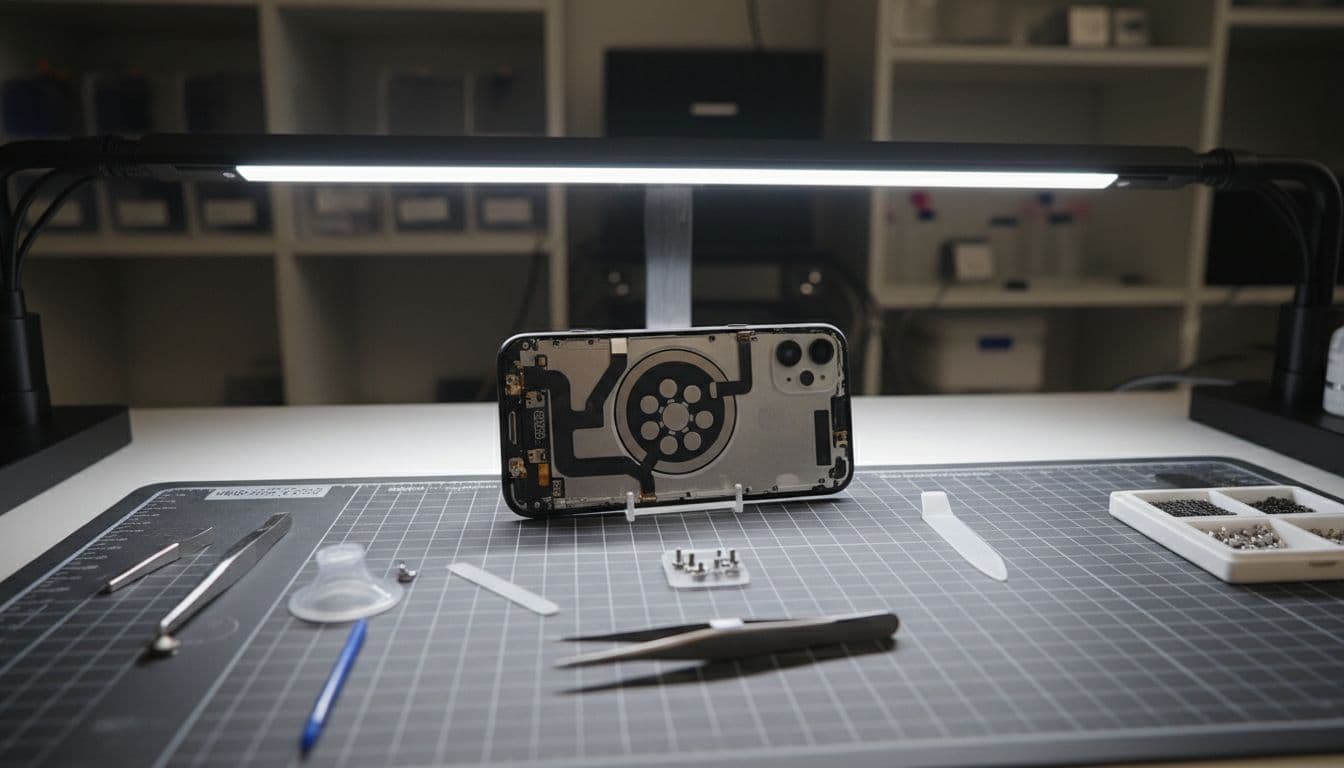
That sort of job is common in mobile phone repair UK work. We see similar knock-on faults with cameras, NFC, and wireless charging after what looked like a harmless drop.
When repair makes sense, and how to get it sorted in the UK
If the phone is otherwise healthy, repair usually makes more sense than replacement. A MagSafe fault on its own is a bit of a faff, but it doesn’t mean the whole handset is finished. We look at the age of the device, the state of the battery, and whether the board or back glass has deeper damage.
Repair becomes less attractive if the phone has several major faults at once. For example, if you have back glass damage, Face ID trouble, screen damage, and battery swelling, the bill can climb. That’s when we give a clear quote first, then let you decide without the hard sell. We use quality parts, offer clear warranty terms, and our price promise is worth asking about if you already have a quote.
If you’re local, our trusted phone repair Essex service is handy for quick drop-ins by appointment. If you’re elsewhere, our postal phone repair UK option works across the country. Book online, pack the phone securely, include the order number, and remove the SIM if you can. We may need the passcode for testing, but never your Apple ID password.
A lot of MagSafe faults arrive alongside other jobs, such as iPhone battery replacement UK, back glass repairs, or classic iphone screen repair UK work after the same drop. We also handle Samsung repairs, tablets, and wider mobile phone repair UK cases, so if the impact damaged more than one feature, we can test the lot together.
Two questions we hear all the time
Can MagSafe stop working even if the back glass looks fine?
Yes. The coil or magnet ring can take the hit underneath, even when the outside looks tidy.
Will Apple software fixes solve it?
Sometimes they help if charging became erratic after an update. If the problem started right after a drop, though, software is rarely the full answer.
A dropped iPhone can look fine and still have hidden charging damage. That’s why an iPhone MagSafe not working fault needs proper testing, not guesswork.
If you’re stuck with it now, book the repair online and send it in, or pop into Essex if you’re nearby. We’ll tell you straight whether it’s a quick fix or a sign of bigger damage, then get it sorted as fast as we can.
James Waterston, Device Repair Specialist at Repair My Crack