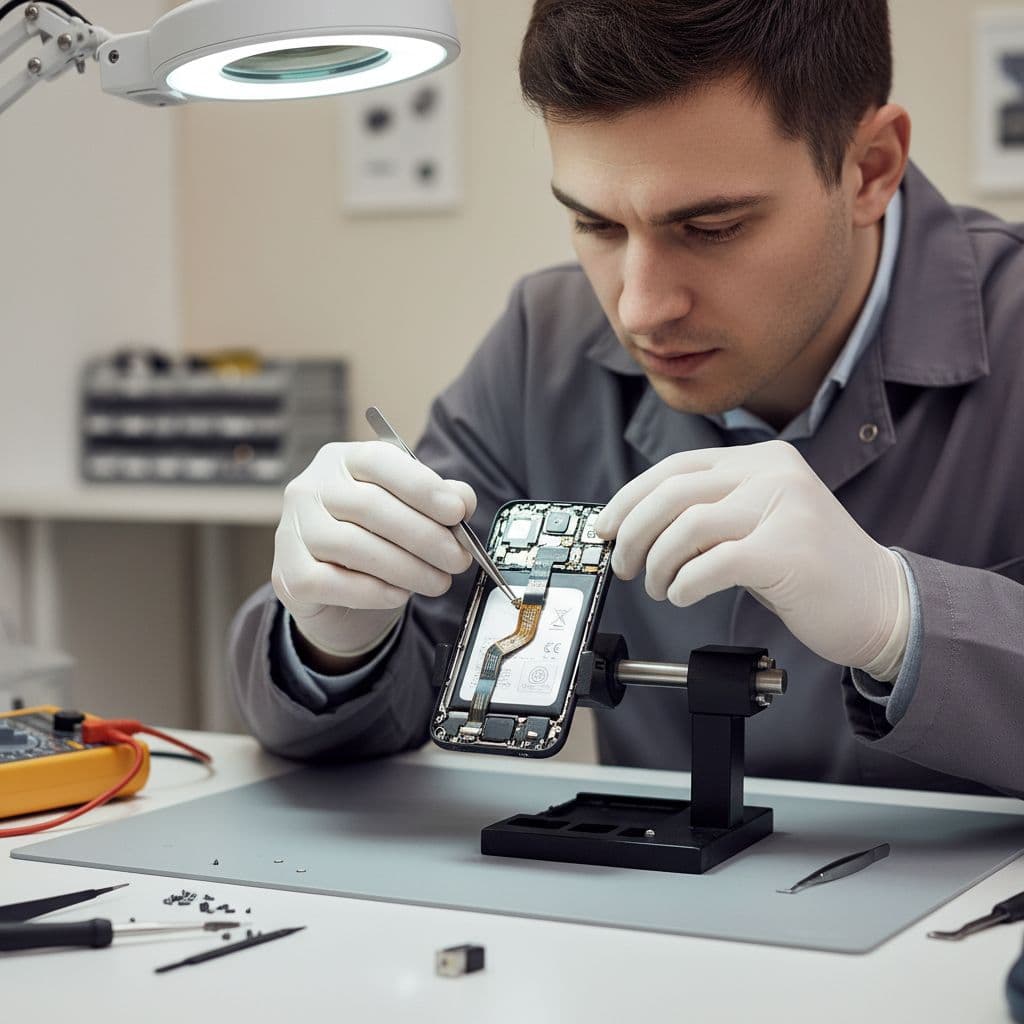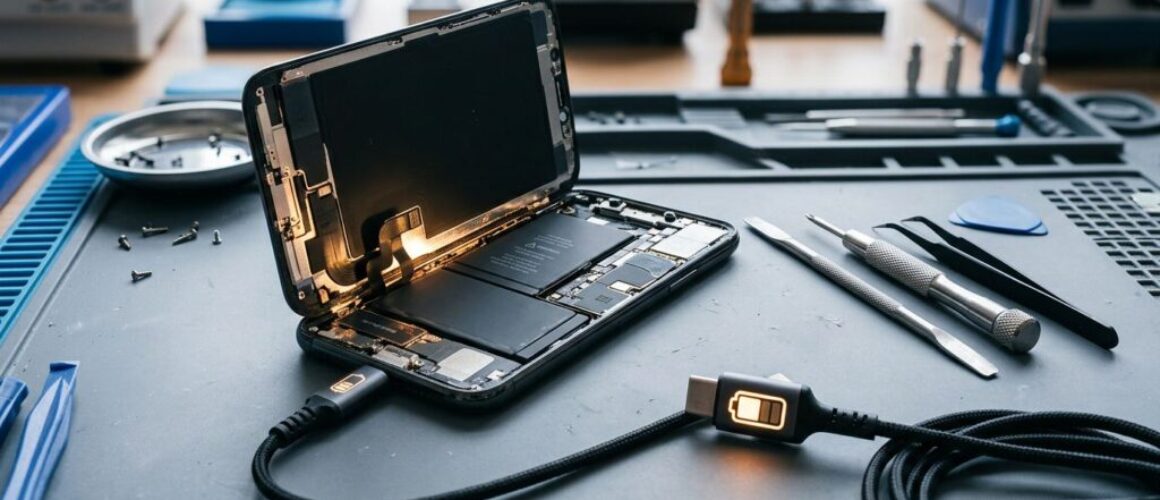
iPhone battery drain after screen replacement: fault or setup?
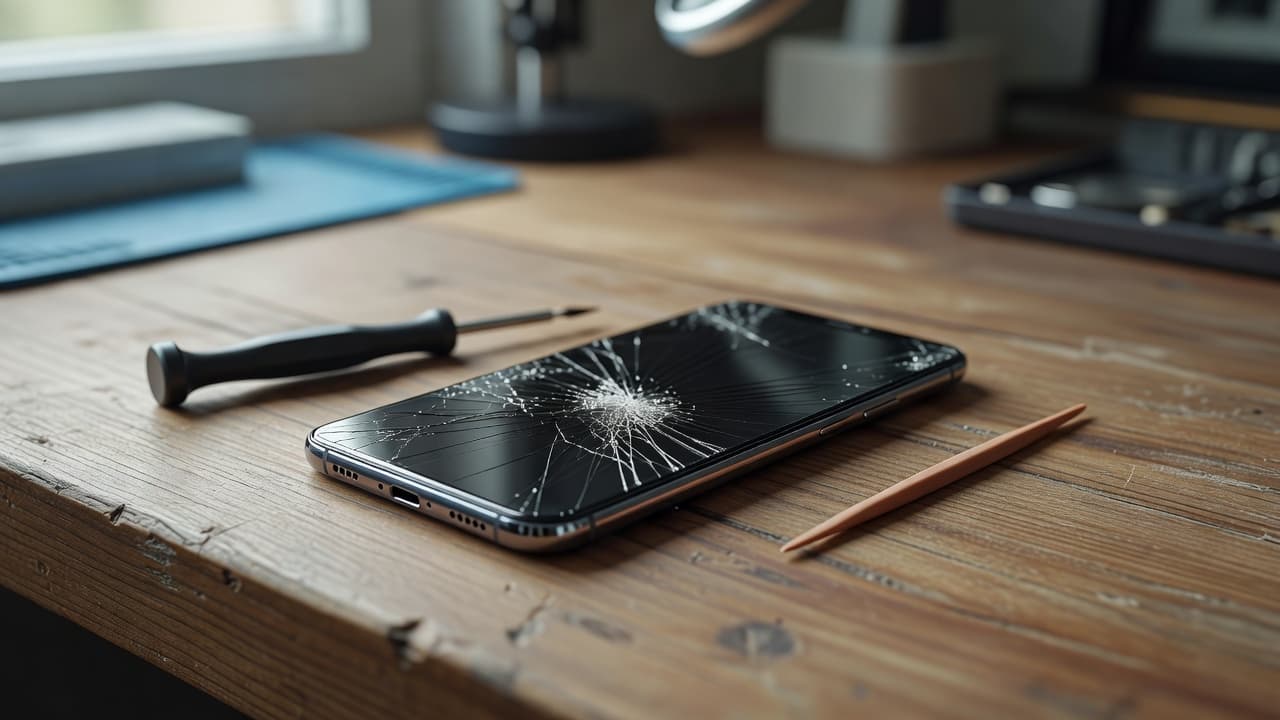
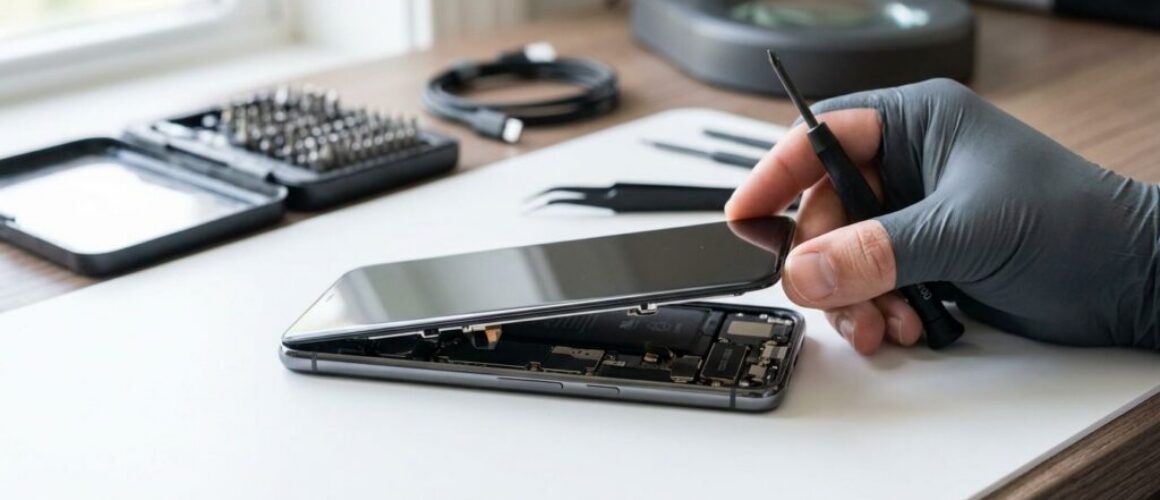
[Repair_All brand="Apple"]A screen replacement should finish a stressful day, not leave you searching for a charger by lunchtime. Yet iPhone battery drain straight after a repair can be alarming, especially when the percentage falls quickly or the phone feels warm.
The short answer is that a small, temporary drop can come from background setup activity. Severe or continuing drain points more towards an ageing battery, a poor-quality replacement screen, a loose connector or damage caused during the original impact. We start by separating those possibilities before recommending another part.
Is iPhone battery drain normal after a screen replacement?
A little extra battery use during the first few hours isn’t automatically a fault. After a repair, iOS may re-index photos, restore apps, complete updates or run background tasks that weren’t active while the phone was switched off.
However, persistent drain isn’t an expected result of replacing a screen. If the battery loses a large percentage while the phone is idle, the handset becomes hot, or it shuts down unexpectedly, the device needs proper testing.
Short-term battery use after repair
Give the phone a little time to settle after the repair. Use it normally for several hours, then check whether the drain is still excessive when the screen is off.
A one-off drop after restoring data doesn’t prove the repair has failed. Battery performance can also look worse when you restore a large photo library or install several updates at once.
Signs of a genuine fault
The problem deserves a return visit when:
- Battery percentage falls rapidly during light use.
- The phone gets warm when it is sitting idle.
- The display stays lit or wakes without being touched.
- The iPhone restarts, freezes or switches off unexpectedly.
- Drain began immediately after the screen was fitted and continues after a restart.
Apple explains that battery capacity reduces as lithium-ion batteries age in its iPhone battery and performance guidance. A tired battery may therefore become noticeable after a screen repair, but the replacement display itself shouldn’t be assumed to be the cause without testing.
Checks to complete before booking another repair
Start with information already available on the iPhone. It can show whether an app, the display or the battery system is using more power than expected.
Read the battery information
Open Settings > Battery and review the usage graph. Check whether one app is responsible for the change, or whether the drain continues while the phone is locked.
Next, open Battery Health & Charging. A low maximum capacity or a service message supports the case for battery replacement, although the percentage alone doesn’t explain every fault. A battery can show reasonable health and still perform poorly after physical damage.
Apple’s iPhone battery service information also recommends arranging a proper assessment when battery performance has become unreliable.
Run safe checks at home
Before sending the phone back to a repairer, work through these low-risk steps:
- Restart the iPhone and monitor it through a normal charge cycle.
- Install any available iOS update, provided the phone has enough charge.
- Remove a thick case or recently fitted accessory and check whether heat or screen waking changes.
- Check that the display turns off normally during calls and when the phone is locked.
- Take a screenshot of the Battery page so you can show the repairer what happened.
Avoid opening the handset, pressing down on the display or repeatedly disconnecting internal cables. A partial connector reseat can become a damaged flex cable or torn display assembly. A factory reset should also be a last resort, because it won’t repair physical damage.
What can go wrong during a screen replacement?
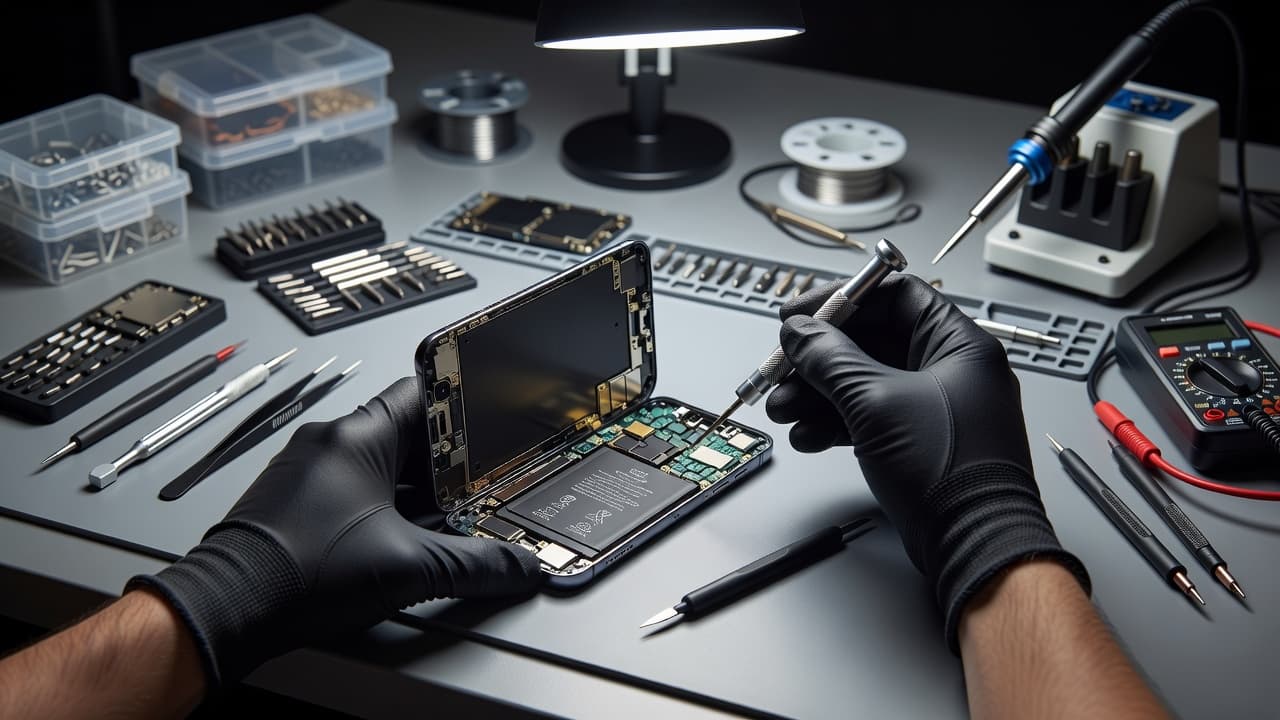
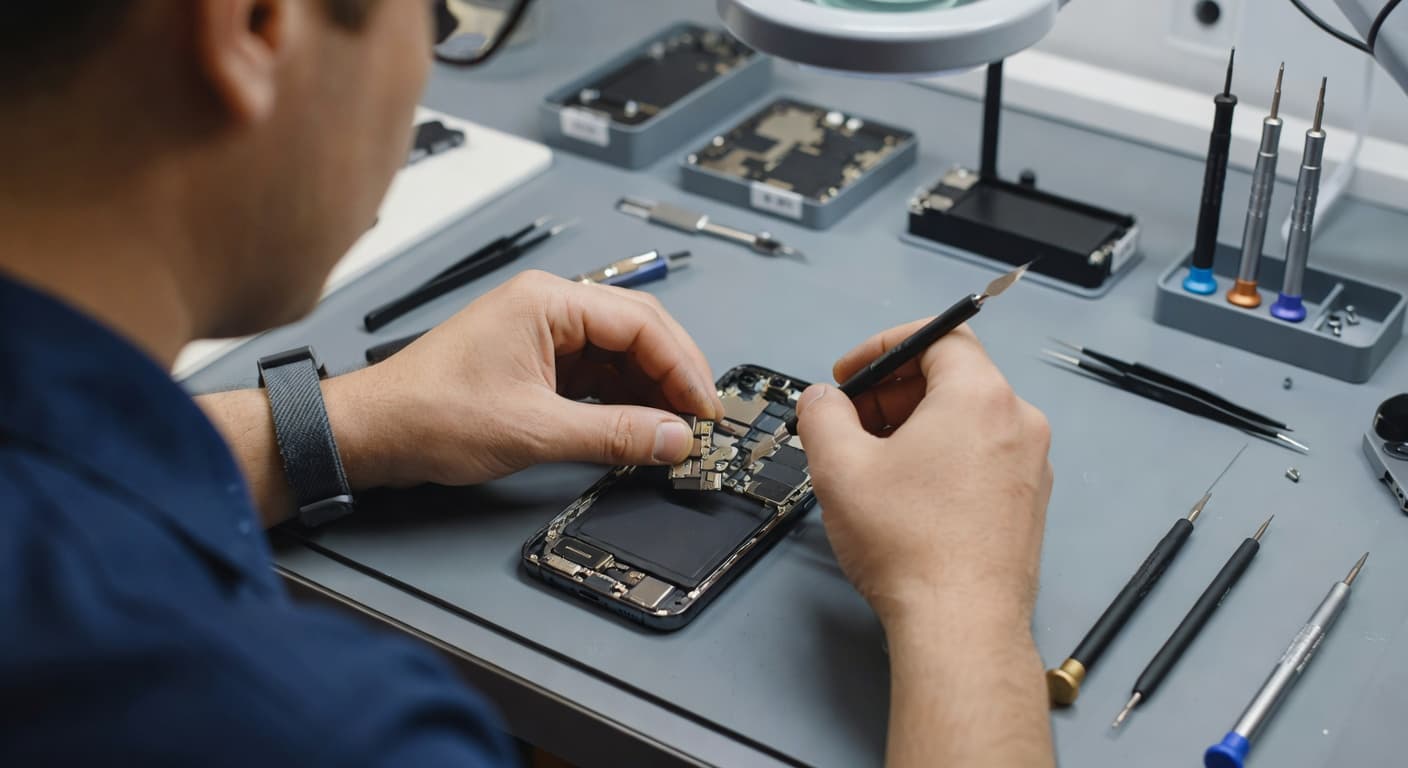
Modern iPhones pack several delicate components into a very small space. A display repair involves disconnecting the screen, battery and, depending on the model, front sensor components.
Connectors, flex cables and pressure
A display connector that isn’t fully seated can cause flickering, touch problems, random screen wakes or intermittent restarts. A pinched flex cable may also create unstable behaviour that looks like battery failure.
The frame matters too. If the phone was bent during the original drop, the replacement display may sit under uneven pressure. That can affect touch response, brightness, proximity sensing or the way the phone wakes and sleeps.
We also check for damage around the battery connector and charging circuit. A device that won’t turn on or won’t charge needs more than a quick screen inspection, even if the display is the obvious damaged part.
Replacement part quality makes a difference
Not all replacement screens have the same power requirements or performance. Newer iPhones often use OLED displays, which differ from cheaper LCD alternatives in contrast, brightness and energy use.
A poor-quality display can also cause inaccurate touch input, uneven brightness or repeated wake events. Those faults may increase power consumption, particularly when combined with a sensor or connector problem.
We use quality replacement parts and test the phone after reassembly. That includes touch, brightness, cameras, speakers, charging, battery behaviour and the features affected by the repair. A screen that looks clear on the bench still needs to work properly during normal use.
When a drop has damaged more than the screen
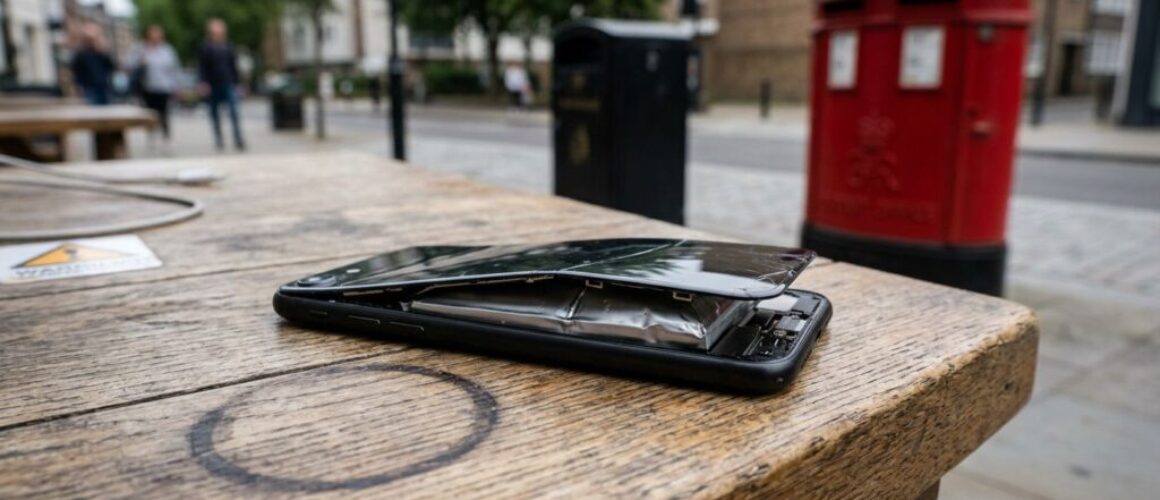
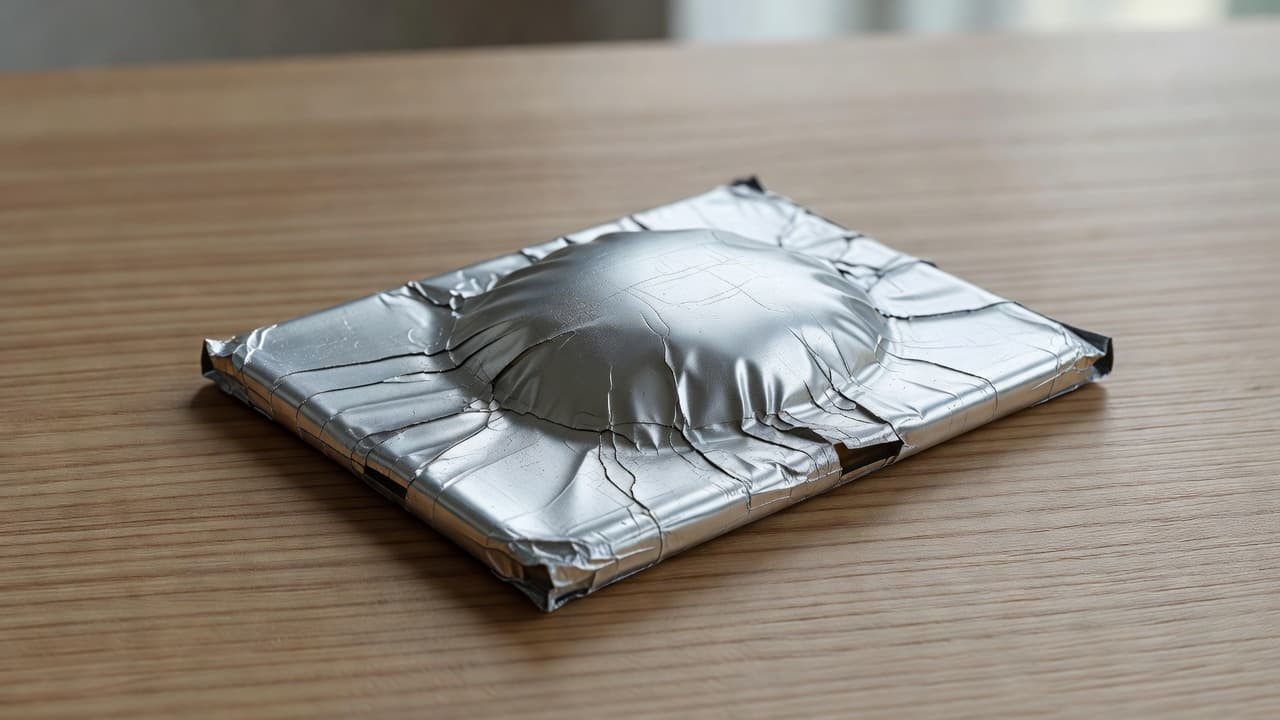
A cracked display can distract you from less visible damage. An iPhone component fault caused by a drop may involve the battery connection, charging port, frame or logic board.
The same principle applies across other brands. A Samsung component fault after a drop can appear as failed fast charging or an intermittent display. A Google Pixel component fault caused by an impact may involve a button flex, battery connection or screen assembly. An iPad component fault needs a wider diagnosis because the larger display and frame can hide pressure damage.
The workshop example we see often
One iPhone 12 repair came to us from Essex with a smashed screen and a charging port that only worked when the cable sat at an angle. The owner suspected the battery because the phone kept losing charge, but testing showed a worn dock connector and compacted lint in the port.
The screen and port needed attention. Replacing the battery alone would not have fixed the problem. This is why we test the whole handset before chargeable work begins, particularly after a hard drop.
Look out for these screen or display fault symptoms alongside battery problems:
- Lines, black patches or flickering across the display.
- Ghost touches or areas that don’t respond.
- Brightness that changes without a clear reason.
- A screen that sits higher on one edge.
- Charging that cuts out when the phone moves.
- Unusual heat near the display or charging port.
For phone hardware troubleshooting in the UK, sharing every symptom saves time. Mention the original drop, previous repairs, liquid exposure, overheating and any change in charging behaviour.
Repair costs and when the job makes sense
A confirmed fault is easier to price than a guess based on battery percentage. Our usual guide ranges for common repairs are:
- Screen replacement: around £60 to £180, depending on model and part grade.
- Battery replacement: around £40 to £80.
- Charging port repair: around £50 to £90.
- Water-damage assessment or treatment: around £60 to £120.
These figures are guides rather than fixed quotes. Newer premium iPhones with OLED displays can cost more, while a bent frame, corrosion or several faults can change the repair route.
Repair usually makes sense when the iPhone has a healthy logic board, a straight enough frame and one clear problem. It becomes less attractive when the handset has serious battery damage, liquid corrosion, a damaged board and an expensive display at the same time.
Our repairs include a price promise where possible, accredited technicians, quality parts and warranty cover. Batteries and other components carry a 12-month warranty under our terms. Premium iPhone screens have a 12-month term, while standard screens have a shorter warranty, so check the exact part and cover before approving the work. If testing finds no fault, an inspection fee may apply under our standard charges.
You can review model-specific options through our iPhone battery replacement services before deciding whether the battery or screen needs attention.
What to do before sending the iPhone back
If another repairer fitted the screen, contact them first. A fault that starts immediately after their work should be inspected under their repair warranty. Using a different workshop or opening the phone yourself may affect that cover and any remaining manufacturer warranty.
Before handing over the device:
- Back up photos, messages, contacts and authentication details.
- Record the battery symptoms, including when the drain began.
- Photograph the phone’s exterior if the frame or display is damaged.
- Remove the SIM card and accessories unless the repairer asks for them.
- Pack the iPhone securely, especially if the glass is cracked or lifting.
For phone hardware troubleshooting in the UK, a postal repair can be useful when you aren’t near Essex. With our UK mail-in phone repair service, you book online, package the device securely and include the order number. A passcode may be needed for full testing, and we aim to begin work as soon as the phone arrives, often on the same day, depending on parts and workload.
We provide tracked Royal Mail postage and tracked returns. If a warranty seal has been fitted, don’t tamper with it, as that can invalidate the repair warranty.
Questions customers ask about battery drain
Can a new screen cause iPhone battery drain?
It can contribute to unusual drain if a connector is loose, a flex cable is damaged, the display is poor quality or the phone keeps waking. A worn battery or unrelated impact damage can also be responsible, so testing comes first.
How long should temporary drain last?
There is no fixed period for background activity after a repair. The important point is whether performance settles after updates and normal use. Ongoing rapid drain, heat or shutdowns need assessment rather than repeated charging tests.
Will a battery or screen repair erase data?
Most standard screen and battery repairs don’t require data deletion. We still recommend a backup before any repair because unexpected damage, testing requirements or a device that won’t turn on can limit access to your files.
Getting the iPhone battery issue properly diagnosed
Persistent iPhone battery drain after a screen replacement shouldn’t be dismissed as bad luck. Check Battery settings and iOS first, then ask the repairer to inspect the display, connectors, battery, charging port and frame together.
If the fault began after the repair, return to the original provider where possible. If you need a fresh assessment, you can book an iPhone repair through Repair My Crack for an Essex appointment or UK postal service. A proper diagnosis usually costs less than replacing parts by guesswork.
James Waterston, Device Repair Specialist at Repair My Crack