
Few things are more worrying than posting a laptop that already has a cracked screen, a charging fault or a keyboard that has stopped working. However, knowing how to package laptop for repair properly protects it from a second round of damage in transit.
For most laptops, the safe approach is simple: back up your files, switch it off, use a rigid box and stop it moving inside. A few extra minutes at the kitchen table can save a lot of hassle later.
Prepare the laptop before it goes in the box
Packing starts before you reach for bubble wrap. A backup protects your files if the fault worsens, while clear notes help us test the right problem once the laptop reaches our Harlow workshop.
Back up data and describe the fault
Save important files to an external drive or cloud storage before sending anything away. Then write a short fault note with the laptop model, your order number and the behaviour you have seen.
Mention details such as whether it overheats, only charges at a certain angle, has lines on the display or shuts down after a few minutes. If testing needs a login, give access details through the agreed route, never on the outside of the parcel.
Photograph the laptop’s condition, including corners, ports and any existing marks. This gives everyone a clear record before the repair begins.
Check the battery before posting
Switch the laptop off fully, rather than leaving it asleep. Remove USB sticks, discs, memory cards and any loose accessories that aren’t needed for diagnosis.
A laptop with its battery fitted is normally easier to send than a separate battery. However, do not post a laptop with a swollen, leaking, recalled or visibly damaged battery. Royal Mail’s restricted items guidance confirms that damaged or recalled batteries are not accepted.
If the battery looks swollen, the case is lifting or the laptop becomes unusually hot, stop charging it and contact us before arranging postage.
How to package laptop for repair without transit damage
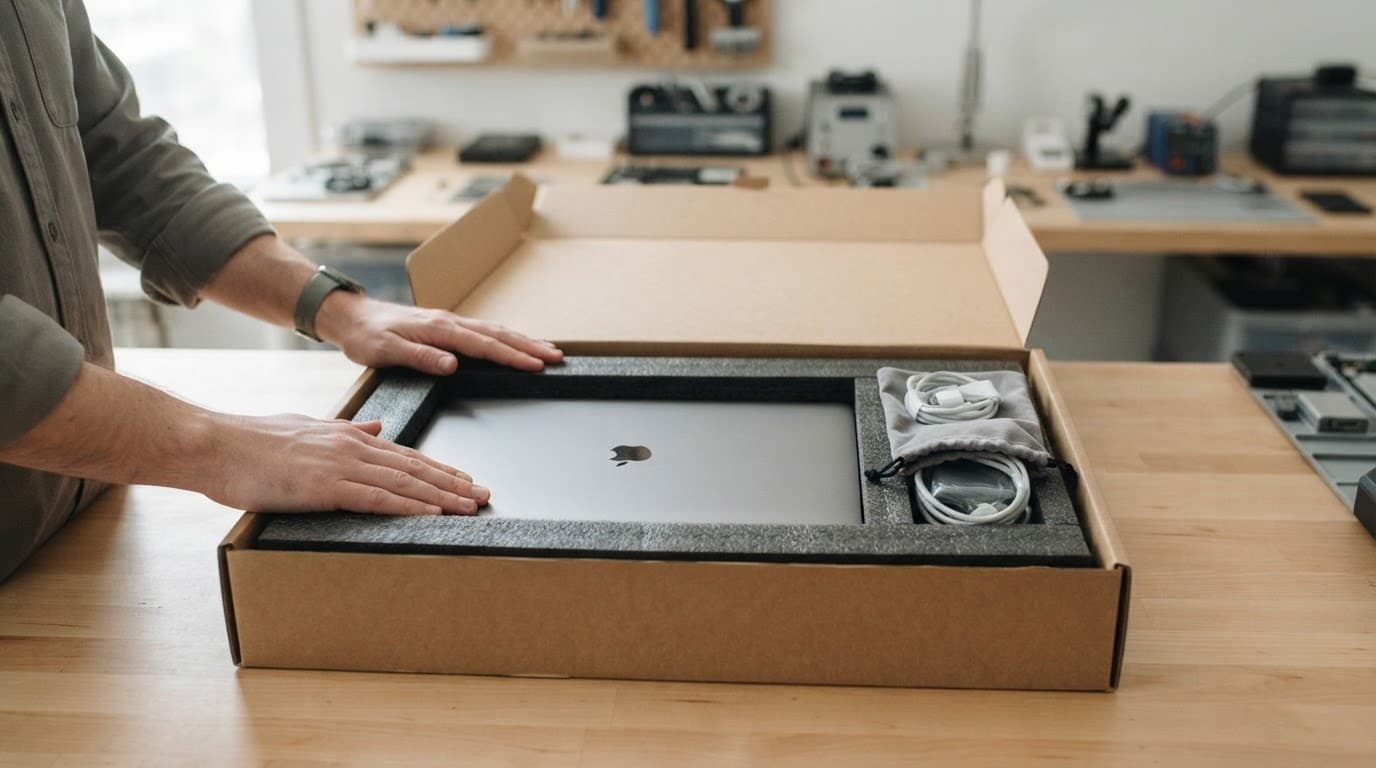
Use a sturdy cardboard box that is larger than the laptop on every side. The original retail box can help, but it still needs a strong outer box for postal travel.
Before you package laptop for repair, follow this simple order:
- Close the laptop and place a clean sheet of card or soft cloth between the keyboard and screen.
- Wrap the machine in several layers of bubble wrap, with extra protection around the corners.
- Put it in the centre of the box, leaving room for padding on every side.
- Fill empty spaces with packing paper, foam or air cushions until the laptop cannot shift.
- Seal every opening with strong parcel tape, then add the delivery and return addresses clearly.
Royal Mail’s packaging advice for larger items also recommends robust packaging for laptops and other larger electronics. Give the sealed box a gentle shake. If you can feel movement, add more cushioning.
A laptop can look well wrapped but still suffer damage if it has room to slide into the corner of its box.
What to include in a repair parcel
Put your order number and contact details inside the parcel, ideally in a small envelope or folded note. This lets us match the laptop to its booking as soon as it arrives.
Keep chargers and extras at home
Only send the charger if the fault relates to charging and we have asked for it. A loose charger can scratch the laptop in transit, even when wrapped separately.
Remove cases, dongles, mice and external drives unless they help reproduce the fault. If the charging cable only works at a certain angle, tell us in your note rather than sending every cable from your desk drawer.
For display faults, our guide to UK postal MacBook screen repair covers what can affect the repair cost and why a bent housing matters. Independent repairs can affect a manufacturer’s warranty, so it is sensible to compare your options if your laptop still has cover.
What happens after the laptop arrives
We receive postal repairs from across the UK, not only Essex. Once your laptop arrives through our tracked repair process, we inspect the condition, check the reported fault and contact you if testing finds additional work.
A recent MacBook assessment involved a drink spill and several unresponsive keys. The laptop still started normally, but residue beneath the keyboard affected its operation. We checked for corrosion, explained the repair options and only moved forward after the customer had the information needed to decide.
The same preparation helps with phones and tablets
Clear notes and careful packing also make our UK phone hardware troubleshooting quicker. They help when we are checking a dropped iPhone, Samsung or Google Pixel for a component fault.
The same applies when an iPad needs a component diagnosis, when you have screen or display fault symptoms, or when a device will not turn on or charge. Describe what happened before the fault started, especially after a drop, liquid exposure or previous repair.
A secure parcel gives the repair a better start
The strongest rule is simple: a laptop should not move inside its box. Back up your files, power it down, protect the corners and avoid sending loose batteries or unnecessary accessories.
When you need to package laptop for repair, book the work first and include the order number inside. We will inspect the laptop properly, explain the options plainly and get it back to you as quickly as we can.