
A drop can leave your Pixel looking fine, then make unlocking it feel like a daily faff. The screen may still light up and the camera may still open, yet your face is no longer recognised.
When Google Pixel Face Unlock stops working after an impact, treat it as possible hardware damage until proven otherwise. A restart and update are worth trying, but they cannot mend a shifted connector, damaged front camera, or bent frame.
The sensible order is simple: back up your data, run a few safe checks, then arrange a proper diagnosis if the fault stays put.
Key Takeaways
- Face Unlock failure straight after a drop often points to damage around the front camera, sensor area, screen assembly, or frame.
- Restarting, updating Android, and setting Face Unlock up again can rule out a software hiccup.
- Do not press hard around the top of the screen or try to lift the display yourself.
- A cracked screen, bent corner, poor front camera, and unreliable Face Unlock can all come from one impact.
- Google-authorised repair may be the safest route if your Pixel is still within its manufacturer warranty.
When Google Pixel Face Unlock Stops Working After a Drop
Face Unlock uses the phone’s front-facing hardware, software, and screen-area sensors together. The exact system differs between Pixel models, but a hard knock can still affect the parts it relies on.
Sometimes the phone shows a clear warning when you try to set Face Unlock up again. Other times, it simply keeps asking for your PIN or takes far longer to recognise you. If the front camera looks cloudy, will not focus, or shows black in video calls, that makes physical damage more likely.
A drop onto the top edge can disturb connectors behind the display. A corner impact can also bend the chassis enough to put pressure on the screen assembly. Even a hairline crack near the selfie camera is worth taking seriously.
If Face Unlock stopped on the same day as the drop, do not assume an Android update caused it. The timing usually matters more than the coincidence.
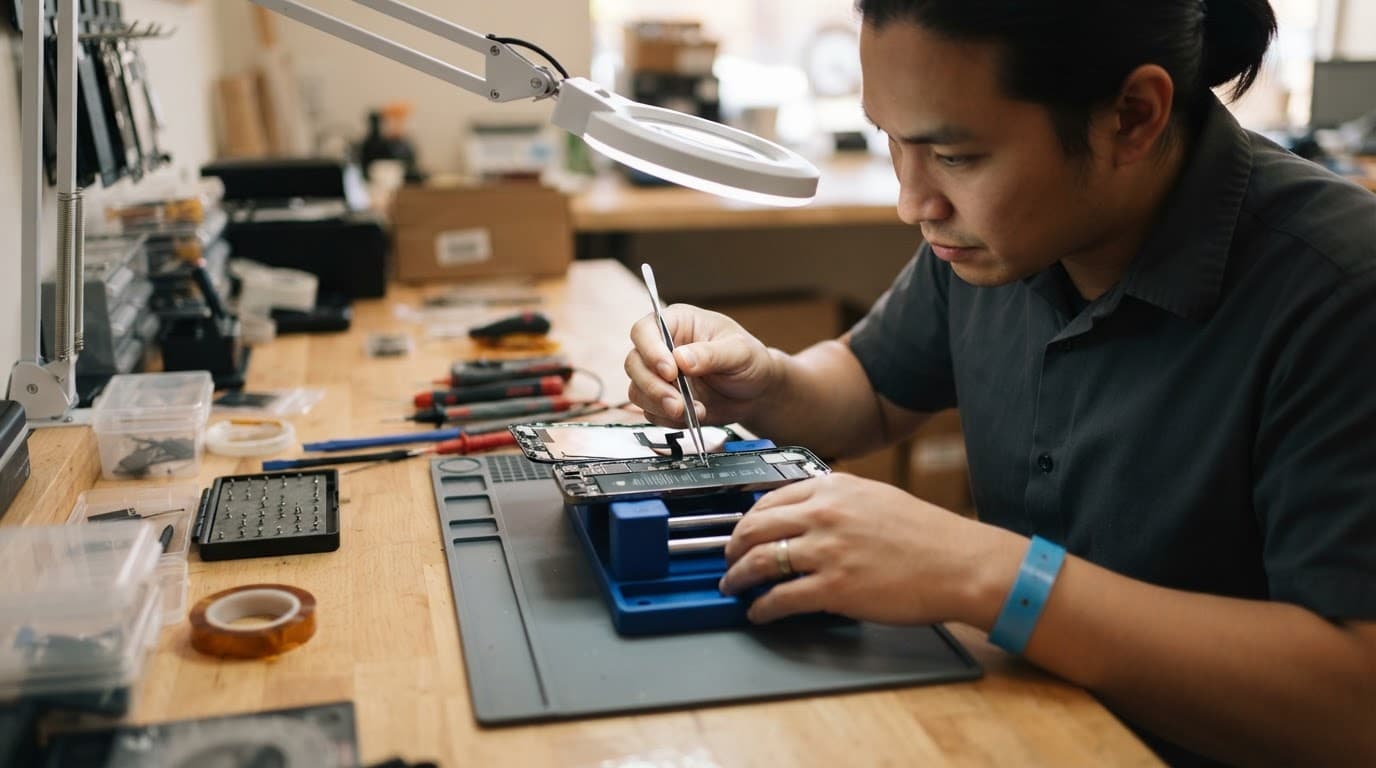
We have seen similar faults where the screen had no obvious break. The handset still worked normally, but the top assembly had shifted slightly after it landed on paving. In that situation, changing settings would never solve the underlying issue.
General post-impact checks are still worthwhile. This guide to unlock failures after damage also recommends restarting first, before assuming the phone needs replacing.
Safe Checks to Try Before Booking a Repair
Start with the easy checks, but keep your expectations realistic. These steps can clear a temporary software problem. They cannot repair impact damage inside the phone.
- Restart the Pixel fully. Hold the power button, choose Restart, then test Face Unlock again after the phone has settled.
- Clean the top of the display gently. Use a dry microfibre cloth around the front camera area. Remove a thick screen protector if it has cracked, lifted, or covers the camera cut-out.
- Update Android and the security settings. Go to Settings, then System, then Software updates. A pending update can occasionally affect camera or biometric behaviour.
- Remove and re-add Face Unlock. In Settings, find Security and privacy, then Face Unlock. Delete the existing face model and try enrolling again in good indoor light.
- Test the front camera. Open the Camera app and swap to selfie mode. Look for blur, flickering, black patches, or a camera that will not open.
- Back up before further testing. Use Google One, a computer, or another backup method while the display and touch controls still work.
Do not keep tapping the top edge of the screen in frustration. We know it is tempting, especially when the phone works once in ten attempts. However, pressure can worsen a loose display, tear a flex cable, or spread a small OLED crack.
A few Pixel owners have reported successful re-enrolment after rebooting and clearing temporary glitches in a Pixel 4 Face Unlock discussion. If yours cannot complete enrolment after a drop, hardware inspection is the next sensible step.
Faults That Often Arrive With Face Unlock Problems
A knocked Pixel rarely breaks in neat little categories. The obvious crack may not be the main problem. During a proper check, we would look at the whole phone rather than concentrating only on the unlock setting.
Pay attention if you also notice any of the following:
- The selfie camera struggles to focus, freezes, or shows a black image.
- The display has a bright line, green tint, flicker, or dead touch area.
- The frame rocks on a flat table or the screen sits proud of one edge.
- The phone has become harder to charge, gets warm, or loses battery faster.
- The earpiece, proximity sensor, or auto-brightness behaves oddly.
We had a customer in Essex bring in a handset after a short fall from a car seat. The glass had survived, but the top corner had taken the impact. Face Unlock would not enrol, and the front camera was intermittently blurry. The fault was not something to solve with a factory reset, because the impact had affected the front hardware area.
This is also why we ask about every symptom. A customer may initially search for iPhone screen repair UK or a cracked iPhone screen repair, then find that the same drop has affected charging or cameras. The same pattern turns up in Samsung phone repair UK work, especially when an OLED display has taken a corner hit.
Repair, Replacement, or a Google-Authorised Route?
If the Pixel is under manufacturer warranty and has not suffered accidental damage, start with Google’s support route. However, accidental damage normally falls outside standard manufacturer cover, and Google’s repair process may identify more than one issue after inspection.
For a Pixel with a damaged screen, front camera, or Face Unlock fault, an authorised provider can assess the affected parts and any required calibration. See our Google Phone Repairs page for current screen and repair pricing by model. This matters because some Pixel repairs need software checks after hardware work.
Independent repair may suit an out-of-warranty phone, particularly if you need a clear diagnosis and the rest of the handset is healthy. Still, an independent repair can affect any remaining manufacturer warranty. We always think that trade-off should be clear before anyone opens the device.
The repair usually makes financial sense when the Pixel has one localised fault, a straight frame, a healthy battery, and no liquid damage. Replacement starts looking more sensible when the phone has a badly twisted chassis, screen damage, charging trouble, and signs of moisture or board damage at the same time.
Exact Pixel costs vary too much by model and fault to guess responsibly. If inspection finds no fault, an inspection charge may apply under the repairer’s standard terms. A decent quote should state what is being replaced, whether testing is included, and what warranty applies to the work.
A lower quote is not automatically better if it ignores a bent frame or uses a screen that leaves the front sensors sitting incorrectly.
Sending a Damaged Pixel for Assessment
If you are local, our appointment-only phone repair Essex option in Harlow lets us inspect the handset in person. If you are elsewhere in Britain, a postal phone repair UK service is often more practical than travelling with a damaged device.
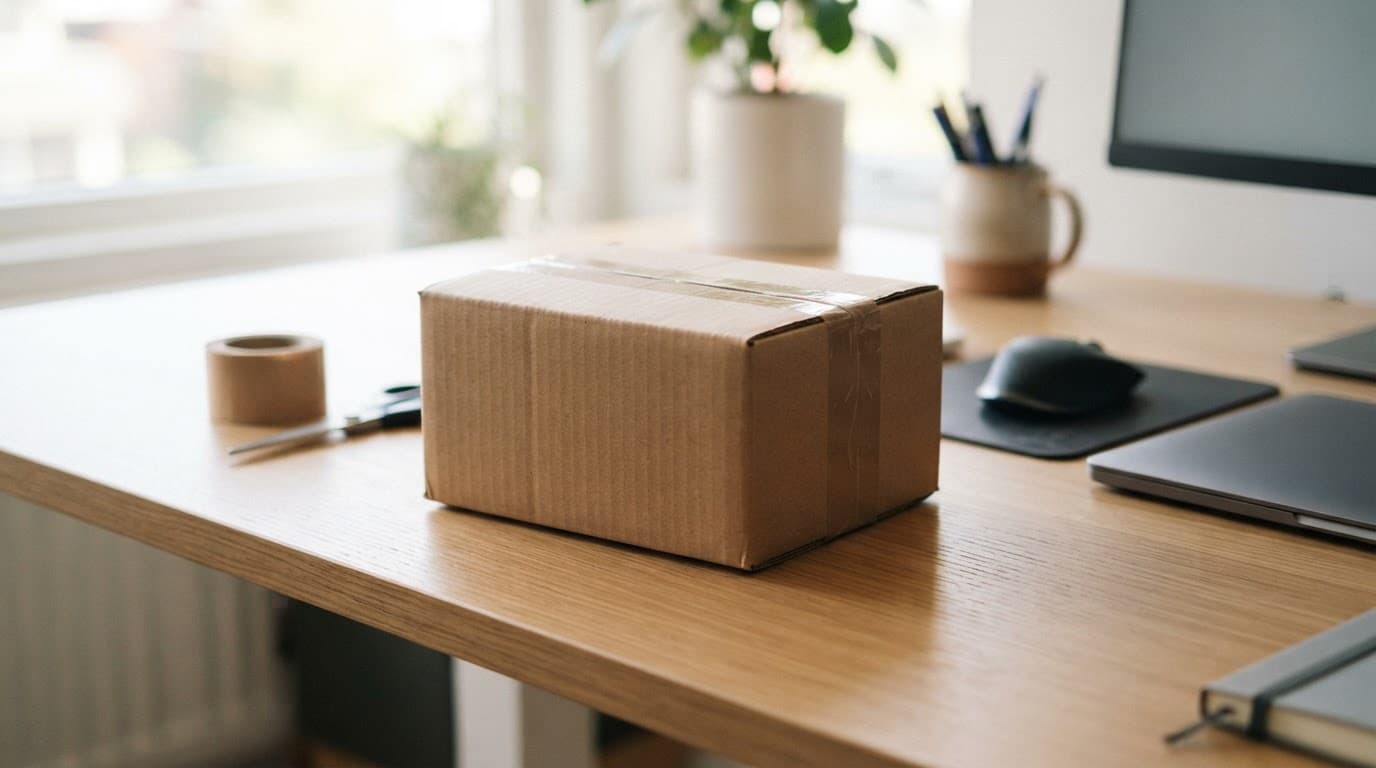
Our mail-in phone repair service includes tracked Royal Mail postage, so you can send the device securely after booking. Pack the Pixel in a sturdy box with padding, include the order number, and provide any necessary passcode details through the agreed process.
Before posting, remove the case and SIM card if requested. Photograph the phone’s condition, back up anything important, and mention every issue you have noticed. That includes Face Unlock, front camera faults, screen flicker, poor charging, or a bent edge.
We aim to start work as soon as a device arrives, often on the same day, although parts availability and the damage found can affect turnaround. That is the honest side of mobile phone repair UK work. A clear fault can be quick, while a drop that caused several faults needs more care.
Looking After the Rest of the Device
Even if you can live without Face Unlock for now, do not ignore a cracked front panel or shifted frame. A damaged seal can let in dust and moisture, while ongoing pressure can make screen damage spread.
The same advice applies if you are comparing an iPhone battery replacement UK quote, a screen job, or a camera repair. One repair is often good value when the rest of the device is sound. Several unresolved faults can change the maths quickly.
Keep the Pixel in a protective case, avoid wireless charging if the back is cracked or the phone gets unusually hot, and do not expose it to rain. Most importantly, do not try to straighten the frame by hand. That usually turns a manageable repair into a much larger one.
A Reliable Fix Starts With the Right Diagnosis
Google Pixel Face Unlock is convenient until a drop turns it into another thing to work around. Restarting and re-enrolling your face are sensible first steps, but a fault that began immediately after an impact needs proper assessment.
Back up the phone, avoid pressing on the damaged area, and get the full handset checked rather than paying to fix only the most visible crack. A clear diagnosis gives you the best chance of spending money once, not twice.
- James Waterston, Device Repair Specialist at Repair My Crack