
You know that horrible moment when your iPhone screen looks a bit… haunted? Maybe you can still see a faint keyboard outline after you’ve closed the app, or the top icons seem to “stick” on grey backgrounds.
That’s iPhone screen burn-in (or sometimes just temporary image retention). The quick answer is simple: if it’s true burn-in, it’s physical wear in the panel, and an iPhone screen replacement is the only proper fix. If it’s retention, it can fade with time and a few settings tweaks.
I’m James Waterston, in-house device repair specialist at Repair My Crack. Here’s what burn-in looks like in real life, why it happens on modern OLED iPhones, and how to tell when you’re past the point of software fixes.
What iPhone screen burn-in looks like (and how to confirm it)
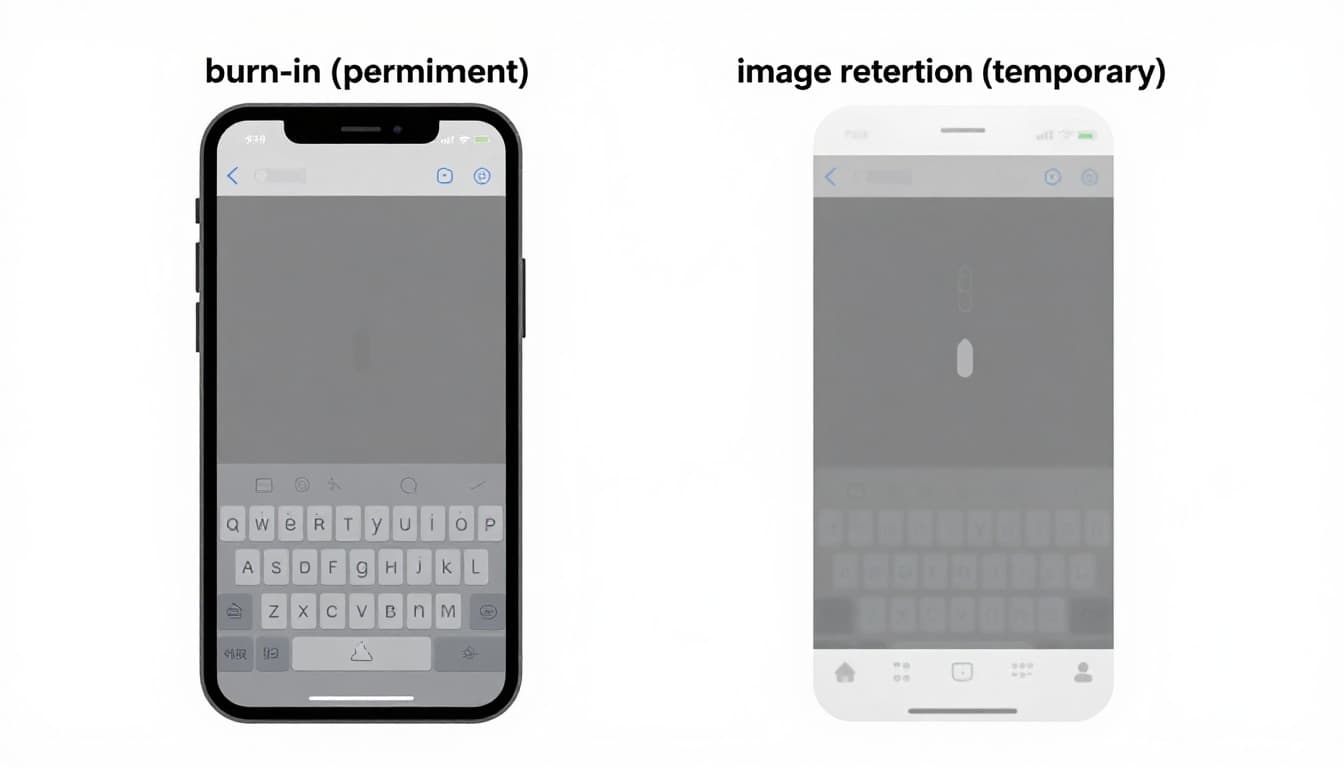
Burn-in usually shows up as faint “ghost” shapes that match things you see all the time, like the status bar, a TikTok or YouTube interface strip, a keyboard, or a navigation bar. It’s easiest to spot on flat colours, especially mid-grey, dark grey, or solid white.
A key detail: burn-in doesn’t move. If the ghosted shape stays in the same place no matter what app you open, it’s a warning sign.
Image retention is the lookalike problem. It’s more like when you’ve stared at a bright light and you can still “see” it for a minute. With phones, retention can fade after a short break, a reboot, or by lowering brightness.
A quick at-home check I recommend at the counter is the “grey screen test”:
- Turn brightness to about 50 percent.
- Open a plain grey image (or a full-screen grey page).
- Check for shadows of icons, the keyboard, or app bars.
- Leave the phone locked for 10 to 30 minutes, then re-check.
If it changes or fades, you’re likely dealing with retention. If it’s still clearly there, it’s probably burn-in.
There’s also been genuine noise about “burn-in” that was actually software image persistence. Some iPhone 15 Pro Max owners reported it heavily in 2023 to 2024, and it was covered in mainstream press, for example this piece on reported iPhone 15 Pro Max screen burn complaints. If you’re seeing it after an update, it’s worth checking for the latest iOS patch before assuming the screen is cooked.
What causes iPhone screen burn-in in 2026 (and how to slow it down)
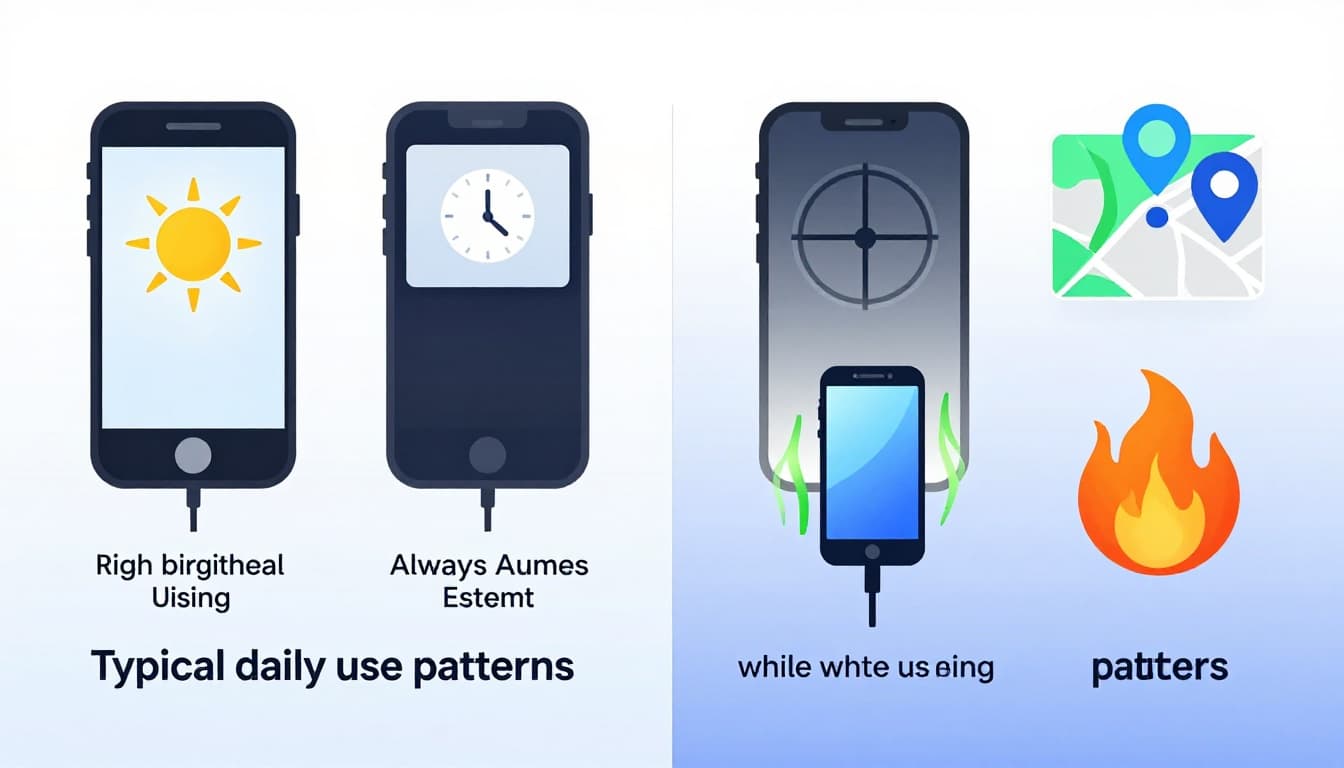
On most recent iPhones, burn-in is an OLED issue. OLED pixels are tiny light sources, and over time they wear unevenly. If one area of the screen does the same job all day (bright icons, static bars), those pixels age faster, like a well-trodden patch of carpet.
The biggest real-world causes I see in the UK are:
- High brightness for long stretches, especially outdoors.
- Always On Display showing the same clock and widgets (great feature, but it’s still “on”).
- Static UI elements, like the top bar, a video app’s controls, or a keyboard left open for ages.
- Long gaming sessions with a fixed HUD.
- Sat-nav and delivery apps running for hours, often with the same map elements.
- Charging while using the phone, which adds heat.
- Heat in general, which speeds up wear.
A quick side note: this isn’t just an Apple thing. Samsung phones use OLED too, so we see similar patterns in Samsung Repairs, including Samsung Phone repair cases where navigation bars or game overlays have etched themselves in.
To reduce the risk, keep it boring and practical:
Use Auto-Brightness where you can, lower brightness manually when you’re indoors, shorten Auto-Lock time, and use Dark Mode if you like it. If you’re a heavy sat-nav user, swap to audio prompts sometimes and let the screen sleep between turns. And if you’re gaming while plugged in, expect extra heat, which is never your screen’s best mate.
If you want a general walkthrough of symptoms and first steps, this guide to iPhone screen burn-in basics covers the common checks in plain language.
When a display swap is the only fix (and what your UK options are)
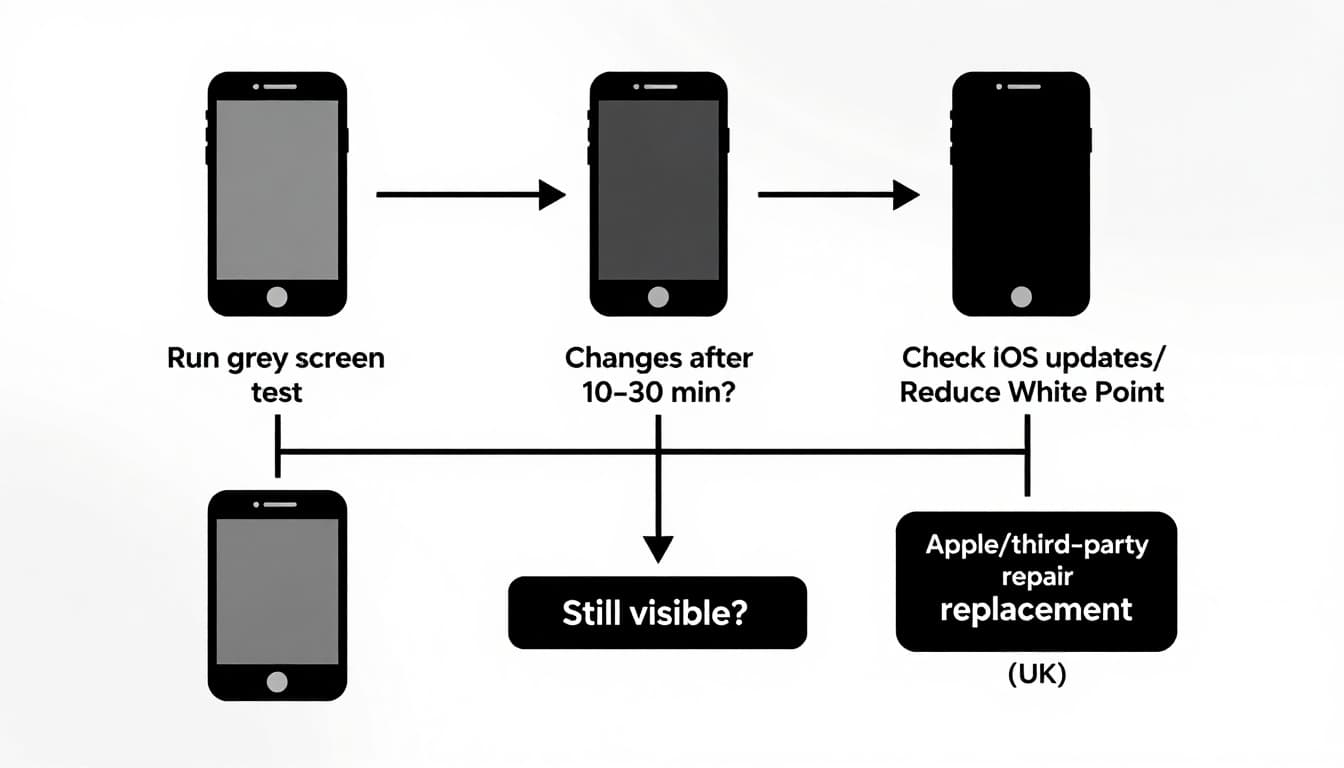
If the ghosting stays put after the grey test, and it’s still visible days later, you’re in “hardware fix” territory. At that point, settings tweaks can make it less annoying, but they can’t reverse worn pixels.
That’s when a display swap (screen assembly replacement) is the only clean solution. It’s the same end result you’re aiming for whether you call it iPhone repairs, iPhone screen repair Essex, or “please save my phone before I launch it into the bin”.
In the UK you’ve got a few routes, including Apple, authorised providers, and independents. Apple’s own guidance on UK iPhone screen replacement options is worth a look if you want to compare routes. I also like Apple’s explanation of why genuine iPhone displays matter, because it covers things people notice after a screen swap, like brightness consistency and True Tone behaviour.
People often search for alternatives to Apple Store screen repair UK, and that’s fair. If you want speed, value, or a more local option, that’s where we come in.
At Repair My Crack we handle iPhone repair Essex jobs daily, and we also cover the whole country with postal phone repair UK and phone repair by post UK. If you’re in Essex, we’re already known for mobile phone repairs Essex, including phone screen repair Essex and fast turnarounds when parts are in stock. If you’re further away, you book online, pack the device securely with your order number, and we aim to start as soon as it arrives (often the same day).
We also fix the other stuff that tends to show up alongside screen issues: broken charging port repair, phone not charging repair, iPhone battery replacement, phone battery replacement UK, iPhone battery replacement Essex, and water damaged phone repair UK diagnostics.
Here’s how costs usually break down in plain English (prices vary by model and parts quality, so treat these as typical ranges we see across the mobile phone repair UK market):
| Repair type (UK) | Typical range you’ll see | What changes the price most |
|---|---|---|
| iPhone screen replacement cost UK | £120 to £450 | Model, OLED type, Face ID/True Tone support |
| Samsung screen replacement cost UK | £140 to £500 | Curved OLED panels, model tier, frame damage |
| iPhone battery replacement | £45 to £120 | Model, battery health, seal condition |
| Charging port repair | £50 to £140 | Debris vs damaged port, model complexity |
| Water-damage diagnostics | From £25 | Severity, corrosion, what’s salvageable |
If your screen is also cracked, you might be weighing up cracked screen repair UK versus living with it. I’ll be blunt: if you can see glass shards, dead pixels, or it’s flickering, it’s time to fix cracked iPhone screen properly. A cracked panel plus burn-in is a rough combo.
We back our work with a repair warranty for peace of mind, which matters if you’re searching for phone repair with warranty UK. You’ll also see phrases like lifetime warranty phone repairs online. Always read the small print, because “lifetime” can mean very different things depending on the shop.
If you’re a company, we do business mobile phone repairs UK. business laptop and tablet repairs. trusted phone repair service UK, so staff aren’t stuck with dead handsets mid-week.
Quick answers to the questions people actually ask me
Is it worth repairing a cracked iPhone screen?
If the phone’s otherwise solid, yes. For many models it’s far cheaper than replacing the handset, and it avoids the stress of moving everything over. This is the same logic behind “is it worth repairing a cracked iPhone screen” searches.
How long does phone screen repair take UK?
It depends on parts and model, but many screen jobs are same-day once the device is on the bench. With post-in jobs, courier time is the main extra wait. That’s the honest answer to “how long does phone screen repair take UK”.
Can burn-in be fixed without replacing the screen?
Temporary retention can fade. True burn-in doesn’t. If it’s permanent, a display swap is the fix.
Do you repair Samsung as well?
Yes, we do Samsung phone repair Essex work, including Samsung screen repair Essex, plus general Samsung Repairs for common faults.
People also look us up using searches like Repair My Crack phone repair and even “Repair My Crack reviews. best phone repair shop in Essex”. If you’re comparing options, check recent customer feedback and make sure you’re happy with parts quality and warranty terms.
Conclusion
If you’re seeing iPhone screen burn-in in 2026, don’t panic, but don’t ignore it either. Do the grey screen test, update iOS, reduce brightness habits, and watch whether it fades. If the ghosting stays put, a proper screen swap is the only lasting cure.
If you’re stuck, book online with Repair My Crack and either pop in (if you’re local) or use our postal service. We’ll assess it, quote clearly, and get your phone sorted as quickly as we can, no drama.
– James Waterston, Device Repair Specialist at Repair My Crack