
A Pixel that boots straight into a black Fastboot screen can feel like your phone has suddenly turned into a tiny computer project. The good news is that Pixel fastboot mode does not automatically mean the phone is broken or your photos have gone.
In many cases, you can restart it without wiping anything. However, if it keeps returning to Fastboot, a stuck side button, failed update, damaged port, or impact fault may be behind it.
Start with the non-destructive steps below before considering a factory reset.
Key Takeaways
- Fastboot is a service menu used for recovery and software work, not always a sign of permanent damage.
- First, use the Fastboot menu to select Recovery Mode, then choose “Reboot system now”.
- Avoid a factory reset until you have exhausted safer options, because it deletes data stored on the phone.
- A tight case, dirt around the buttons, or a damaged Volume Down button can repeatedly trigger Pixel fastboot mode.
- If the phone suffered a drop, water exposure, or keeps looping back, it needs a proper inspection.
What Pixel Fastboot Mode Means
Fastboot is a low-level Android mode. It lets the phone communicate with repair software and access recovery tools when Android cannot start normally.
You may see options such as “Start”, “Recovery mode”, “Rescue mode”, “Restart bootloader”, and “Power off”. The menu looks alarming, but it is often the phone waiting for you to choose how it should boot.
A Pixel can enter Fastboot after a failed system update, a flat battery, interrupted restart, or button press. Pixel 6 models and newer can enter the mode when Power and Volume Down are held together.
The important bit is this: Fastboot itself does not wipe the phone. Data loss only becomes a risk if you select a reset option, unlock the bootloader, or install software incorrectly.
Google users have also reported phones that remain on this screen even after normal restart attempts. Those Pixel Fastboot support reports are a reminder that repeated loops can point to a physical fault, not only a software glitch.
Exit Pixel Fastboot Mode Without Losing Data
Work through these steps in order. Keep the phone disconnected from a laptop or charger while you do this, unless the battery is completely flat.
Try a forced restart first
Hold the Power button for around 30 seconds. Keep holding it even if the screen briefly changes.
If the Google logo appears and Android loads, leave the phone alone for a few minutes. A system update may still be finishing background tasks.
When it returns to Fastboot, move to Recovery Mode rather than repeatedly pressing buttons. Repeated restarts rarely solve a button fault or damaged volume key.
Use Recovery Mode and reboot normally
On the Fastboot screen, press the Volume Up or Volume Down button until Recovery Mode is highlighted. Then press Power once to select it.
You may now see an Android robot and the words “No command”. This is normal. Hold the Power button, then press Volume Up once and release it. Android Recovery should appear.
Use the volume buttons to highlight Reboot system now, then press Power to confirm. This is the best first recovery option because it should not erase your data.
If “Reboot system now” works but the phone lands back in Fastboot later, treat it as a fault that needs checking rather than resetting the phone again.
Why a Pixel Keeps Returning to Fastboot
A one-off Fastboot screen after an update can be a software hiccup. A phone that returns every time usually gives us a clearer clue.
The most common cause is a stuck Volume Down button. Fastboot starts when the phone detects the right button combination. If Volume Down is pressed by a case, grit, corrosion, or impact damage, the handset can keep going straight back to the menu.
Remove the case and inspect the button area. Press each button gently several times. It should move freely and feel similar to the other side buttons. Do not poke anything into the gap or spray liquid cleaner around it.
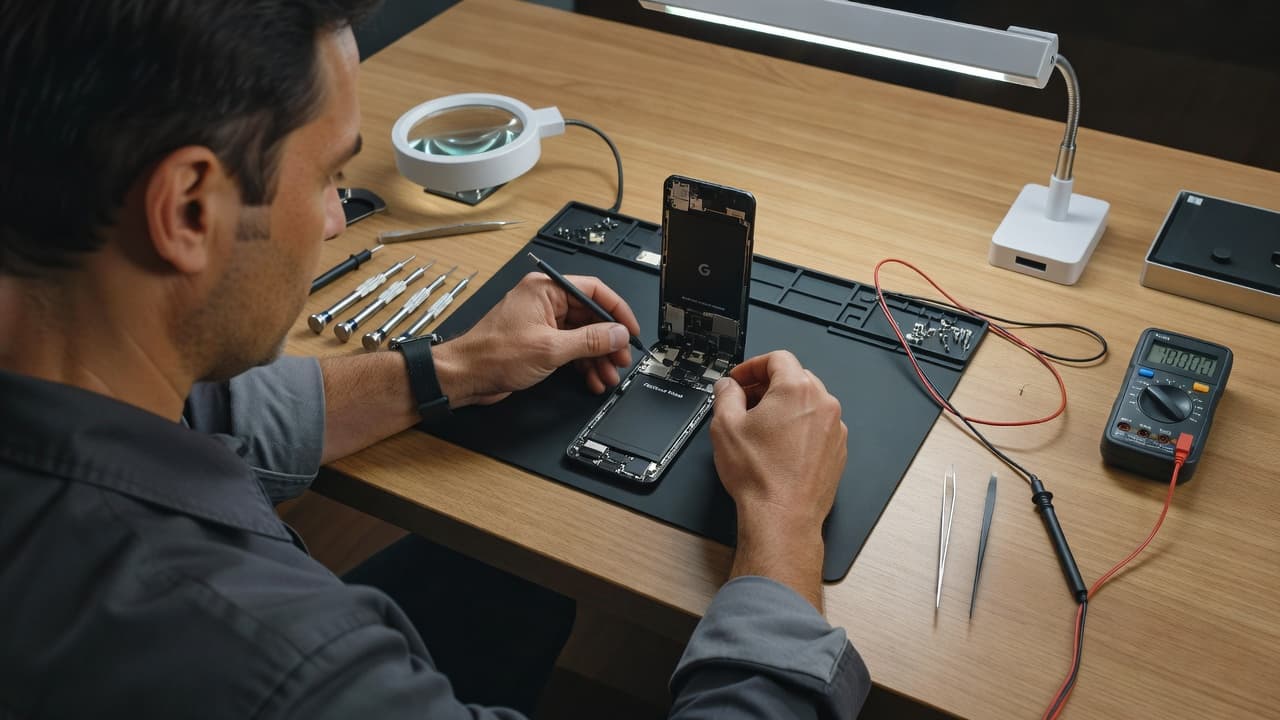
A hard drop can also loosen an internal connection or damage the button flex cable. We see similar hidden faults during phone repair Essex bookings, especially when a phone looks fine apart from a dented corner.
Software trouble is another possibility. A failed update, corrupted system files, or an interrupted restart can stop Android loading. However, wiping data does not repair a broken button, damaged board, or liquid corrosion.
Check for clues before choosing a reset
Take note of what happened before the Pixel fastboot mode problem began:
- The phone was dropped, bent, or exposed to rain or a spill.
- The Volume Down button feels stiff, loose, or permanently pressed.
- The phone only charges at an angle or disconnects from a cable.
- It restarts without warning, gets hot, or cannot hold charge.
- The issue started immediately after an Android update.
These details help us separate a software issue from a repair job. For example, a port fault and a Fastboot loop after water exposure can share the same underlying corrosion.
Fastboot Keeps Coming Back? Get It Checked
If it’s not a stuck button and a reboot doesn’t hold, it’s time for a proper diagnosis.
Check My Pixel Repair PriceWhen Factory Reset Is the Only Remaining Home Option
If Recovery Mode cannot reboot the phone, Android Recovery offers Wipe data/factory reset. This can fix severe software corruption, but it deletes apps, settings, photos, messages, downloads, and files stored locally.
Only use it when you understand the trade-off. If you had Google backup switched on, much of your data may restore after you sign in again. Authenticator apps, locally saved files, and unsynchronised photos can still be lost.
Before resetting, try these checks:
- Charge the phone for at least 30 minutes with a known-good USB-C cable and plug.
- Remove the case and make sure no button is held down.
- Enter Recovery Mode and select “Reboot system now” one more time.
- If the Pixel stays in Fastboot after a drop or liquid exposure, stop and arrange a diagnostic check.
Avoid unlocking the bootloader or flashing random files from forum posts. Those routes can wipe the phone and, if you choose the wrong build, leave you with a bigger problem.
A Workshop Example: When Fastboot Was Not Software
We recently had a Pixel sent in after it slipped from a car seat onto a concrete drive. It would show the Google logo briefly, then load Fastboot every time.
The owner had already tried a reset, which did not change anything. Inspection found that the lower side frame had taken the impact and the Volume Down button was sticking against the housing.
Once we dealt with the damaged button area and tested the phone through several restarts, it booted normally again. The lesson is simple: a reset can clear corrupted software, but it cannot free a jammed switch.
This is also why we assess the whole handset. A phone that needs a screen, battery, charging port and button repair at once may not be worth pouring money into. A recent phone with one clear fault often is. If hardware damage is confirmed, our Google Phone Repairs page has current pricing by model.
Getting Help With a Stubborn Pixel
We handle more iPhone and Samsung jobs than Pixels, but the same diagnosis principles apply to a modern Android handset. A clear fault needs a clear fix, whether it is a side button, charging port, battery, screen, or moisture damage.
Customers often find us after searching for mobile phone repair UK help for a device that will not start. Some began with an iPhone screen repair UK booking or a request for an iPhone battery replacement UK, then noticed a separate charging or restart issue after the same drop.
Samsung owners face similar problems. A damaged side key or bent frame can affect normal booting, and Samsung phone repair UK work often starts with checking the physical damage before changing settings.
For any handset, back up your data if it will boot even once. Do not force the frame straight, pry buttons up, or keep charging a phone that gets hot. If the screen is lifting, power it off, as battery swelling needs urgent attention.
Our postal option is useful if you cannot get to Harlow. With a postal phone repair UK service, package the handset securely, include your order number and any passcode needed for testing, then send it using tracked post. We aim to begin diagnostics as soon as the phone arrives and contact you if testing finds additional faults.
Hardware repairs from Repair My Crack carry a 12-month warranty under our terms. We will also explain where independent work could affect a manufacturer’s warranty before you proceed.
Final Thoughts
Most cases of Pixel fastboot mode clear through Recovery Mode and a normal reboot. That is the safest place to start because it gives Android a chance to load without touching your files.
When the phone keeps returning to Fastboot, pay attention to the buttons, frame, charging behaviour, and any recent knock or water exposure. A proper diagnosis is safer than wiping a phone repeatedly and hoping for the best.
Get an Instant Price for Your Pixel
Free tracked postage both ways, insured up to £750, with a 12-month warranty on every repair.
Check My Pixel Repair PriceJames Waterston, Device Repair Specialist at Repair My Crack