
A phone that reboots halfway through a call, a payment, or your morning alarm is more than annoying. If your Pixel keeps restarting, the cause may be a tired battery, but it can also point to a charging fault, liquid damage, or an issue on the main board.
The good news is that many restart faults are repairable once we know what triggers them. The key is avoiding a factory reset or a replacement battery before ruling out the more obvious clues.
When a Pixel keeps restarting, start with the pattern
A reboot is the phone switching itself off and starting again. A boot loop is worse, because the Pixel never reaches the home screen before restarting. Both can look similar at first, yet the pattern often points us in the right direction.
A weak battery struggles to deliver stable voltage when the Pixel needs a burst of power. That can happen when opening the camera, playing a game, using 5G, or turning the screen brightness up. The phone may then shut down despite showing 20% or 30% charge.
Battery trouble is more likely when:
- The restart happens below a certain battery percentage.
- The phone behaves better whilst connected to a charger.
- Cold weather makes the problem noticeably worse.
- Battery life has dropped over several months.
- The back cover is lifting or the handset feels unusually warm.
A Pixel that only stays on when plugged in may have a failing battery, but the charging port and main board still need checking before a repair is approved.
Hardware faults often have a different story. A restart loop that began straight after a hard drop, water exposure, or a bent frame needs a closer look. A loose internal connector, damaged power button flex, corroded component, or board-level fault can all interrupt power.
Software is still possible, especially if the fault started after an Android update or after installing a particular app. However, random restarts that keep returning after updates and resets are less likely to be a simple software nuisance.
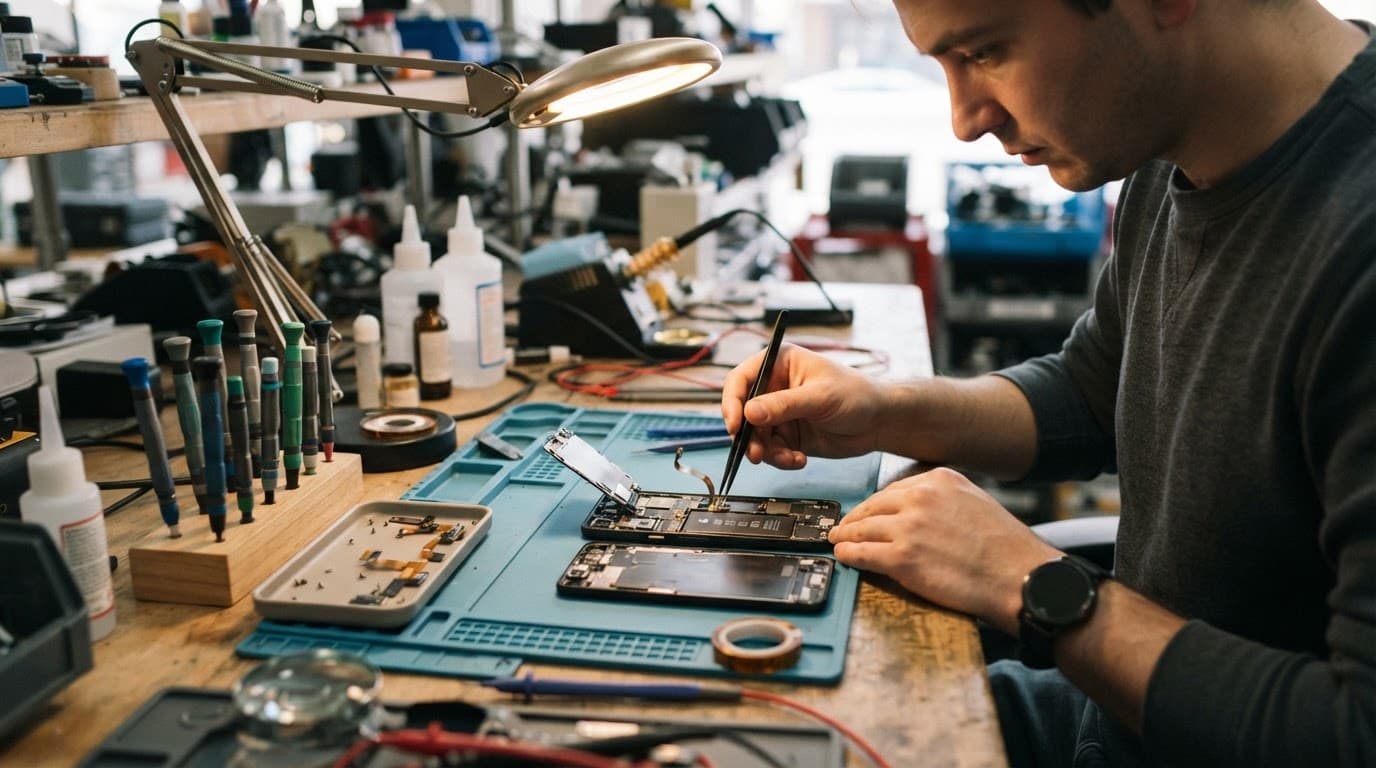
Battery symptoms versus hardware warning signs
We look at the phone’s behaviour, not only the word “restarting” on a booking form. The table below shows the early differences that matter.
| What you notice | More likely cause | Sensible next step |
|---|---|---|
| It dies at 15% to 40%, then starts again on charge | Battery degradation | Back up data and arrange a battery diagnostic |
| It restarts when opening the camera or using mobile data | Battery or power-management fault | Test battery health and power draw |
| It loops on the Google logo after a drop | Internal connector or board damage | Stop repeated restart attempts and book inspection |
| It began after an update and reaches the home screen | Software or app conflict | Update apps, back up, then test Safe Mode |
| The back is lifting, or the phone is hot | Swollen battery | Power down and do not charge it |
| It restarts after water exposure | Corrosion or short circuit | Keep it off and arrange water-damage diagnostics |
A swollen battery is the exception to the usual “try charging it” advice. Remove the case if it comes away easily, switch the phone off, and keep it away from heat. Do not press the back cover down or put the handset under a heavy book.
We see similar warning signs with other brands. An iPhone battery replacement in the UK is often needed after unexpected shutdowns at low charge, while a Samsung that repeatedly reboots may need battery testing, port checks, or liquid-damage work. The badge on the back changes, but unstable power behaves in much the same way.
Safe checks before booking a repair
Start with the non-destructive checks. If the Pixel stays on long enough, back up photos, messages, authenticator apps, and anything tied to two-factor logins. A repair should not normally remove data, but a backup gives you breathing room if the fault gets worse.
Next, use a known-good USB-C cable and plug. Check whether the connector feels loose, gets hot, or only charges at one angle. Lint, wear, moisture, and damaged pins can interrupt charging, which can look like a battery problem.
If the phone reaches the home screen, try these steps in order:
- Install pending Android and app updates, then restart once.
- Remove any app added around the time the fault began.
- Free up storage if the phone is nearly full.
- Test the phone in Safe Mode, if your Pixel model can reach it, to see whether a downloaded app is involved.
- Back up the device before considering a factory reset.
A factory reset is a last resort, not a diagnostic shortcut. It erases local data and cannot fix damaged hardware. Google’s Pixel Community includes a discussion of an infinite Pixel boot loop, where recovery options include wiping the device. Only take that route once your backup is secure, or when the phone is already unusable and you accept the data loss.
Avoid online videos that suggest heating the phone, freezing it, or repeatedly opening the case. Those tricks can turn a tired battery into a damaged screen, torn cable, or fire risk.
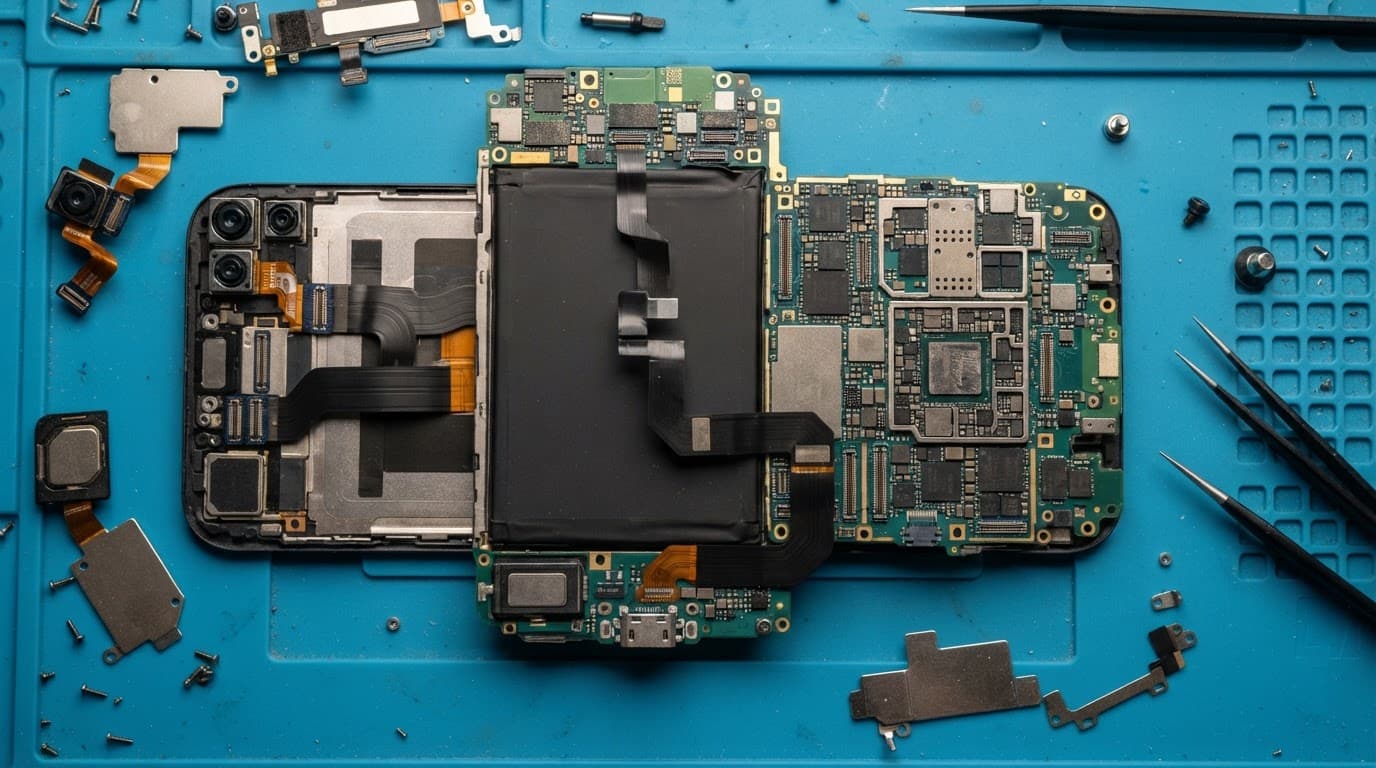
What a proper Pixel restart diagnosis involves
When a Pixel keeps restarting, we first check the physical condition. That means looking for a lifted display, a bent chassis, impact marks around the frame, moisture indicators, and signs of corrosion around the charging area.
We then test how the phone behaves on battery power and with stable external power. A healthy battery should hold voltage under load. If it cannot, replacement may solve the restart issue. If a fresh battery does not change the behaviour, we investigate the charging circuit, side-button assembly, connectors, and main board.
A recent workshop job on an iPhone 13 from Essex showed why this wider check matters. The phone had a slight bend after a fall, but its display, cameras, and battery still tested well. Replacing the damaged housing gave the parts a safe, flat fit. Had we only focused on the visible damage, the new display could have sat under pressure.
The same principle applies to a Pixel. A repair makes sense when one fault is clear and the rest of the handset remains healthy. Heavy corrosion, a cracked board, or several unrelated faults can make replacement the more sensible choice.
Keeps Restarting? Get a Proper Diagnosis
We test battery, charging circuit and board before quoting — no guesswork, no wasted parts.
Check My Pixel Repair PriceWe always confirm the likely work and price before chargeable repairs go ahead. Battery repairs usually come with a 12-month warranty at Repair My Crack. If testing finds no fault, an inspection fee may apply under our standard charges.
Repair choices for phones across the UK
Although a Pixel fault needs its own assessment, many customers compare it with the common repairs they already know. A cracked iPhone screen repair may cost less than replacing a working phone, while Samsung phone repair in the UK often starts with the same basics: test the battery, inspect the frame, and rule out liquid damage.
For ordinary faults, our guide ranges are roughly £40 to £80 for a battery replacement, £50 to £90 for charging-port work, and £60 to £180 for a screen repair. Pixel parts and board faults vary, so we don’t treat those figures as a quote.
Customers looking for phone repair in Essex can arrange an appointment-only drop-in at Harlow. Our Essex phone repair options cover smartphones, tablets, and common faults such as screens, batteries, ports, and water damage.
For everyone else, a postal phone repair UK service is often the easier route. Book online, package the handset securely with the order number, and include the passcode if you are comfortable doing so. We need access to test calls, charging, cameras, and restart behaviour properly. Our mail-in phone repairs across the UK include tracked Royal Mail postage, and we aim to begin work when the device arrives.
Whether you need a general mobile phone repair in the UK, an iPhone screen, or a Pixel diagnostic, clear testing matters more than a quick guess.
Final thoughts
If your Pixel keeps restarting, don’t assume the battery is automatically to blame. Reboots linked to low charge and heavy use often point that way, while impact damage, heat, water, and constant boot loops need deeper hardware checks.
Back up what you can, stop charging a swollen or overheating phone, and avoid risky DIY fixes. A proper diagnosis can save you paying for the wrong part and get your phone back to being dependable.
Get an Instant Price for Your Pixel
Free tracked postage both ways, insured up to £750, with a 12-month warranty on every repair.
Check My Pixel Repair PriceJames Waterston, Device Repair Specialist at Repair My Crack