
One awkward fall onto the pavement can leave an otherwise healthy Pixel impossible to wake. If you have a Pixel power button not working after a drop, don’t keep pressing harder and hope for the best.
In most cases, the fault can be repaired without replacing the whole phone. However, a dead button can hide a damaged screen, bent frame, or loose internal connection, so the sensible move is to check the full handset rather than the button alone.
Pixel power button not working after a drop: what it usually means
When a Pixel power button stops responding immediately after an impact, we treat it as hardware damage first. A software glitch can happen, but it rarely arrives at the exact moment the phone hits the floor.
The most common cause is damage around the side rail. A small dent can pinch the button cap, stopping it from travelling far enough to press the switch underneath. Sometimes the button still feels clicky, yet the internal power-button flex cable has shifted or torn.
These are the faults we tend to find:
- A dented side rail has trapped the button, making it stiff, sunken, or completely jammed.
- The power and volume flex cable has been disturbed by the impact.
- A damaged display makes the phone appear dead when it is still switched on.
- A harder hit has affected the battery connection, charging path, or mainboard.
A button with no click usually points towards a mechanical issue. A button that clicks normally but does nothing can point to the flex cable or, less commonly, a deeper circuit fault.
If the button stopped working straight after the drop, a restart may rule out a temporary wobble, but it won’t reconnect a damaged flex cable or straighten a dented frame.
If the display or rear cover has lifted, stop charging the phone and avoid pressing on it. A lifting screen can mean the frame has moved, or the battery needs checking.
Safe checks before arranging a repair
Start with the checks that protect your data and don’t make the damage worse. Remove any case first, because a tight case can hold a dented button in place.
- Inspect the side of the phone in bright light. Look for a dent beside the button, cracked glass around the edge, a gap between the frame and screen, or a raised back cover.
- Connect a known-good USB-C cable and a USB Power Delivery charger rated at 15W or more. Leave the Pixel connected for at least 20 minutes before testing it again.
- If the button still moves normally, hold it down for around 30 to 35 seconds. You can try power and volume down once if nothing happens, but don’t repeatedly force the key.
- Call the Pixel from another phone. If it rings, vibrates, or receives notifications, the handset may be running with a failed display rather than a failed power system.
- Connect it to a computer. Detection by the computer is another clue that the phone is alive. If you can unlock it, back up photos, messages, authenticator apps, and files straight away.
Avoid factory-resetting a phone after an impact. It won’t fix a damaged button, and it can make recovering your data more difficult. Also skip hairdryers, contact-cleaner sprays, glue, and kitchen-tool repairs. Pixel handsets have adhesive, fragile cables, and batteries packed tightly together.
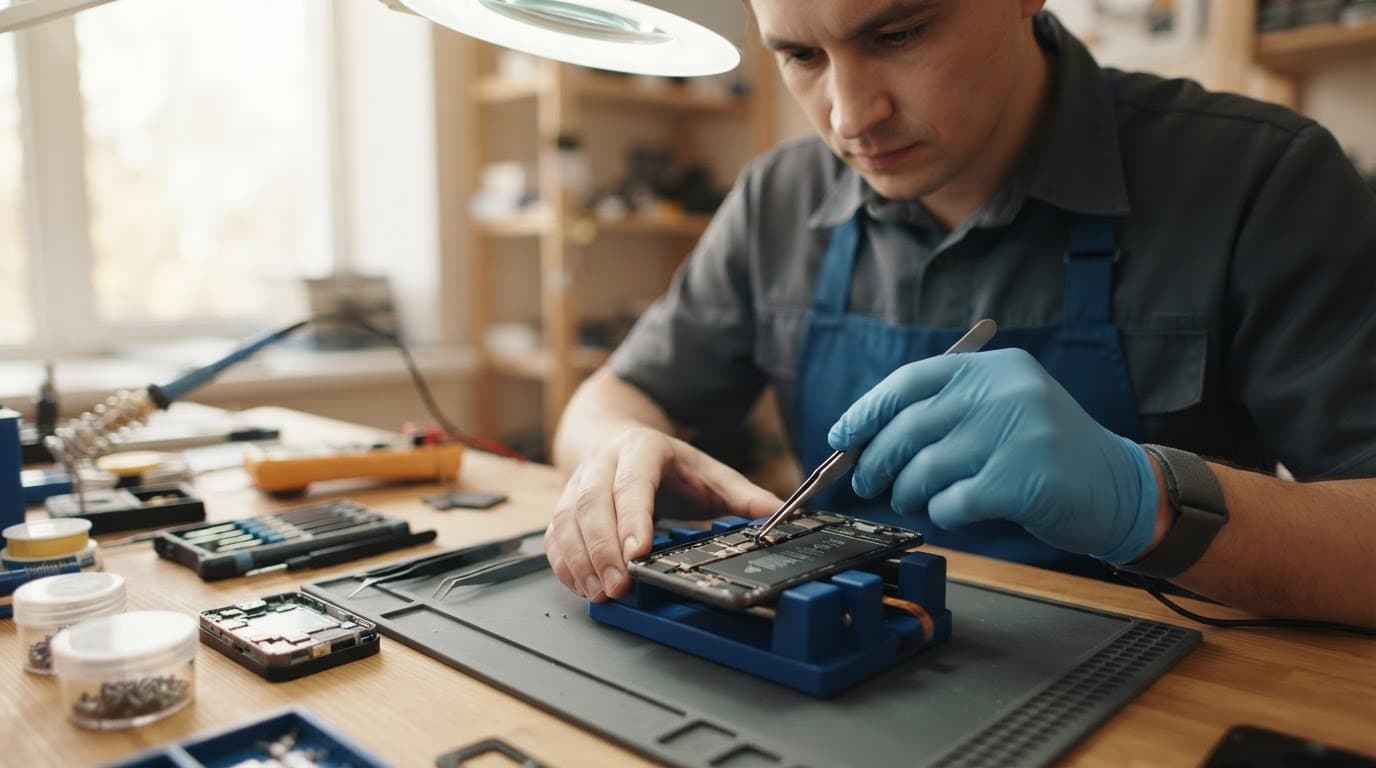
A Pixel 6 power and volume flex replacement video gives a fair idea of the disassembly involved. Even a small side-button repair can require careful access through the back of the handset.
What a proper post-drop diagnosis involves
At Repair My Crack, we inspect the frame, button travel, screen seating, battery condition, cameras, charging port, and wireless functions before we decide on a repair. A cracked corner can put pressure on parts nowhere near the visible damage.
This quick guide shows why the symptoms matter.
| What you notice | Likely fault area | Sensible next step |
|---|---|---|
| Button feels stuck or has no click | Side rail, button cap, or bracket | Inspect for a dent and assess the button assembly |
| Button clicks but the phone stays dark | Power flex, display, or power circuit | Test charging, display response, and internal connections |
| Phone rings but screen remains black | Display panel or display connector | Check the display before replacing the side button |
| No charging, vibration, or computer detection | Battery path or board-level fault | Arrange a full diagnostic rather than a button-only repair |
We recently repaired a Galaxy S23 Ultra from Essex after it slid off a car roof at a petrol station. The front screen survived, but the rear glass had shattered near the cameras. Because the frame was straight and the cameras focused properly, a rear-glass repair made sense. A twisted chassis would have changed the job completely.
The same rule applies to a Pixel. A booking that starts as a cracked iPhone screen repair, an iPhone screen repair in the UK, or a Samsung phone repair in the UK can reveal a second fault after testing. We take the same approach for phone repair in Essex and mobile phone repairs across the UK.
If battery life suddenly drops, the phone shuts down early, or the screen starts lifting, a battery may also need attention. Our phone battery replacement service is useful when testing confirms the battery is part of the problem, rather than assuming every power issue needs a new cell.
Repair costs and when a Pixel is worth saving
For a straightforward Google Pixel side-button or flex repair, UK published prices commonly sit around £45 to £90. The model matters, as does access to the damaged part. A Pixel 6 button repair can be simpler than a newer model with more tightly packed components.
Costs rise when the drop has damaged more than one area. A bent frame, failed OLED screen, damaged charging circuit, or board-level fault can turn a small repair into a larger job. Board and power-circuit repairs often start around £99, but the final figure depends on what testing finds.
Get a Clear Quote Before Any Work Starts
We check the whole handset before quoting — no surprise charges once work begins.
Check My Pixel Repair PriceWe give a clear repair option before chargeable work wherever possible. If testing uncovers a separate fault, we contact you with the revised choices instead of carrying on blindly. Our price promise means we will try to match or beat a like-for-like quote, while still using quality parts and carrying out proper checks.
Repair is usually sensible when the phone has one clear fault, a straight frame, reliable charging, and a healthy screen. Replacement becomes more sensible when an older handset has several expensive problems at once.
Google also offers UK Pixel repair options, including mail-in and selected partner routes. If preserving any remaining manufacturer warranty matters to you, check that position before choosing an independent repair. Accidental drop damage is a separate issue from a factory defect.
Sending a dropped Pixel for postal repair
A postal phone repair in the UK is often the easiest route when you cannot get to Harlow, Essex. We offer free tracked Royal Mail postage, and we aim to start work as soon as the handset arrives, often on the same day depending on testing and parts availability.
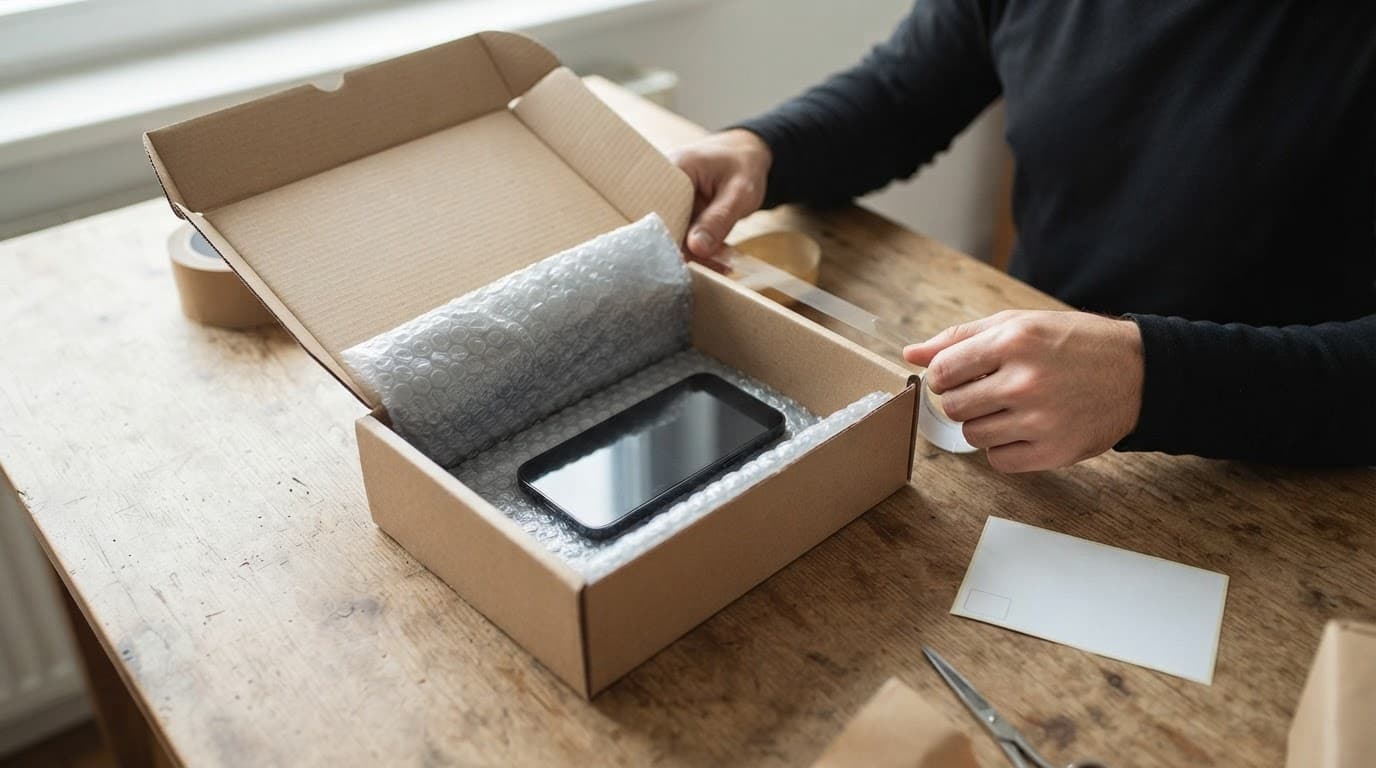
Before sending the Pixel, take a few minutes to prepare it properly:
- Back up anything you cannot afford to lose, especially photos, banking access, and authenticator codes.
- Remove the SIM card, case, and loose accessories unless we have asked for them.
- Book online, include the order number in the parcel, and pack the phone in a padded box.
- Provide a passcode only when it is needed for testing, then change it once the phone returns.
We send repairs back with tracking and provide a 12-month warranty on repair work, subject to our terms. The cover applies to the repaired part or original fault. It does not cover a fresh drop, liquid exposure, or later accidental damage.
Questions customers often ask after a Pixel drop
Can a Pixel turn on without a working power button?
Sometimes, if it was already switched on. Accessibility controls may offer an on-screen power menu, and a charger may wake the display. Once the phone fully powers down, though, there is no dependable substitute for a physically working power button.
Will a button repair erase my data?
A button or flex repair should not require a data wipe. Still, we always recommend a backup because impact damage can affect more than one component.
Should you keep using the phone while waiting for repair?
Only if the phone is stable, cool, and fully closed. Stop using it if the battery, screen, or rear cover is lifting, if it gets hot, or if there is any burning smell.
Conclusion
A Pixel power button not working after a drop is usually a repairable fault, but the button may not be the only part affected. Check for frame damage, confirm whether the phone is still alive, back up your data, and avoid DIY shortcuts that can turn a small repair into a bigger one.
If your Pixel is stuck in your pocket because it will not wake, we will test the whole handset, explain the realistic options, and get it sorted as quickly as we can.
Get an Instant Price for Your Pixel
Free tracked postage both ways, insured up to £750, with a 12-month warranty on every repair.
Check My Pixel Repair PriceJames Waterston, Device Repair Specialist at Repair My Crack