
If Samsung data not working starts straight after a drop, we usually treat it as a hardware fault first. We mean mobile data, the 4G or 5G connection that keeps working when Wi-Fi is out of reach.
A knock can shift the SIM tray, loosen an antenna contact, bend the frame, or upset the board. The phone may still look perfectly fine, which is why the fault catches people off guard. The good news is that a few sensible checks can rule out the easy stuff before you book a repair.
What a drop can damage inside a Samsung phone
A dropped Samsung does not need a smashed screen to misbehave. The impact can be small and still cause a big headache. One millimetre of movement is enough to interrupt a signal path.
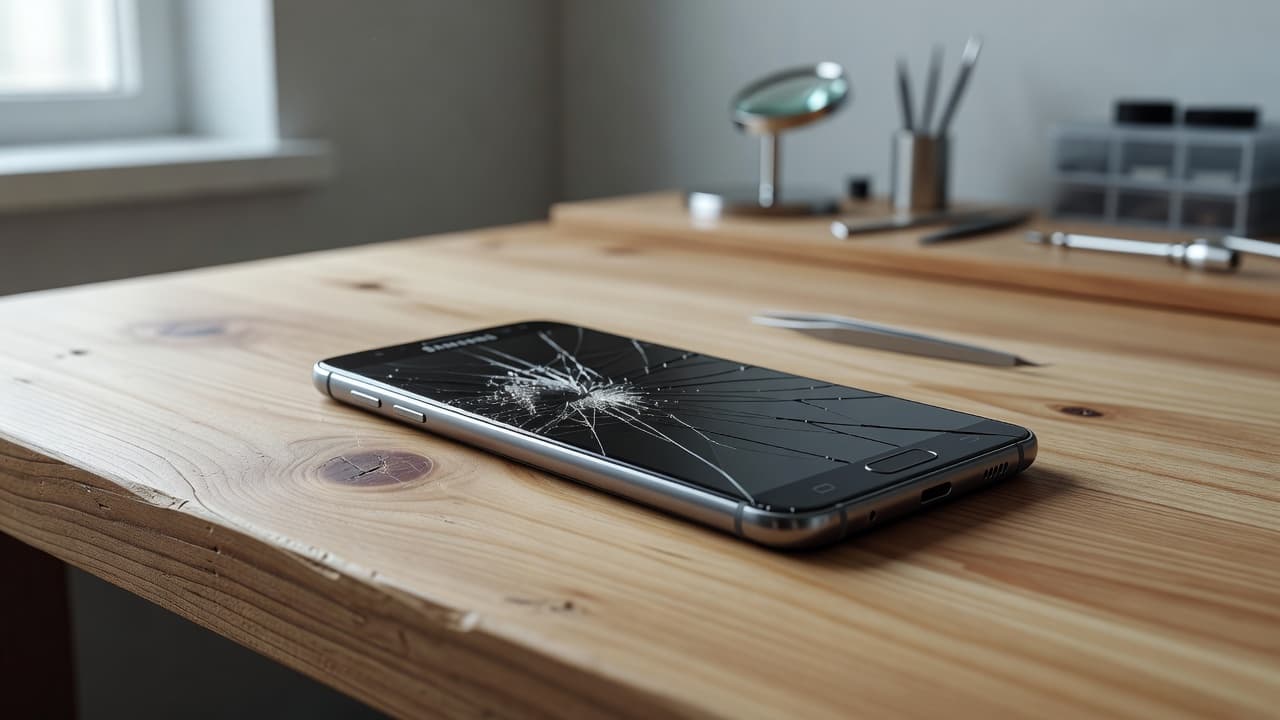
We see this a lot in the workshop. The screen survives, the phone powers on, then mobile data keeps cutting in and out. Sometimes calls still work, which makes the fault even more confusing. If you mean file transfer or a computer connection, the USB-C port can be part of the story too.
When a drop causes data problems, the usual suspects are:
- A shifted SIM tray or damaged SIM reader.
- A loose antenna contact inside the handset.
- A bent side frame that presses on the internals.
- Damage near the charging port area.
- Board-level trouble after a hard impact.
If the signal only dropped after the impact, we check the SIM path and antenna first.
The pattern matters. If Wi-Fi is fine but 4G or 5G keeps failing, we look away from the network and towards the phone itself. That is often where the answer is hiding.
When Samsung data stops working, start here
Before we open the phone, we always try the simple checks. They take a minute, and they save a lot of guesswork.
- Restart the phone, then switch airplane mode on for 20 seconds.
- Check that mobile data is switched on and the correct SIM is active.
- Remove the SIM and put it back in gently, then test again.
- Try the phone in a different area, because a weak signal can muddy the picture.
- Reset network settings if the problem began after the drop and keeps returning.
If the fault clears for a moment and then comes back when you squeeze the frame or pick the phone up, that tells us a lot. It usually means the issue is physical rather than software-based.
We also tell people not to keep poking at a bent tray or forcing anything into the slot. A cracked frame or a jammed SIM tray can make a minor issue worse very quickly. That turns a tidy repair into a mess no one wants.
The clues that point to hardware damage
A few clear signs usually separate a simple settings glitch from a proper repair job. The table below shows the patterns we look for.
| Symptom | What it often points to | Why it matters |
|---|---|---|
| Wi-Fi works, mobile data does not | SIM, antenna, or network settings | The phone can still go online, just not over the mobile network |
| Signal drops when the phone flexes | Loose internal contact or bent frame | Movement is upsetting the hardware |
| “No SIM” or “Emergency calls only” appears | SIM tray, SIM reader, or board fault | The phone is struggling to read the SIM properly |
| Data and charging both act up after the drop | Port or wider internal damage | The impact may have hit more than one part |
The takeaway is simple. If the phone lost data after a knock, we stop blaming the provider too early. Network faults happen, of course, but a drop changes the odds.
We see the same kind of chain reaction on iPhone jobs too. People often arrive after searching for iphone screen repair UK, cracked iphone screen repair, or iphone battery replacement UK, because one fall has damaged more than one part. Samsung phones do the same thing, just in their own annoying way.
Repair or replace after a drop
If the phone still powers on normally, and the frame is only lightly bent, repair usually makes sense. That is especially true when the screen is fine, the battery still holds charge, and the data fault is the main issue.
If you are weighing up Samsung repair options in the UK, the age of the handset matters. A newer phone with a single fault is usually worth fixing. An older phone with a bent chassis, battery trouble, and signal loss can become poor value fast.
For local readers, our Samsung phone repairs in Harlow service is the quickest route for an in-person check, and our Samsung mail-in repair service is ideal if you want a postal phone repair UK option instead. We handle mobile phone repair UK jobs like this every week, and we always start with diagnostics before quoting.
Last week we had a Galaxy S23 Ultra in from Essex after a drop on a petrol station forecourt. The screen survived, but mobile data kept cutting out whenever the phone was moved. The side rail had taken a small bend, and one antenna contact was not sitting where it should. Once we corrected the frame and checked the internal connections, the signal settled down again. That job would have been expensive to guess at, but it was straightforward once we tested it properly.
We see the same logic on laptop and iPhone work too. A customer looking for samsung phone repair UK advice often wants the same answer as someone comparing a cracked screen fix, a battery swap, or a charging port repair. If the damage is local, repair wins. If the damage has spread, replacement starts to look more sensible.
Quick workshop answers we hear a lot
Can a drop break mobile data without cracking the screen?
Yes. A phone can take a hit on the frame or antenna area and still look almost untouched. The fault sits inside, where you cannot see it.
Will a reset fix it for good?
Sometimes, but only if the drop triggered a settings glitch. If the signal drops again when the phone flexes, the issue is hardware.
Is postal repair safe for this sort of fault?
Yes. Our postal phone repair UK process is set up for this. You book online, pack the handset securely, include your order number, and send it with tracked Royal Mail. We start testing as soon as it arrives.
Do we need the original SIM to check it?
No, but it helps. If needed, we can test with known-good parts and work out whether the problem sits with the SIM, the tray, or the phone itself.
What we would do next
If your Samsung lost data after a drop, we would not keep guessing at settings for days. We would try the safe checks, then move on to a proper inspection if the fault stayed put.
That approach saves time, and it saves money. It also stops a small bend or loose contact from turning into a bigger repair later. If you are in Essex, bring it to us. If you are elsewhere in the UK, send it in and we will test the phone properly before we quote. A drop can cause more than one fault, and the fastest fix is the one that finds the real one first.