How to Find IMEI Number Before Phone Repair
[Repair_All brand="Apple"]A phone repair can become a bit of a faff when the screen is dead or the handset won’t charge. Fortunately, finding the IMEI is usually quick, even if you can’t unlock the device.
If you’ve searched for “find IMEI number” because your phone is heading to a repair bench, you’re in the right place. The IMEI identifies the handset, while the model, symptoms and repair history help us understand what has gone wrong.
How to Find IMEI Number on iPhone, Samsung and Pixel
The quickest method depends on the brand. Check the phone itself first, then use the box, account records or a connected computer if the device won’t respond.
iPhone
Open Settings > General > About and scroll down to find the IMEI or IMEI/MEID. Apple’s official IMEI guidance also covers EID, serial numbers and other device details.
If the screen works but touch does not, connect the iPhone to a Mac using Finder, or to a Windows computer using the Apple Devices app or iTunes. You can also sign in to your Apple Account and check the device list. The original box should show the IMEI on its barcode label.
Samsung Galaxy
On most Galaxy phones, open Settings > About phone. You can also open the Phone app and dial *#06#, which normally displays the IMEI and serial number.
If the screen is unusable, check the original box, purchase receipt or mobile contract. Samsung Members may also show the registered handset details. Samsung’s UK device-number guidance lists several ways to locate them.
Google Pixel and iPad
On a Pixel, go to Settings > About phone and look for the IMEI. If the phone is still linked to your Google Account, Find Hub or Google’s device records may show it when the handset is offline.
For an iPad, use Settings > General > About. Only iPads with mobile data have an IMEI. Wi-Fi-only models normally have a serial number instead. The IMEI may also appear on the original packaging.
Finding the IMEI When the Phone Won’t Turn On
The best way to find IMEI number details on a dead phone is to check records created before the fault happened. This is especially useful after a drop, liquid exposure or charging problem.
Check the box and account records
Look at the barcode label on the original packaging. Keep an eye out for two IMEIs, as dual-SIM phones can have IMEI 1 and IMEI 2. Record both if they appear.
You may also find the number in an Apple Account device list, Samsung Members, Google device records, a network account or a purchase receipt. For an iPhone, a previously trusted computer can sometimes display the number even when the handset screen remains black.
The IMEI does not diagnose the fault
For a “device won’t turn on or won’t charge” diagnosis, the IMEI only confirms which handset has arrived. It won’t tell us whether the problem sits with the battery, charging port, display, connector or main board.
It also isn’t a password or a way to unlock the phone. Treat it as private device information and avoid posting it publicly.
What to Record Before Sending the Phone
Once you find IMEI number details, write them down with the exact model and your repair notes. That gives the technician a clear starting point and reduces the chance of a mix-up.
Note every symptom
Include:
- The IMEI or IMEI numbers, serial number and exact model.
- What happened, such as a drop, liquid exposure or sudden charging failure.
- Whether the phone rings, vibrates, heats up or connects to a computer.
- Any previous repair, screen replacement or battery change.
- Whether the fault is constant or appears only at certain angles.
Take photographs of the front, back, corners, camera area and charging port. Our phone repair preparation checklist covers useful pictures and details to include before posting a device.
Protect your data first
Back up photos, messages, contacts and authentication information while the phone still works. Apple recommends turning off Find My before service. If you can’t do that on the handset, use the Find My app or your Apple Account.
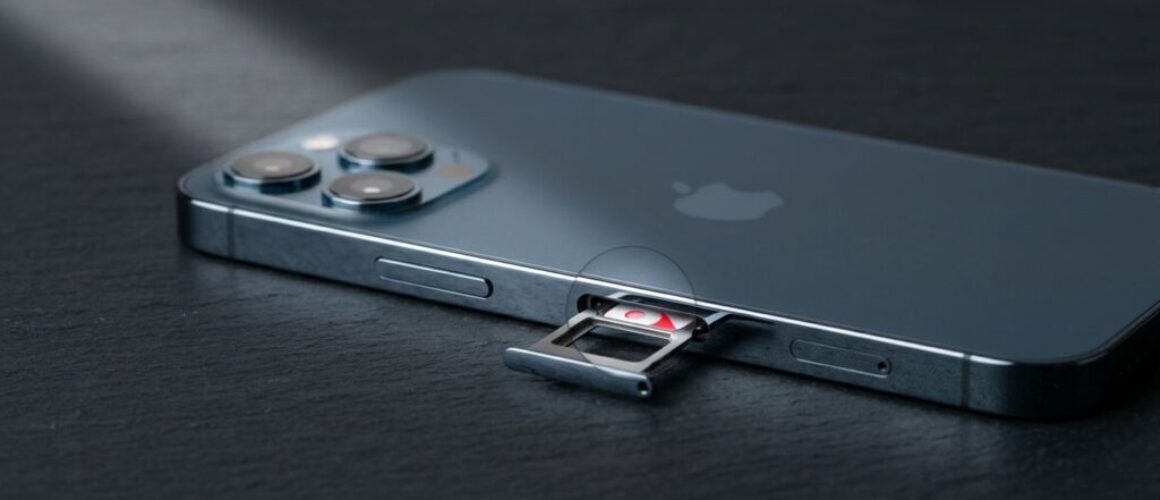
Remove the SIM card and don’t send loose accessories unless the repairer asks for them. If testing requires the passcode, provide it through the repair booking process rather than writing it on the parcel. Our passcode guidance for phone repairs explains why technicians may need access after a repair.
What an IMEI Cannot Tell You About Drop Damage
An IMEI identifies the device, but the symptoms point towards the repair. Our phone hardware troubleshooting in the UK starts with the timing of the fault, the physical condition and the functions that changed.
Record screen and component symptoms
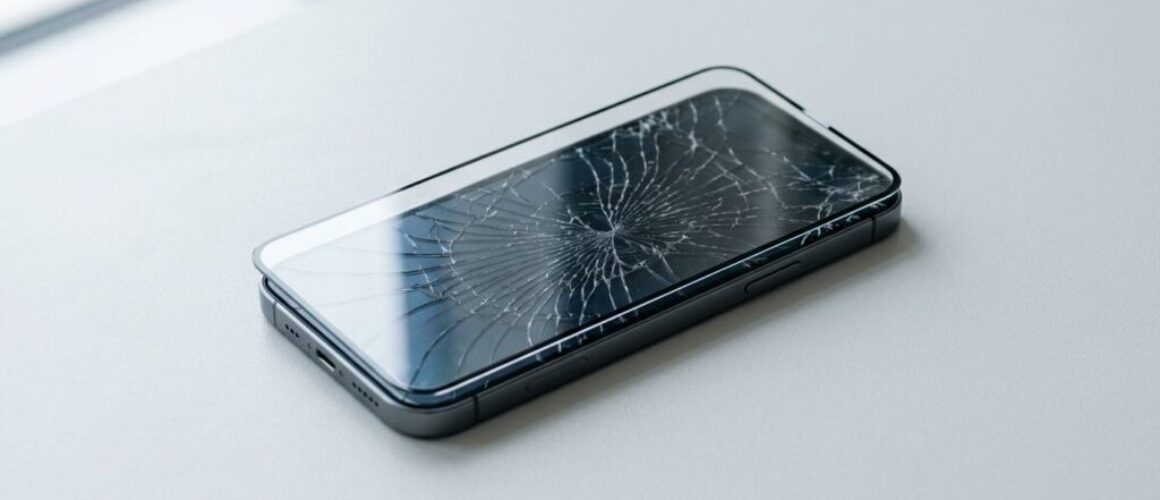
Common screen or display fault symptoms include flickering, black patches, dead touch areas, coloured lines or a screen that stays black while the phone vibrates.
An iPhone component fault after a drop can involve the display, charging port, camera or an internal connector. A Samsung component fault after a drop may affect a button, camera or charging connection without leaving an obvious mark.
A Google Pixel component fault after a drop can appear as intermittent charging, restarts or a soft volume button. An iPad component fault or diagnosis may involve the display assembly, battery connection or charging circuit.
A workshop example
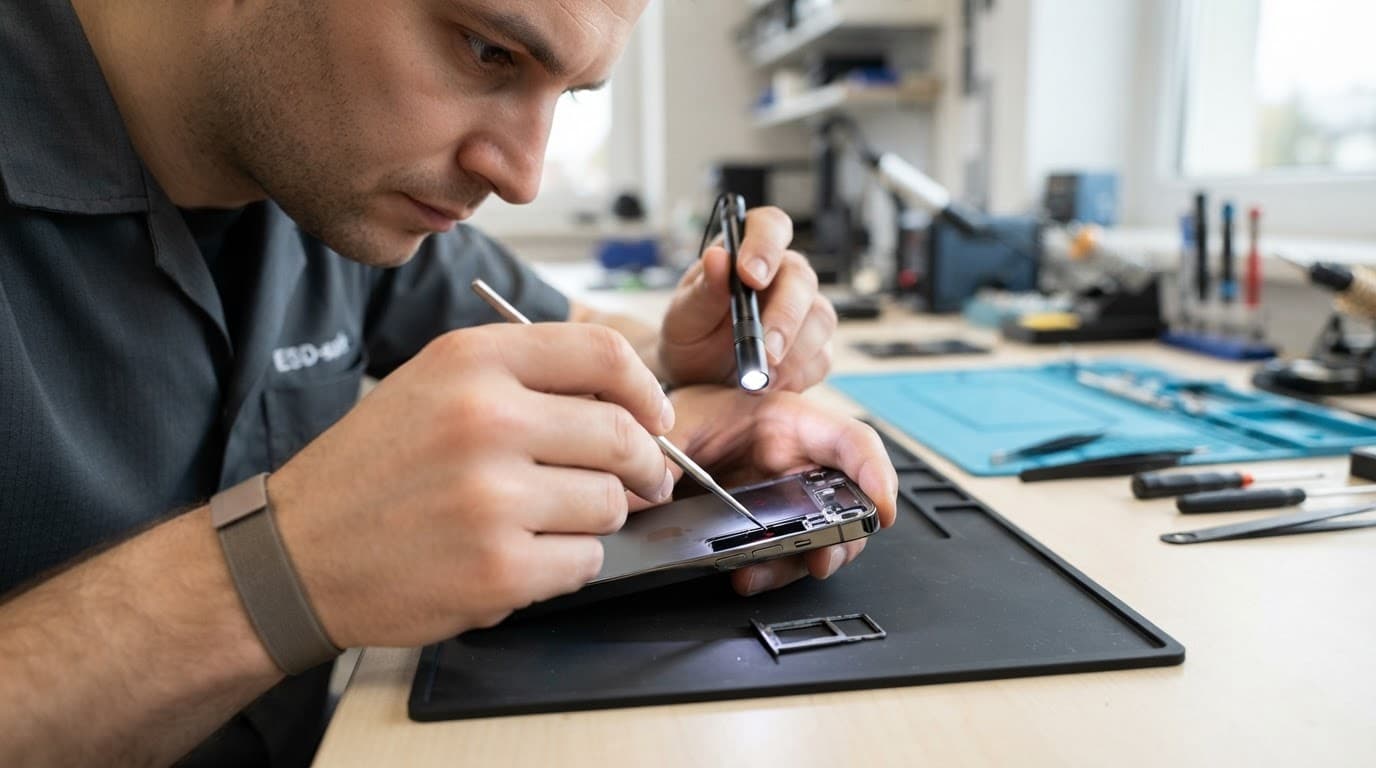
A recent Pixel arrived after hitting a pavement. The screen had no major crack, but the volume-down button felt soft and worked only intermittently. Inspection found that the side rail had taken the impact and was pressing against the button assembly.
The IMEI helped us match the device to the booking. The symptoms and physical checks showed that this was hardware damage, rather than an Android settings issue.
Sending the Phone for Repair
After recording the IMEI and backing up your data, pack the handset tightly in protective material inside a sturdy box. Include the order number, describe every known fault and keep the tracking details until the phone returns.
We offer UK mail-in phone repairs as well as appointment-only drop-off repairs in Harlow, Essex. We inspect the device before chargeable work where possible and contact you if the confirmed repair differs from the original booking. If no fault is found, an inspection fee may apply under our standard terms.
Repairs use quality replacement parts and include warranty cover according to the part and service. Independent repair may affect a remaining manufacturer warranty, so compare both options if the phone is still covered.
If you know the brand, you can book an iPhone repair, Book a Samsung Repair, book a Google Pixel repair or book an iPad repair. If the fault is unclear, get in touch before sending it.
Keep the IMEI With Your Repair Notes
If you had to search for “find IMEI number”, save the result somewhere secure with the model, serial number and fault description. Record both IMEIs on a dual-SIM phone, back up your data and photograph the device before it leaves your hands.
That small amount of preparation makes the handover easier and gives us better information when testing begins. The IMEI identifies the handset, but careful notes help us identify the repair.
James Waterston, Device Repair Specialist at Repair My Crack