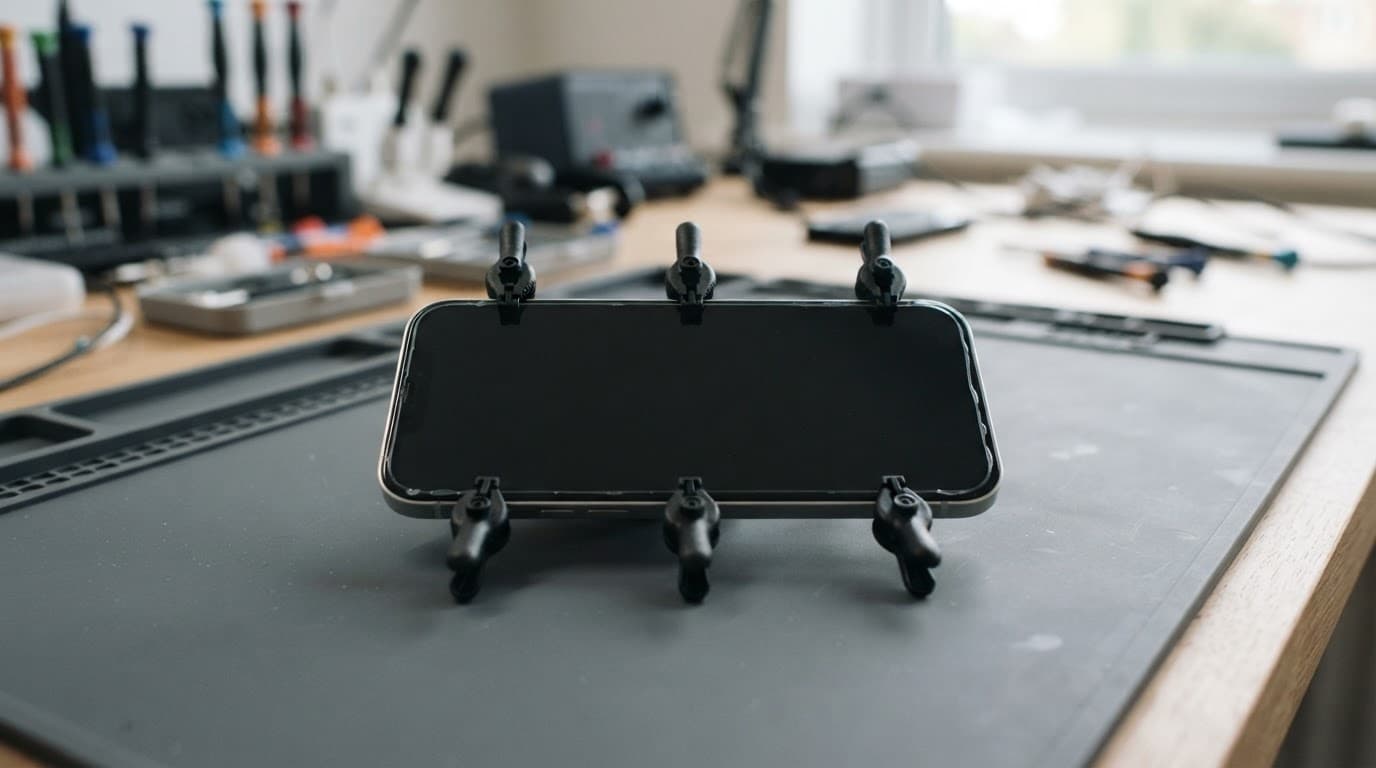
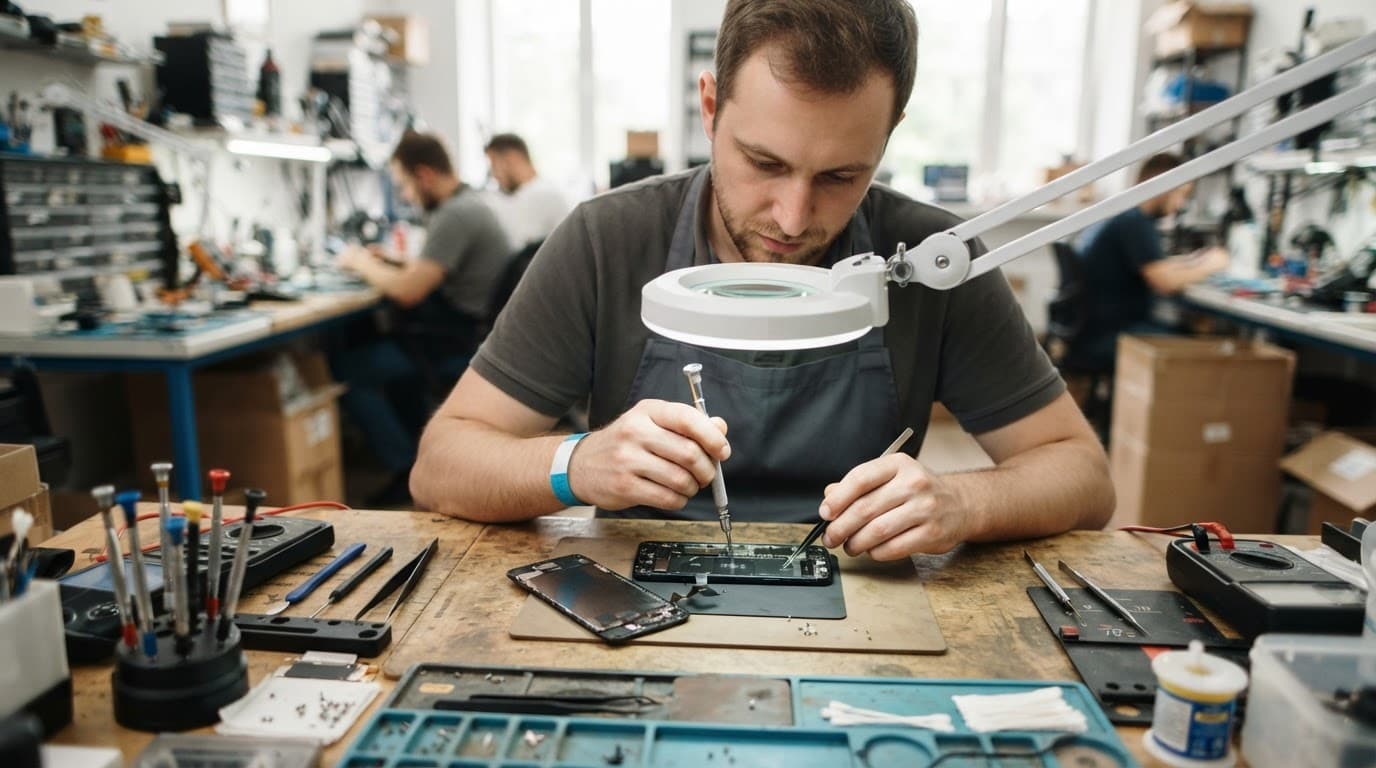
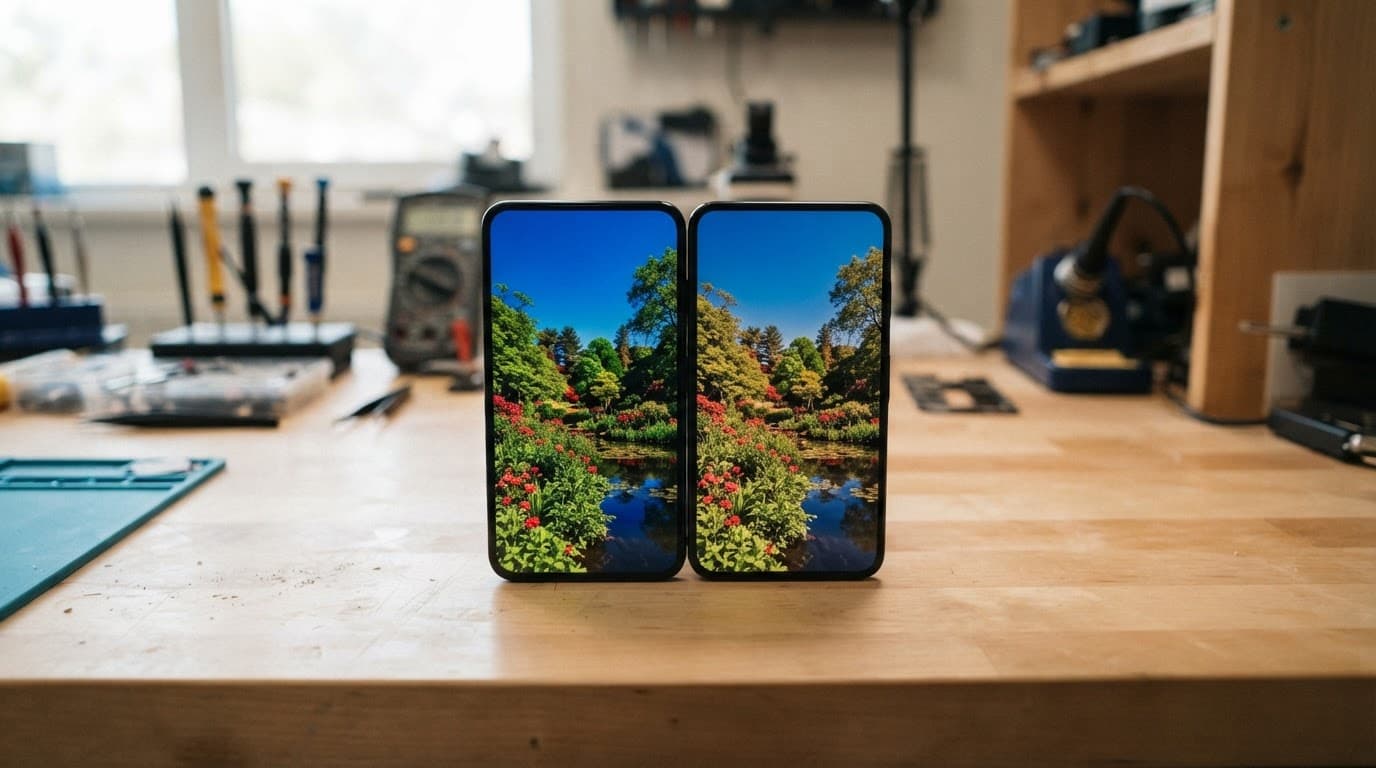
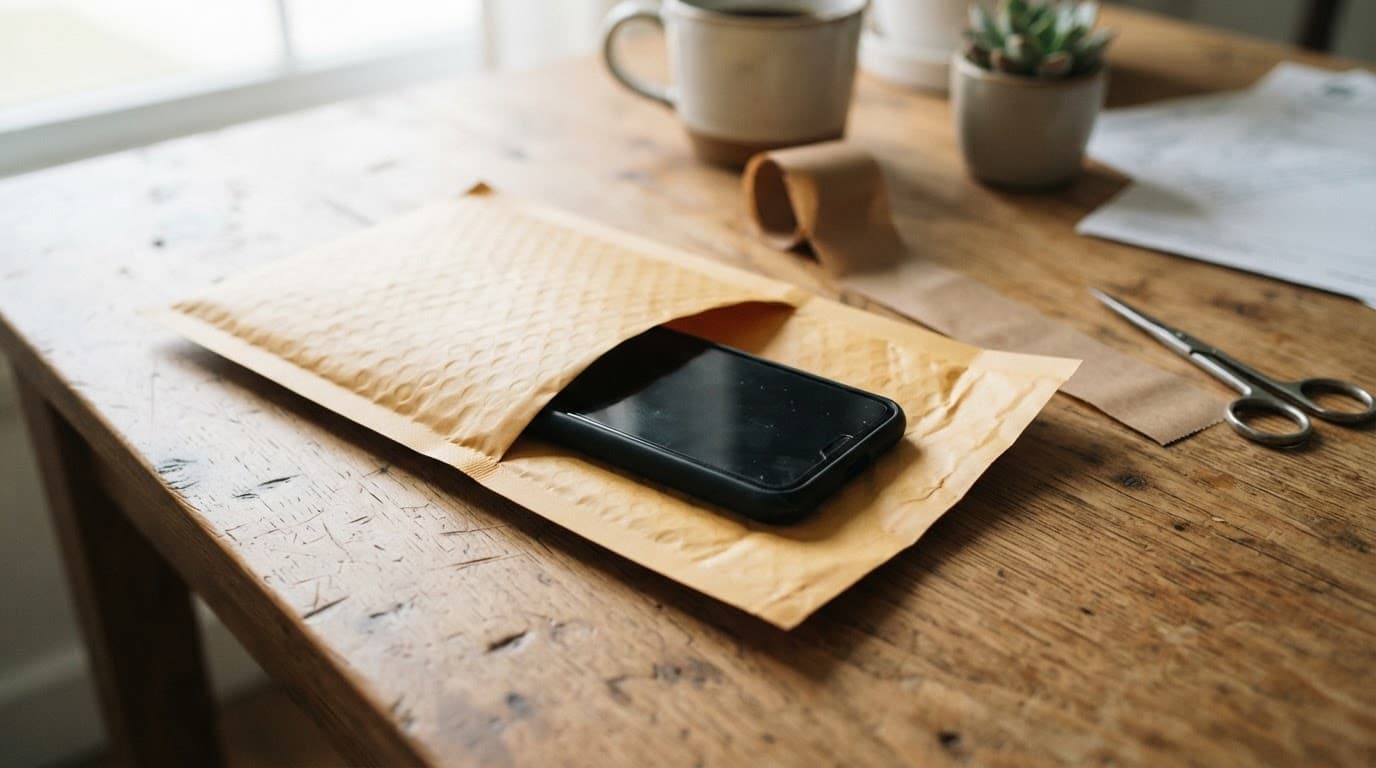
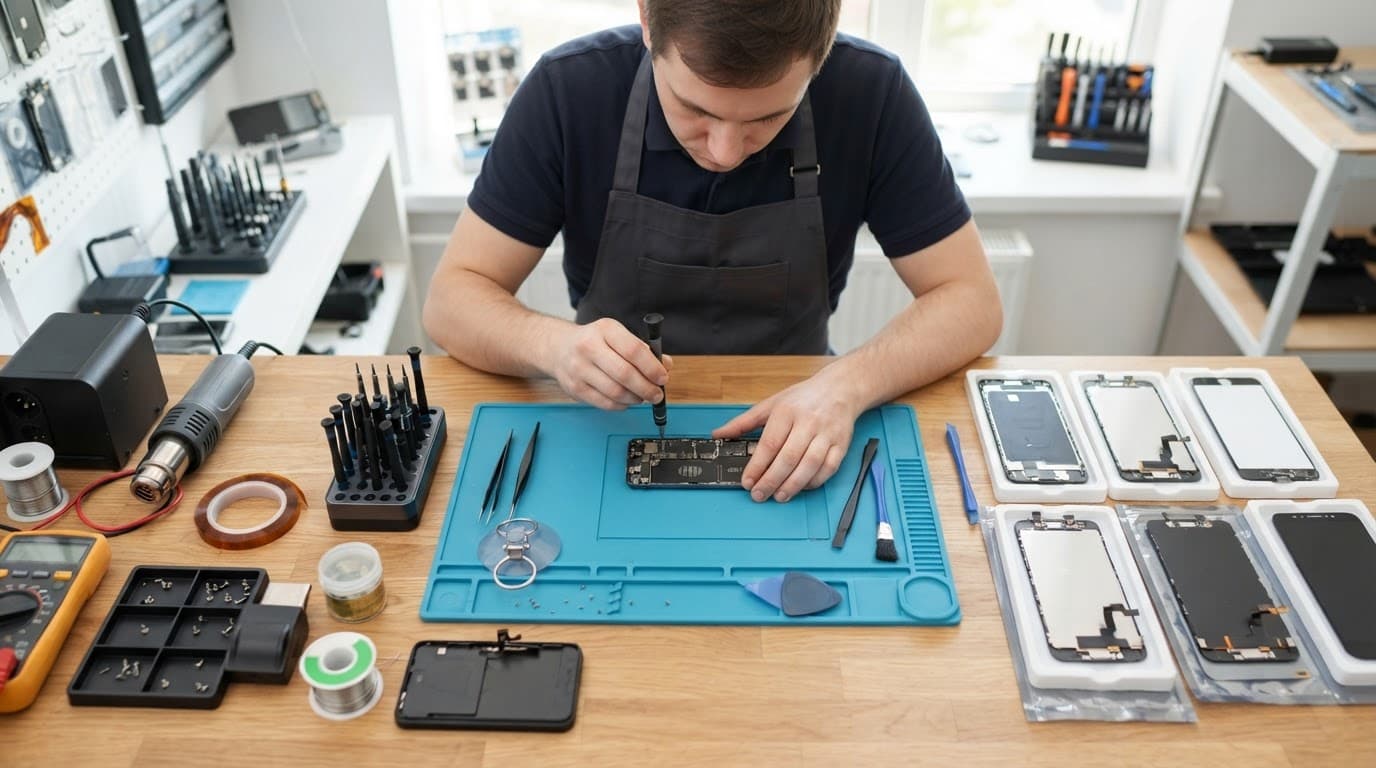
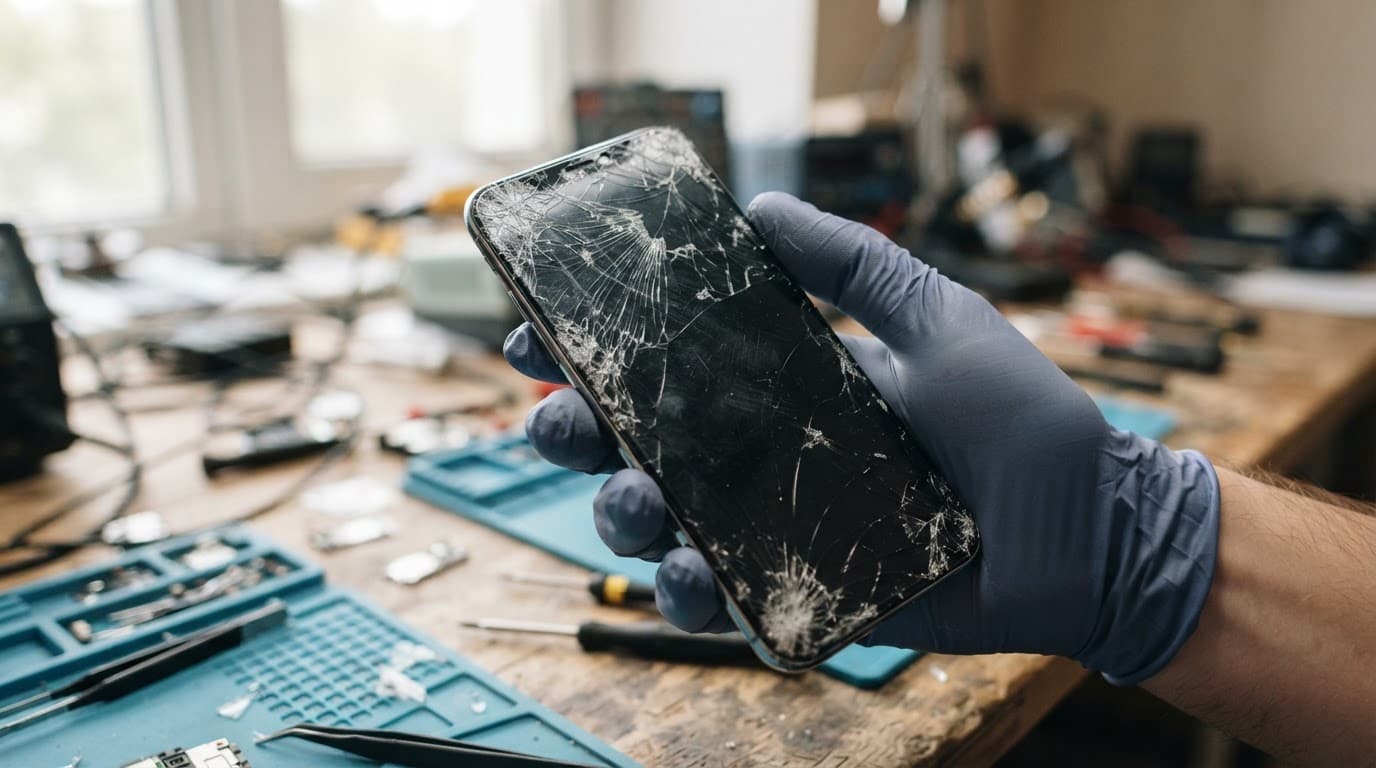
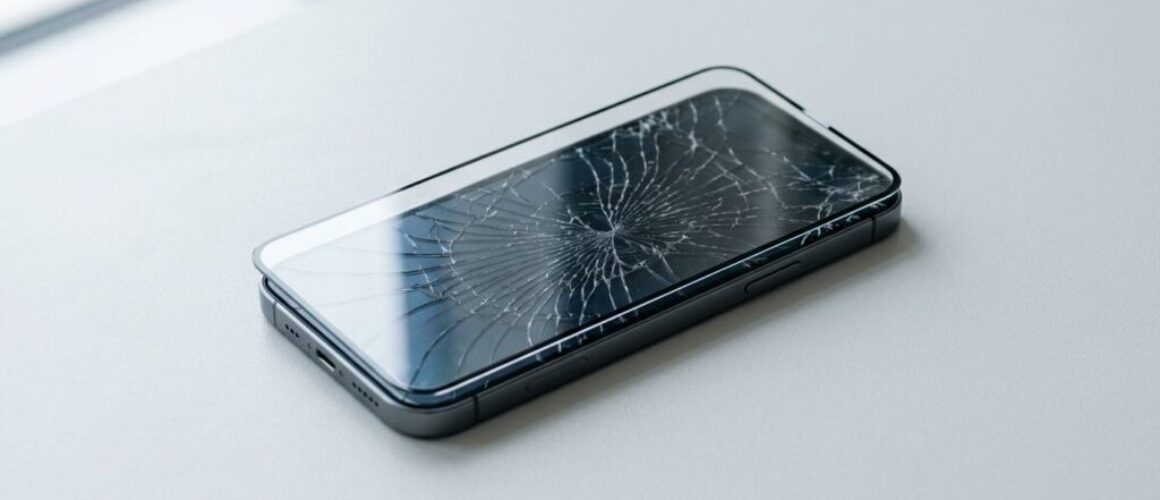
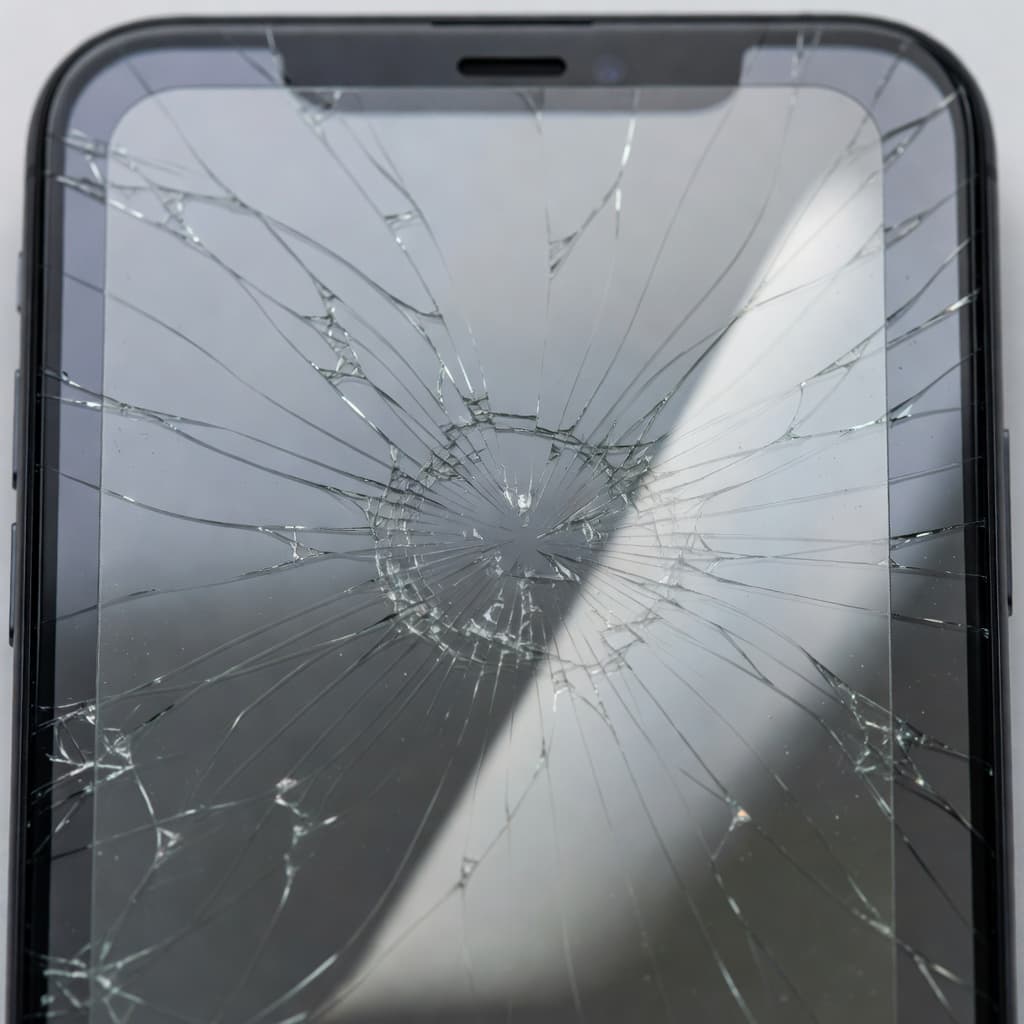
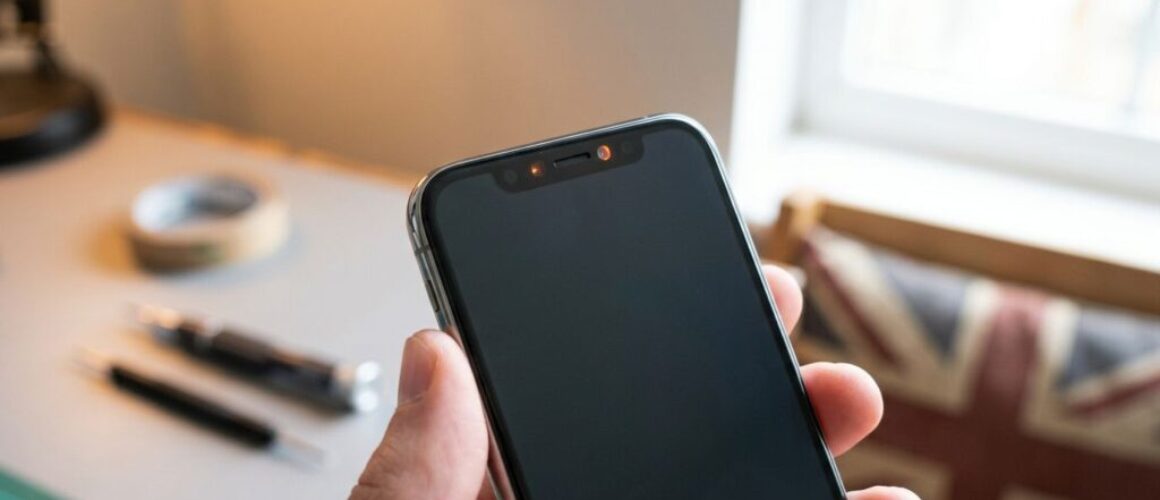
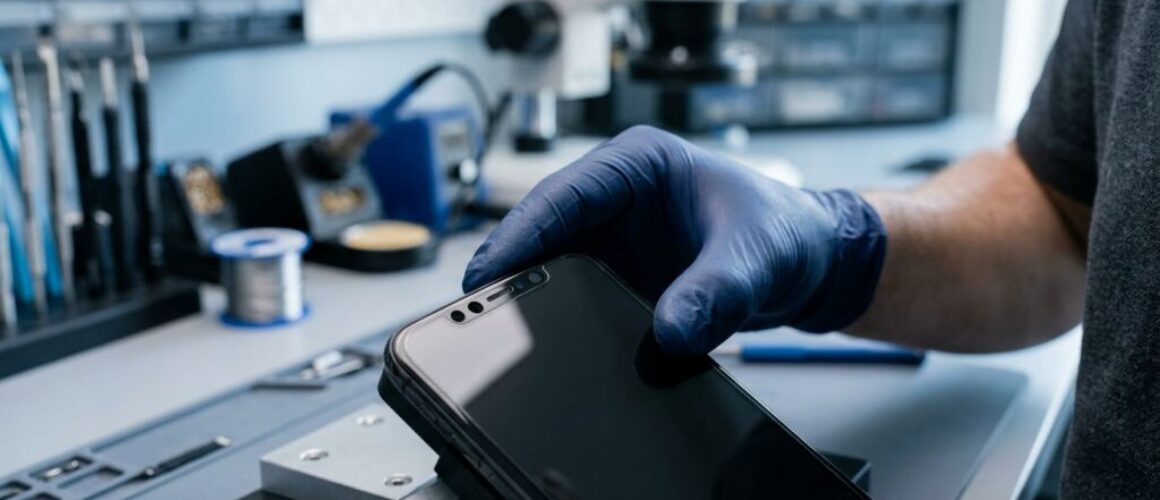
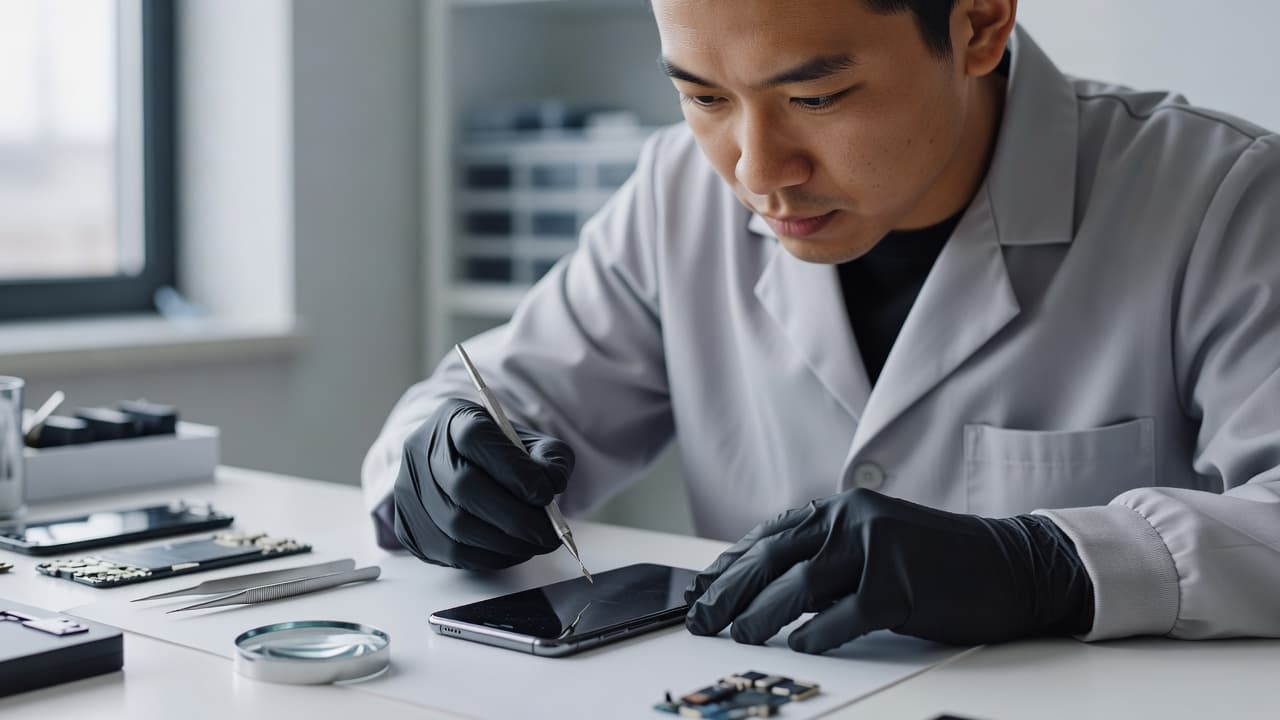
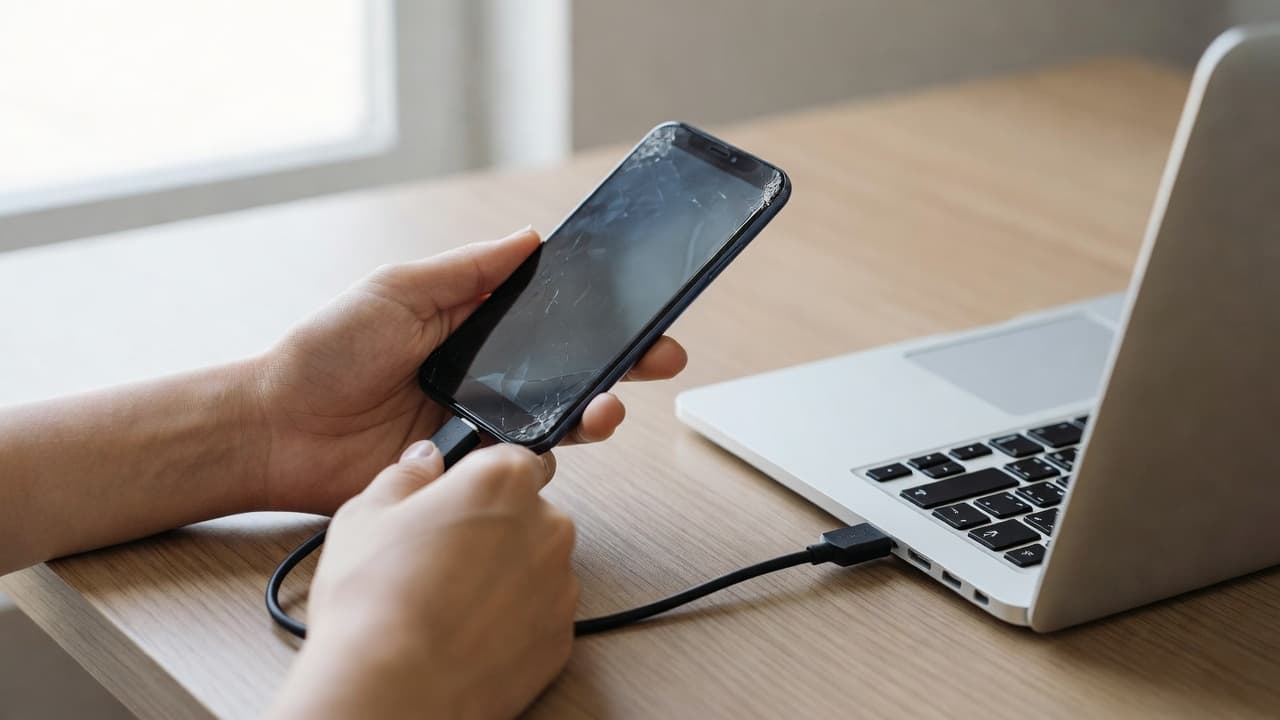
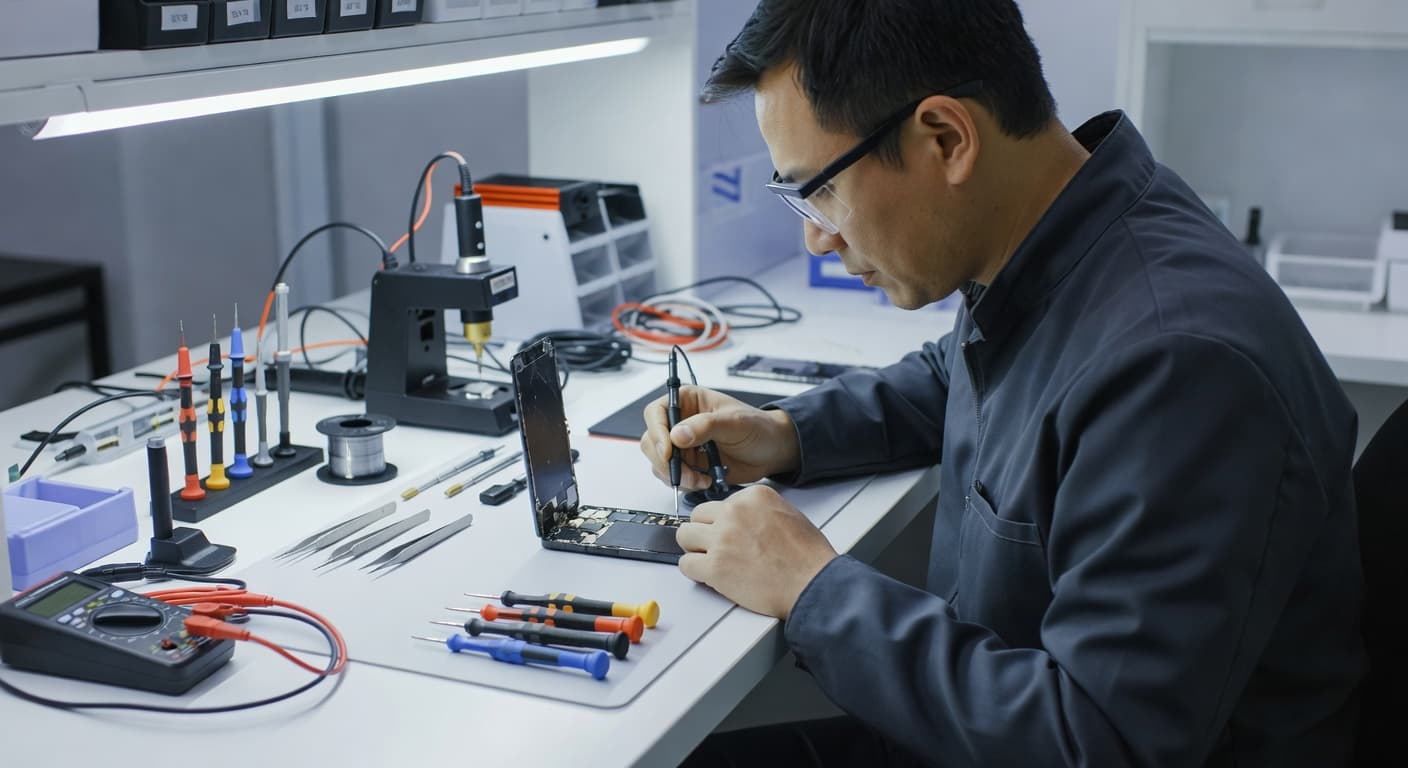
A newly fitted screen may look ready straight away, but the phone screen adhesive still needs time to bond properly. Using the device too heavily too soon can leave the display sitting proud, create edge gaps, or weaken the seal.
The safe approach is simple: careful handling is usually fine once the screen has been fitted and held securely, but wait at least 24 hours before normal use. Liquid adhesives can need 24 to 48 hours for full strength. During that time, avoid pressure, moisture, tight pockets and heavy charging use.
The phone screen adhesive safe-use timeline
Repairers use different products. Some screens arrive with pre-cut adhesive strips, while others need a liquid adhesive around the frame. The product, temperature, frame condition and fitting pressure all affect the final bond.
Pre-cut strips can hold the display in place quickly, especially when the frame is clean and straight. However, a screen that looks flush is not necessarily fully cured. Liquid products begin setting within minutes, but many need much longer before they reach their strongest bond. This adhesive curing guide explains why the first day matters.
What to avoid during the first 24 hours
Keep the phone flat or handle it gently while the adhesive settles. We recommend avoiding:
Pressing hard around the edges or centre of the display.
Keeping the phone in a tight trouser pocket.
Charging it under a pillow or while using demanding apps.
Exposure to rain, steam, spills or a hot car.
Bending the handset or placing it under books, bags or other weight.
Don’t try to improve the fit by pushing the screen down yourself. Uneven pressure can damage the panel, disturb the cables or force adhesive into the sensor area. Apple also explains that water resistance is not permanent, so a repaired phone should never be treated as fully sealed against liquid.
When light use is reasonable
If the screen is secure, the phone is cool and no liquid adhesive has squeezed into the frame, brief light use may be acceptable after the initial set. We still advise waiting a full day before returning to normal work, gaming, travelling or exercise.
For phones repaired with liquid adhesive, a longer wait may be sensible. Ask the repairer exactly which product was used and whether the device should remain taped or clamped.
Screen and display fault symptoms after repair
A successful screen replacement should leave the display firmly seated and the handset working as expected. Check the phone carefully before removing any tape or protective film.
Common screen or display fault symptoms include:
Touch not responding in one area.
Flickering, coloured lines or black patches.
Uneven brightness or a yellow tint.
A screen that clicks, creaks or moves under gentle pressure.
A gap appearing along one edge.
Face ID, proximity sensors or under-display fingerprint recognition failing.
If a fault appears straight after repair, stop pressing the screen and contact the original repairer. Opening the phone elsewhere may affect the first repair warranty.
A drop can damage more than the glass
We recently had an iPhone 12 from Essex with shattered glass, intermittent charging and a small frame bend. The image still worked, so the owner assumed adhesive would solve everything. Testing showed a damaged display assembly and a worn charging port. We quoted for both faults rather than treating it as a simple glass job.
An iPhone component fault after a drop can affect the display, Face ID parts, battery connection or charging circuit. A Samsung component fault after a drop may involve the AMOLED panel, curved frame or fingerprint sensor. A Google Pixel component fault after a drop can also include the display cable, side buttons or rear housing.
Before relying on the repaired phone, run through a few basic checks. This is useful phone hardware troubleshooting in the UK, especially after a hard impact.
Unlock the phone and swipe across every part of the screen.
Check brightness, colour, cameras, speakers and the earpiece.
Test Wi-Fi, mobile signal, buttons and biometric unlocking.
Connect a known-good cable and check whether charging stays stable.
Make a short call and confirm the screen turns off near your face.
Inspect the edges for gaps, lifted corners or adhesive residue.
A device that won’t turn on or won’t charge needs diagnosis before anyone orders a screen. The cause could be the battery, port, power circuit or impact damage elsewhere.
An iPad component fault or diagnosis also needs a wider inspection because a bent aluminium frame can stop a replacement display sitting flat. Large screens are more vulnerable to pressure during fitting.
Stop using the phone if the screen lifts
A lifted corner is not a cosmetic nuisance. It can allow moisture inside and may point to a poor bond, a bent frame or battery swelling. Stop charging the device if the screen rises suddenly, the phone becomes hot, or the display starts separating.
Don’t straighten the frame at home. A repairer needs to check the battery, display cables and chassis before applying fresh phone screen adhesive. Samsung owners with fingerprint problems can also refer to our guide on Samsung fingerprint sensor repair after a screen replacement.
UK repair costs, warranty and sensible next steps
Repair prices vary by model, screen technology and extra damage. These are our usual guide ranges, not fixed quotes.
Repair
Typical guide price
Common warranty term
Screen replacement
£60 to £180
3 or 12 months, depending on screen
Battery replacement
£40 to £80
12 months
Charging port repair
£50 to £90
12 months
Water-damage assessment or treatment
£60 to £120
Separate terms apply
Premium OLED screens for newer iPhone and Samsung models can cost more. We confirm the fault and provide the repair cost before chargeable work begins where possible. An inspection fee may apply if testing finds no fault.
Repair My Crack offers express repairs with quality parts and accredited technicians. Customers in Essex can arrange an appointment-only drop-off in Harlow, while customers across the UK can use the postal service with tracked Royal Mail returns. We aim to start work soon after a device arrives, although parts, workload and additional damage affect timing.
Warranty cover normally applies to faults linked to the replacement part or workmanship. It does not usually cover a later drop, cracked glass, liquid damage or tampering with warranty seals. Check the exact term for the screen fitted, as premium iPhone screens and standard screens can have different cover.
Safe use starts with patience
A phone screen adhesive bond may look finished before it has reached full strength. Give the repaired device at least 24 hours without pressure or moisture, and allow longer when liquid adhesive was used.
If the screen lifts, shifts, flickers or loses touch response, stop using it and arrange an inspection. We can test the display and wider handset before recommending the right repair, whether you send it through our UK postal service or arrange a Harlow appointment.
James Waterston, Device Repair Specialist at Repair My Crack
A smashed screen shows the obvious damage, but it rarely tells the whole story. A phone can also have a bent frame, loose charging port, damaged camera or weak battery after the same accident.
Before we accept a parcel at Repair My Crack, our phone repair checklist starts with clear photos. They help us understand what happened, record the device’s condition and spot symptoms that may disappear before testing begins.
Build a phone repair checklist before packing
Take the photos before removing the phone from daily use. Use bright, even light and place the handset on a plain surface. Avoid flash if it creates glare across the screen.
Capture these views:
Photograph the front with the screen switched off, then take another image with it switched on.
Take a clear picture of the rear glass, including the camera area and any cracks.
Photograph each edge and corner, especially dents, gaps, lifted glass or a bent frame.
Take close-ups of chips, deep scratches, shattered sections and areas where the screen is lifting.
Photograph the charging port, speaker grilles, buttons and SIM tray.
If the phone still works, photograph the model details in Settings. Keep the IMEI private rather than sharing it in a public post.
Take the pictures before applying tape or putting the phone in a case. Keep the original files on your computer or cloud storage, because messaging apps can reduce image quality. A clear record also helps when comparing the condition at arrival with the condition after repair.
A photo of a crack is useful, but a photo of the phone’s behaviour can be even more helpful. Photograph screen or display fault symptoms such as coloured lines, black patches, flickering, dead touch areas, ghost touches or uneven brightness.
If touch still works, open a plain white screen and a dark screen. This makes marks, lines and bright spots easier to see. Take a picture of any warning message, unusual battery symbol or charging notification.
For a device-won’t-turn-on-or-won’t-charge diagnosis, photograph the handset connected to a known-good cable and charger. If the phone only charges at one angle, capture that position. A short video can help with intermittent faults, such as a button that works only sometimes or a display that flickers when the phone moves.
We recently saw an iPhone 12 with shattered front glass but a working image and mostly normal touch. Several days later, dead areas appeared near the impact point. The original photos showed the starting condition, while the later symptoms helped confirm that the complete screen assembly needed attention rather than a cosmetic glass repair.
Don’t keep pressing a cracked display to test it. Sharp glass can catch skin, and repeated pressure can worsen damage beneath the panel.
Record what happened to the handset
Write down the basic story while you still remember it. Include whether the phone fell onto a corner, landed face-down, was sat on, got wet or suffered pressure inside a bag. Mention when the fault first appeared and whether anything changed afterwards.
An iPhone component fault after a drop may involve the charging port, camera, Face ID parts or an internal connector, even when the screen still lights up. The same applies to a Samsung component fault after a drop, where a soft button, intermittent charging or a loose camera can be missed from the outside.
With a Google Pixel component fault after a drop, photograph the side buttons closely. We recently checked a Pixel whose volume-down key felt soft after a pavement impact. The display looked fine, but the side rail had shifted against the button assembly.
For an iPad component fault or diagnosis, photograph the whole frame and every corner. The larger laminated display can suffer damage to the glass, touch layer and LCD together. A picture showing whether the tablet still responds to touch gives the repairer more useful information before it arrives.
This detail supports phone hardware troubleshooting in the UK, particularly when a device has several symptoms but only one obvious mark.
Protect your data before sending the phone
Photos document the handset, but they don’t protect your personal data. Back up photos, contacts, messages and app data before posting the device if it still works.
Before packing, remove the SIM card and any memory card. Follow the repairer’s instructions about Find My, device locks and testing access. Never write your banking password, Apple Account password or screen passcode on the outside of the parcel.
Some repairs need a passcode so technicians can test cameras, speakers, charging and biometric functions. We explain why this may be needed in our passcode guidance for postal phone repairs. If you don’t want to share your usual code, ask whether a temporary passcode is suitable.
If the battery looks swollen, the screen is lifting or the phone becomes unusually hot, stop using it. Don’t post a device showing signs of a dangerous battery fault without speaking to the repairer first.
Send useful information with the parcel
When booking, give the exact model and describe the fault in plain language. “The screen is cracked” is helpful, but “the top-left corner cracked after a drop, touch still works, and charging now stops at 40%” gives us a much better starting point.
Add the order number inside the package, then wrap the phone securely so it cannot move around. We provide tracked Royal Mail options for customers across the UK, while local customers can arrange an appointment-only drop-off in Harlow, Essex. Our accredited technicians inspect the whole device before chargeable work where possible.
Clear photos can speed up communication, but they don’t replace proper testing. A hard impact may reveal a different fault once the handset is opened. If no fault is found, an inspection fee may apply under our standard charges. If testing changes the expected repair, we contact you with the available options before proceeding where possible.
A useful phone repair checklist records the front, back, edges, ports, symptoms and exact story behind the damage. It also gives you a proper backup and a safer handover.
Take the photos before the parcel leaves your hands, keep your personal details private and describe every fault you have noticed. When you need a repair, you can book online and send the device securely, or arrange a Harlow appointment if you’re nearby.
James Waterston, Device Repair Specialist at Repair My Crack
A cracked mobile screen is annoying enough without being handed two vague choices: “original” or “compatible”. If you’re comparing original vs compatible phone screens, the cheaper option can look tempting, but the part grade affects colour, touch response, brightness, fit and long-term reliability.
The short answer is simple. An original or refurbished-original display usually gives the closest match to the screen your phone had when new. A good compatible screen can reduce the bill considerably, especially on an older model, but you need to know exactly what you’re buying. We inspect the whole device before chargeable work begins, because a smashed panel can hide frame, battery or charging damage.
Original vs compatible phone screens: the quick answer
An original screen comes from the phone manufacturer or uses the original display panel. In the independent repair market, “original” can mean a new genuine part, a screen removed from another phone, or a refurbished original panel with new glass. Those options aren’t identical, so the wording on a quote matters.
A compatible screen is made by a third-party manufacturer to fit a particular phone. Quality varies widely. Some premium compatible OLED displays look and feel close to the factory part, while basic LCD replacements can have obvious differences in black levels, brightness and touch response.
Choice
Main advantage
Main drawback
Usually suits
Genuine new screen
Closest factory match
Highest cost
New or premium phones
Refurbished original
Original panel at a lower price
Condition and availability vary
Flagship phones where quality matters
Premium compatible OLED
Good balance of price and performance
May differ in calibration or features
Recent phones on a budget
Basic compatible LCD
Lowest repair price
More visible differences on OLED phones
Older or lower-value devices
For a healthy recent phone with one damaged display, a quality compatible part often makes financial sense. However, an original panel is normally the safer choice when you rely on accurate colours, high refresh rates, strong outdoor brightness or an in-screen fingerprint reader.
Our phone screen repairs guide covers the wider repair process, including hidden damage and what to check before sending a device away.
What “original screen” really means
The word “original” sounds clear, but repairers use it in several ways. A manufacturer-authorised repair normally uses a genuine part supplied through the relevant service network. An independent repairer may fit a genuine screen removed from another handset, or a refurbished assembly built around an original display panel.
A refurbished original can be an excellent part. The display technology and panel may match the factory unit, while the outer glass has been replaced. The result can look very close to a new screen, although the part still needs proper inspection and testing.
We recommend asking these questions before accepting an “original” quote:
Is the screen a new genuine part or a refurbished original?
Is the complete display assembly included?
Will True Tone, fingerprint recognition or other model-specific features work?
Does the price include adhesive, fitting, testing and VAT?
What warranty applies to that exact part?
An original display usually offers the most predictable result. Colours tend to match the handset’s previous appearance, touch sensitivity should feel familiar, and the fit is designed around the original frame. On phones with curved glass or a laminated display, those details matter because even a small difference can affect how the screen sits.
The main downside is cost. Apple’s out-of-warranty screen prices for newer iPhones can reach roughly £389, depending on the model. Samsung and Google Pixel repairs also vary according to display size, panel type and parts availability. For an older handset, paying the full original-part price may not be sensible.
What a compatible screen includes
“Compatible” doesn’t mean automatically poor quality. It means the display was made by another manufacturer rather than the phone brand. The important question is the grade.
A basic replacement may use an LCD panel where the original phone used OLED. LCD screens need a backlight, so blacks can look grey and the assembly may be thicker. On an OLED phone, a compatible LCD can also change the viewing angles, brightness and battery behaviour.
OLED replacements usually sit closer to the original experience. Hard OLED panels use a rigid substrate and often cost less, but they can be less forgiving if the phone frame has a slight bend. Soft OLED panels use a more flexible construction and may provide a closer fit on models that originally had OLED. Neither option is automatically perfect, and the manufacturer, batch and testing process still matter.
The word “aftermarket” covers several grades rather than one standard product. A repair-community comparison of aftermarket screens shows why two repairs carrying the same label can produce different results. A separate guide comparing premium and aftermarket screens also separates the quality levels instead of treating every third-party panel as identical.
Good compatible displays can offer:
A much lower repair price.
Strong touch response and clear image quality.
OLED performance on models that need an OLED panel.
A sensible solution for an older phone.
A warranty that gives you a route back if the part develops a fault.
The risk comes when a quote only says “screen replacement” without stating the type. A very cheap price may reflect a basic LCD, limited brightness or no clear cover for later faults. We always ask which display grade is being fitted before comparing the cost.
Comparing colour, touch and everyday performance
The difference between original and compatible displays often becomes obvious during normal use rather than during a quick five-minute check.
Original panels usually provide the closest colour calibration. Whites should look natural, skin tones should remain consistent and dark areas should appear properly black on an OLED display. A compatible screen can still look excellent, but cheaper panels may appear cooler, warmer or less bright than the original.
Touch response matters just as much. A display can show a sharp image while missing taps, registering ghost touches or feeling slightly delayed. We test typing, swiping around the edges and dragging across the full panel. Edge response matters on larger phones, especially when using a case.
Brightness is another practical difference. A lower-grade compatible display may look acceptable indoors but become difficult to read outdoors. Auto-brightness and proximity sensors also need checking after a repair, because the front assembly can contain or sit beside delicate sensor components.
Samsung owners should ask about AMOLED quality and refresh rate. Many Galaxy phones use high-refresh-rate displays, and a cheaper replacement may not reproduce that smoothness. An in-screen fingerprint reader can also behave differently if the replacement panel, adhesive or calibration is unsuitable.
On iPhones, features such as True Tone and display-part messages depend on the model, the part and the repair process. Face ID components are particularly sensitive. A replacement screen cannot fix a damaged front sensor assembly, and careless handling can create a second fault.
A compatible screen is a reasonable choice when the phone has several years of use behind it, the price saving is meaningful and the repairer offers clear testing and warranty cover. An original or refurbished-original display is easier to justify on a recent Pro, Ultra or flagship handset that you plan to keep for years.
Screen or display fault symptoms that need checking
The common screen or display fault symptoms include cracked glass, dead touch areas, flickering, coloured lines, black patches and a display that stays dark even though the phone vibrates or rings.
A crack isn’t always the complete diagnosis. A drop can damage the touch layer while leaving the image intact. It can also bend the frame, loosen a connector or affect the battery and charging path. That is why we test the whole handset rather than replacing the visible panel without checking anything else.
Before booking, carry out these safe checks:
Back up photos, messages, contacts and authenticator apps while the screen still responds.
Remove the case and inspect the frame under good light.
Restart the phone, then test touch response across every corner.
Check brightness, cameras, speakers, microphones, buttons and charging.
Stop using the device if the screen is lifting, the phone becomes hot or the battery looks swollen.
Avoid pressing down on a lifting display. Don’t use a hairdryer, metal tool or clamp to remove a screen, and never try to straighten a bent phone by hand. Those actions can damage the battery or delicate flex cables.
Faults we see on different devices
An iPhone component fault after a drop may involve more than the display. A side impact can bend the rail, disturb the volume flex cable or leave Face ID unreliable. On an iPhone 12, we often see a cracked outer glass with a working image at first. Dead touch zones or black patches can appear later, which means the complete screen assembly needs replacing.
With a Samsung component fault after a drop, the curved edge, AMOLED panel and fingerprint reader need particular attention. A Galaxy may still power up while showing green lines, flickering or a dark section. A straight frame and an otherwise healthy phone usually make repair sensible, but a bent chassis can prevent a new panel from sitting safely.
A Google Pixel component fault after a drop can show up as a soft volume button, unreliable touch or a screen that works only intermittently. The phone may have no obvious crack. We check the side rail, display connector and internal components before blaming Android or a settings change. You can book a Google Pixel repair if the fault began after an impact.
For an iPad component fault or diagnosis, the larger laminated display makes the frame condition especially important. A corner impact can affect the glass, LCD, touch layer and housing together. If the iPad has a picture but ignores touch, a display assembly may be required rather than a glass-only repair. Our iPad repair service can assess the model and fault before work begins.
Good phone hardware troubleshooting in the UK starts with symptoms and testing, not guesswork. When a device won’t turn on or won’t charge, diagnosis should include the cable, port, battery, screen, connectors and power circuit. A black screen does not always mean a dead phone.
UK repair prices and the cost of each screen grade
Prices depend on the model, display technology, part grade and hidden damage. These are our general guide figures, not fixed quotes:
Repair
Typical UK guide price
Screen replacement
£60 to £180
Battery replacement
£40 to £80
Charging port repair
£50 to £90
Water-damage assessment or treatment
£60 to £120
Premium OLED screen on newer flagships
£200 to £350 or more
Older LCD phones usually sit at the lower end. Newer iPhone Pro, Samsung Ultra and other flagship models cost more because their OLED assemblies, high refresh rates and sensor arrangements are more expensive.
An original screen may cost substantially more than a compatible option. However, the cheapest compatible part isn’t always the cheapest repair in the long run if it needs replacing again or affects features you use every day. We compare the complete repair outcome, including the screen, adhesive, labour, testing and warranty.
If testing finds no fault, an inspection fee may apply under our standard charges. When we find additional damage, we contact you before carrying out chargeable work where possible. You should receive a revised choice rather than an unexpected bill.
A quote should tell you more than the word “screen”. Before booking, ask the repairer to confirm:
Whether the part is genuine, refurbished original, premium OLED, hard OLED or LCD.
How the replacement compares with the original for brightness, colour and refresh rate.
Whether touch, cameras, speakers, proximity sensors and fingerprint functions will be tested.
Whether the quoted price includes labour, adhesive, VAT and return postage.
How long the warranty lasts and whether it covers the part and fitting.
What happens if testing finds frame, battery, charging or liquid damage.
Check the phone’s overall condition as well. Repair usually makes sense when the handset has one clear fault, a healthy battery and a straight frame. Replacement may be more practical when the phone has a shattered display, heavy corrosion, poor battery life and charging problems at the same time.
Insurance can change the calculation. Compare the confirmed repair price with your policy excess and check whether using an independent repairer affects the cover. Manufacturer warranty terms can also change after an independent repair, so check those conditions before authorising work. Accidental damage is rarely covered by a normal manufacturer warranty.
How the postal repair service works
We serve customers in Essex and across the UK through our postal repair service. Customers can also arrange an appointment-only drop-off in Harlow. We provide tracked Royal Mail postage, tracked returns and aim to begin work as soon as a device arrives, although the total turnaround depends on delivery, parts and the fault found.
The usual process is straightforward:
Use the online Fix My Phone option and select the device and reported fault.
Back up your data, remove the SIM card and take off the case.
Power the device down if the screen is lifting, the phone is hot or the battery looks damaged.
Pack the handset securely so it cannot move inside the parcel.
Include the order number and any passcode requested for testing, following the booking instructions.
We inspect, quote where needed, repair and test the device before sending it back.
Our published terms distinguish between screen grades. Premium iPhone screens carry a 12-month warranty, while standard iPhone screens have a shorter warranty term. Batteries and other components are generally covered for 12 months, with separate terms for liquid damage and other specialist work. Accidental damage, liquid exposure after collection and tampered warranty seals can affect cover.
A Repair My Crack service may also affect a manufacturer’s warranty. If keeping that cover is your priority, contact the manufacturer first. The manufacturer may still exclude accidental damage, so compare the full cost and timescale before deciding.
Conclusion
The practical answer to original vs compatible phone screens depends on your phone, budget and expectations. A genuine or refurbished-original display gives the closest factory result, while a well-made compatible OLED can offer strong value when the part grade and warranty are clear.
Before accepting a cheap quote, check the display type, expected features, testing process and warranty. If the frame is bent, the battery is lifting or charging has become unreliable, ask for a full diagnosis rather than booking a screen blindly.
For a cracked screen in Essex or anywhere else in the UK, we can inspect the handset, explain the options and provide a clear price before chargeable work begins.
James Waterston, Device Repair Specialist at Repair My Crack
One drop onto a pavement can turn a perfectly usable iPhone 16e into an expensive-looking mess. The price of repairing your handset depends on the replacement part, damage beneath the glass and whether you use an independent workshop or Apple.
At Repair My Crack, we inspect the whole handset before chargeable work begins. This guide covers iPhone 16e screen replacement, what can affect the final bill and when professional help makes more sense than a DIY kit. A cracked display may hide a bent frame, faulty touch, charging problem or weakened battery.
Key Takeaways
Independent iPhone 16e screen replacement typically costs £65 to £170 for aftermarket options, while a genuine or refurbished Apple display may cost £170 to £280 or more.
The factory screen is OLED, so compare LCD, hard OLED, soft OLED and genuine Apple options carefully for contrast, fit, reliability and price.
A cracked display can hide damage to touch controls, the frame, proximity sensor, Face ID, charging system or logic board, so a full diagnosis should come before chargeable work.
Professional fitting is usually better value than DIY on a relatively new iPhone 16e, with many straightforward repairs taking around one to two hours when the correct part is in stock.
Before accepting a quote, confirm the exact screen grade, warranty and testing of touch, Face ID, True Tone, proximity sensor, charging and battery health.
iPhone 16e screen repair cost in the UK
The iPhone 16e launched in the UK at £599 for the 128GB model. That makes an iPhone 16e screen replacement far more sensible than replacing the whole phone when the rest of the device works properly.
An independent repair can vary in price because the iPhone 16e uses a 6.1-inch OLED display. The original technology affects an OLED screen replacement quote, as the screen, glass and touch layers are normally supplied as one complete display assembly.
One current UK listing advertises iPhone 16e work from £65, with genuine Apple parts available as an option. You can view its current iPhone 16e repair prices for another example of how part choices affect the bill.
These are sensible UK planning ranges, not guaranteed quotes. Spare parts availability, stock levels, part choice, labour, adhesive and testing can all affect the final repair price.
Replacement option
Typical UK guide price
What to expect
Budget LCD screen assembly
£65 to £95
Lowest price, but weaker contrast and viewing angles
Hard OLED assembly
£85 to £130
Better blacks than LCD, usually less flexible than soft OLED
Aftermarket soft OLED
£105 to £170
Closer to the original OLED experience and fit
Genuine or refurbished Apple display
£170 to £280+
Closest match to the original, with a higher price
Frame condition can also change the final bill, particularly if the housing is badly bent. A complete quote should include touch response and proximity sensor checks. Hidden damage to the logic board may alter the repair altogether.
Apple remains another route. Its official iPhone screen service information explains how to arrange a repair service and check the current cost. Apple pricing can be higher than workshop rates, particularly when accidental damage falls outside any cover.
For wider comparisons across older models, our UK iPhone screen repair pricing guide gives useful context. Newer OLED iPhones usually cost more to repair than older LCD models.
LCD, hard OLED or soft OLED: which part is right?
The factory iPhone 16e display is an OLED panel, marketed as Super Retina XDR. An OLED screen replacement using the same technology can preserve true blacks because individual pixels switch off.
Some suppliers offer a lower-cost aftermarket screen for the 16e, including LCD-based assemblies. An LCD screen uses a backlight, which can mean greyer blacks, lower contrast, different brightness and altered battery use. The display assembly combines the panel, glass and touch digitizer, so suppliers usually replace them together.
Hard OLED is closer to the original technology. Its less flexible backing can make it more vulnerable to pressure around the edges. Soft OLED uses a flexible substrate and generally offers a better fit, more consistent colour and a closer match to the factory screen.
Long-term reliability data for each aftermarket screen grade remains limited because the model launched in February 2025. We therefore assess the supplier, its spare parts, fit and testing process. Different OLED panels should not be treated as identical.
An original Apple display, or a carefully refurbished module using genuine Apple parts, is normally the closest visual match. It may still need software configuration after fitting, and its price may not suit every budget.
Before accepting a quote, ask:
Is the replacement an LCD, hard OLED, soft OLED or an original Apple module?
Does the price include adhesive, fitting and full testing?
Has the proximity sensor been tested after fitting?
Will the repairer check Face ID and True Tone?
What warranty cover applies to that exact screen grade?
Good fitting also matters, as poor alignment can affect the proximity sensor.
A cheap screen repair quote isn’t automatically poor value. It becomes risky when it includes an unverified part, unclear fitting work or limited cover.
Cracks can hide more than a damaged display
Common screen or display fault symptoms include black patches, flickering, coloured lines, dead touch areas, ghost touches and a completely dark display assembly. A phone can still ring or vibrate when the display has failed.
We recently saw this pattern on an iPhone 12. The front glass was shattered, but the image still appeared and most of the touchscreen worked. A few days later, dead touch areas developed near the impact point. The final repair needed a complete screen assembly, not cosmetic glass repair.
That is why a screen repair quote cannot be based on the crack pattern alone.
That is why we test:
Touch response across the whole panel.
Brightness, colour, lines and dark areas.
Face ID, earpiece function and proximity sensor.
Cameras, speakers, charging, battery health and the Action Button.
The frame for bends, gaps or pressure points.
Impact damage can also affect the logic board beneath the display. The same checks matter after a drop, even when the affected device or its internal parts differ. A tablet diagnosis starts with the same basic questions about power, display, charging, frame damage and liquid exposure.
If the device won’t turn on or charge, the diagnostic process must come before a replacement quote. A replacement display won’t solve a damaged charging circuit or logic board fault. It may instead need a charging port replacement. This is the practical side of phone fault diagnosis in the UK, rather than guessing from the crack pattern.
A replacement screen fixes a failed display. It cannot straighten a bent frame or repair damaged front biometric sensors.
Will Face ID stop working?
Replacing the screen does not normally remove biometric unlocking. The technician must carefully transfer or preserve the original front sensor and proximity sensor assembly.
Biometric unlocking can fail if the TrueDepth components were damaged in the drop, if a flex cable tears during removal or if the proximity sensor area is fitted incorrectly. In those cases, a new display alone won’t restore biometric unlocking.
True Tone may also need calibration, depending on the replacement and repair process. A reputable workshop should test it before returning the phone, rather than assuming everything is fine because the display lights up.
Is DIY iPhone 16e screen replacement worth it?
DIY repair kits are available, but a fix kit is not a simple glass swap. You need heat, opening tools, replacement adhesive, a steady work surface and enough experience to disconnect delicate cables without tearing them.
A damaged back panel is separate from the display, so it may need rear glass replacement rather than a new screen. The main risks include damage to the battery, proximity sensor, display cable or waterproofing seals. A small mistake can turn display fitting into a much larger repair. Heat applied in the wrong place can also damage the battery or surrounding components.
If you do attempt the repair, we recommend these preparations:
Back up the iPhone to iCloud or a computer before opening it.
Power it down fully and remove the case and SIM tray.
Work on a clean, well-lit bench, away from children and pets.
Keep screws organised because the wrong screw in the wrong hole can damage the logic board.
Test the display, touch, Face ID, True Tone, proximity sensor, battery health, cameras, charging and Action Button before sealing the phone.
For most people, professional fitting is usually better value on a relatively new iPhone 16e. Our complete iPhone screen repair guide covers the wider process and the questions to ask before handing over your phone.
Repair times, warranty and postal service
At an independent workshop, a straightforward iPhone 16e screen repair often takes one to two hours. This assumes the correct part is in stock. It’s not a guarantee, because workload, hidden damage or a logic board issue can affect timing or eligibility.
Our Harlow, Essex repairs are appointment-based. Customers across the UK can use our nationwide mail-in repair service with tracked Royal Mail postage. We aim to start work as soon as the phone arrives, often on the same day, then return it using tracked delivery.
Back up your data first, remove the SIM card and pack the phone inside a sturdy box with protective padding. If possible, check the proximity sensor before posting the phone. Include the order number and provide a passcode only when software testing requires it.
Repair My Crack offers a price promise and a clear repair price, with quality replacement parts fitted by accredited technicians. Testing before return includes the proximity sensor, Face ID and battery health. Premium iPhone screens carry a 12-month warranty, while standard iPhone screens carry a three-month term; other components generally carry 12 months under the published terms.
Accidental damage after collection and liquid damage are normally excluded. An independent repair may also affect the manufacturer’s cover, so check the manufacturer’s terms before choosing a repair route. If inspection finds no fault, an inspection fee may apply under standard charges. A battery replacement is quoted separately from screen work.
The sensible answer on iPhone 16e screen repair cost
For a healthy iPhone 16e with one damaged display, paying for a repair usually makes financial sense. Budget around £65 to £170 for independent replacement options, while a genuine or refurbished Apple display may cost £170 to £280 or more.
Choose the part grade carefully, check what the warranty covers and confirm Face ID, touch, charging and battery health are tested before the phone comes back to you. If the frame is straight and the board has no liquid damage, a new display can give the handset plenty more useful life.
When you’re ready, you can book an iPhone repair online or contact our team for a model-specific quote before chargeable work begins.
James Waterston, Device Repair Specialist at Repair My Crack
iPhone 16e screen repair FAQs
Will iOS show a non-genuine screen message?
It may. iOS can display a parts warning when it cannot verify a replacement display as an official Apple component. The warning doesn’t necessarily stop the display or touch controls working, but it may remain in the device settings.
Can an LCD screen replace the original OLED panel?
Some LCD-compatible assemblies are sold for the iPhone 16e, but they don’t match OLED contrast, black levels or viewing angles. Soft OLED is usually a better budget choice when available.
How long does a professional replacement take?
Many walk-in replacements take around one to two hours once the correct panel is available. Postal work takes longer because of delivery, although we aim to begin testing promptly after arrival.
Will the repair remove Face ID?
A careful display replacement should preserve biometric unlocking by transferring the original sensor assembly. It can still fail if the drop damaged the TrueDepth system or a cable during the work. The proximity sensor should also be tested afterwards.
Should the proximity sensor be tested after replacement?
Yes. It should respond during calls and switch the display off when covered.
What should a technician check before returning the phone?
They should check the proximity sensor, touch response, brightness, cameras and biometric unlocking. Testing these functions helps catch faults before collection or dispatch.
Could the repair affect the Action Button?
Not normally. It isn’t part of the display, but it should still be tested alongside the volume controls and mute function.
Is the cheapest option always best?
No. Compare the panel type, testing, adhesive, labour and support offered by the technician. A slightly higher quote for a properly tested soft OLED or premium panel can offer better value than fitting a poor-quality part twice.
When your mobile hits the floor, the first worry is often the display. Safety around a damaged display matters because broken glass can cause cuts, and the impact may have affected other components.
A cracked screen may be usable briefly if the fracture is small and stable, the glass feels smooth, and the frame is straight. Stop using the handset if you notice sharp edges, spreading fractures, a lifting display, unusual heat or charging faults.
Key Takeaways
A small, smooth and stable corner crack may be manageable briefly, but stop using the handset if the glass is sharp, the damage is spreading, the display is lifting, or the phone becomes hot.
Use clear packing tape as a temporary cover and avoid sliding your finger over damaged glass. Only fit a screen protector or case when the phone is flat, stable and free from loose glass or swelling.
Power down and don’t charge a handset showing heat, swelling, chemical smells, smoke, unusual battery drain or charging faults. Move away from a smoking or burning device and call 999 without handling it.
Back up your data and arrange a full inspection, as a drop can damage the battery, frame, connectors, cameras, charging port or internal components as well as the visible screen.
Compare the confirmed repair cost with the phone’s current value, remaining lifespan and any other faults, and check your mobile insurance before paying privately.
Is your handset safe to keep using after a crack?
A small hairline crack in a corner is usually a low-risk cosmetic issue when the glass feels smooth, the frame is straight and the display works normally. If touch sensitivity remains reliable and no fragments are coming away, you may be able to use the handset briefly while arranging a repair.
That changes when the crack reaches the edge, covers much of the display or forms spider web cracks. Several intersecting fractures put more pressure on the glass, and everyday tapping or a tight pocket can make the damage spread.
Use this quick guide to judge the situation:
What you notice
Likely risk
Sensible next step
One smooth hairline crack
Mostly cosmetic
Use a fitted screen protector and protective phone case only when the glass is flat and stable. Don’t force either over moving glass, a bent frame or a swollen handset; arrange repair when practical
Rough edge or loose glass
Finger cuts and further breakage
Stop touching the damaged area and cover it
Black patches, lines or dead touch areas
Display assembly damage
Back up your data and book an inspection
Heat, swelling or chemical smell
A swollen battery or electrical fault
Power down and don’t charge the handset
Crack followed by moisture exposure
Corrosion and internal damage
Switch it off and seek a proper diagnosis
A damaged display also weakens the phone’s original seal. Water resistance depends on adhesives, gaskets and an intact housing, so don’t rely on an IP rating after serious damage.
A handset can remain fully usable while hidden faults are developing. A reliable touch response and bright display don’t rule out a damaged battery, charging port or internal connector.
How broken glass can cut your finger
Modern phone displays usually have an outer glass layer, a digitizer layer with a touch sensor, and the actual display panel. A cracked screen can release tiny fragments along its fracture lines. Loose glass shards may feel like grit rather than large pieces, so they are easy to miss.
The risk increases if you slide your finger across a crack, wipe the display with a cloth, or put the phone in a pocket with keys. Fine splinters can catch on skin or clothing. This explanation of tiny glass fragments covers why a damaged display deserves more care than a simple scratch.
Until the repair, take these steps:
Turn the phone off if the display is badly shattered or touch controls behave unpredictably.
Avoid testing the crack with your fingertip. Hold the handset by its undamaged edges.
Apply clear packing tape over the damaged area as a temporary fix. Smooth it down without pressing hard.
Fit a quality screen protector only if the display is reasonably flat and no glass is moving underneath it.
Use a protective case with a raised lip, but don’t force a tight case over a bent or swollen phone.
If you cut your finger, wash the wound with clean water and apply firm pressure with a clean dressing. Contact NHS 111 or attend A&E if the cut is deep, won’t stop bleeding, contains embedded fragments or causes numbness. Don’t pick fragments out with bare fingers.
Warning signs that mean you should power down
The most serious risk after a drop isn’t always the glass. Lithium-ion batteries can suffer battery damage if an impact bends the housing, damages a cell or crushes a nearby connector. A damaged circuit can also create an electrical short, leading to unusual heat generation.
Heat alone doesn’t prove there’s a battery fault. However, a handset that becomes unusually hot after the display breaks shouldn’t go straight back into your pocket or onto charge.
Power it down as soon as you can if you notice:
The display or back is lifting away from the frame, suggesting a swollen battery.
The handset becomes hot while idle or during light use.
You smell chemicals, burning plastic or a sweet, solvent-like odour.
The battery drains suddenly, the handset restarts or shuts down without warning.
Charging only works at one angle, repeatedly stops or makes the connector hot.
You hear hissing, crackling or popping.
Smoke appears, or the device shows signs of swelling.
If the handset is safe to handle, unplug it and switch it off. Put it on a cool, non-flammable surface away from bedding, paper and other items that could catch fire. Don’t press a lifting display back into place, puncture the battery or continue charging it.
A smoking or burning device needs distance, not another troubleshooting attempt. Leave the area and call 999. Don’t handle a hot handset or one showing swelling.
Moisture is another reason to stop. Rain, a spilled drink or condensation can pass through a broken display edge and reach the touch circuitry, connectors and logic board. Moisture damage can lead to internal damage even when the handset still appears to work. A device that won’t turn on or won’t charge needs a full diagnosis before anyone orders a part.
What a drop can damage besides the glass
A broken display shows where the phone took the impact, but not every fault inside. The frame may have bent, a connector may have shifted, or the charging port may have taken another knock.
An iPhone component fault after a drop can affect the display, Face ID sensors, cameras, buttons or charging circuit. A Samsung component fault after a drop may involve the OLED panel, side frame or an internal flex cable. Samsung’s curved displays can be costly because the screen assembly often contains several bonded layers.
A Google Pixel component fault after a drop may appear as a loose connection, camera problem or intermittent charging. With an iPad, an iPad component fault or diagnosis may involve the digitiser, display connector or charging circuit. A tablet can look fine while its larger panel has lost touch response in one section.
For phone hardware troubleshooting in the UK, we start with basic checks:
Remove the case and inspect the frame for bends or pressure around the buttons.
Test the touch screen across the full panel, including areas without visible damage.
Record any change in touch sensitivity while testing different sections.
Check cameras, speakers, microphones, Face ID or fingerprint unlocking.
Try a known-good cable and charger, but stop if the phone heats up.
Save copies of photos, contacts and important files before further testing.
Common screen or display fault symptoms include flickering, coloured lines, dark patches, ghost touches or dead zones from a faulty touch sensor, uneven brightness and intermittent touch response.
We recently checked an iPhone 12 where the glass was shattered, but the picture looked normal. After further use, black patches and dead touch areas appeared. The complete display assembly needed replacing, rather than a cosmetic glass-only fix. That is why we check the frame, cameras, audio, biometrics and charging before chargeable work begins.
Repair or replacement: what makes financial sense?
A phone screen repair can make sense when the phone has a straight frame, healthy battery and one clear fault. A £150 repair on a recent phone worth around £400 second-hand is a different decision from the same repair on an older handset worth £180.
We compare the confirmed repair quote with the phone’s current used value, expected remaining life and other faults. Include the cost of tools and the risk of a DIY repair in your calculation. If the battery is weak and the charging port is damaged too, repairing only the glass may not be the best use of your money. Also check your mobile insurance before paying privately, particularly after accidental damage.
These are useful Repair My Crack guide prices, although the exact quote depends on the model, part and damage found:
Repair
Typical UK guide price
Screen replacement
£60 to £180
Battery replacement
£40 to £80
Charging port repair
£50 to £90
Water-damage assessment or treatment
£60 to £120
Premium iPhone and Samsung OLED screens can cost more than these figures. Ask which display grade the replacement screen uses, whether testing and adhesive are included, and whether warranty coverage includes the part and labour, with exclusions explained. The listed term varies by part, with premium iPhone screens having 12 months and standard iPhone screens having a shorter term. Accidental damage after collection and liquid damage are normally excluded.
For model-specific options, you can book an iPhone repair or Book a Samsung Repair. We offer express repairs with quality replacement parts, but timing depends on stock, workload and the condition of the device.
Getting a damaged phone repaired safely in the UK
Cloud services such as iCloud, Google One and Google Drive make it easy to backup data before repair. Save copies of photos and contacts, and check you can restore access to two-factor authentication elsewhere.
If the phone still works, remove your SIM if appropriate and photograph its condition before sending it. A technician may need your passcode to test functions after repair. We handle customer data carefully, but a current backup gives you peace of mind.
Avoid a DIY screen replacement unless you have the correct tools and experience. Opening a damaged handset as a DIY repair can release loose fragments, tear display cables or puncture a damaged battery. Guidance on safe screen work from SlashGear explains why this work can be riskier than it first appears.
A handset with a cracked screen, loose glass, heat, swelling or liquid exposure shouldn’t be posted until it has been assessed.
You can also use our phone screen repair service if the handset is safe to send. A reputable repair shop or professional phone repair service can advise on the safest option. We serve customers in Essex, offer appointment-only drop-off in Harlow and provide postal repairs across the UK. Pack the phone securely, include your order number and follow the booking instructions. We aim to start work soon after arrival, often on the same day, but confirm timing after inspection.
Frequently Asked Questions
Can I keep using a phone with a small crack?
You may be able to use it briefly if the crack is small and stable, the glass feels smooth, the frame is straight and all functions work normally. Arrange a repair promptly and stop using it if the fracture spreads or any glass becomes loose.
What should I do if the broken glass feels sharp?
Don’t test the crack with your fingertip or slide your finger across it. Switch the phone off if necessary, hold it by its undamaged edges and cover the area with clear packing tape without pressing hard.
How can I tell whether a cracked phone has battery damage?
Power down if the phone becomes unusually hot, the display or back lifts, the battery drains suddenly, charging becomes unreliable, or you smell chemicals or burning plastic. Don’t press a lifting display back into place or continue charging the handset.
Can I use a cracked phone in the rain?
No. A damaged display can weaken the phone’s original water resistance and allow moisture to reach internal connectors and circuitry. Switch it off after liquid exposure and arrange a proper diagnosis, even if it still appears to work.
Is it better to repair or replace a cracked phone?
Compare the confirmed repair quote with the phone’s current used value, expected remaining life and any faults affecting the battery, charging port or frame. Check your mobile insurance and ask which replacement part, testing and warranty are included before approving the work.
What to do next
A smooth corner fracture may be manageable briefly, especially inside a protective case.
Arrange prompt help if the edges are sharp, the damage is spreading, or moisture is present.
Stop using the handset if it becomes unusually hot or swollen.
Back up your files, stop charging a hot or swollen device, and arrange a full handset inspection. Don’t assume the visible fault is the only problem.
For a clear quote or advice about a handset that isn’t listed, get in touch.
James Waterston, Device Repair Specialist at Repair My Crack
A cracked screen never happens at a convenient time. Your phone might still work, but the sharp edges, splinters and growing crack make every swipe a bit of a faff.
We can put a screen protector over a cracked phone screen as a short-term safety measure. However, it will not repair the glass, restore water resistance or stop damage underneath from spreading. The best choice depends on whether the display and touch function are still healthy.
Key Takeaways
A protector can hold loose glass together and make a cracked screen safer to use.
It cannot fix damaged OLED or LCD layers, poor touch response, black patches or flickering.
A cracked screen may let moisture and dust into the phone, even under a case.
Back up your phone before arranging a repair, especially if the crack is worsening.
A professional repair is usually better value when the handset has one clear fault.
Can a screen protector go over cracked glass?
Yes, provided the phone is dry, the glass is not lifting, and there are no large loose pieces. A tempered-glass protector is usually the better choice because it adds a firm, smooth layer over the break.
That said, applying one over a crack can be awkward. Dust gets trapped easily, bubbles form around uneven areas, and the adhesive may not sit properly. If the crack has created a raised edge, pressing the protector down can make the damage worse.
A screen protector on a cracked screen works a little like tape over a chipped window. It can reduce the immediate mess, but the glass beneath is still compromised.
A protector buys time. It does not turn damaged glass back into a sound display.
We see this regularly with iPhones and Samsung Galaxy models. The top glass might look like the only problem, yet the display underneath has taken the same impact. Lines, flicker, dead touch spots and dark patches can appear days later.
A cracked screen can also affect touch accuracy. This overview of cracked-screen risks explains why a damaged touch layer may become less responsive over time.
When a protector is a sensible temporary fix
A protector makes sense for a short period when the crack is small and the phone still behaves normally. It can stop a sharp edge catching your thumb, pocket lining or handbag.
We would consider it a reasonable stopgap if:
The crack is limited to the outer glass.
Touch works across the whole display.
There are no black marks, green lines or screen flicker.
The screen sits flush with the frame.
The phone has not been exposed to water.
Use a fresh protector, clean the screen gently with a dry microfibre cloth, and avoid pushing debris into the damaged area. Do not pour cleaning fluid into cracks or scrape them with a pin.
A soft plastic film can also help if the screen is badly shattered. It will not feel as smooth as tempered glass, but it may be easier to apply over uneven damage. Either option is temporary, especially if the crack reaches an edge or corner.
Some people manage with damage for months, as the varied experiences in this Android cracked-screen discussion show. We would not rely on that approach if the display is already showing faults.
Signs the screen needs repair rather than a protector
A protector cannot repair the layers that create the picture or detect your touch. Modern iPhone and Samsung screens are bonded assemblies, so a hard impact often damages more than the visible glass.
Book a repair sooner if you notice any of these problems:
Touch only works in certain areas.
The display flickers, flashes or changes colour.
Black or purple patches are spreading.
The screen is lifting from the frame.
Glass shards are coming away.
Face ID, the selfie camera or proximity sensor behaves oddly after the drop.
Last week, we received an iPhone 13 from Essex with a protector fitted over a small corner crack. Within days, the display developed a bright green line and touch failed along one side. The protector had prevented splinters, but the OLED panel had already suffered impact damage. A quality display replacement and full testing got it working properly again.
First, back up photos, messages and authenticator apps while the phone still responds. Apple provides steps for backing up an iPhone, and Samsung users can back up through Samsung Cloud, Smart Switch or Google.
Then remove the case and check the frame. If it is bent, a new screen may not sit safely until we address the housing. Do not try to bend it straight by hand, with a clamp or under a heavy book. That can put pressure on the battery and internal boards.
If the screen is lifting, the phone feels hot, or the battery appears swollen, power it off. Do not charge it until we have checked it.
Repair costs and when the maths works
For a healthy handset with one broken screen, repair usually beats replacement. Typical screen repairs sit around £60 to £180, depending on the model and type of panel. OLED screens on newer iPhones and Samsung Galaxy devices cost more than older LCD displays.
That applies whether customers search for iPhone screen repair UK options, cracked iPhone screen repair, or samsung phone repair UK services. We inspect the whole device before quoting, because a bent frame, weak battery or damaged port changes the job.
If your battery also drains quickly, it is worth checking the cost of an iphone battery replacement UK service at the same time. Combining work can prevent a second booking later.
We offer phone repair Essex appointments in Harlow and a postal phone repair UK service for customers elsewhere. Pack the handset securely, include your order number, and send it with tracked delivery. We aim to start express repairs as soon as devices arrive, often on the same day.
Final thoughts
A screen protector over cracked glass can make a phone safer for a while, but it is not a repair. It cannot restore a damaged display or protect the phone properly from moisture.
When the crack spreads, touch fails or the screen starts lifting, a proper screen repair is the sensible route. We can assess the fault, explain the part options and give a clear quote before any chargeable work begins.
– James Waterston, Device Repair Specialist at Repair My Crack
Your iPhone leaves the repair shop looking perfect, then the display stays glaringly bright indoors or becomes too dark outside. When iPhone auto-brightness stops working after a screen repair, the screen itself may not be the problem.
Usually, the ambient light sensor has been covered, misaligned, damaged or not transferred correctly during the repair. A few safe checks can rule out a settings issue, but a fault that started immediately after the repair should go back to the repairer first.
Key Takeaways
Auto-brightness relies on a light sensor near the iPhone’s earpiece and front camera.
A screen protector, adhesive, dust or misaligned sensor can stop the feature responding.
True Tone and auto-brightness are separate functions, although both can change how the display looks.
Don’t open the phone yourself if the repair is covered by a warranty.
A proper diagnosis checks the sensor, display assembly, front flex and iOS settings together.
Why auto-brightness can fail after an iPhone screen repair
Auto-brightness uses the iPhone’s ambient light sensor to measure the light around you. The phone then raises or lowers the display brightness without needing you to move the slider manually.
That sensor sits close to the top speaker and front camera area. Depending on the iPhone model, the repair involves removing and refitting parts around the earpiece and sensor assembly. If the replacement screen sits slightly out of position, or adhesive blocks the sensor opening, the phone may stop reading light accurately.
We commonly look for:
A sensor window covered by dust, adhesive or a screen protector
A front sensor flex that has moved or suffered damage
A replacement display that doesn’t sit flush with the frame
A connector that hasn’t seated properly
A setting that was switched off during testing
A screen assembly with poor alignment or inconsistent quality
A third-party screen doesn’t automatically mean auto-brightness will fail. Plenty of replacement displays work normally when the original sensor assembly is fitted correctly. The problem is more often linked to alignment, transfer work or a damaged part.
If the feature worked before the repair and stopped straight afterwards, record that timing. It helps the repair technician identify whether the issue is related to the job.
The symptom can also be confused with True Tone. True Tone changes the display’s colour temperature to suit the surrounding light. Auto-brightness changes the display’s brightness level. They use related front-facing hardware, but they aren’t the same setting.
If True Tone is missing as well, the replacement screen may need checking. If Face ID or the screen-off sensor during calls has also stopped working, the front sensor assembly needs closer inspection.
Safe checks when iPhone auto-brightness is not working
Before booking another repair, we can test the common software and obstruction problems at home. These checks won’t fix a damaged flex cable, but they can prevent an unnecessary repair.
1. Check the auto-brightness setting
Open Settings, choose Accessibility, then Display & Text Size. Scroll to the bottom and check Auto-Brightness.
If it’s already on, switch it off, restart the iPhone, then turn it back on. Move between a dim room and a brighter area for a few seconds each time. The brightness may not change instantly.
Take off the case and, if possible, remove the screen protector temporarily. Some protectors have a dark border that sits too close to the earpiece area. A small amount of adhesive or dust can cause the same problem.
Clean the top edge with a dry microfibre cloth. Don’t spray cleaner onto the phone, and don’t push a pin or sharp object into the speaker or sensor openings.
3. Check display settings that can look like a sensor fault
Night Shift, Colour Filters and Reduce White Point can change the display’s appearance. They don’t normally disable auto-brightness, but they can make the screen seem too warm, dull or dark.
Check Settings, then Display & Brightness for Night Shift. Also look under Accessibility, Display & Text Size for Colour Filters and Reduce White Point. Turn them off briefly while testing.
The iPhone can also dim when it becomes hot. Remove it from direct sunlight, stop demanding apps and let it cool before testing again.
4. Restart and install available iOS updates
A restart can clear a temporary sensor or display process error. If an iOS update is waiting, install it after backing up the phone and keeping it connected to power.
Avoid jumping straight to a factory reset. It won’t repair a blocked sensor or damaged connector, and it creates extra work if the phone needs to return to the repair shop.
Signs the screen repair needs a proper inspection
If the settings checks make no difference, the next step is a technician’s inspection. The repairer should test the sensor in changing light rather than replacing parts based only on the brightness slider.
We also check whether the phone has other symptoms. These details often show where the fault sits:
Face ID stopped working: the front sensor area may have been disturbed or damaged.
The screen stays on during calls: the proximity sensor may not be aligned correctly.
Brightness changes only after locking and unlocking: the sensor or iOS process may be reporting inconsistently.
True Tone is missing: the display configuration or replacement assembly needs checking.
The screen flickers, shows a colour cast or has dark patches: the display itself may have a separate fault.
The top edge feels raised: the screen may not be seated correctly, or the frame could be bent.
We recently saw an iPhone 12 from Essex where the display looked clear, but auto-brightness stopped after a screen replacement. The protector was not the cause. A small amount of adhesive had reached the sensor opening, and the front assembly was sitting slightly too high. After cleaning the area, reseating the assembly and testing the phone in different lighting, brightness control returned.
That kind of fault is why we don’t recommend pressing the screen down or trying to lift the display at home. A small crack in the panel, a torn flex cable or a damaged Face ID component can turn a simple inspection into a more expensive repair.
If a repair shop fitted the screen recently, contact them before using another provider. Opening the phone elsewhere may affect the original repair warranty. Warranty terms vary by part and service, and accidental damage usually falls outside cover, but a fault linked to the workmanship should be assessed by the original repairer.
Repair costs and choosing a UK service
The cost depends on what has failed. A sensor alignment or cleaning issue may be dealt with during a screen warranty inspection. A damaged front sensor flex, poor-quality display or bent frame needs a more detailed quote.
For context, typical Repair My Crack guide prices include:
Repair type
Typical UK price
iPhone screen replacement
£60 to £180
iPhone battery replacement
£40 to £80
Charging port repair
£50 to £90
Water-damage treatment
£60 to £120
These figures are guides, not a diagnosis. The model, part choice and extra damage all affect the final price. An inspection fee may apply where no fault is found, so check that point before authorising work.
When comparing iPhone screen repair UK services, ask whether the quote includes testing of Face ID, the proximity sensor, True Tone and auto-brightness. A screen that lights up is not necessarily a fully tested repair.
We handle screen repairs, battery work, charging faults and sensor-related checks across our wider mobile phone repair UK service. Customers also contact us for phone repair Essex appointments in Harlow and for nationwide postal repairs. Our team focuses on quality replacement parts, accredited technicians, express service and a price promise where a comparable quote is available.
The same approach applies to Samsung devices. A Galaxy display repair can also affect the proximity sensor, front camera area or brightness behaviour, so a proper test matters for Samsung phone repair UK customers too.
A battery that drains quickly won’t usually cause auto-brightness to fail. Still, if the phone has unexpected shutdowns or poor battery health, customers sometimes combine the jobs. We can assess whether an iPhone battery replacement UK service makes sense while the device is already being inspected.
Using postal repair after a screen fault
Customers outside Essex can use our postal phone repair UK service. We provide free tracked Royal Mail postage for eligible bookings, and we aim to start checking the device as soon as it arrives.
Before sending the iPhone:
Back up important photos, messages and contacts to iCloud or a computer.
Photograph the phone’s condition, including the screen and frame.
Remove the SIM card and any case or accessories.
Follow the booking instructions for passcodes or temporary access.
Pack the phone securely and include the order number.
We normally test the display, touch response, cameras, sensors, charging and other affected functions after the work. Many standard repairs are completed quickly once the correct part is available, but delivery time, workload and hidden damage can change the turnaround.
Our Harlow drop-in service is available by appointment. Repairs include warranty terms, so keep the booking details and repair paperwork if the brightness problem returns.
Conclusion
When iPhone auto-brightness is not working after a screen repair, check the setting, remove anything covering the sensor and restart the phone first. If the fault began immediately after the repair, a blocked or misaligned front sensor is more likely than a random iOS problem.
Don’t force the screen, clean inside the phone or pay for a second repair before speaking to the original provider. A proper inspection can often identify the issue without replacing another unnecessary part.
James Waterston, Device Repair Specialist at Repair My Crack
A phone that stops dimming the screen during a call is a proper nuisance. You end up with cheek taps, accidental hang-ups, and a bit of a faff every time you pick up.
When this starts straight after a screen swap, the iPhone proximity sensor is usually the first thing we check. In most cases, it’s a fitting issue, a missing small part, or a screen that isn’t sitting quite right, not a dead main board.
What the iPhone proximity sensor actually does
The sensor’s job is simple. During a call, it tells the phone to switch the display off when the phone is near your face.
That keeps the screen from lighting up against your cheek. It also helps stop accidental taps and saves a bit of battery. When it works properly, you barely notice it.
When it fails, the signs are easy to spot. The screen stays on during calls, the display wakes up too easily, or the phone behaves as if nothing is covering the top of it at all.
That matters most after a repair because the top of the screen assembly is where the sensor lives. If the earpiece area, flex cable, or alignment is off by a tiny amount, the sensor can stop reading things correctly.
Why the iPhone proximity sensor stops after a screen repair
Most failures after a screen replacement come down to the same handful of causes. We see them over and over in workshop jobs, especially on models with tight front assemblies.
The repair itself may look neat from the outside, but the top sensor area is unforgiving. A small piece of foam, a bit of paint covering the opening, or a flex cable that is not fully seated can throw the whole thing off.
What we notice
Likely cause
Usual fix
Screen stays on during calls
Sensor blocked or misaligned
Re-seat the screen and check the cut-out
Works before a case or protector goes on
Thick cover blocking the sensor
Remove or change the protector
Fault started right after repair
Loose flex or missing part
Open the phone and inspect the top assembly
Works only sometimes
Poor-quality replacement screen
Fit a better matched part
A few details cause more trouble than people expect:
The sensor flex cable may not be fully connected.
A tiny foam pad or lens can be missing after the old screen is removed.
The replacement screen may have the wrong opening or coating around the sensor area.
A thick or tinted screen protector can block the sensor window.
The sensor itself can be damaged during the original repair.
If you want a second opinion on the usual fault pattern, an iFixit repair thread shows the same thing after a screen swap.
The good news is that this is usually fixable. Most of the time, we do not need to jump straight to a board repair.
Checks you can run in a few minutes
Before you book it back in, a few quick checks can save time. They are simple, safe, and often point us in the right direction.
Remove the screen protector for a test call, especially if it is thick or tinted.
Take the case off and check that nothing sits across the earpiece area.
Make a call and cover the top of the phone with your hand. The screen should go dark.
Clean the top front of the phone gently with a dry microfibre cloth.
Restart the iPhone, then test again with Bluetooth switched off.
If the fault only shows up after a protector is fitted, the answer is usually obvious. If the screen never dims at all, the problem is more likely inside the phone.
If the call screen behaves properly for a moment and then fails again, we usually look at the sensor alignment before anything else.
In wider mobile phone repair UK work, this kind of fault often comes after a rushed screen swap. It is one of those jobs that looks minor, but needs proper testing across the full front assembly.
A real workshop example from Essex
Last month, we had an iPhone 12 in from Essex with this exact issue. The customer had already had a screen repair elsewhere, and the display looked fine, but the screen stayed live during calls.
At first glance, it felt like a software glitch. It wasn’t. The top sensor area had not been seated properly, and a tiny foam piece that helps the sensor read correctly had been missed during the rebuild.
Once we reopened the phone, corrected the fit, and checked the display alignment, the call screen started behaving again. That sort of job comes up often in phone repair Essex work, because a screen can be replaced successfully while one small detail still gets left behind.
We see similar faults on newer iPhones, especially when the original screen was badly cracked. During a rushed cracked iphone screen repair, it is easy to miss the tiny parts around the earpiece and sensor cluster.
The same kind of issue turns up on Samsung devices too. In samsung phone repair UK jobs, the front assembly has to line up cleanly or the top sensors can act up in much the same way.
What it usually costs, and when to pair other repairs
Cost depends on whether the sensor fault is part of a screen job, a protector problem, or a damaged flex cable. If the phone just needs the screen refitted properly, the fix can be straightforward.
For a general guide, iPhone screen repairs often sit around £60 to £180, depending on the model. Battery replacements are commonly £40 to £80, and charging port repairs are often £50 to £90. Those are the sort of ranges we see day to day, although the exact quote depends on the model and the fault.
That is why a sensor issue after a screen swap can make sense as part of a broader iphone screen repair UK job rather than as a separate mystery fault. If the screen was fitted badly, fixing that properly is usually the answer.
We also check whether the battery is due while the phone is open. If health is poor, an iphone battery replacement UK job can be sensible at the same time. It saves a second trip and keeps the phone in better shape for longer.
A cracked screen plus a tired battery is a common combination. The same goes for charging faults, because a loose port and a worn battery often show up around the same time. That is standard mobile phone repair UK work for us, not a surprise.
If you are near Harlow, we can look at it in person by appointment. If not, our postal phone repair UK service is the easier route for most people.
The process is simple. Book the repair, pack the phone securely, include the order number, and send it with the details we ask for. Once it arrives, we test the fault, check the front assembly, and keep you posted if we spot anything else.
That matters when the sensor issue started after a repair that also touched the battery, charging port, or screen. We often find more than one fault on the bench, especially on phones that have already had a rough life.
If you are unsure where to start, contact our repair team and tell us exactly what the phone does during a call. A clear description saves time, and it helps us decide whether the issue looks like a blocked sensor, a loose flex, or a screen that needs refitting.
Conclusion
When the iPhone proximity sensor stops working after a screen repair, the fix is usually smaller than people fear. A missed spacer, a loose connection, or a screen that is not lined up quite right can cause the lot.
The key is not to keep living with it and hoping it sorts itself out. If the fault started after the repair, that is the strongest clue we get.
We can usually trace it quickly, and once the top assembly is fitted properly, calls go back to normal. That is one of those jobs where a careful second look saves a lot of daily annoyance.
James Waterston, Device Repair Specialist at Repair My Crack
A Samsung with a broken screen can still hold every photo, message, and contact you care about. So the first job is to back it up before the fault gets worse.
That is easier when the touchscreen still works, but it is often possible even when the display looks finished. The trick is to use the phone while it is still alive, or let a computer do the heavy lifting.
What we need to check first
Before we start tapping through menus, we need to work out how broken the phone really is. A cracked front glass is annoying. A dead display or frozen touch panel is a different story.
These quick checks tell us a lot:
Does the phone still power on, vibrate, or ring?
Can we see anything on the screen, even faintly?
Does touch still respond in any area?
Is the phone charging normally?
Was there any water exposure as well as the crack?
If the phone lights up and accepts a charger, the data is often still there. That is the point to act fast. A cracked panel can get worse with pressure, heat, or a knock in a pocket.
If the phone still turns on, do not wait a week and hope for the best. Back up first, repair later.
Samsung has built a few decent escape routes into its phones. The best one depends on what still works.
Samsung’s own support page on broken-screen data access is a handy reference, because it covers Smart Switch, Find My Mobile, and using a mouse, keyboard, or external display.
Here is the quick comparison.
Method
Best for
What we need
Works if touch is dead?
Smart Switch on a PC or Mac
Full backup to a computer
USB cable and Samsung Smart Switch
Often, yes
Find My Mobile
Cloud backup already set up
Samsung account and internet access
Yes, if we can sign in
OTG mouse or keyboard
Unlocking the phone
OTG adaptor and a mouse or keyboard
Often, yes
USB-C hub with HDMI monitor
Using the phone on a bigger screen
Hub, HDMI cable, monitor, mouse, keyboard
Yes, on supported models
SD card copy
Media stored on a memory card
SD card reader or laptop slot
Yes
The order matters. We usually try Smart Switch first, then Find My Mobile, then an external display or mouse setup. If the phone asks for a PIN after a restart and we cannot enter it, the options narrow fast.
Using Smart Switch, Find My Mobile, and an external display
Smart Switch is usually the cleanest option when the phone still wakes up. Install Samsung Smart Switch on a PC or Mac, connect the phone with a data-capable USB cable, and see whether the handset is detected.
If the screen is black but the phone still runs, a USB-C hub with HDMI can help. Samsung supports setups that use an external display, mouse, and keyboard, which can turn a broken phone into something we can still control for a few minutes.
A simple process looks like this:
Connect the phone to the computer with a known-good cable.
Open Smart Switch and look for the device.
If the phone is not seen, try a different USB port or cable.
If touch does not work, use an OTG mouse or an external display.
Start the backup as soon as the phone unlocks.
If the phone already synced with a Samsung account, Find My Mobile can be even quicker. Sign in on a browser, then look for the backup option. It will only help if that feature was turned on before the screen failed.
That is why a damaged screen is such a nuisance. We do not just lose visibility, we lose control.
If touch still works, use the time you have
A cracked screen that still responds is a gift. It may not feel like one, but it is. In that case, we should copy the important stuff before the touch panel gives up.
Start with the basics:
Back up photos and videos to Google Photos or a computer.
Sync contacts and calendar data to the Google account already on the phone.
Check WhatsApp backups separately, because those are easy to forget.
Copy voice notes, documents, and downloads if they matter.
Remove the SD card and copy it to a laptop if the phone uses one.
If the crack is spreading, keep the phone cool and dry. Do not press hard on the glass. Do not keep testing the same broken corner for the fun of it, because that is how small damage turns into a bigger bill.
A lot of people expect the phone to survive one more day. Then one more tap makes the display fail completely. We see that all the time.
When backup stops being possible, repair comes first
Sometimes the screen is so far gone that we cannot get into the menus at all. In that case, a repair may be the quickest route back to the data. Once the display works again, the backup usually becomes straightforward.
That does not mean every phone needs a full replacement. It depends on the fault. A routine screen issue is often worth fixing, while heavy liquid damage or several faults at once can push the phone into awkward territory.
At Repair My Crack, we handle mobile phone repair UK jobs every day, including iPhone screen repair UK, iphone battery replacement UK, phone repair Essex drop-ins, cracked iphone screen repair, samsung phone repair UK, and postal phone repair UK bookings. We also see plenty of devices where the screen fault is only part of the story, so we check the charging, battery, and data risk before we do anything else.
Typical repair prices are often in these rough bands:
Screen replacement, £60 to £180 depending on the model
Battery replacement, £40 to £80
Charging port repairs, £50 to £90
That is why we always say the same thing to customers, back up the phone first if you can. If you cannot, get the display sorted and then save the data straight away. For local customers, our phone screen repair guide is a good place to see how the repair side works.
We serve Essex and the wider UK, so if you are nowhere near Harlow, our postal route is often the easiest answer. Book online, send the phone securely with your order number, and we can aim to get it checked as soon as it arrives.
A real workshop example from Essex
Last week we had a Galaxy in from Essex with a smashed screen and no usable touch. The owner could see the lock screen, but that was about it. We connected it to a monitor, used a mouse through a USB-C hub, and got Smart Switch running within minutes.
The backup finished before the replacement screen even went in. That saved the photos, the contacts, and a lot of grief.
We also see the opposite version. A customer waits too long, the crack spreads, moisture gets in, and the display dies completely. By then, a simple backup becomes a repair job first. It is a bit of a faff, and it is never the cheaper path.
Quick questions we get all the time
Can we back up a Samsung if the screen is black?
Yes, sometimes. If the phone still powers on, Smart Switch, Find My Mobile, or an external display can still work.
What if the touchscreen does not respond at all?
An OTG mouse, keyboard, or HDMI setup may still let us unlock the phone. If not, a screen repair may be needed first.
Will the data be safe if we send the phone for repair?
Usually yes, because a screen repair should not touch the data. We still recommend backing up first whenever possible, just in case the phone has more than one fault.
Conclusion
A broken Samsung screen does not always mean the data is lost. If the phone still powers on, we usually have a route, even when the touch panel has given up.
The safest move is simple, back up first, then sort the screen. If the backup blocks you, a repair may be the quickest way to get your files back.
If you are stuck with a Samsung broken screen, we can help with the next step, whether that is a postal repair, a drop-in visit in Essex, or a quote before you send it in.
If you’re searching for phone screen repair time UK, the short answer is this, many repairs are done the same day, and some take only an hour or two. Postal jobs take longer on the calendar, but the repair itself is often quick once the phone reaches us.
A clean crack on a common iPhone or Samsung model is usually straightforward. A bent frame, water damage, or a second fault can add time, so the real answer depends on the phone in front of us.
We see this every week in the workshop, so here is what changes the turnaround and how we plan around it.
What affects phone screen repair time in the UK?
The biggest factor is the damage itself. A simple glass crack is one job. A smashed display, damaged touch layer, and bent frame is another.
Part stock matters as well. If we already have the correct screen on the shelf, the repair moves fast. If we need to order an uncommon panel, the clock slows down a bit.
Booking method makes a difference too. Local drop-off is quicker than postage, while tracked returns add a couple of days to the overall process.
Repair situation
Typical turnaround
What usually changes it
Simple cracked iPhone screen
30 minutes to 2 hours
Part stock, model, no frame damage
Standard Samsung screen fault
Same day to next day
Panel type, testing, any bend in the frame
Screen plus another fault
Same day to 1 extra day
Extra diagnosis and more parts
Postal repair
1 to 3 working days after arrival
Delivery time, queue, model
That is the pattern we see across mobile phone repair UK jobs. The repair bench part is often quick, but the surrounding bits, diagnosis, booking, postage, and testing, shape the total wait.
Last week, we had an iPhone 12 with a shattered front screen, but the phone still powered on. The customer booked in, we checked the display, fitted a new panel, and had it ready later the same day.
That is a typical cracked iphone screen repair when the damage stays on the surface. For many iphone screen repair UK jobs, the swap itself is the quick bit. The extra time goes into testing touch, brightness, speakers, Face ID, and charging.
A Samsung phone can be a little different. Many Samsung phone repair UK jobs use OLED panels, so a cracked display may need a full module rather than just the front glass. That adds time, but it gives us a proper result instead of a bodge.
Postal phone repair when you are not local
If you are outside Essex, our expert phone screen repair services keep things simple. Postal phone repair UK is handy when you do not want to travel, and it works well for customers across the country.
For phone repair Essex customers, local drop-off by appointment often gives the fastest turnaround. Postal repairs still move quickly, but the parcel has to arrive first.
What to do before you post your phone
Before you send it, we always suggest:
backing up your photos, messages, and contacts
removing your SIM card and any memory card
turning off Find My iPhone or similar account locks if asked
packing the phone in a strong box with padding
including your order number and any requested passcodes
Once the parcel lands with us, we aim to start work as soon as possible, often the same day. The postage adds time, but the repair itself usually does not.
When a screen repair should be paired with another fix
Sometimes the screen is only half the story. If the battery is swollen, the device may need an iphone battery replacement UK before we can fit the new screen safely. A swollen battery can push the frame apart, and that is a bit of a nightmare if you ignore it.
We also see phones where the screen crack hides a deeper fault. Ghost touches, black lines, dead pixels, and no image at all can point to more than broken glass. That is common on Samsung phones, and it is why a samsung phone repair UK job often needs a full check rather than a quick guess.
A cracked iphone screen repair is usually worth doing when the phone is otherwise healthy. It can be far cheaper than replacing the whole device, especially on newer models. We also keep an eye on our price promise, so we aim to match or beat comparable quotes where we can.
At Repair My Crack, we use quality parts and test the device properly after the repair. That matters just as much as speed. A fast repair is no good if the phone still behaves oddly afterwards.
Conclusion
The short answer on phone screen repair time UK is that many jobs are quick, and the calendar delay usually comes from postage or extra faults. A clean crack on a common model is often a same-day repair, while heavier damage needs a bit more care.
If your screen is smashed right now, book a repair online and we will give you the clearest turnaround we can.
James Waterston, Device Repair Specialist at Repair My Crack
This website uses cookies to improve your experience while you navigate through the website. Out of these, the cookies that are categorized as necessary are stored on your browser as they are essential for the working of basic functionalities of the website. We also use third-party cookies that help us analyze and understand how you use this website. These cookies will be stored in your browser only with your consent. You also have the option to opt-out of these cookies. But opting out of some of these cookies may affect your browsing experience.
Necessary cookies are absolutely essential for the website to function properly. These cookies ensure basic functionalities and security features of the website, anonymously.
Cookie
Duration
Description
cookielawinfo-checkbox-analytics
11 months
This cookie is set by GDPR Cookie Consent plugin. The cookie is used to store the user consent for the cookies in the category "Analytics".
cookielawinfo-checkbox-functional
11 months
The cookie is set by GDPR cookie consent to record the user consent for the cookies in the category "Functional".
cookielawinfo-checkbox-necessary
11 months
This cookie is set by GDPR Cookie Consent plugin. The cookies is used to store the user consent for the cookies in the category "Necessary".
cookielawinfo-checkbox-others
11 months
This cookie is set by GDPR Cookie Consent plugin. The cookie is used to store the user consent for the cookies in the category "Other.
cookielawinfo-checkbox-performance
11 months
This cookie is set by GDPR Cookie Consent plugin. The cookie is used to store the user consent for the cookies in the category "Performance".
viewed_cookie_policy
11 months
The cookie is set by the GDPR Cookie Consent plugin and is used to store whether or not user has consented to the use of cookies. It does not store any personal data.
Functional cookies help to perform certain functionalities like sharing the content of the website on social media platforms, collect feedbacks, and other third-party features.
Performance cookies are used to understand and analyze the key performance indexes of the website which helps in delivering a better user experience for the visitors.
Analytical cookies are used to understand how visitors interact with the website. These cookies help provide information on metrics the number of visitors, bounce rate, traffic source, etc.
Advertisement cookies are used to provide visitors with relevant ads and marketing campaigns. These cookies track visitors across websites and collect information to provide customized ads.