Why phone repair quotes change after inspection
[Repair_All brand="Apple"]A cracked phone can look like a straightforward screen job, then behave like something much more complicated. That’s why phone repair quotes can change once a technician has opened the device and tested its internal parts.
The first estimate usually comes from the model, the fault you report and the damage visible from the outside. After inspection, we may find a bent frame, damaged connector, weak battery or liquid corrosion. We explain any difference before starting chargeable work, so you aren’t left with an unexpected bill.
The short answer is simple: phone repair quotes change when testing reveals more than the original symptom suggested. Here’s what we check and how to judge the revised price.
Why phone repair quotes change after inspection
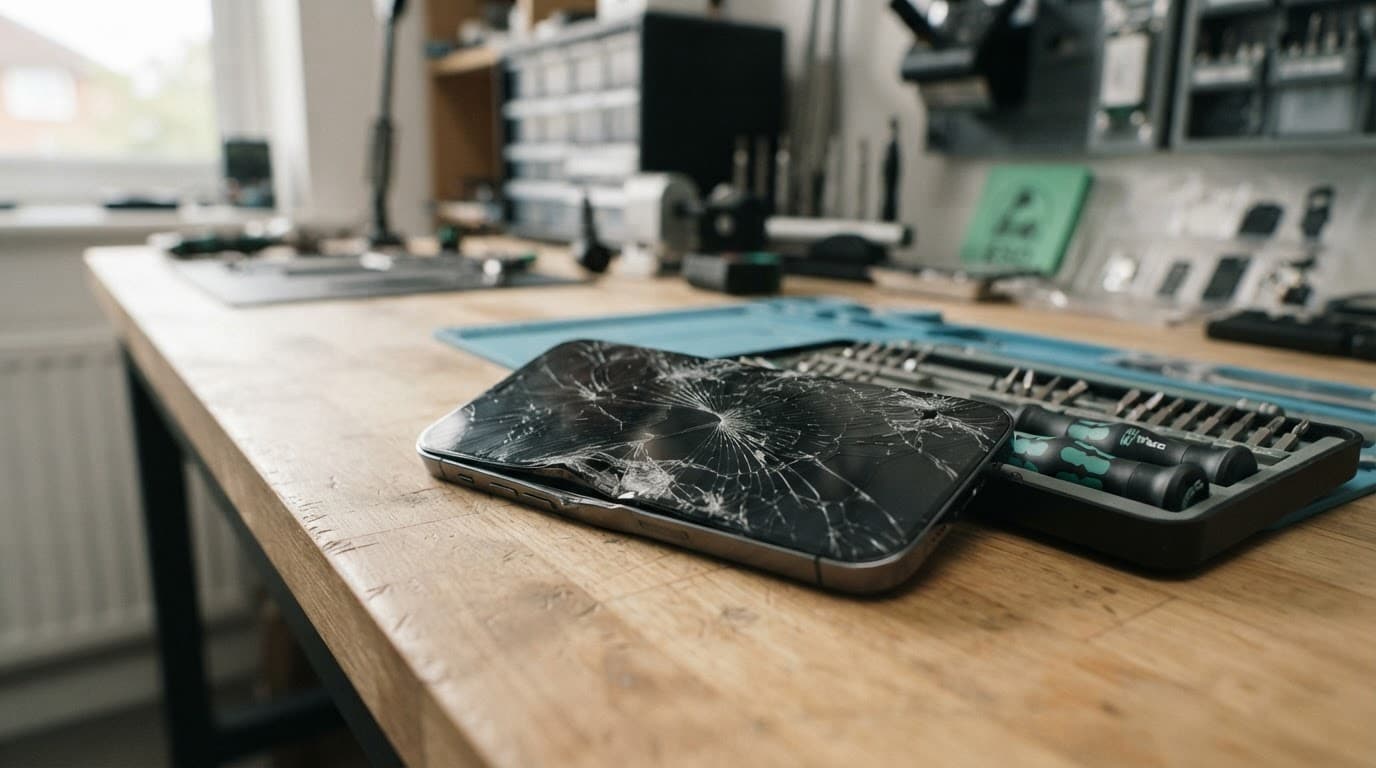
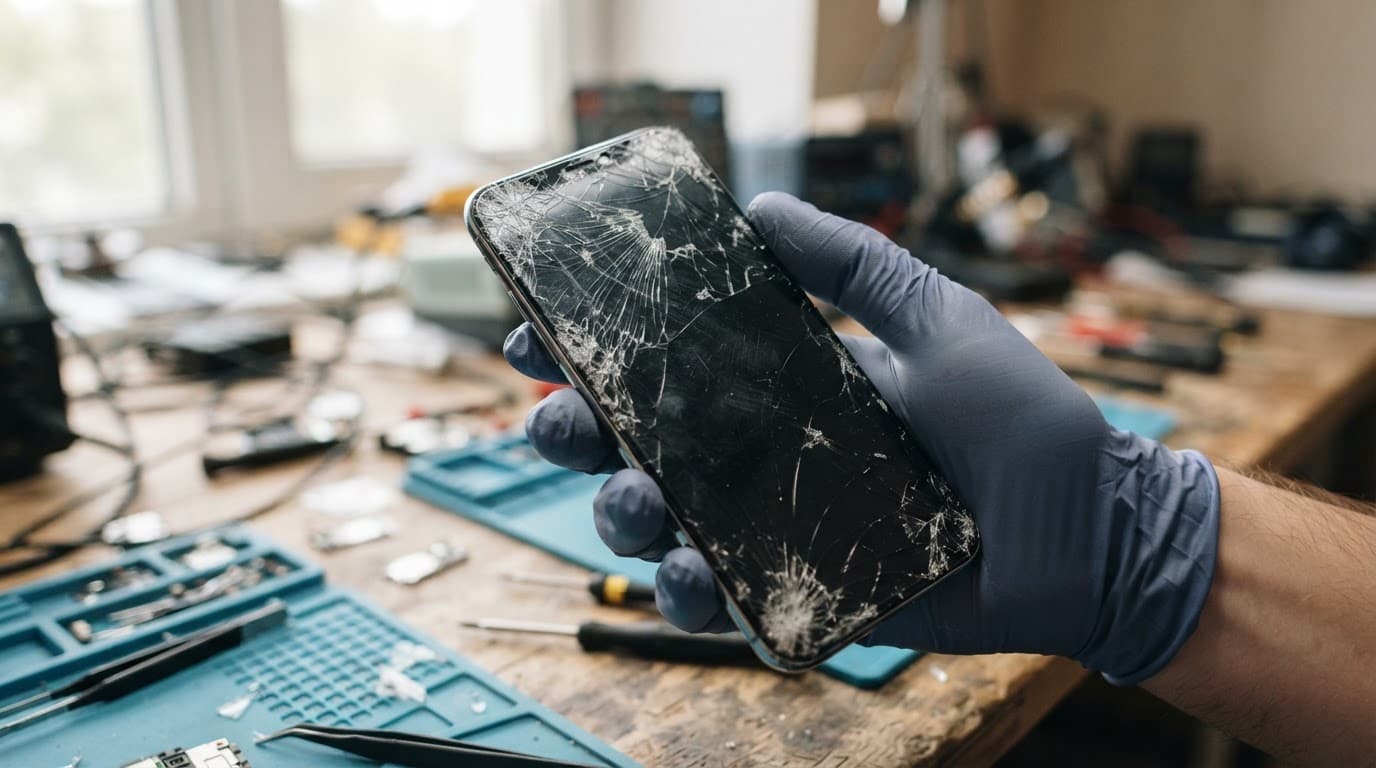
A website estimate can identify a likely repair, but it cannot test how the rest of the phone has responded to an impact. A cracked display may be the obvious problem, yet the drop can also affect components underneath.
The outside damage is only the first clue
An iPhone component fault after a drop may affect the screen, Face ID sensors, battery connection or charging circuit. On a Samsung, a Samsung component fault after a drop can involve the display connector, frame, button flex or charging port.
A Google Pixel component fault after a drop may appear as intermittent charging, repeated restarts or a black screen while the phone still vibrates. For iPad component faults, diagnosis often includes checking whether the screen, battery and housing have moved together.
A small bend matters because replacement parts need a sound surface. If a new screen sits against a distorted frame, it can develop pressure marks, touch problems or lifting around the edge.
The replacement part may not be the same
“Screen replacement” covers different parts and grades. Older phones often use LCD panels, whilst many newer iPhone and Samsung models use OLED screens. OLED panels usually cost more because they are thinner, brighter and more complex.
The quote may also change if the repair needs extra adhesive, a complete display assembly instead of glass-only work, or a replacement connector. A low headline price can leave out testing, fitting, the correct part grade or warranty cover.
What we test before confirming the price
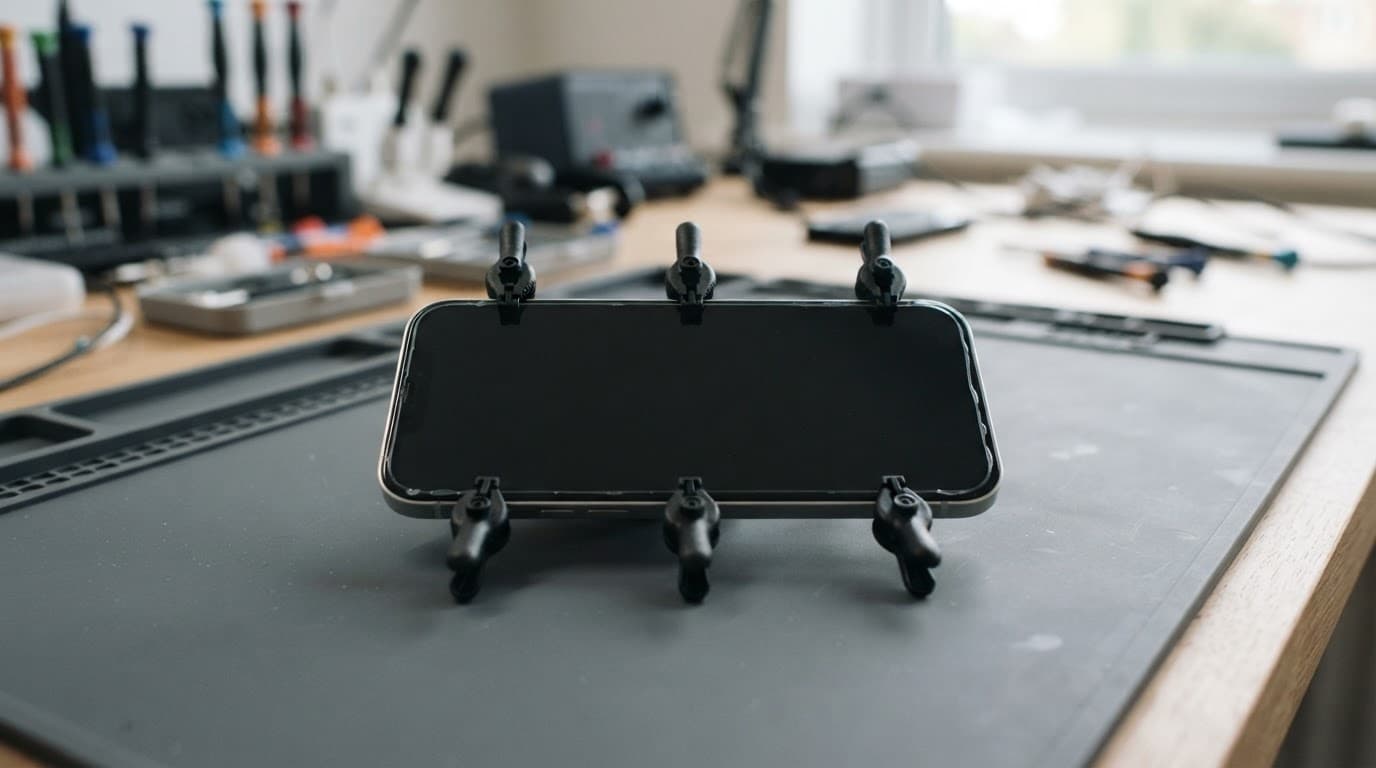
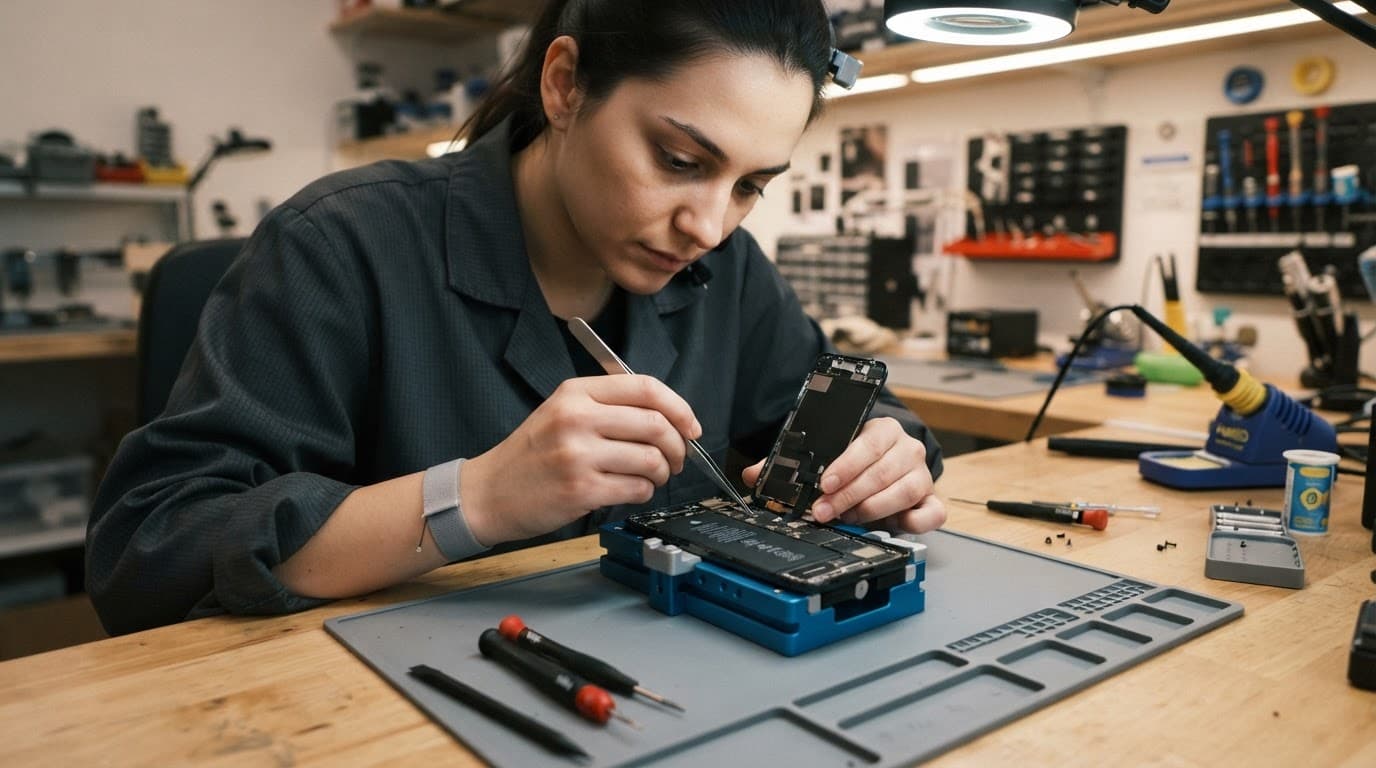
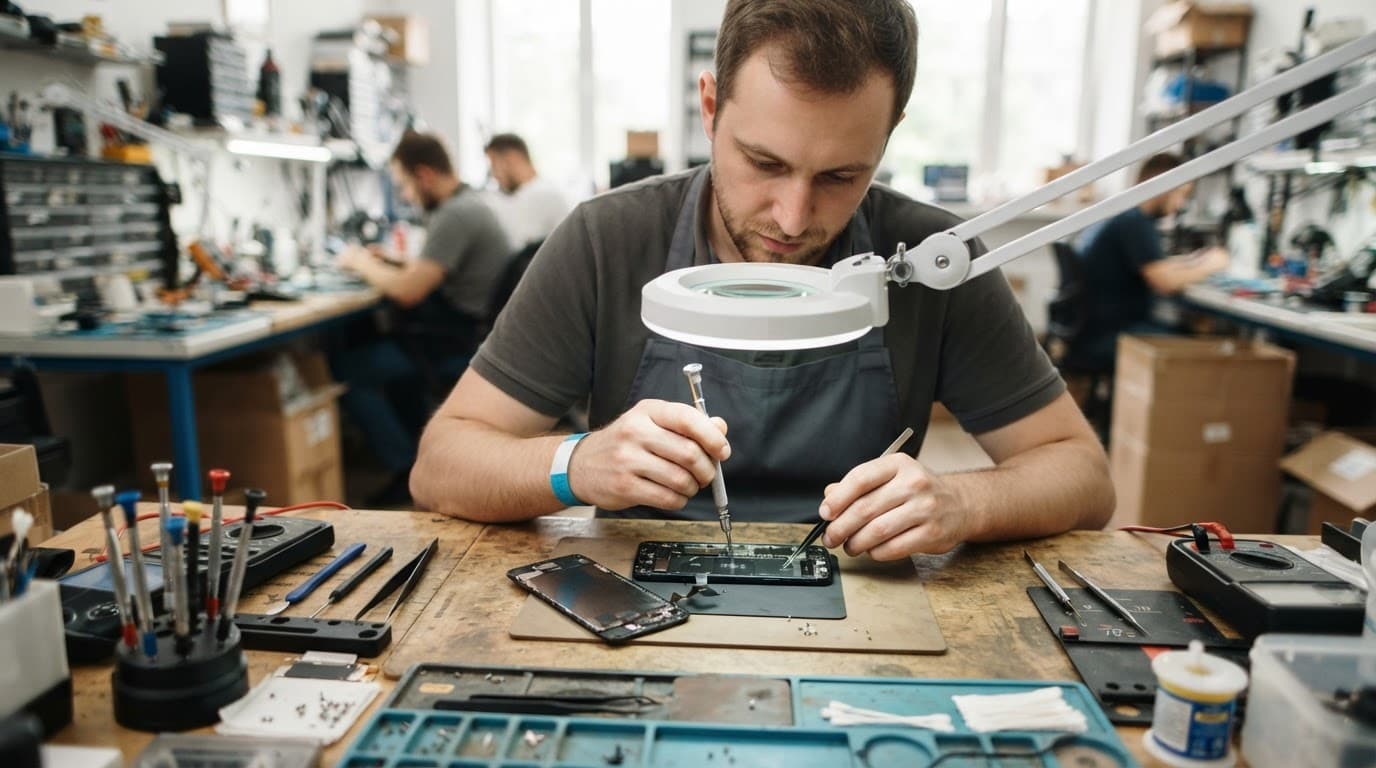
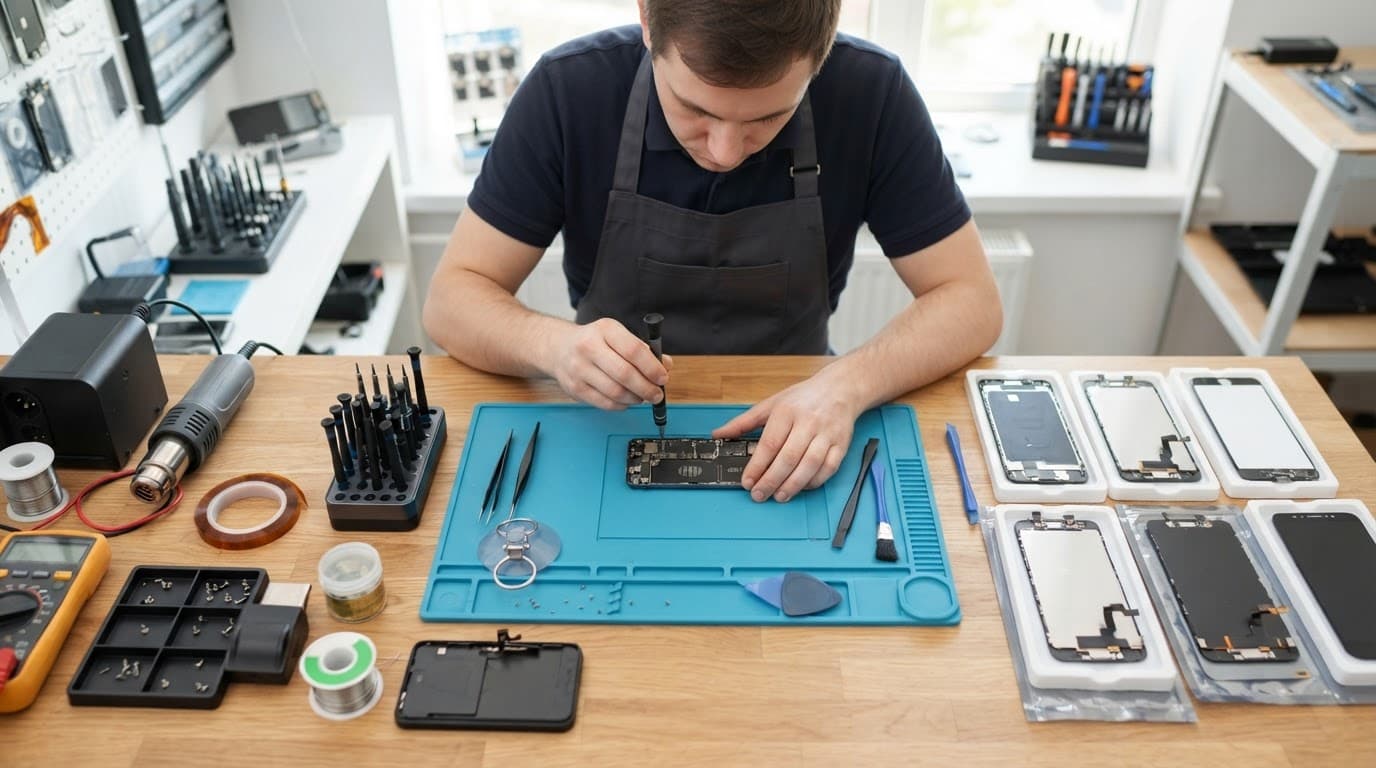
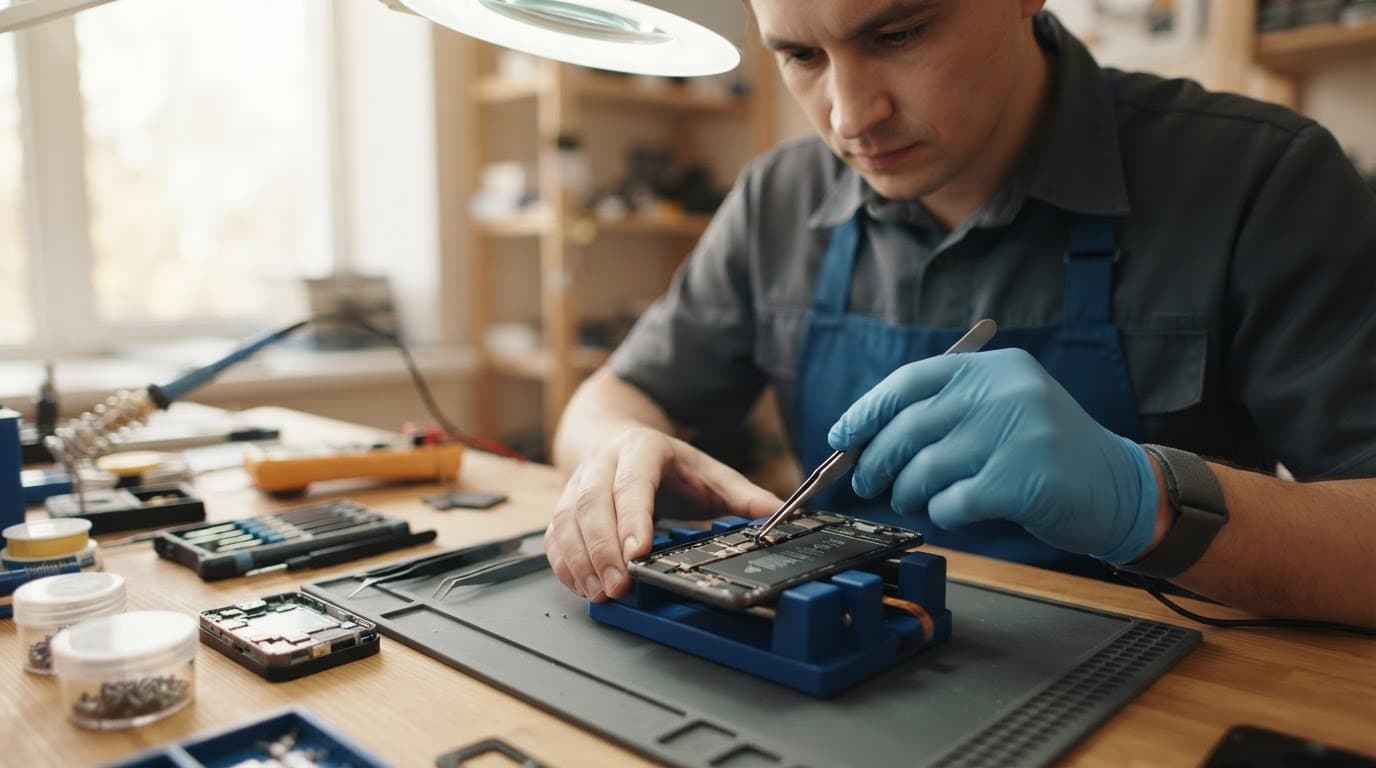
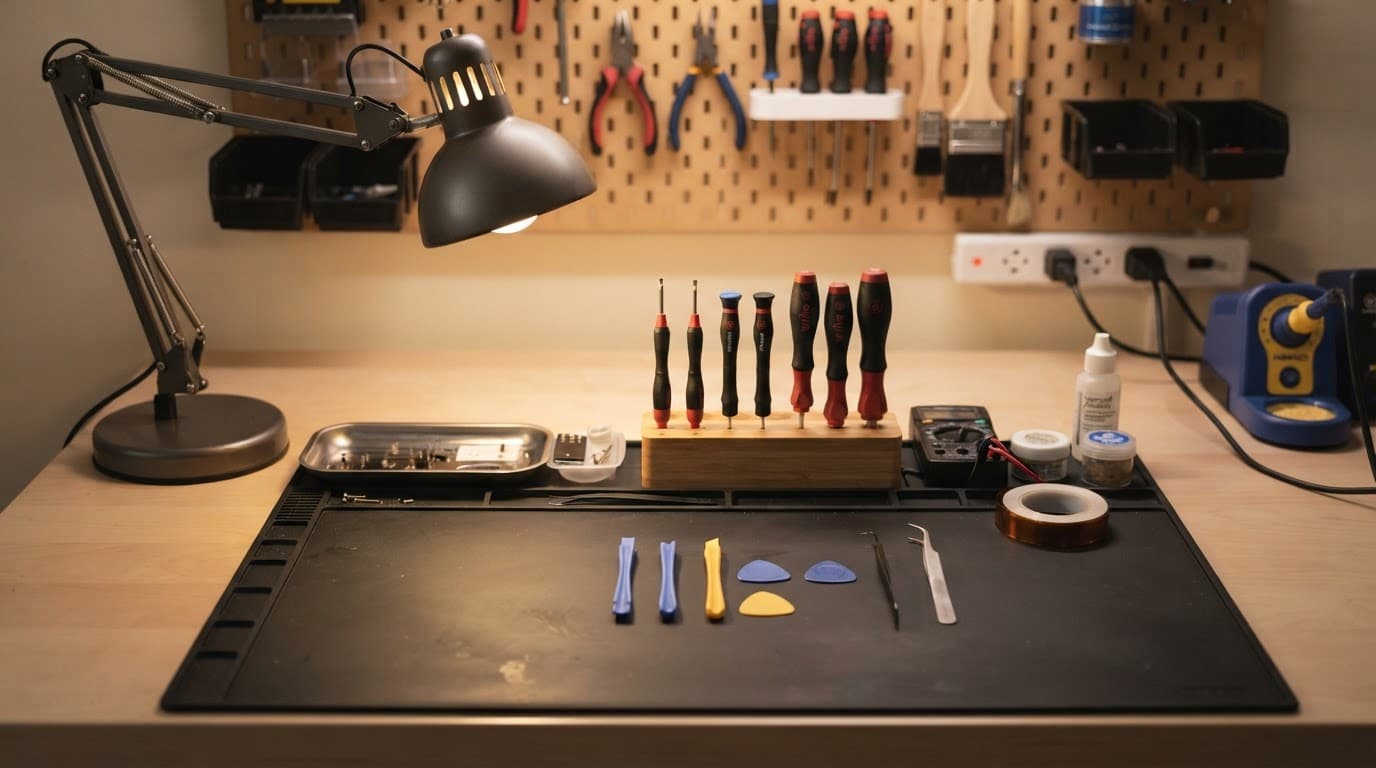
Our workshop checks the handset as a whole rather than quoting from the crack pattern alone. That approach gives you a more useful answer, even when the result is a higher figure.
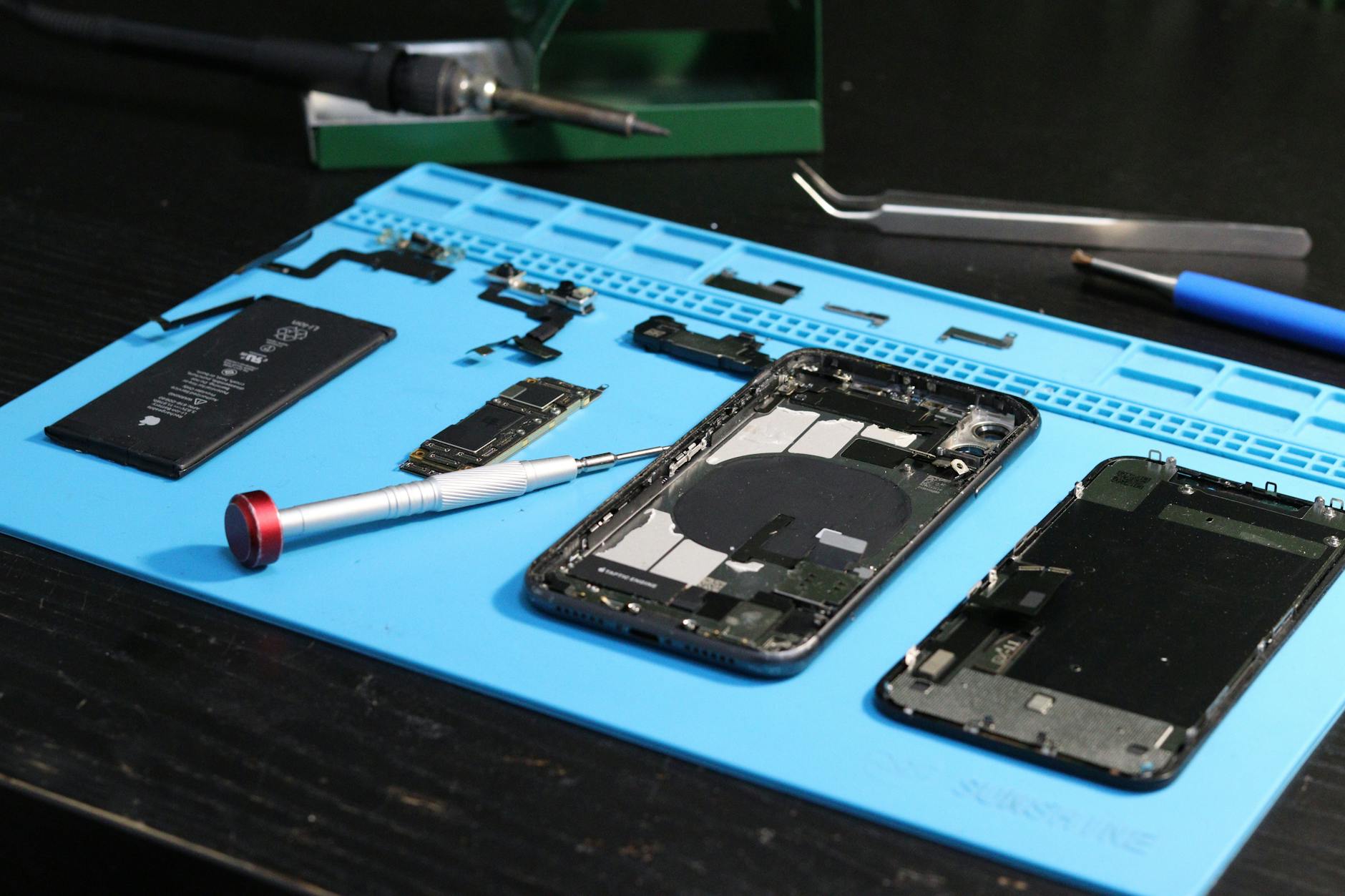
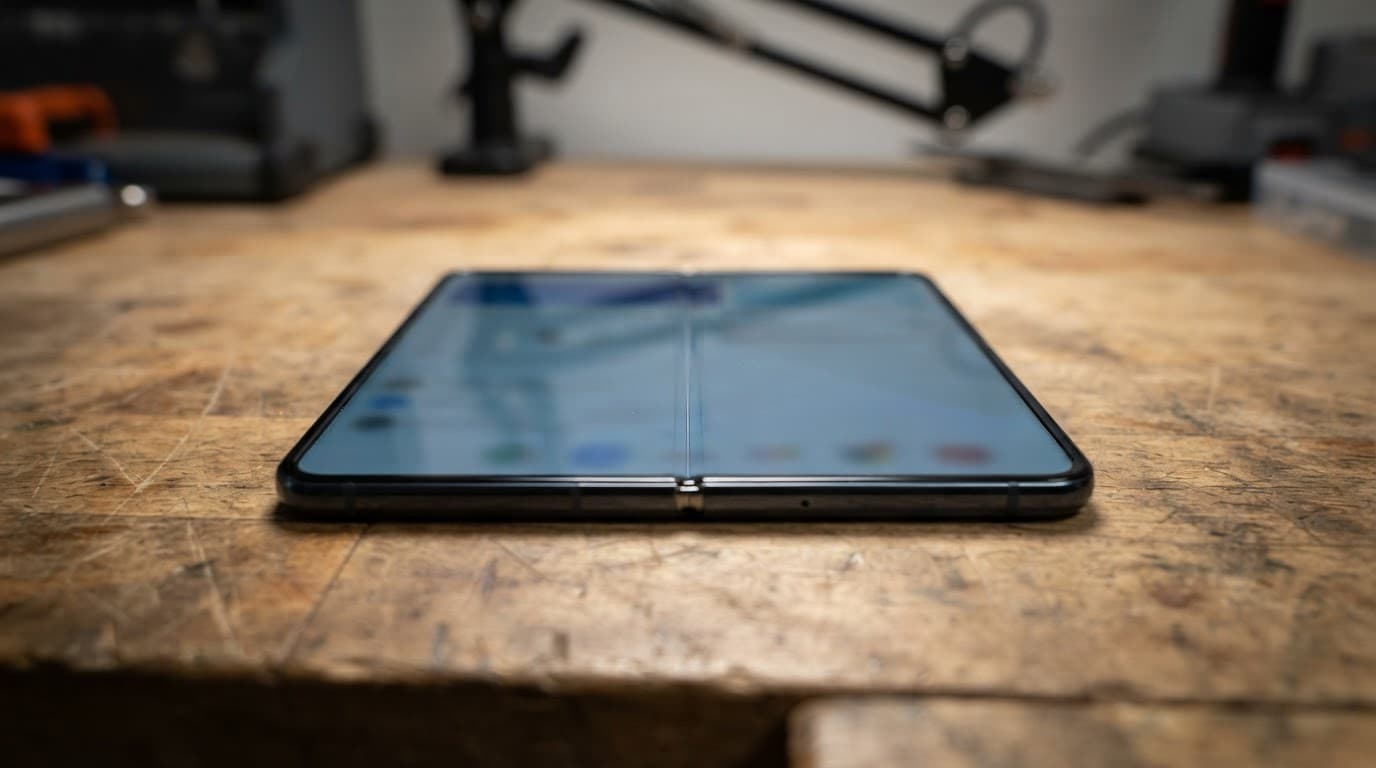
Photo by Fotografia Lui Vlad
Screen or display fault symptoms
We test touch response across the panel, brightness, colour, lines, dark patches and unexpected flickering. Common screen or display fault symptoms include:
- A black display while the phone still rings or vibrates.
- Green lines, black patches or unusual colours.
- Touch working in some areas but failing in others.
- Brightness that fades in and out.
- Ghost touches or taps registering by themselves.
These signs can point to a damaged panel, loose cable or frame pressure. If the display is completely dead, we test with known-good parts to separate a screen fault from a power or board problem.
Power and charging checks
A diagnosis for a device that won’t turn on or won’t charge starts with the battery, charging port, cable and power path. We check whether the phone draws power, whether the port holds the cable securely and whether corrosion is present.
A port clean may solve a phone that only charges at an angle because of compacted pocket lint. It won’t fix a damaged connector or liquid corrosion. When a fault reaches the circuit board, our guide to advanced phone fault diagnosis explains why the repair can require more specialist work.
A workshop example: one drop, several faults
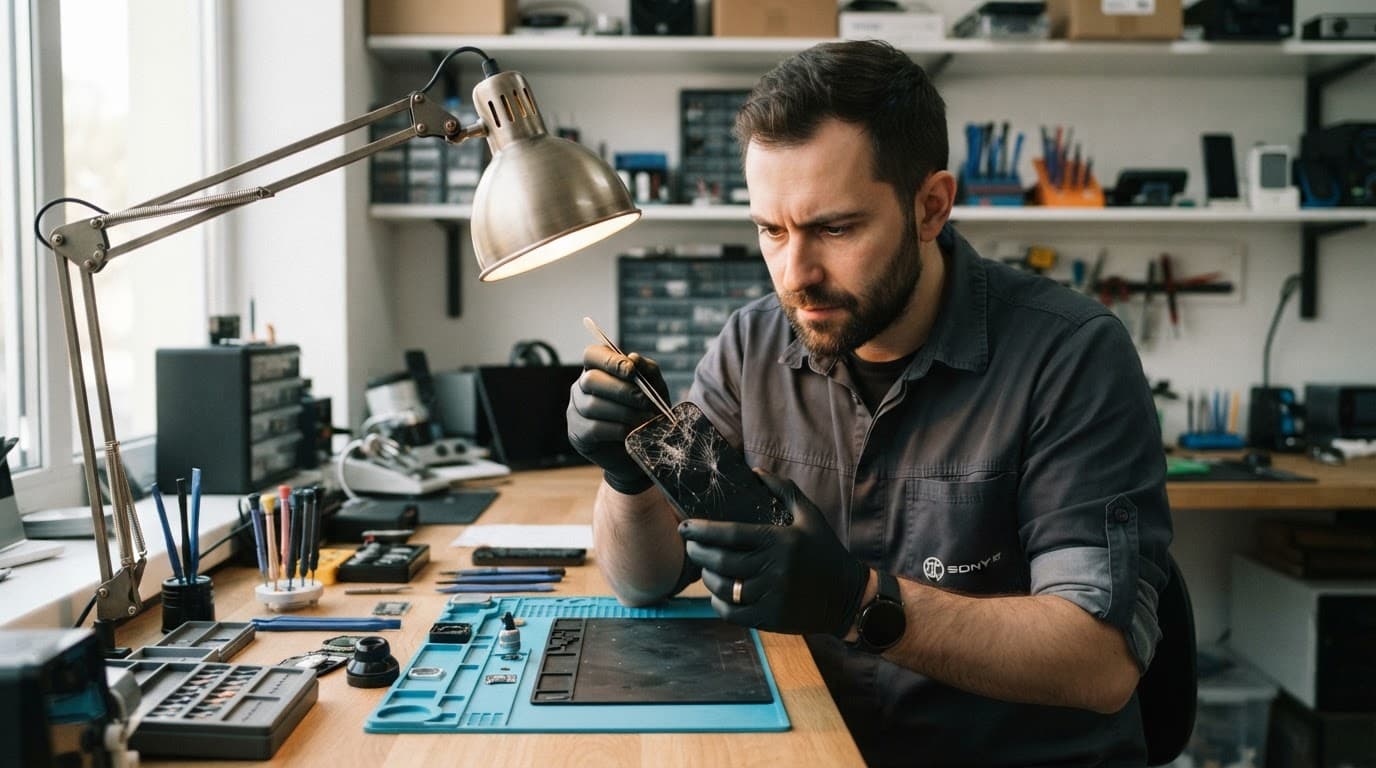
We recently inspected an iPhone 12 with shattered front glass. The image still appeared and most touch functions worked, so the customer expected a basic screen replacement.
Testing found dead touch areas near the impact point, along with a slightly disturbed display connection. The job needed a complete screen assembly, not a cosmetic glass fix. We also checked the frame before fitting the replacement, because a new panel would not sit correctly if the housing had bent.
When an iPhone stays completely dark after a fall, our guide to iPhone drop damage diagnosis covers safe checks before sending it in.
Typical UK repair costs and fair comparisons
These are our usual guide prices for common jobs. They are not fixed quotes, because the model and inspection result still matter.
| Repair type | Typical guide price | What may change it |
|---|---|---|
| Screen replacement | £60 to £180 | OLED type, model and frame damage |
| Battery replacement | £40 to £80 | Swelling, connector damage and model |
| Charging port repair | £50 to £90 | Corrosion, port design and board faults |
| Water-damage treatment | £60 to £120 | Corrosion and failed internal parts |
Premium OLED displays, bent housings and liquid damage can push the cost above these ranges. We confirm the fault and explain the revised options before proceeding.
Compare what each quote includes
When comparing phone repair quotes, check whether the price includes:
- The exact part grade and model-specific assembly.
- Labour, adhesive and post-repair testing.
- Warranty terms for both the part and fitting.
- Return postage and any inspection fee.
- What happens if the repair is declined.
At Repair My Crack, many eligible repairs include 12-month warranty cover, although terms vary by part. Premium and standard iPhone screens can have different cover, so we explain the applicable warranty before work begins.
Google’s official UK Pixel repair guidance also asks customers to select all known issues, since additional damage can affect the final repair charge.
When repair may not be sensible
Repair usually makes financial sense when the phone has one clear fault, a straight frame and a healthy battery. A screen replacement on a recent iPhone, Samsung or Pixel is often cheaper than replacing the handset.
We look at the phone’s age, current value, battery condition, cameras and other existing problems. An older device with a damaged screen, weak battery and charging fault may cost more to restore than it is worth. If insurance is involved, compare the confirmed price with your excess using our advice on phone repair versus insurance claims.
How to reduce surprises before repair
You can make the first quote more accurate by providing:
- The exact model, storage size if known and a clear photo of every damaged side.
- Details of when the fault started, especially after a drop or liquid exposure.
- Information about charging, cameras, buttons, touch and battery behaviour.
- A recent backup, if the phone still allows access to your data.
Don’t press down a lifting screen, straighten a bent frame or heat a wet phone. If it becomes hot, smells unusual or the battery area starts swelling, stop charging it and arrange an inspection.
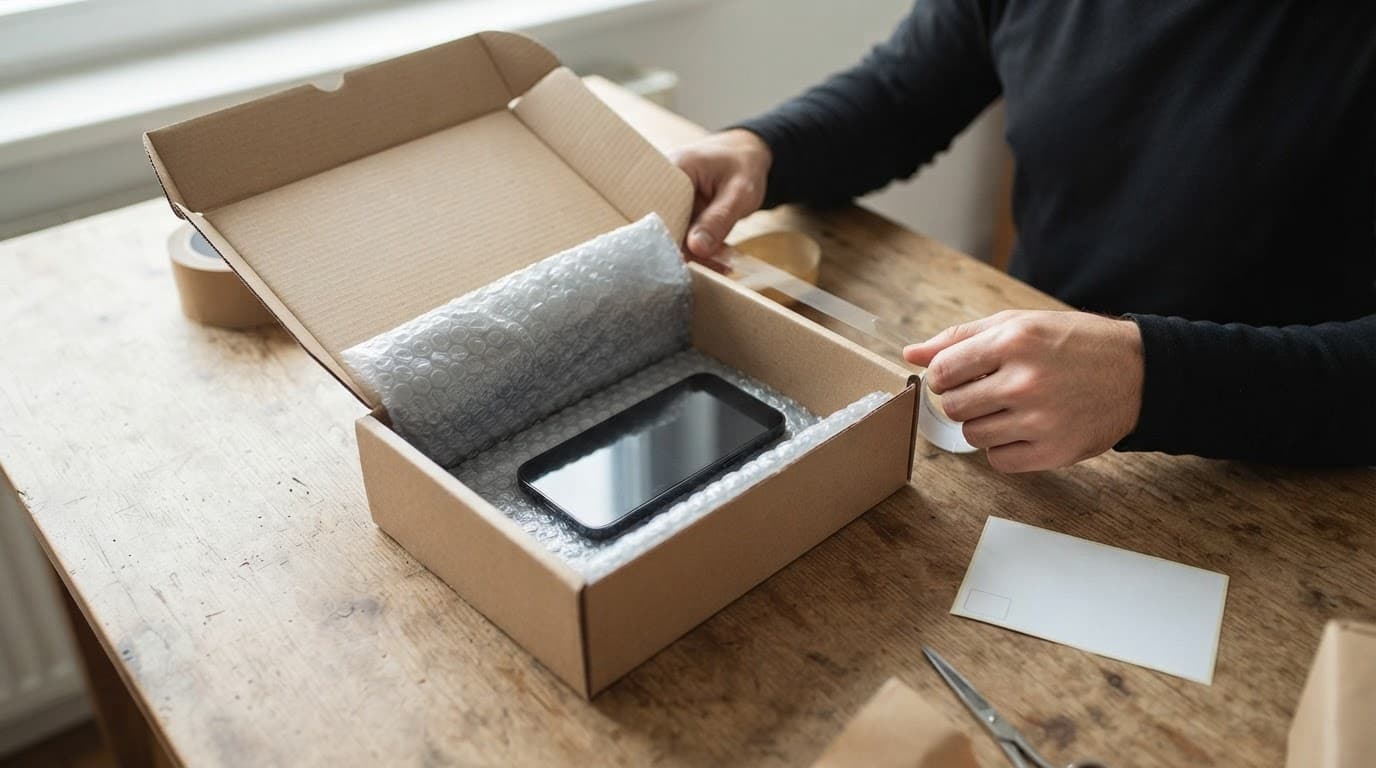
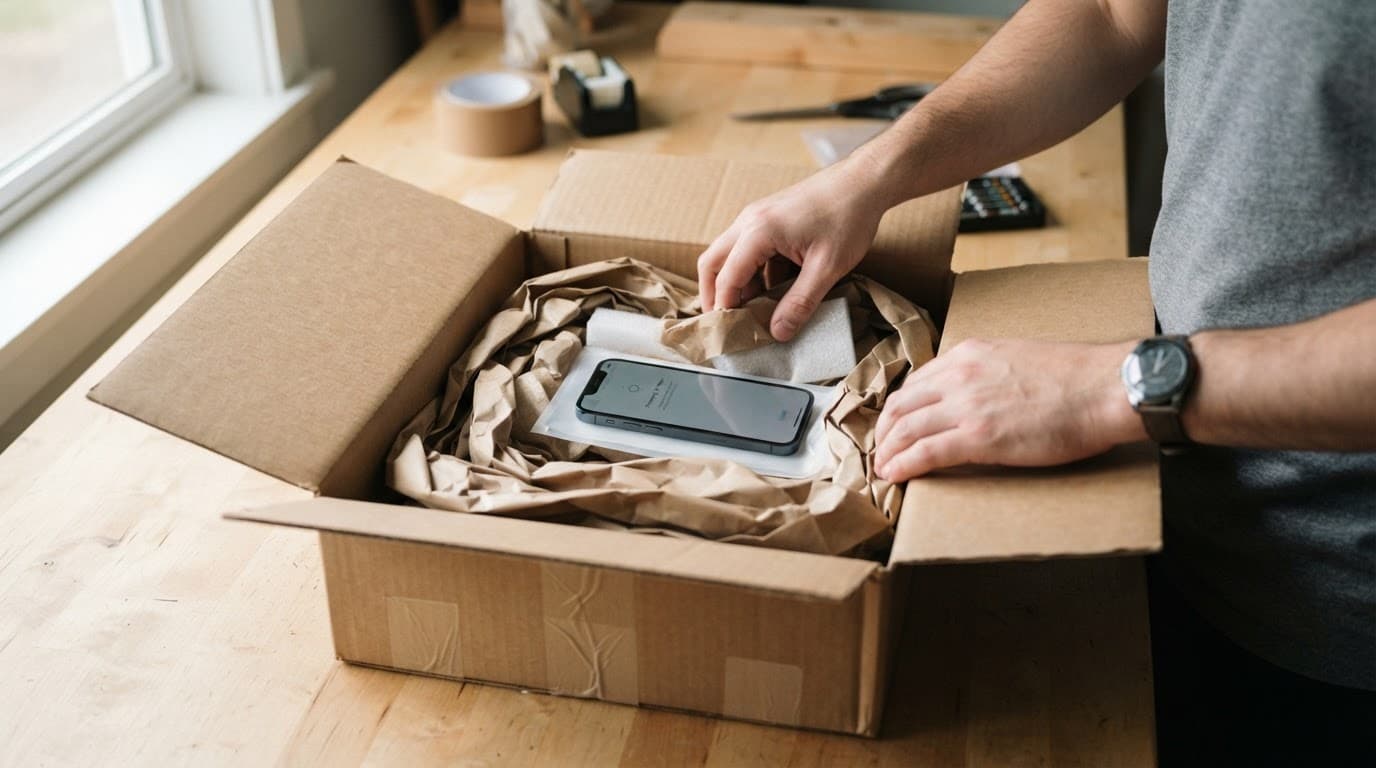
For postal repairs across the UK, we ask you to book online, package the device securely and include the order number. We aim to begin testing soon after it arrives, whilst appointment-only drop-ins are available at our Harlow, Essex workshop.
If testing finds no fault, an inspection fee may apply under our standard charges. If we find a different repairable fault, we contact you with the new choices rather than carrying on without approval.
Why an inspection protects your repair decision
A first estimate is useful, but it is based on limited information. The confirmed phone repair quote should reflect the actual model, part, damage and testing required.
A clear inspection helps you choose between repairing, claiming on insurance or replacing the handset. The strongest value usually comes from a repairer that explains what changed, uses suitable parts and provides clear warranty terms.
Use our Fix My Phone service when you’re ready to send a device in. We’ll assess the fault, explain the options and get it sorted as quickly as the condition and parts allow.
James Waterston, Device Repair Specialist at Repair My Crack