iPhone Silent Switch Not Working After A Drop: UK Repair Guide
Your phone slips out of your hand, lands on the corner, and suddenly the mute switch does nothing. It’s a bit of a nightmare, especially when everything else seems fine.
When an iPhone silent switch stops working after a drop, we usually find a physical fault, not a random setting. The good news is that many of these faults are fixable, and you often don’t need a replacement phone.
Why a dropped iPhone silent switch stops behaving
A fall can knock the side frame out by a tiny amount. That small shift is often enough to stop the switch moving properly, or stop it triggering the internal part underneath.
Sometimes the switch feels loose. Sometimes it feels normal, but the phone won’t mute. We’ve seen both. In most cases, the outside switch survives, but the bracket, flex cable, or frame takes the impact.
Before we open the phone, we try the simple stuff first:
- Remove the case, because some cases press against the switch after a knock.
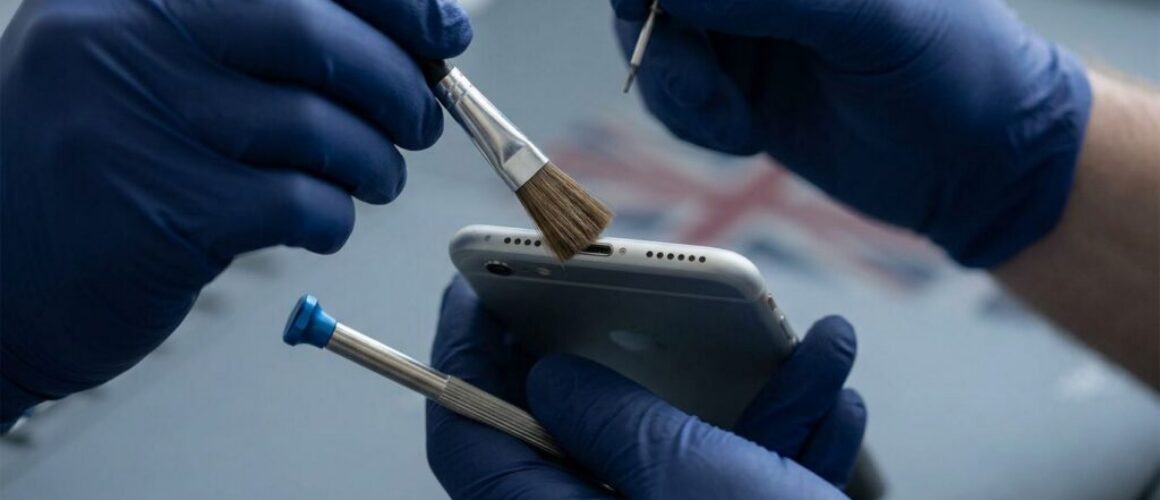
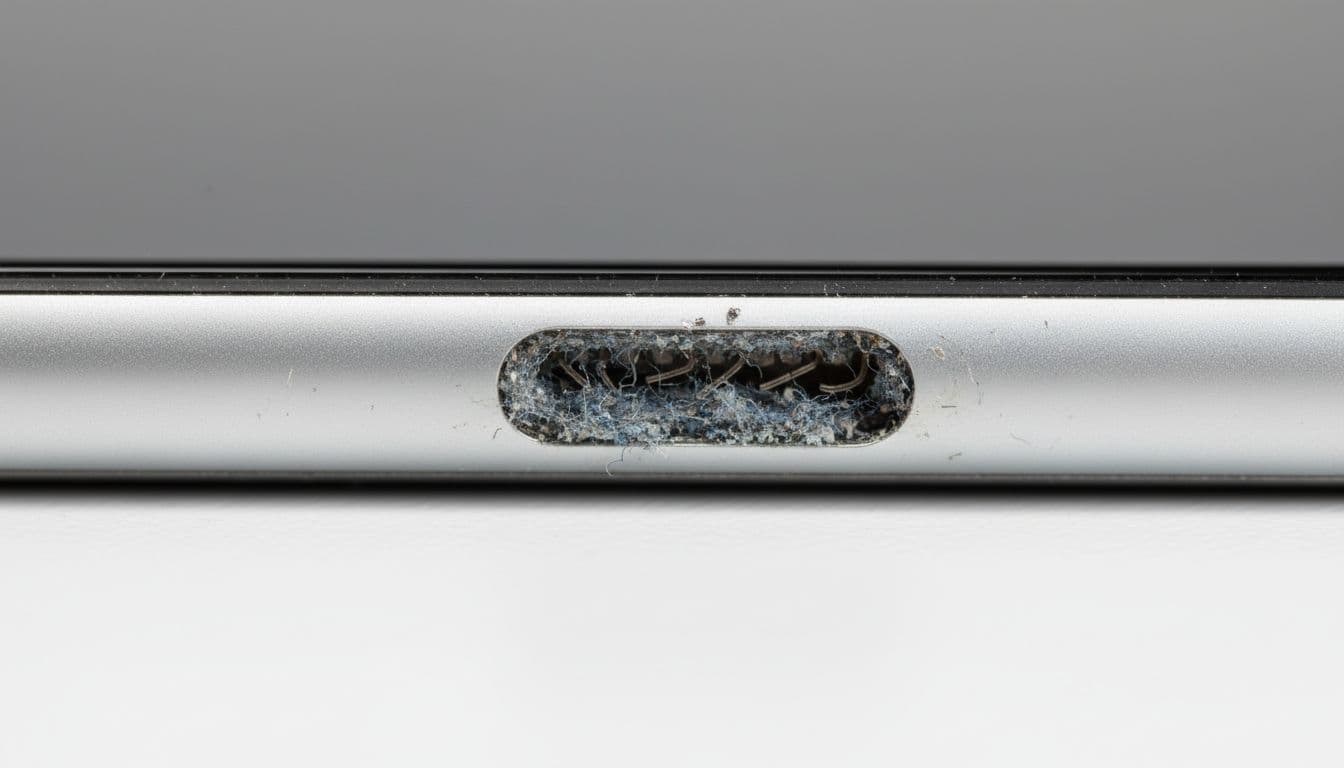
- Check the switch path for fluff, dust, or tiny bits of grit.
- Restart the phone and confirm iOS is up to date.
- Test volume, vibration, and speaker behaviour together.
Apple’s own UK sound troubleshooting steps are a sensible first check, especially if sound seems odd across the whole device.
If the switch stopped working the same day the phone hit the floor, we treat it as a hardware fault first.
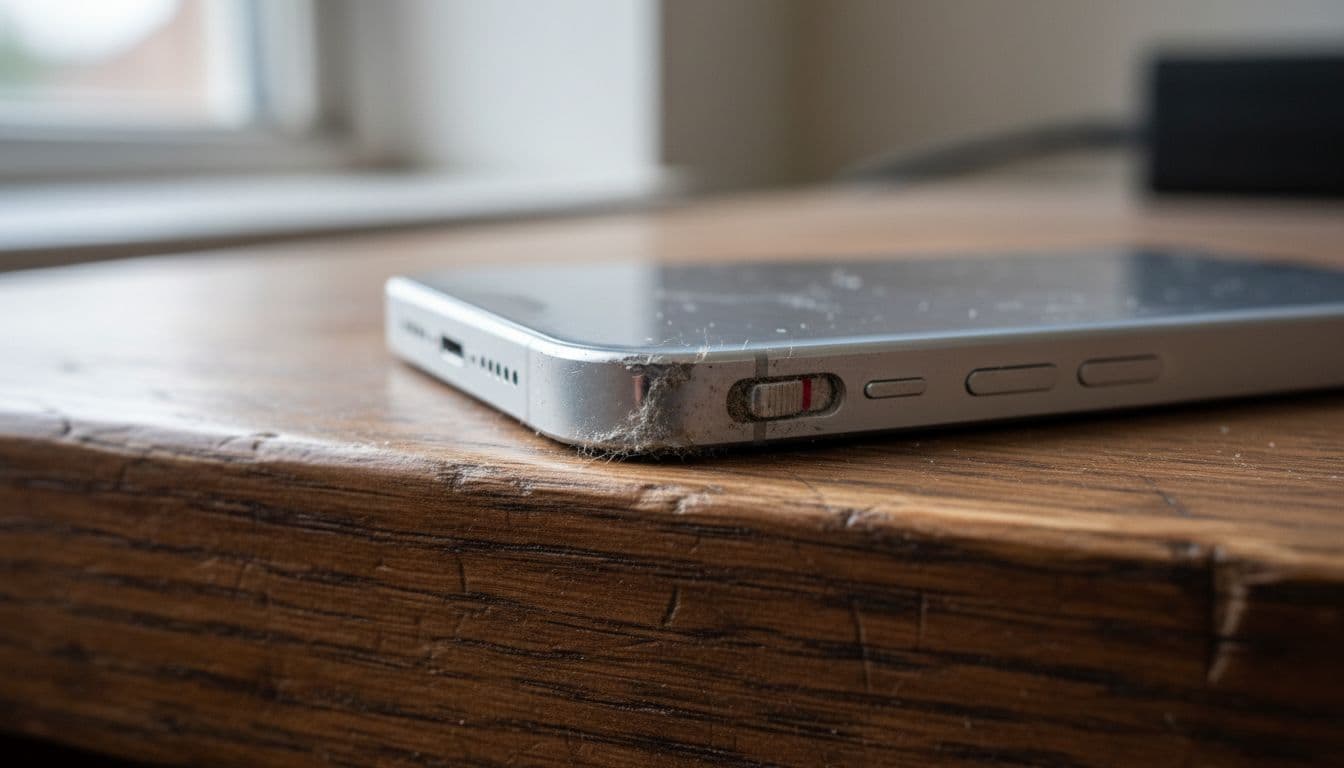
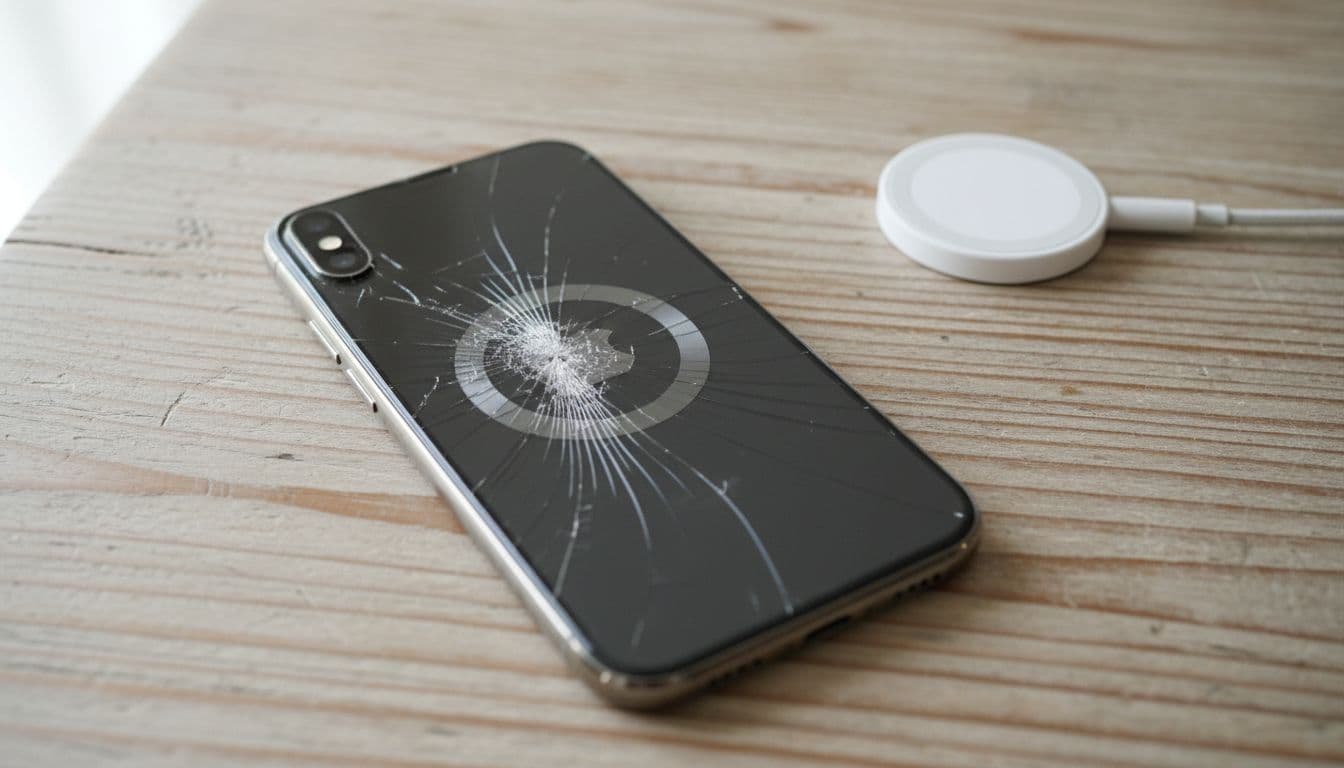
We also look at the frame. A bent edge can trap the switch, even if the display still lights up perfectly. That same drop often leads to a cracked iPhone screen repair as well, so the silent switch fault is rarely the only clue.
We see similar side-impact damage in Samsung phone repair UK jobs too. Different handset, same bad luck.
How we diagnose and repair the fault in the workshop
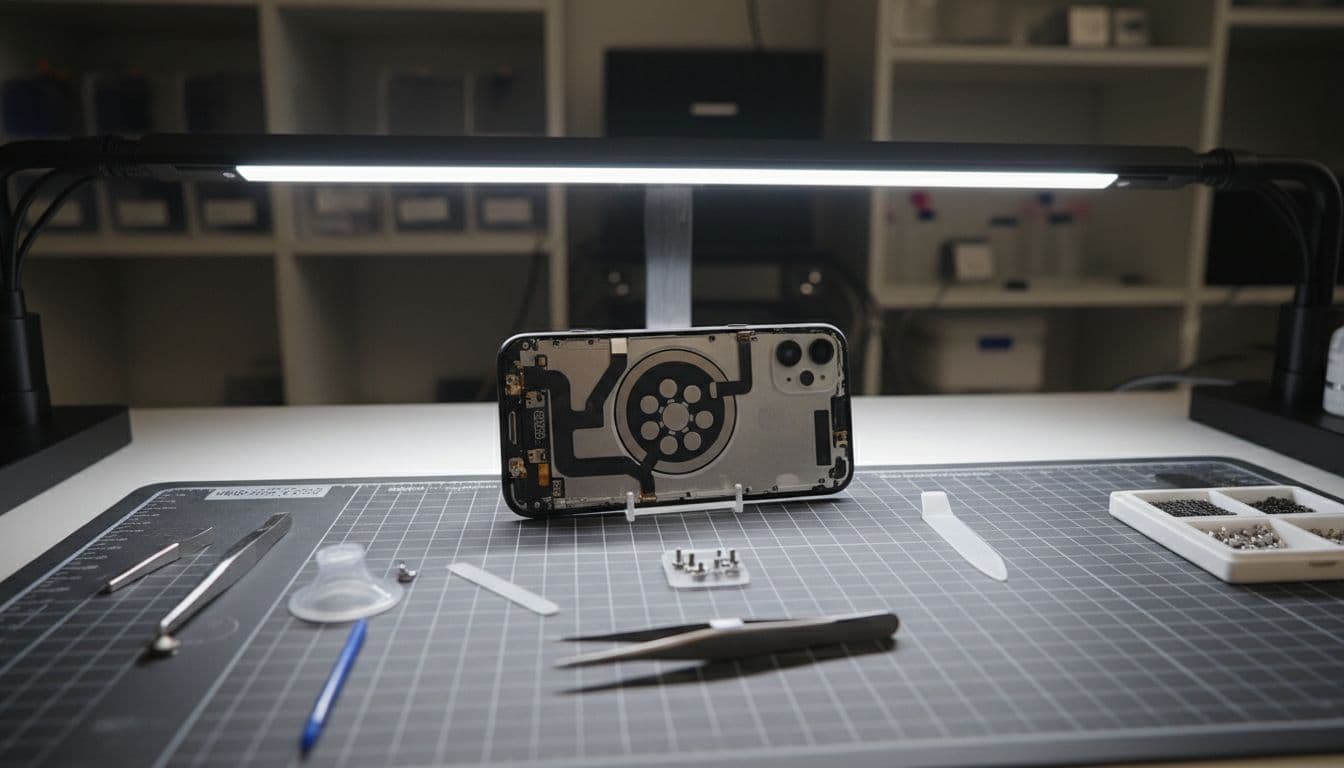
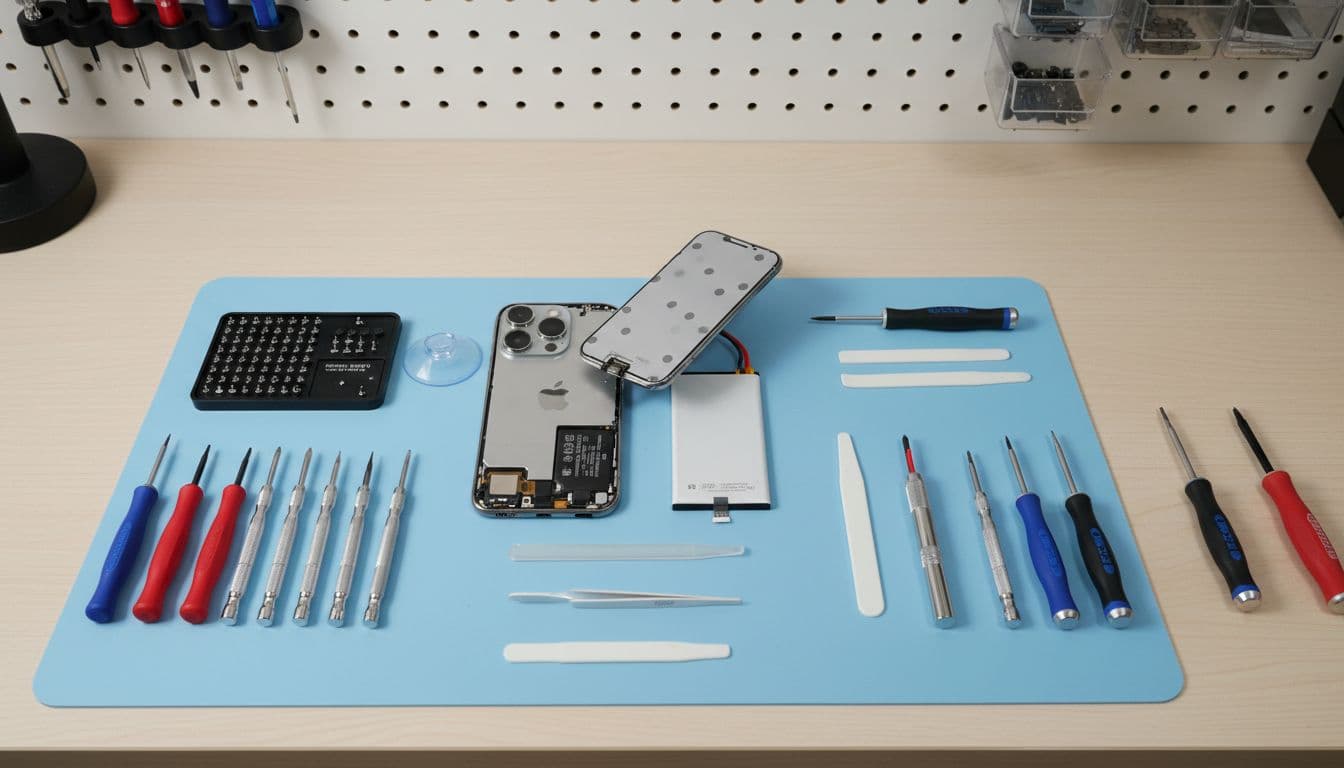
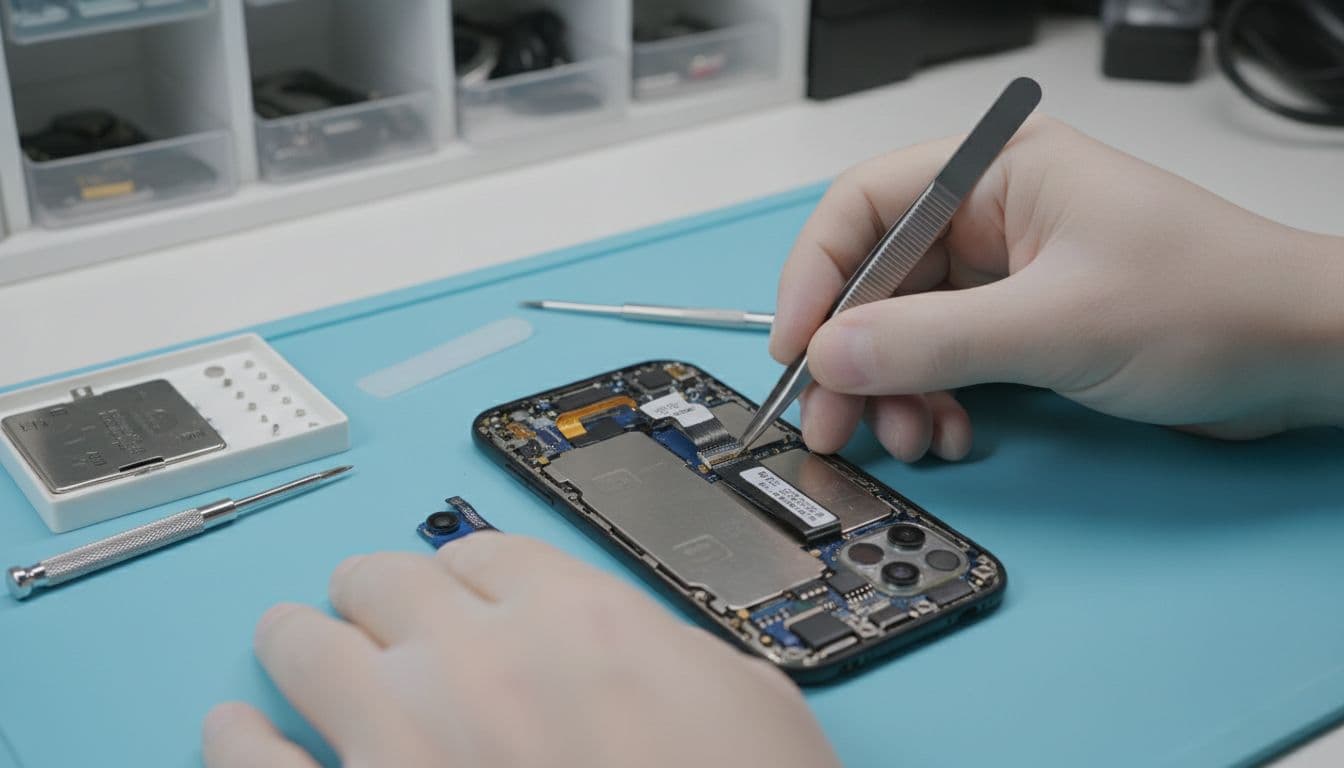
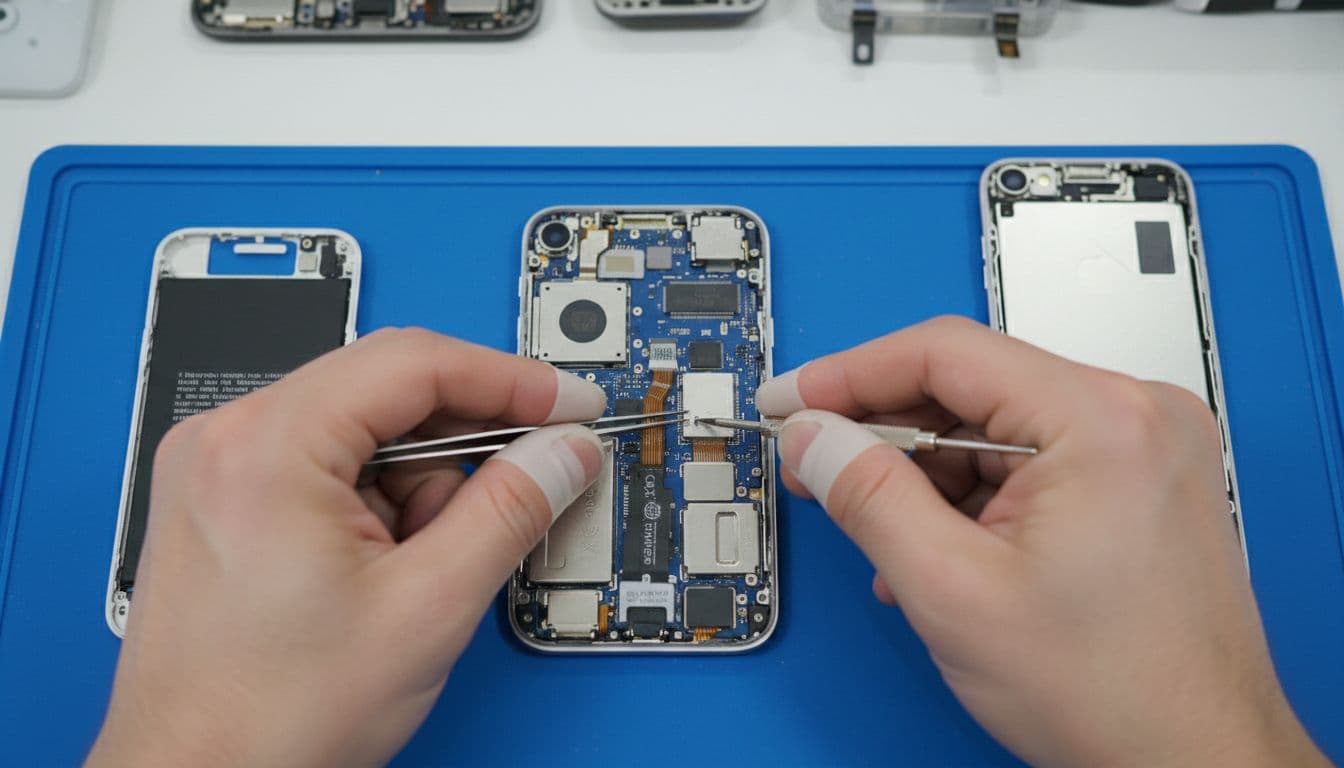
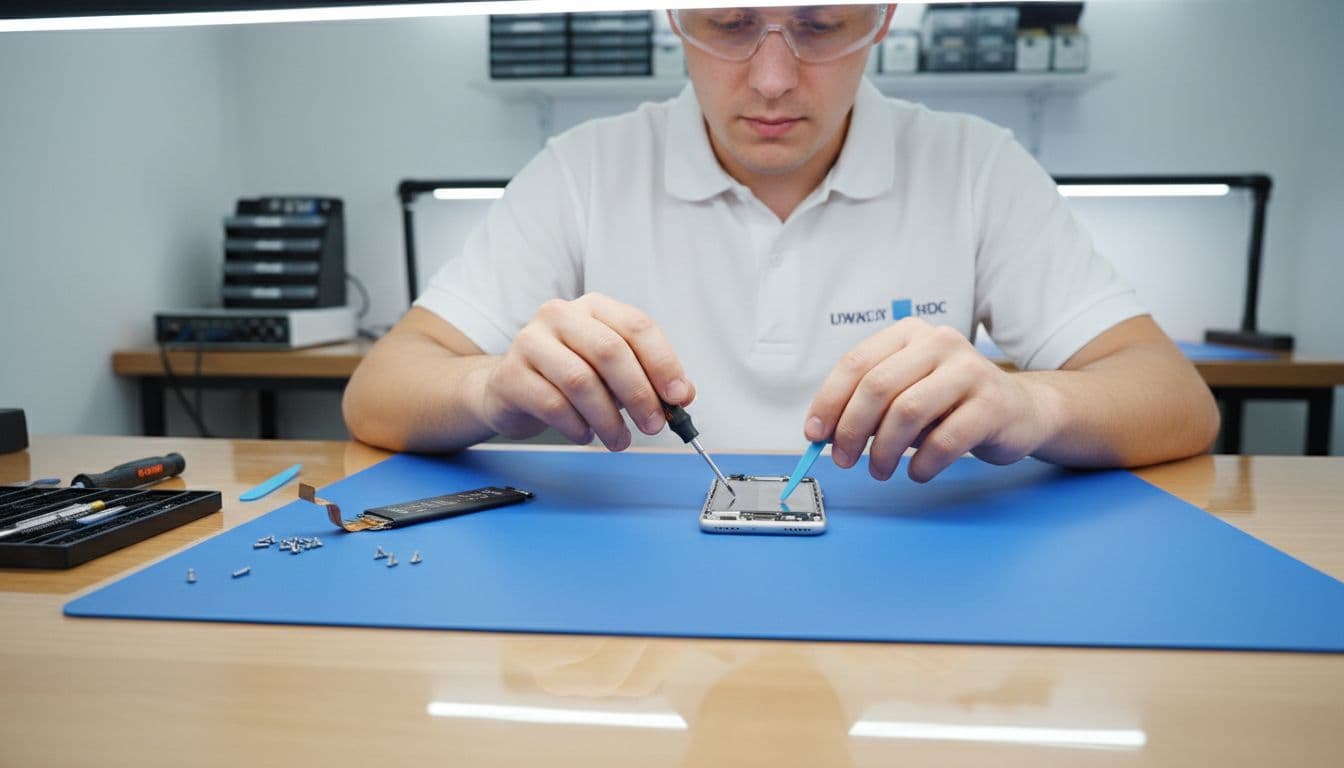
At the bench, we test more than the switch itself. We check frame alignment, button feel, vibration response, speaker output, and whether the switch still has full travel. If one corner is dented, we inspect that first, because impact on the frame often tells the whole story.
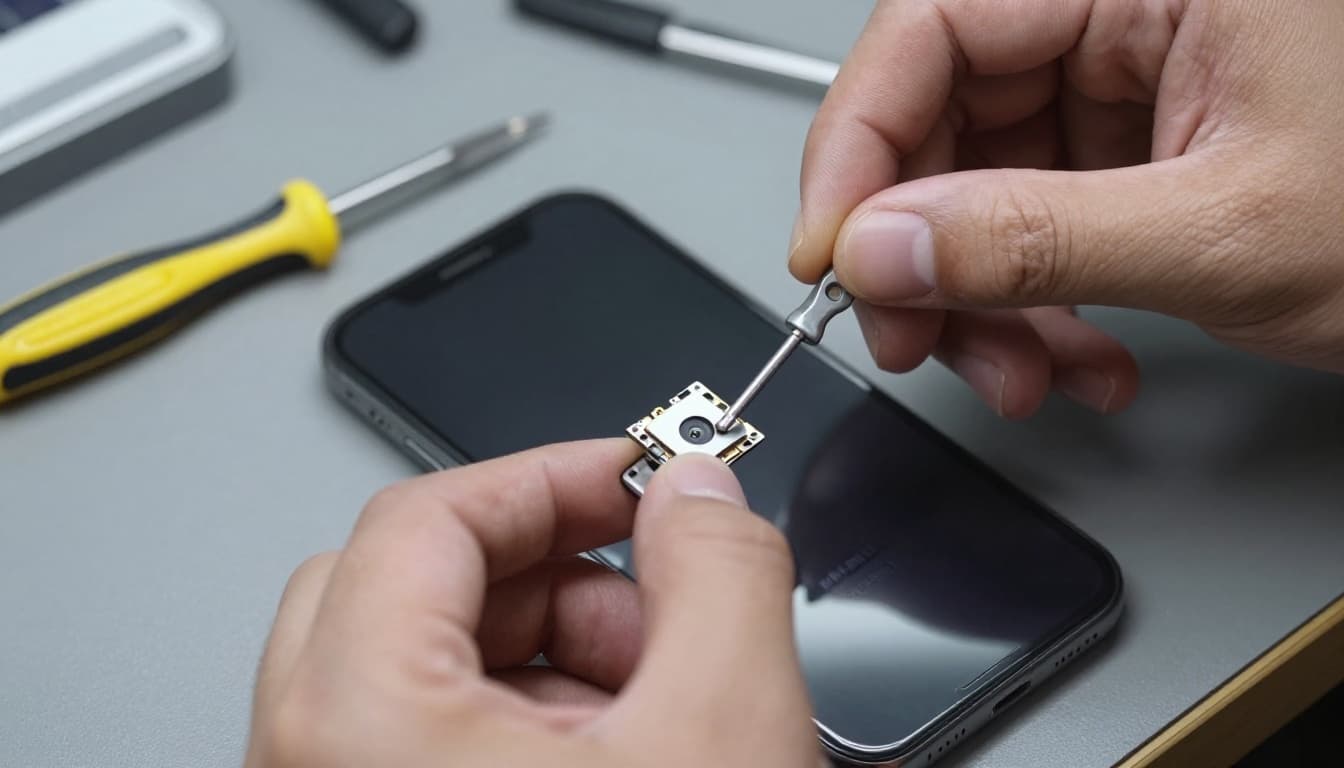
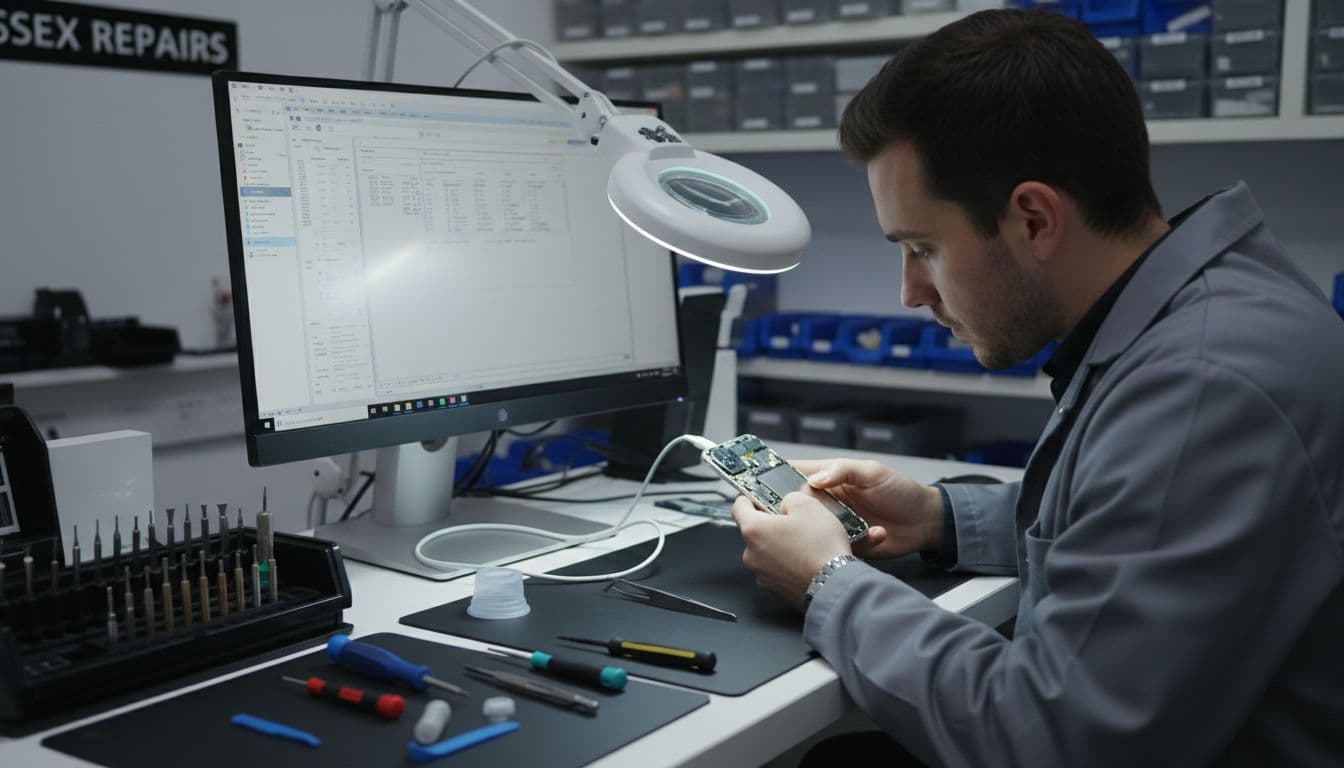
Last week, we had an iPhone 12 booked in through our phone repairs in Essex service. The customer said the mute switch had “gone dead” after a short drop in the kitchen. The switch moved, but it no longer changed modes. Once we opened it, the issue was clear. The internal flex had shifted, and the frame needed slight correction. After reassembly and testing, silent mode worked properly again.
If the screen is already chipped or lifting, we may need to remove it to access the switch area safely. That’s why a silent switch problem can overlap with iPhone screen repair UK work. The same goes for iPhone battery replacement UK jobs if the handset is already open and the battery health is poor.
Rarely, software muddies the water. Some owners mention odd behaviour in this Apple Community thread about an unresponsive Silent mode switch. Still, after a physical drop, hardware is the usual cause.
If you need a proper inspection, our iPhone repair in Essex service covers screen, battery, button and switch faults on the same booking.
Repair or replace, and what it usually costs in the UK
In plain English, a silent switch repair usually makes sense if the phone still works well otherwise. It’s often much cheaper than replacing the handset, and far less of a faff than moving everything to a new one.
Here’s the sort of range we normally discuss before testing confirms the exact fault:
| Repair type | Typical UK range | Notes |
|---|---|---|
| Silent switch or mute flex repair | £49 to £119 | Depends on model and access required |
| iPhone screen repair UK | £69 to £329 | OLED models cost more |
| iPhone battery replacement UK | £39 to £109 | Varies by model and battery type |
The pattern is simple. If the frame is badly bent, the board is damaged, or the phone has taken multiple hits, replacement may be the better call. If the rest of the device is healthy, repair is usually the smart move.
We handle mobile phone repair UK wide, not only local jobs. So if you’re searching for phone repair Essex options, you can book a drop-in in Harlow. If you’re farther away, our UK postal phone repair guide explains how the post-in process works. Our postal phone repair UK service is built for that, with tracked delivery and a clear booking process.
While you’re waiting, on-screen workarounds can help. This guide to temporary silent switch workarounds covers AssistiveTouch and other short-term options. They won’t fix a damaged switch, but they can keep the phone usable.
Quick questions we hear a lot
Can the switch fail even if the screen looks fine?
Yes. The side frame can shift without the display smashing. We see that often.
Is it safe to keep using the phone?
Usually, yes, for a short while. Still, if the frame is bent or the screen corner is lifting, don’t leave it too long.
Do we need to send accessories with a postal repair?
No. We only need the handset unless we ask for something else.
A dropped phone can look fine and still hide side-frame damage. When an iPhone silent switch stops working, the real job is finding out whether it’s trapped dirt, a bent housing, or an internal part that’s moved.
If your phone is stuck in loud mode right now, book online, visit us in Harlow, or send it in by post and we’ll get it sorted as quickly as we can.
James Waterston, Device Repair Specialist at Repair My Crack