Why Choose Trusted Phone Repair Essex for Your Device Needs
Your smartphone has become one of the most important tools in modern life. It is no longer simply a device used for calls and texts. Today, people rely on their phones for work, banking, online shopping, social media, navigation, photography, entertainment, and communication with family and friends. Many people in Essex also use their phones to manage appointments, run businesses, and store important memories in the form of photos and videos.
Because smartphones play such a major role in everyday life, even a small fault can become extremely frustrating. A cracked screen can make typing difficult, a failing battery can leave you stranded without communication, and water damage can completely stop a device from functioning. When problems happen, finding a trusted phone repair Essex service becomes incredibly important.
At Repair My Crack, we understand how disruptive phone issues can be. That is why we focus on delivering fast, professional, and reliable repair services for customers throughout Essex. Whether you own an iPhone, Samsung Galaxy, Google Pixel, Huawei, or another major smartphone brand, our technicians are trained to diagnose and repair a wide range of faults.
In this guide, we will explore why professional repairs matter, the most common smartphone issues, how the repair process works, what makes a repair company trustworthy, and how you can keep your device working efficiently for longer.
Why Professional Trusted Phone Repair Essex Matters
When a phone breaks, many people consider attempting a repair themselves. Online tutorials and cheap repair kits may make DIY fixes seem straightforward. However, smartphones are highly delicate devices with intricate internal components. Even a small mistake during a repair can lead to permanent damage.
Choosing a professional trusted phone repair Essex service ensures your device receives expert care from trained technicians.
Avoiding Further Damage
Modern smartphones are designed with tightly packed internal components. Opening a phone incorrectly can damage connectors, tear delicate cables, or puncture the battery. A repair that initially seemed minor can quickly become far more expensive if mistakes are made.
Professional technicians use specialist tools and proper repair techniques to avoid causing additional issues. This reduces risk and helps ensure your device is repaired correctly the first time.
Maintaining Device Performance
Cheap replacement parts may seem attractive because of the lower cost. Unfortunately, low-quality screens, batteries, or charging ports can reduce your phone’s performance and reliability.
Poor-quality screens may have weak brightness, inaccurate colours, or unresponsive touch sensitivity. Inferior batteries can overheat or lose charge quickly. Low-grade charging ports may fail after only a short period of use.
A trusted phone repair Essex provider uses high-quality replacement components that maintain your device’s functionality and lifespan.
Protecting Your Personal Data
Smartphones often contain highly personal information, including:
- Banking apps
- Emails
- Passwords
- Photos and videos
- Business documents
- Personal contacts
- Social media accounts
Choosing an experienced repair company gives you peace of mind that your data will remain secure throughout the repair process.
Saving Money in the Long Run
Although DIY repairs or unprofessional repair shops may initially appear cheaper, poor repairs often lead to repeated faults and extra costs. A professional repair completed properly can extend your device’s lifespan significantly, making it a more cost-effective solution over time.
Faster and More Reliable Results
Experienced repair technicians can diagnose and repair faults quickly because they work with smartphone issues every day. Many trusted phone repair Essex services can complete common repairs, such as screen or battery replacements, on the same day.
This minimises disruption and allows you to return to normal life much sooner.
Common Issues Requiring Trusted Phone Repair Essex
Smartphones are advanced devices, but they are still vulnerable to wear, accidents, and hardware failures. Some problems are more common than others, and professional technicians in Essex regularly repair a wide range of faults.
Cracked or Shattered Screens
Screen damage is one of the most frequent reasons people seek trusted phone repair Essex services.
Phones are carried everywhere, which means they are easily dropped onto hard surfaces such as pavements, tiled floors, and roads. Even with protective cases, screens can crack or shatter.
A damaged screen can cause:
- Reduced touchscreen responsiveness
- Sharp glass edges
- Black spots or lines on the display
- Flickering screens
- Difficulty reading content
- Complete display failure
Professional repair technicians can replace damaged screens using high-quality components that restore the appearance and usability of the device.
Battery Problems
All smartphone batteries naturally degrade over time. After repeated charging cycles, batteries gradually lose their ability to hold power efficiently.
Common signs of battery failure include:
- Rapid battery drain
- Unexpected shutdowns
- Overheating
- Slow charging
- Swollen batteries
- Phones only working while plugged in
A professional battery replacement can dramatically improve your device’s performance and daily reliability.
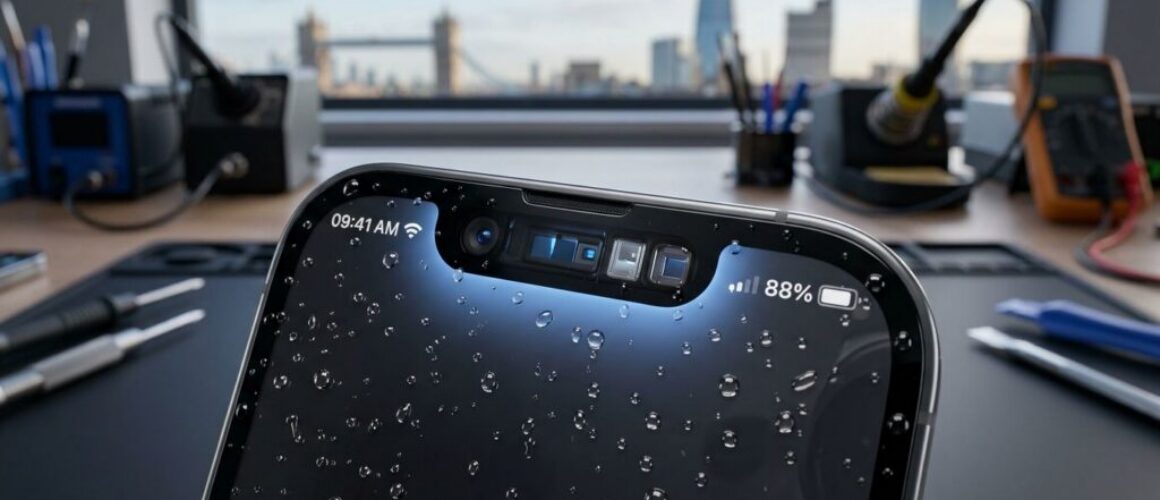
Water or Liquid Damage
Water damage is another major issue affecting smartphones. Phones are commonly damaged by:
- Rain exposure
- Spilled drinks
- Toilets or sinks
- Swimming pools
- Condensation
- Wet pockets or bags
Although some phones are marketed as water-resistant, no smartphone is completely waterproof. Liquid exposure can corrode internal circuits and damage important components.
Fast action is essential. A trusted phone repair Essex specialist can clean and inspect internal components to improve the chances of saving the device.
Charging Port Issues
Charging ports experience constant wear from daily use. Dust, dirt, lint, and repeated cable insertion can all contribute to problems.
Signs of charging port damage include:
- Loose charging cables
- Intermittent charging
- Slow charging speeds
- Device not charging at all
- Need to hold the cable in a certain position
Professional technicians can clean, repair, or replace damaged charging ports safely.
Camera Problems
Smartphone cameras are now essential for photography, video calls, social media, and work-related communication.
Camera faults may include:
- Blurry images
- Black camera screens
- Cracked camera lenses
- Autofocus problems
- Camera app crashes
Trusted phone repair Essex technicians can diagnose whether the issue is software-related or requires hardware replacement.
Speaker and Microphone Faults
If your phone’s sound quality becomes distorted or calls become difficult, your speakers or microphones may require repair.
Problems can include:
- Crackling audio
- Muffled sound
- Low volume
- No sound during calls
- Microphone not picking up voice properly
Professional repairs restore clear communication and audio functionality.
Software Problems
Not every phone issue is hardware-related. Software problems can also cause serious frustration.
Common software issues include:
- Phones freezing
- Apps crashing
- Slow performance
- Boot loops
- Software update failures
- Virus or malware problems
Experienced technicians can troubleshoot software faults and restore stable performance.
Benefits of Choosing Trusted Phone Repair Essex
Selecting a professional repair company offers many important advantages.
High-Quality Replacement Parts
At Repair My Crack, we use premium replacement parts designed to match the original device specifications as closely as possible.
This ensures:
- Better durability
- Improved screen quality
- Reliable battery life
- Consistent performance
- Longer-lasting repairs
Experienced Technicians
Professional technicians repair phones every day and understand the complexities of modern devices.
This experience allows them to:
- Diagnose faults accurately
- Complete repairs efficiently
- Avoid unnecessary damage
- Identify hidden issues
- Deliver reliable long-term solutions
Faster Turnaround Times
Many people cannot afford to be without their phones for several days. A trusted phone repair Essex provider understands this and prioritises quick turnaround times.
Many common repairs can be completed within a few hours.
Warranty Protection
Reliable repair companies stand behind their work by offering warranties on parts and labour.
This gives customers confidence that repairs have been completed professionally.
Better Value Than Replacing Your Phone
Buying a new smartphone can be extremely expensive. Professional repairs are often far more affordable and can extend the life of your current device considerably.
Repairing your phone instead of replacing it can save hundreds of pounds.
Environmentally Friendly Choice
Repairing devices also helps reduce electronic waste.
Millions of phones are discarded every year despite being repairable. Choosing trusted phone repair Essex services helps reduce unnecessary waste and supports a more sustainable approach to technology.
How to Find a Trusted Phone Repair Essex Service
Not all repair companies provide the same level of service. Choosing the right repair provider is extremely important.
Check Reviews and Reputation
Customer reviews provide valuable insight into a company’s reliability and service quality.
Look for consistent positive feedback regarding:
- Repair quality
- Customer service
- Turnaround times
- Pricing transparency
- Professionalism
A trusted phone repair Essex company should have a strong reputation within the local community.
Ask About Parts Quality
Always ask what type of replacement parts are being used.
High-quality parts generally provide:
- Better durability
- Improved performance
- Longer lifespan
- Better compatibility
Cheap components may fail quickly or reduce your device’s usability.
Look for Repair Warranties
A warranty demonstrates confidence in the repair work.
Reliable companies typically offer guarantees covering both parts and labour.
Consider Experience and Expertise
Phone repair requires technical skill and experience.
Choose a company with technicians experienced in repairing:
- Apple iPhones
- Samsung devices
- Google Pixel phones
- Huawei devices
- Motorola phones
- Xiaomi devices
- Other major brands
Evaluate Customer Service
Professional customer service is an important sign of a trustworthy repair company.
Good repair providers should:
- Explain issues clearly
- Provide honest advice
- Offer transparent pricing
- Communicate repair progress
- Answer customer questions patiently
Compare Turnaround Times
Fast repairs are important, especially for people who rely heavily on their phones for work or communication.
Many trusted phone repair Essex providers offer same-day services for common issues.
Transparent Pricing Matters
Unexpected costs are frustrating. A trustworthy repair company should provide clear quotations before beginning work.
Avoid repair shops that:
- Refuse to provide estimates
- Add hidden charges
- Pressure customers into unnecessary repairs
The Trusted Phone Repair Essex Process
Understanding how professional repairs work helps customers feel more confident.
At Repair My Crack, we follow a structured repair process designed to ensure quality, reliability, and customer satisfaction.
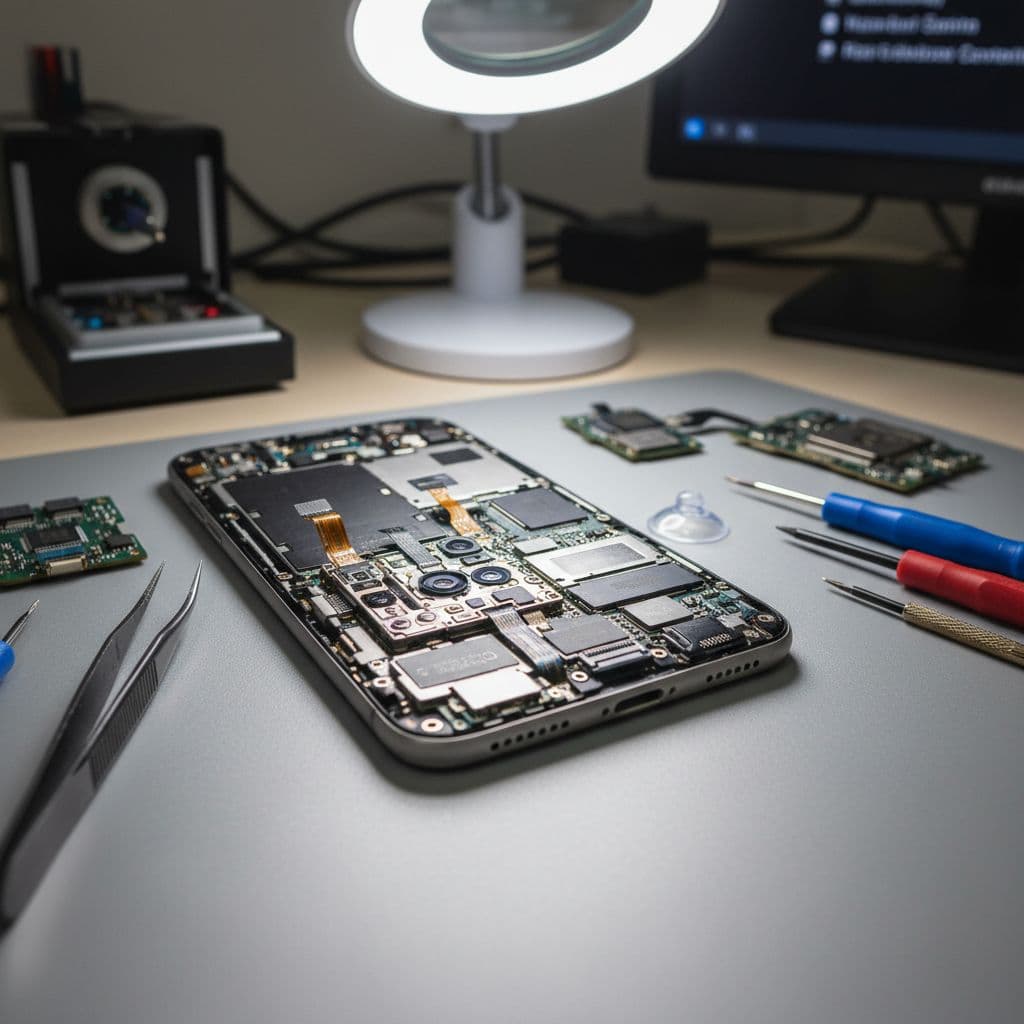
Step 1: Device Inspection and Diagnosis
Every repair begins with a detailed assessment of the device.
Technicians inspect:
- Screen condition
- Battery health
- Internal components
- Charging functionality
- Cameras and speakers
- Software performance
Some devices may have multiple underlying issues that require attention.
Step 2: Clear Quotation
After diagnosis, customers receive a transparent quotation outlining:
- The issue identified
- Recommended repairs
- Estimated repair time
- Total cost
This allows customers to make informed decisions without pressure.
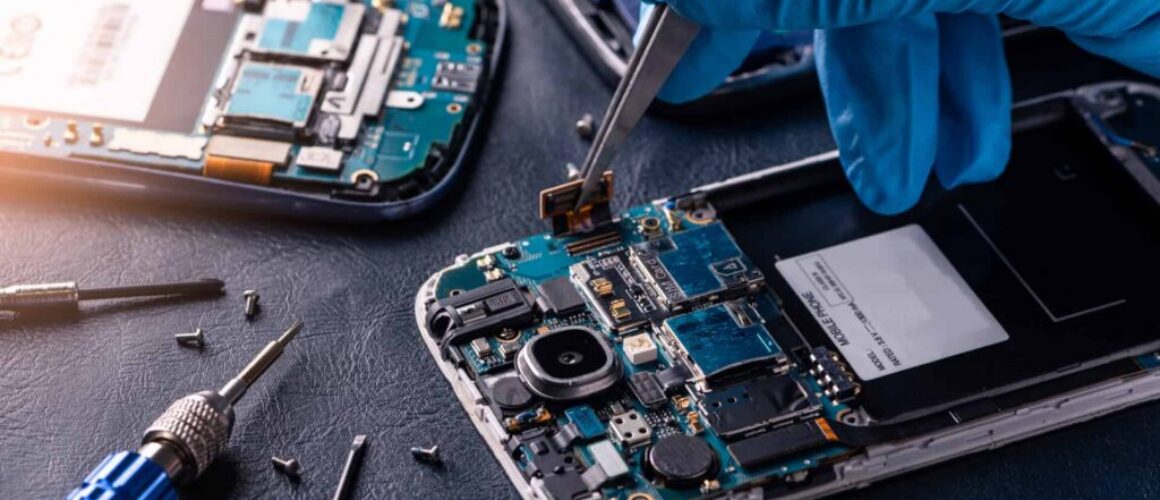
Step 3: Professional Repair Work
Repairs are carried out using specialist equipment and anti-static precautions.
Technicians carefully remove damaged components and install high-quality replacements.
Depending on the fault, repairs may involve:
- Screen replacement
- Battery replacement
- Charging port repair
- Camera replacement
- Water damage cleaning
- Software restoration
Step 4: Comprehensive Testing
Once repairs are complete, the device undergoes extensive testing.
This includes checking:
- Touchscreen responsiveness
- Display quality
- Battery performance
- Charging functionality
- Cameras
- Audio quality
- Buttons and sensors
- Network connectivity
Quality control ensures the phone functions correctly before being returned.
Step 5: Collection or Delivery
After final testing, customers can collect their device or arrange delivery where available.
Many repairs are completed on the same day, minimising inconvenience.
Popular Services Offered by Trusted Phone Repair Essex
Professional repair companies provide a wide range of repair solutions.
iPhone Screen Replacement
Apple iPhones are among the most commonly repaired smartphones.
Professional screen replacement services restore:
- Touch sensitivity
- Display brightness
- Screen clarity
- Face ID functionality where possible
Samsung Phone Repairs
Samsung devices feature advanced AMOLED displays and sophisticated hardware.
Trusted phone repair Essex technicians can repair:
- Cracked screens
- Battery issues
- Charging faults
- Camera problems
- Software glitches
Battery Replacement Services
A new battery can significantly improve phone performance.
Customers often notice:
- Longer battery life
- Faster performance
- Reduced overheating
- Improved reliability
Water Damage Recovery
Water damage repairs require immediate professional attention.
Technicians use specialist cleaning methods to remove corrosion and moisture from internal components.
Tablet Repairs
Many repair providers also repair tablets, including:
- iPads
- Samsung tablets
- Amazon Fire tablets
- Huawei tablets
Tablet repairs often include screen replacements and charging port repairs.
Back Glass Repairs
Modern smartphones frequently feature glass backs for wireless charging compatibility.
Back glass can crack during drops and may require professional replacement using specialist tools.
Data Recovery Services
In some cases, damaged phones may contain important files, photos, or contacts.
Professional repair technicians may be able to recover valuable data from faulty devices.
Why Repair My Crack Is Essex’s Trusted Phone Repair Choice
At Repair My Crack, we have built a reputation for delivering reliable and professional smartphone repairs throughout Essex.
Skilled Technicians
Our experienced technicians work with all major smartphone brands and stay updated with the latest repair techniques.
Premium Components
We prioritise high-quality replacement parts to ensure reliable repairs and long-lasting performance.
Fast Turnaround
We understand how important smartphones are in daily life. Many repairs are completed quickly to minimise disruption.
Transparent Pricing
Customers receive honest quotations with no hidden charges.
Excellent Customer Support
We focus on delivering a friendly and supportive customer experience from start to finish.
Warranty Included
Our repairs include warranty coverage for additional peace of mind.
Trusted Local Reputation
Customers across Essex trust Repair My Crack because we consistently provide professional repairs and reliable service.
Signs Your Phone Needs Professional Repair
Sometimes phone issues develop gradually rather than suddenly.
It is important to recognise warning signs before problems become worse.
Your Battery Drains Extremely Quickly
If your phone battery suddenly starts losing power rapidly, professional testing may reveal battery degradation or hidden hardware problems.
Your Phone Overheats Frequently
Overheating can indicate:
- Battery faults
- Charging issues
- Internal component damage
- Software problems
Ignoring overheating may lead to further damage.
The Screen Becomes Unresponsive
Touchscreen problems can make phones frustrating or impossible to use.
Unresponsive areas, ghost touches, or display flickering often require professional repair.
Apps Constantly Crash
Persistent software crashes may indicate:
- Corrupted operating systems
- Storage problems
- Failing internal hardware
Your Phone Will Not Charge Properly
Intermittent charging often worsens over time.
Professional repair prevents complete charging failure.
You Hear Distorted Audio
Muffled or crackling sound may result from speaker damage, dirt buildup, or water exposure.
How to Protect Your Phone After Repair
Once your device has been professionally repaired, taking care of it properly can help prevent future damage.
Use a Protective Case
A high-quality case provides important protection against drops and impacts.
Shock-resistant cases can significantly reduce damage risk.
Install a Tempered Glass Screen Protector
Screen protectors help reduce scratches and absorb impact during accidents.
Avoid Extreme Temperatures
Excessive heat or cold can damage batteries and internal components.
Avoid leaving phones:
- In direct sunlight
- Inside hot cars
- Near heaters
- In freezing conditions
Keep Your Charging Port Clean
Dust and lint buildup can interfere with charging.
Regular cleaning helps maintain proper connectivity.
Avoid Cheap Charging Accessories
Low-quality charging cables and plugs may damage batteries or charging circuits.
Using certified accessories improves charging safety and reliability.
Update Your Software Regularly
Software updates improve:
- Security
- Stability
- Battery efficiency
- App compatibility
Keeping your device updated helps maintain performance.
The Importance of Fast Repairs
Delaying phone repairs can often make problems worse.
For example:
- Small screen cracks can spread
- Water damage can worsen through corrosion
- Faulty batteries may swell
- Loose charging ports may fail completely
Seeking trusted phone repair Essex services quickly can reduce repair costs and improve the chances of saving the device.
Repair vs Replacement: Which Is Better?
Many customers wonder whether they should repair their current phone or buy a new one.
In many cases, repairs are the smarter option.
Repairs Are Often More Affordable
Replacing a screen or battery is usually far cheaper than buying a brand-new smartphone.
You Keep Your Existing Data and Setup
Repairing your phone allows you to continue using your familiar apps, settings, and files.
Modern Phones Are Built to Last
Many smartphones can continue performing well for years with proper maintenance and occasional repairs.
Environmentally Responsible Choice
Repairing devices reduces electronic waste and supports sustainability.
Frequently Asked Questions About Trusted Phone Repair Essex
How Long Does a Typical Repair Take?
Most trusted phone repair Essex services can complete standard repairs within a few hours. More complex repairs may require additional time depending on the issue and parts availability.
Is My Data Safe During Repair?
Yes. Professional repair technicians treat customer data carefully and maintain privacy throughout the repair process.
Can Water-Damaged Phones Be Saved?
Many water-damaged phones can be repaired successfully if treated quickly. Immediate professional assessment improves the chances of recovery.
Will a Repair Affect My Phone’s Performance?
Using high-quality parts and professional repair methods helps restore performance without compromising reliability.
Is Repair Better Than Buying a New Phone?
In many situations, yes. Repairs are often far more affordable and environmentally friendly than replacing the device entirely.
Do Repairs Come With a Warranty?
Trusted phone repair Essex providers often include warranties covering parts and labour for additional customer confidence.
Choosing Local Trusted Phone Repair Essex Specialists
Working with a local repair company offers several important benefits.
Faster Communication
Local businesses are often easier to contact and provide more personalised customer support.
Convenient Access
Customers can visit the shop directly for:
- Device assessments
- Repair updates
- Collections
- Advice and support
Supporting Local Businesses
Choosing a local Essex repair company supports the local economy and independent businesses.
Better Accountability
Local repair providers depend heavily on their reputation within the community, encouraging higher standards of service.
Future Smartphone Trends and Repairs
Smartphones continue evolving rapidly.
New devices now include:
- Foldable displays
- Advanced cameras
- AI-powered features
- Under-display sensors
- Faster charging systems
As technology becomes more advanced, professional repair expertise becomes even more important.
Trusted phone repair Essex technicians continue adapting to new repair methods and technologies to support the latest devices.
Final Thoughts
A damaged smartphone can disrupt nearly every part of daily life. Whether you rely on your device for work, communication, entertainment, or photography, faults such as cracked screens, battery problems, charging issues, or water damage can quickly become stressful.
Choosing trusted phone repair Essex services ensures your device is repaired professionally, safely, and efficiently. Experienced technicians, high-quality replacement parts, transparent pricing, and reliable customer service all contribute to a better repair experience.
At Repair My Crack, we specialise in restoring smartphones to excellent working condition using professional tools and proven repair techniques. From iPhone screen replacements and Samsung battery repairs to charging port fixes and water damage recovery, our team is committed to delivering dependable service across Essex.
We understand how important your phone is, which is why we focus on quick turnaround times, honest advice, and long-lasting repairs.
If your smartphone has been damaged or is no longer performing properly, do not wait for the issue to worsen. Contact Repair My Crack today for dependable, affordable, and professional trusted phone repair Essex services.
Protect your investment, extend your device’s lifespan, and trust Essex’s experts to restore your phone to peak performance.
Why Customers Search for Phone Repair Essex Services
Many customers across the county search online for Phone Repair Essex solutions because they want fast, reliable, and affordable support for damaged devices. Whether someone has dropped an iPhone, damaged a Samsung screen, or needs urgent battery replacement, finding a dependable Phone Repair Essex specialist is essential.
At Repair My Crack, we have become a leading choice for Phone Repair Essex thanks to our professional technicians, quick turnaround times, and high-quality replacement parts. Customers trust our Phone Repair Essex services because we focus on long-lasting repairs rather than temporary fixes.
When searching for Phone Repair Essex, it is important to choose a company with genuine experience, transparent pricing, and excellent customer reviews. A trusted Phone Repair Essex repair company should always provide honest advice and reliable workmanship.
Our Phone Repair Essex technicians regularly repair cracked screens, charging ports, faulty batteries, cameras, speakers, and water-damaged devices. We understand how important smartphones are for work, communication, and everyday life, which is why our Phone Repair Essex services are designed to minimise disruption.
Choosing professional Phone Repair Essex specialists also helps protect your device from further damage caused by low-quality repairs or poor replacement components. At Repair My Crack, our Phone Repair Essex solutions are completed using premium parts and careful repair techniques.
Customers looking for dependable Phone Repair Essex services often want same-day solutions. That is why we aim to complete many common repairs quickly and efficiently. Our experienced Phone Repair Essex team works with all major smartphone brands and models.
If your smartphone has stopped performing properly, our Phone Repair Essex specialists are ready to help. From cracked displays to battery replacements and software issues, Repair My Crack continues to provide trusted Phone Repair Essex services for customers throughout the region.
For professional Phone Repair Essex support you can rely on, contact Repair My Crack today and let our expert technicians restore your device to excellent working condition.