Samsung Proximity Sensor After a Drop: UK Checks
[Repair_All brand="Apple"]Calls become awkward fast when your screen stays lit against your cheek, mutes the microphone, or ends the call. A Samsung proximity sensor fault after a drop is common, even when the screen looks mostly fine.
The good news is that a case, screen protector, dirt, or a temporary software glitch can cause similar behaviour. However, when the problem started straight after an impact, we treat it as possible physical damage until testing proves otherwise.
Start with the safe checks, then arrange a proper inspection if the fault keeps coming back.
When a Samsung proximity sensor stops working after a drop
Your Samsung proximity sensor helps the phone detect when it is close to your face during a call. It should switch the display off near your ear, then wake it again when you move the handset away.
When the sensor stops responding, the screen may remain on throughout calls. Your cheek can then press buttons, open apps, activate the speaker, or hang up. The opposite problem can happen too, where the display stays black after you move the phone away.
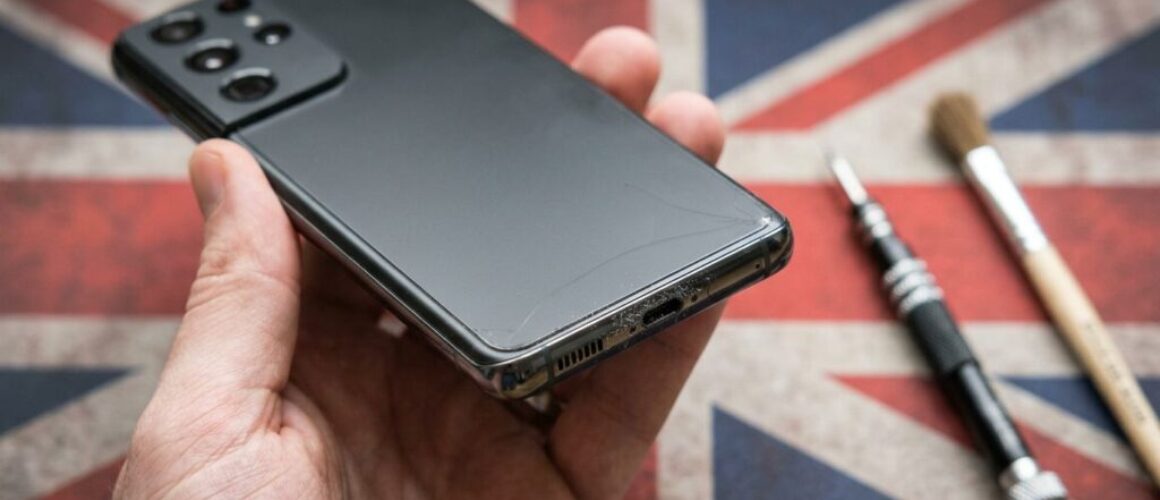
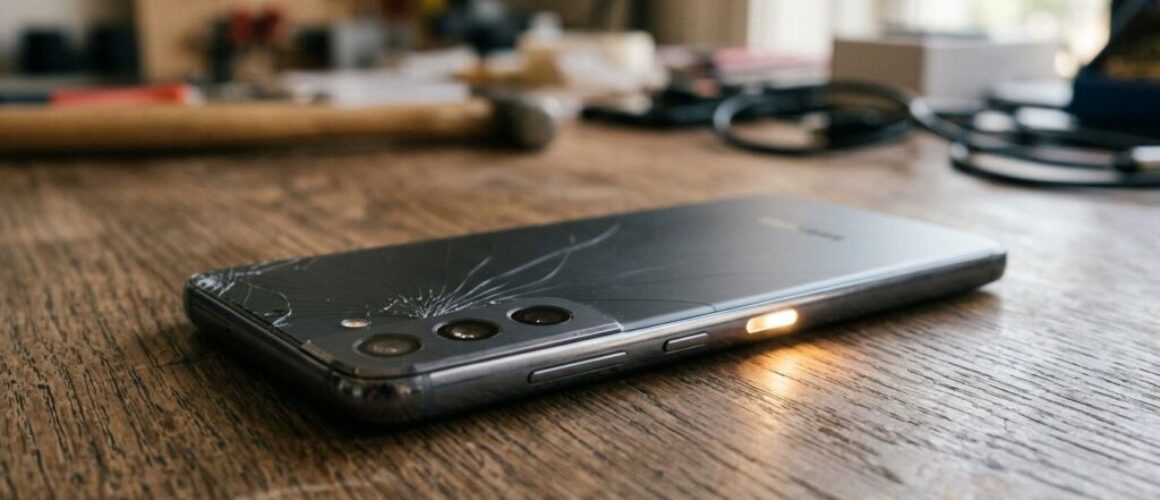
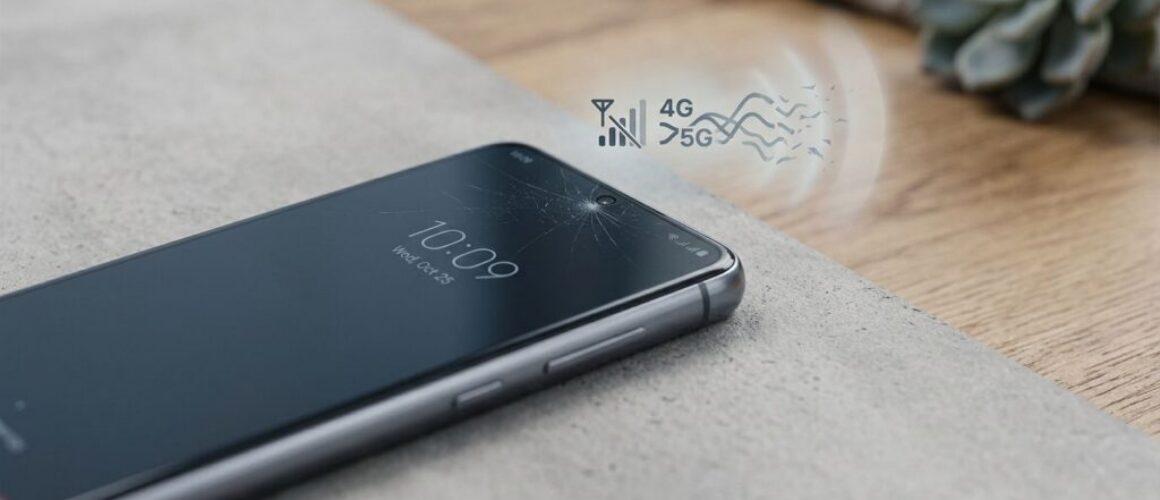
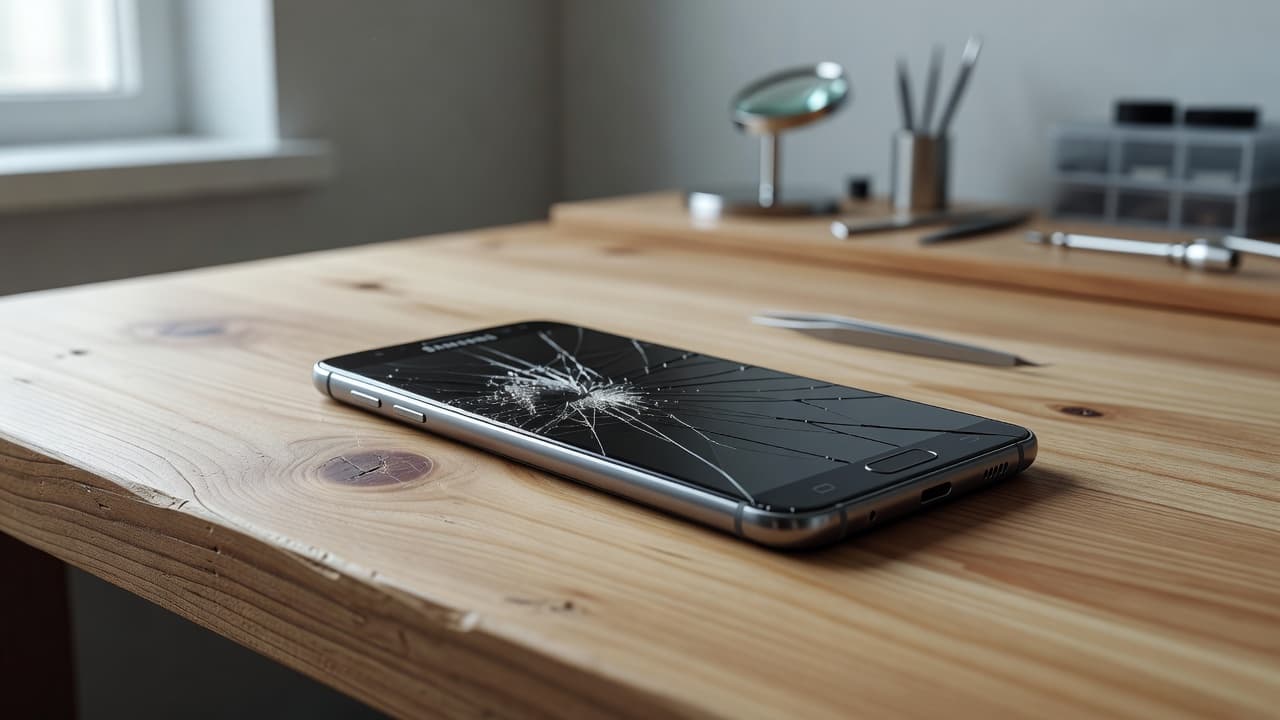
A drop can cause this without leaving a dramatic crack. The impact may shift the display slightly, loosen a connection, dent the frame, or damage the sensor area under the front glass. A chipped screen edge also lets dust and moisture into places they should not reach.
Before you try anything more involved, take a few sensible precautions:
- Back up your photos, messages, and work files if the phone still unlocks normally.
- Remove the case and any screen protector that covers the top display area.
- Power the handset down if the screen is lifting, the frame is bent, or it has had a splash.
- Avoid pressing the screen down to force it back into place.
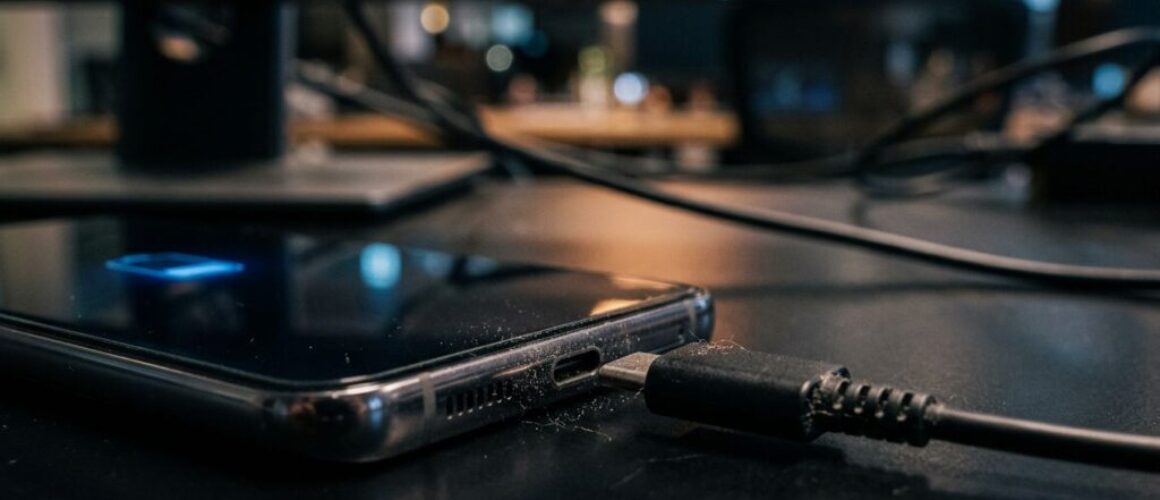
- Stop charging if you see a moisture warning or notice heat around the USB-C port.
A screen protector is easy to overlook. Thick glass, trapped dust, or an incorrectly positioned protector can block the sensor area. A short proximity-sensor fault demonstration shows how a physical obstruction can create symptoms that look like a bigger fault.
Run the checks that will not make damage worse
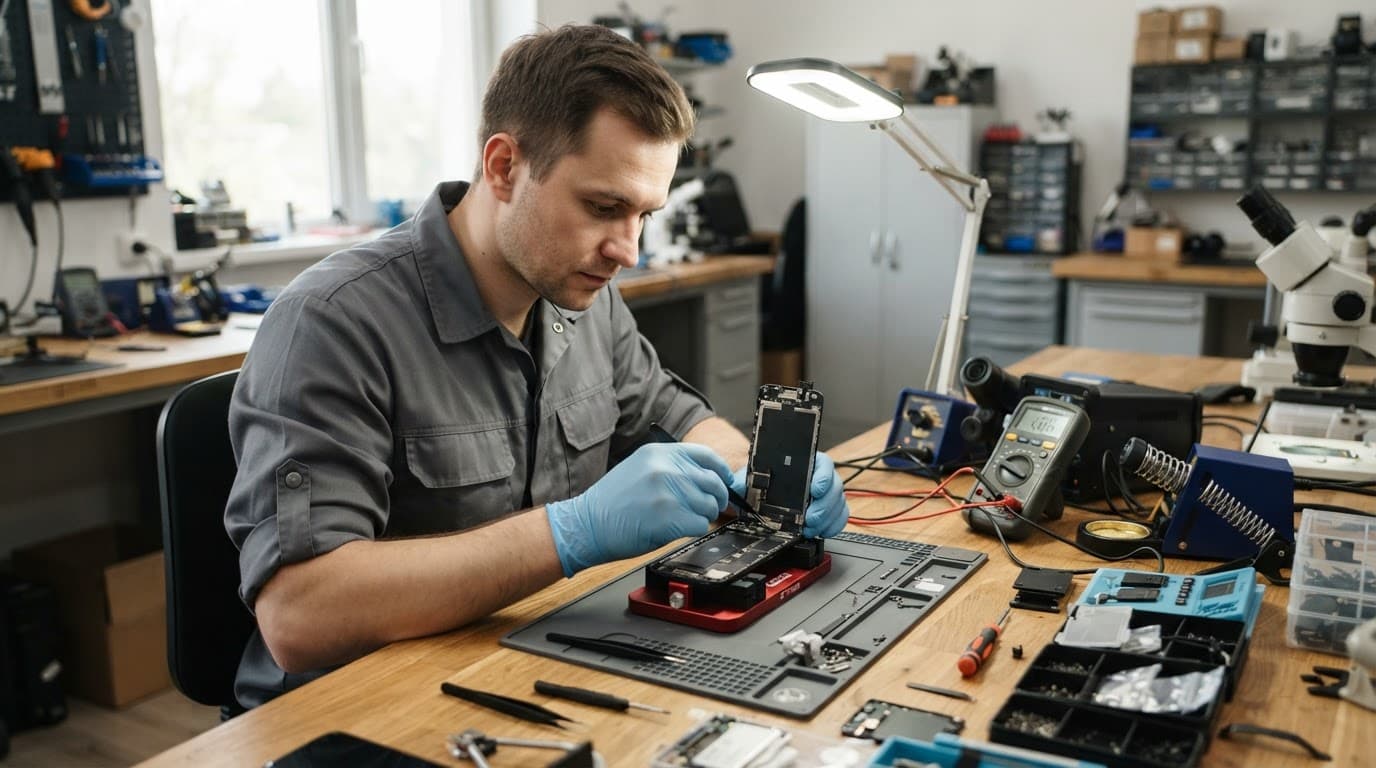
Start with the simple stuff. Remove the case and protector, then wipe the upper screen area with a clean, dry microfibre cloth. Do not spray cleaner directly onto the phone, especially if the display has cracked.
Next, restart the Samsung and make one ordinary phone call. Hold the top of the screen near your ear without touching it. The display should go dark, then light up when you move the phone away. Test this more than once, because an intermittent sensor can work briefly before failing again.
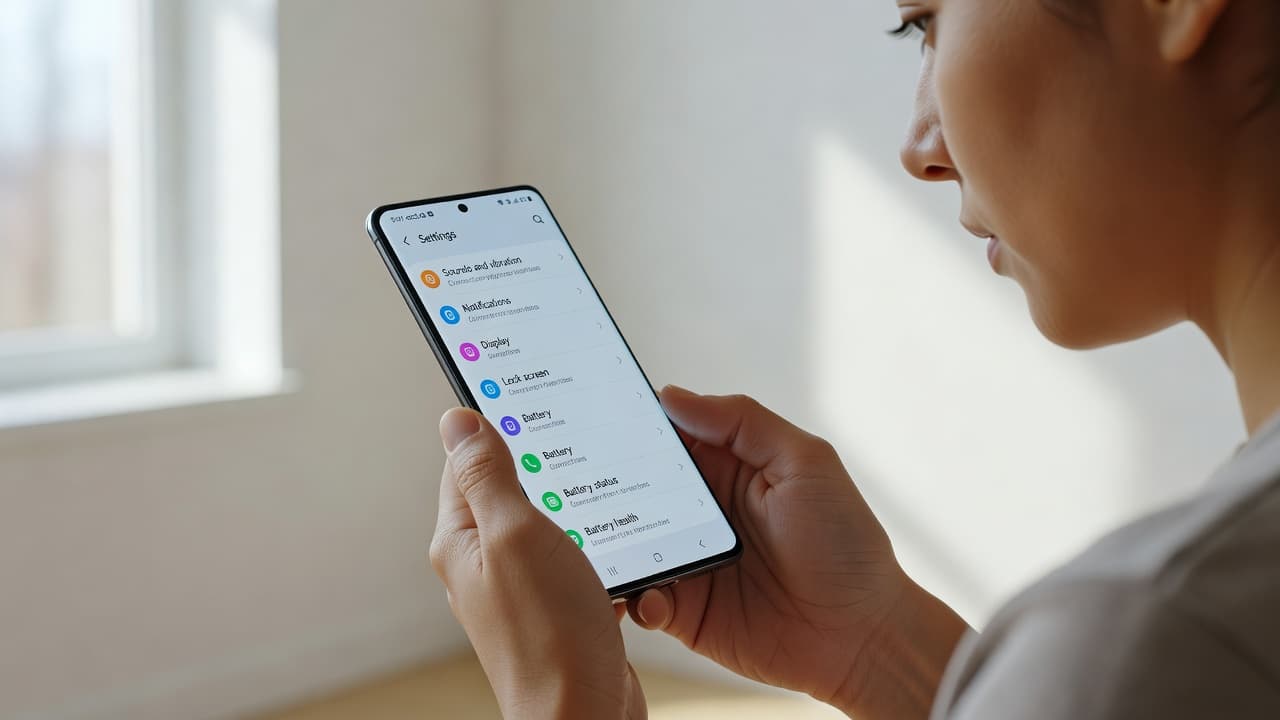
If your model has the Samsung Members app, open Support, then Phone diagnostics. Some models include a sensor test. This is useful for spotting a repeatable problem, although a passed result does not rule out a screen fitting issue or a fault that only appears during calls.
Check for pending software updates as well. A restart and update can clear a rare software hiccup. Still, we would not jump straight to a factory reset after a drop. It will not repair a shifted display, damaged flex cable, or bent chassis, and it creates a lot of extra faff if you have not backed up.
A basic proximity-sensor troubleshooting video shows the same sensible order: rule out obstruction and software first, then move on to repair when the fault persists. Samsung menus differ, but the physical checks remain useful.
What we find during a proper inspection
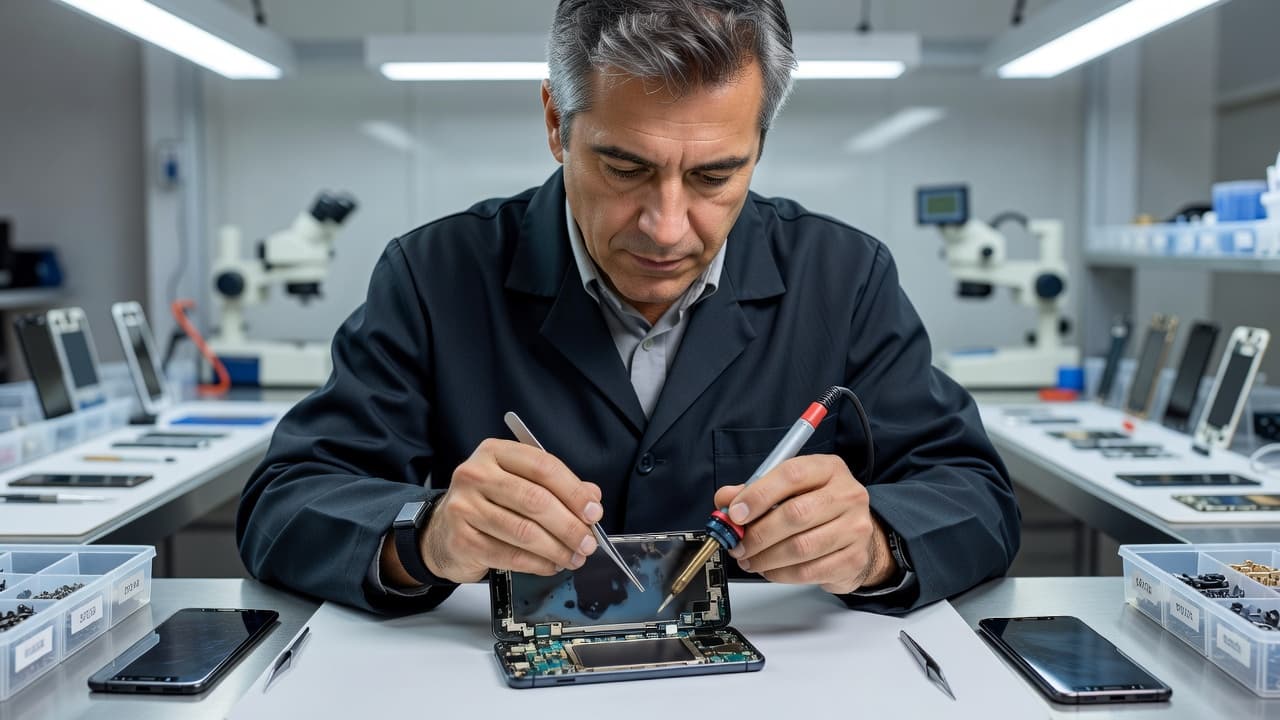
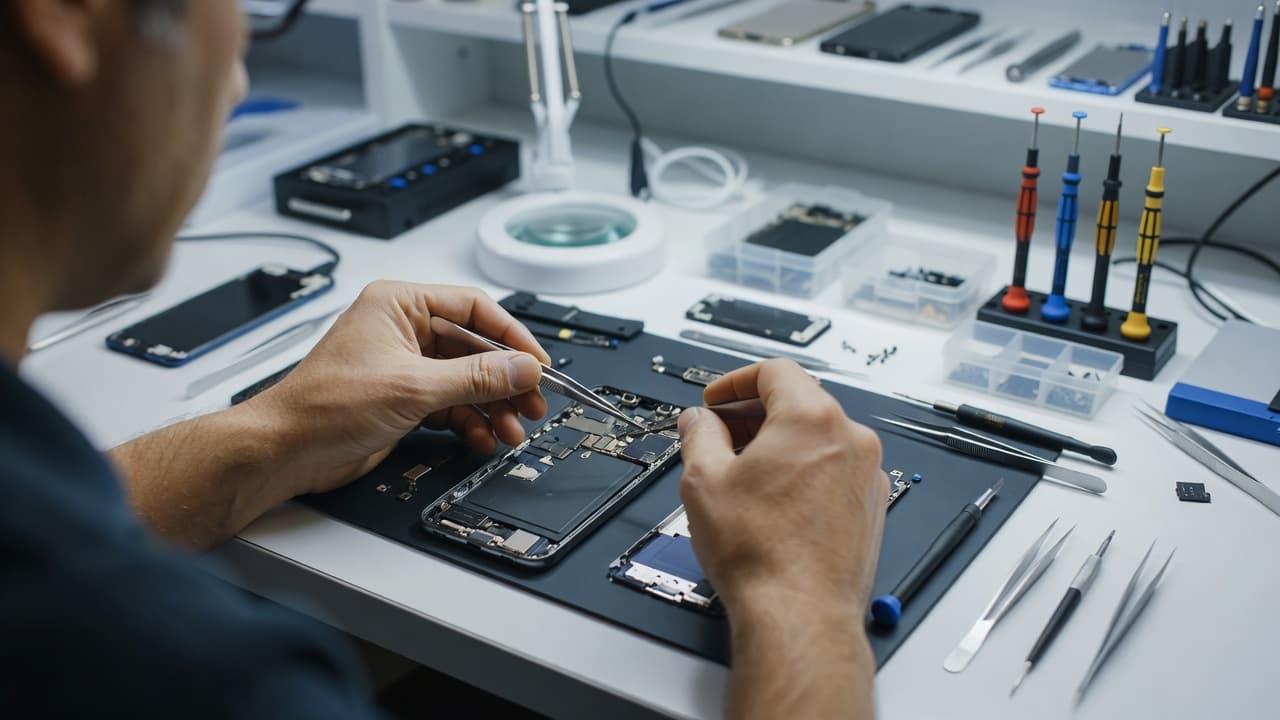
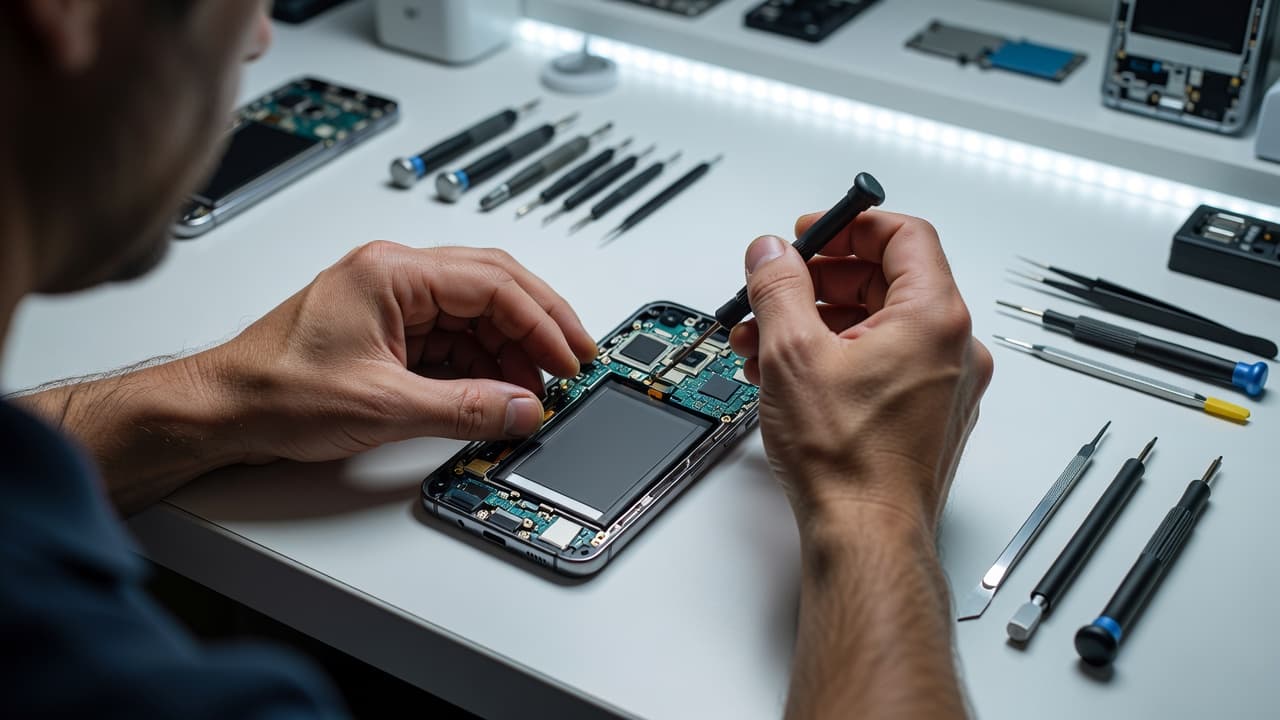
A Samsung proximity sensor fault rarely exists in isolation after a hard impact. We check the display fit, top earpiece area, front camera, screen brightness, touch response, frame condition, and signs of liquid exposure before recommending a part.
One recent workshop Samsung had taken a short drop onto a tiled floor. The glass was not badly cracked, but the front assembly was sitting slightly high along one edge. After cleaning the area, reseating the assembly, and testing it in different lighting, the proximity behaviour returned to normal.
That is why we do not advise lifting the screen at home. Modern phones have tight clips, adhesive, fragile display cables, and components close to the earpiece. A quick poke can turn a sensor inspection into a screen replacement.
A display can look perfect while sitting a fraction too high for the proximity system to work consistently.
Sometimes the repair is straightforward. Other times, the impact has damaged the display assembly or distorted the frame. A similar post-drop alignment issue is described in this sensor repair guide, although the exact parts and repair method differ between iPhone and Samsung models.
Choosing the sensible repair route
A faulty Samsung proximity sensor does not automatically mean you need a new handset. If the phone charges, holds battery, has a straight frame, and only has one clear fault, repair is usually the sensible option.
The final cost depends on what testing finds:
| Inspection result | Likely repair route | What can affect the quote |
|---|---|---|
| Protector, dirt, or poor screen fit | Cleaning, refitting, and testing | Condition of the display and adhesive |
| Damaged front display area | Screen or front assembly repair | Samsung model and screen type |
| Bent frame or several faults | Further assessment before repair | Chassis damage, liquid, and part availability |
We give a clear quote before chargeable work starts. A sensor issue cannot be priced honestly from a symptom alone, because a display refit costs very differently from a full OLED screen replacement.
For context, screen repairs commonly sit around £60 to £180, depending on the model and part quality. Battery replacements often fall between £40 and £80, while charging-port work may be around £50 to £90. A Samsung phone repair in the UK should include proper testing, quality parts, and a warranty, not a quick part swap with fingers crossed.
We sometimes hear from customers comparing an iPhone screen repair UK quote, an iPhone battery replacement UK price, or a cracked iPhone screen repair with a Galaxy repair. Those repairs use different parts, but the same rule applies: one drop can cause more than one problem. If the phone also has poor charging, display lines, or rapid battery drain, it is better to check everything together.
Our Samsung phone repairs cover common screen, battery, charging, camera, and button faults, with a strong price promise and a 12-month repair warranty on eligible work. Independent repairs can affect a manufacturer’s warranty, so it is worth considering that before booking.
Local and postal UK repair options
For phone repair in Essex, customers can arrange an appointment-only drop-in at our Harlow location. If you are elsewhere, our nationwide mobile phone repair service gives you a practical alternative to travelling.
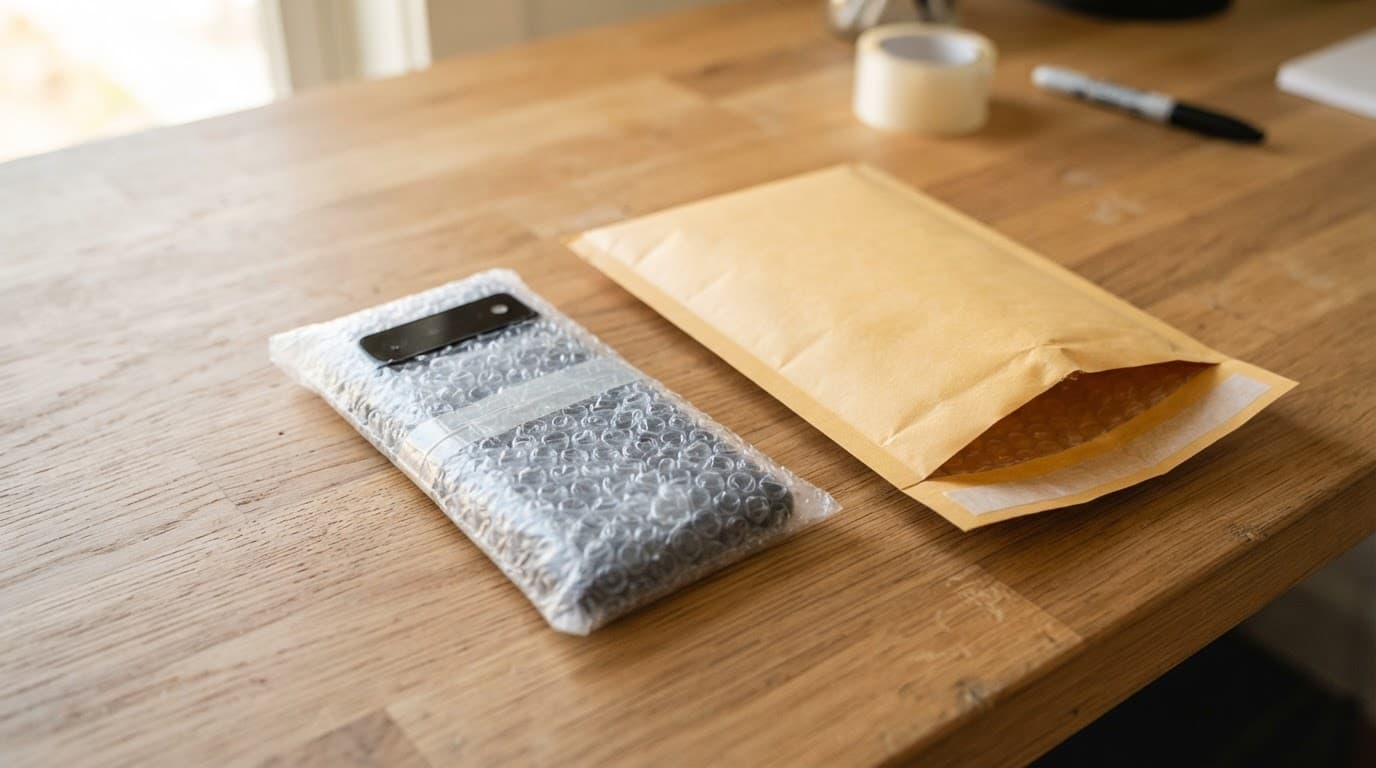
Book online, back up the phone if possible, and package it securely with the order number inside. Include the passcode only when it is needed for testing, and do not send cables, cases, or accessories unless we ask for them.
Our UK postal phone repair service includes tracked Royal Mail postage and tracked returns. We aim to start work as soon as the handset arrives, often on the same day, then test calls and nearby functions before sending it back.
A working sensor makes calls normal again
A Samsung proximity sensor that fails after a drop needs more than repeated restarts if the basic checks do not help. Remove anything covering the screen, back up your data, and avoid pressing or opening the display yourself.
When the fault started with an impact, a careful inspection is the quickest way to find out whether the issue is dirt, screen alignment, or deeper damage. Book a repair online, and we will check the phone properly before recommending the work.