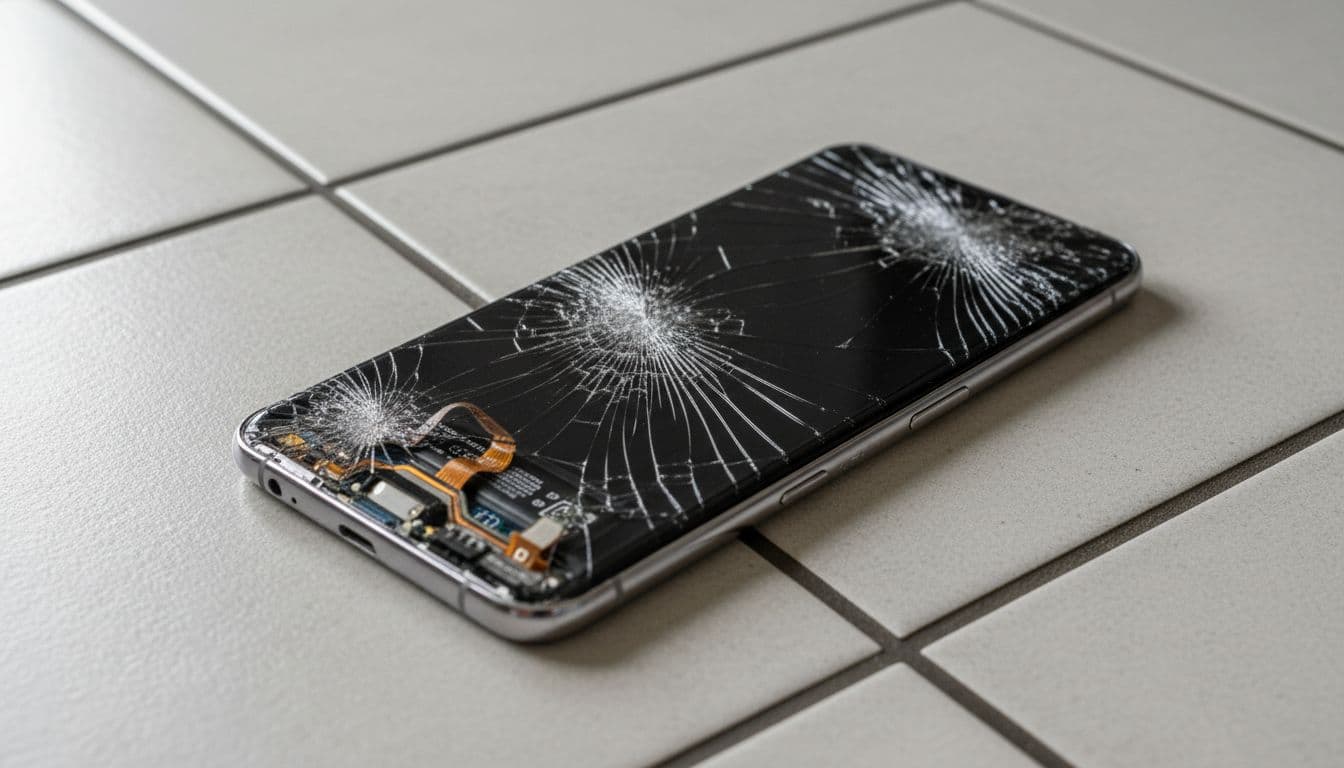
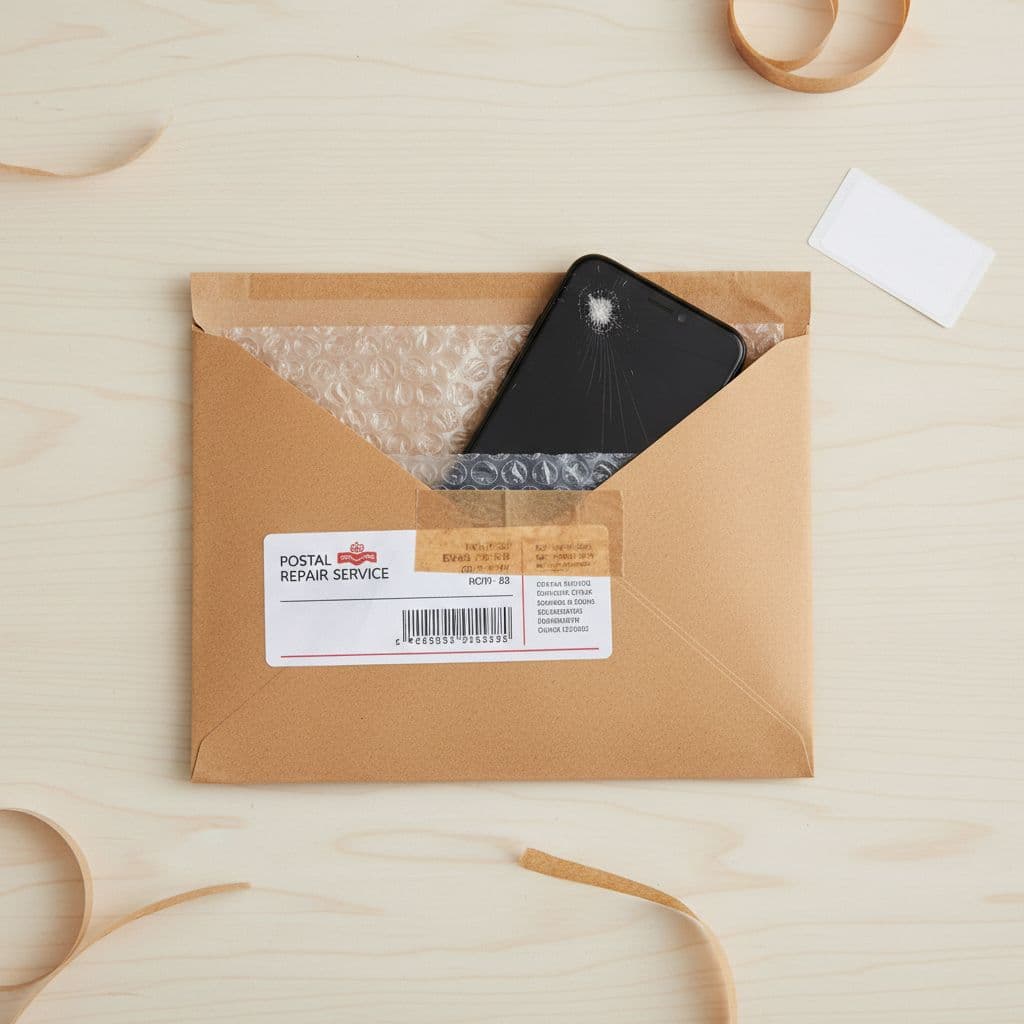
A cracked Samsung phone screen can completely change the way you use your device. What begins as a tiny chip in the corner can quickly spread into large cracks across the display. Before long, typing becomes frustrating, videos are difficult to watch, and even simple tasks such as checking messages can feel inconvenient. For many people, a damaged screen causes stress because smartphones are used constantly throughout the day for work, banking, social media, navigation, shopping, photography, and communication.
The good news is that a cracked or damaged screen does not automatically mean you need to replace your entire phone. Samsung Screen Repair is often the most sensible and affordable solution. Instead of spending hundreds or even over a thousand pounds on a replacement handset, a professional repair can restore your device to excellent condition for a fraction of the cost.
At Repair My Crack, we specialise in Samsung Screen Repairs for a wide range of Samsung Galaxy devices. Whether your screen is smashed, flickering, unresponsive, or suffering from display issues, our experienced technicians can help restore your phone quickly and professionally.
In this guide, we will cover everything you need to know about Samsung Screen Repair, including common causes of damage, repair options, costs, repair times, benefits of repairing instead of replacing, and how professional repairs can extend the life of your device.
Why Samsung Phones Are Worth Repairing
Samsung smartphones are among the most advanced mobile devices on the market. Models in the Samsung Galaxy range feature powerful processors, high-resolution displays, advanced cameras, and sleek designs. From the Galaxy S series to the Galaxy A range and Galaxy Z foldable phones, Samsung devices are built to deliver premium performance.
Because these phones are such valuable devices, replacing them can be extremely expensive. Many modern Samsung phones cost several hundred pounds, while flagship models can exceed £1,000. When the screen becomes damaged, many people assume replacing the phone is their only option. However, in most cases, repairing the screen is far more practical.
A professional repair allows you to continue using the phone you already know and rely on. You keep your apps, settings, photos, and personal information without needing to transfer everything to a new handset.
For many users, Samsung Screen Repair is the perfect middle ground between living with a damaged device and spending unnecessary money on an upgrade.
Common Causes of Samsung Screen Damage
Samsung screens are designed with durable glass and modern protective technology, but accidents still happen. Even careful phone owners can end up with a cracked or broken display.
Accidental Drops
The most common cause of screen damage is dropping the phone. A fall onto concrete, tiles, or hard flooring can easily crack the screen. Even a short drop from a pocket or table can cause significant damage depending on the angle of impact.
Pressure Damage
Phones placed in back pockets, bags, or tight spaces can experience pressure that damages the display internally. Sometimes the outer glass remains intact while the LCD or OLED panel underneath becomes damaged.
Water Damage
Although many Samsung phones feature water resistance, exposure to excessive moisture can still affect the display. Water damage may lead to screen flickering, black spots, or complete display failure.
Impact Damage
Phones can also be damaged by being knocked against hard objects or hit accidentally. Heavy items falling onto the phone may shatter the screen instantly.
Everyday Wear and Tear
Over time, small scratches and chips weaken the screen. Eventually, even minor impacts may cause the glass to crack more easily.
Signs You Need Samsung Screen Repair
Not all screen damage looks the same. In some cases, the issue is obvious. In others, internal display problems may develop without major cracks on the surface.
Cracked Glass
Visible cracks across the front glass are the clearest sign that repair is needed. Even small cracks should not be ignored because they often worsen over time.
Unresponsive Touchscreen
If sections of your screen stop responding to touch, the digitiser may be damaged. This can make typing, swiping, and app navigation difficult.
Black Spots or Lines
Dark patches, coloured lines, or display bleeding usually indicate internal screen damage.
Flickering Display
A flickering screen often points to damage affecting the display panel or internal connectors.
Dead Pixels
Small black or coloured dots that never disappear are known as dead pixels. These can spread if the damage worsens.
Completely Black Screen
Sometimes the phone still powers on and vibrates, but the display remains black. This often means the screen assembly needs replacing.
Why You Should Not Ignore a Cracked Samsung Screen
Some people continue using their phones despite severe cracks. While this may seem manageable at first, delaying repairs can create additional problems.
Cracks Can Spread
Even tiny cracks often grow larger over time. Daily use, pressure, and temperature changes can all worsen the damage.
Risk of Injury
Broken glass can cause small cuts to your fingers while using the phone.
Reduced Touch Sensitivity
Damaged screens frequently become less responsive, making the phone frustrating to use.
Moisture Exposure
Cracks allow dust and moisture to enter the phone more easily, increasing the risk of internal damage.
Lower Resale Value
A cracked Samsung phone loses value significantly. Repairing the screen helps maintain the phone’s worth.
Why Samsung Screen Repair Is More Affordable Than Replacement
One of the biggest reasons people choose screen repair is cost.
Modern smartphones are expensive investments. Replacing a Samsung Galaxy device can cost hundreds of pounds. Even mid-range Samsung phones are no longer cheap.
Repairing the screen instead of replacing the entire phone allows you to keep your existing device while spending far less money.
For example, if your Samsung Galaxy S device still works perfectly apart from the cracked display, replacing the screen makes much more sense financially than purchasing a completely new phone.
At Repair My Crack, we aim to provide affordable repair services without compromising on quality.
The Environmental Benefits of Phone Repair
Electronic waste is a growing global issue. Millions of phones are discarded every year, many of which could still function perfectly after repair.
Choosing Samsung Screen Repair instead of replacement helps reduce electronic waste and supports a more sustainable approach to technology.
Fewer Devices Sent to Landfill
When phones are repaired rather than thrown away, fewer electronic devices end up in landfill sites.
Reduced Manufacturing Demand
Producing new smartphones requires raw materials, energy, packaging, and transportation. Extending the life of your current phone reduces demand for new production.
Lower Carbon Footprint
Repairing a device generally has a much smaller environmental impact than manufacturing a new one.
For environmentally conscious consumers, repair is often the responsible choice.
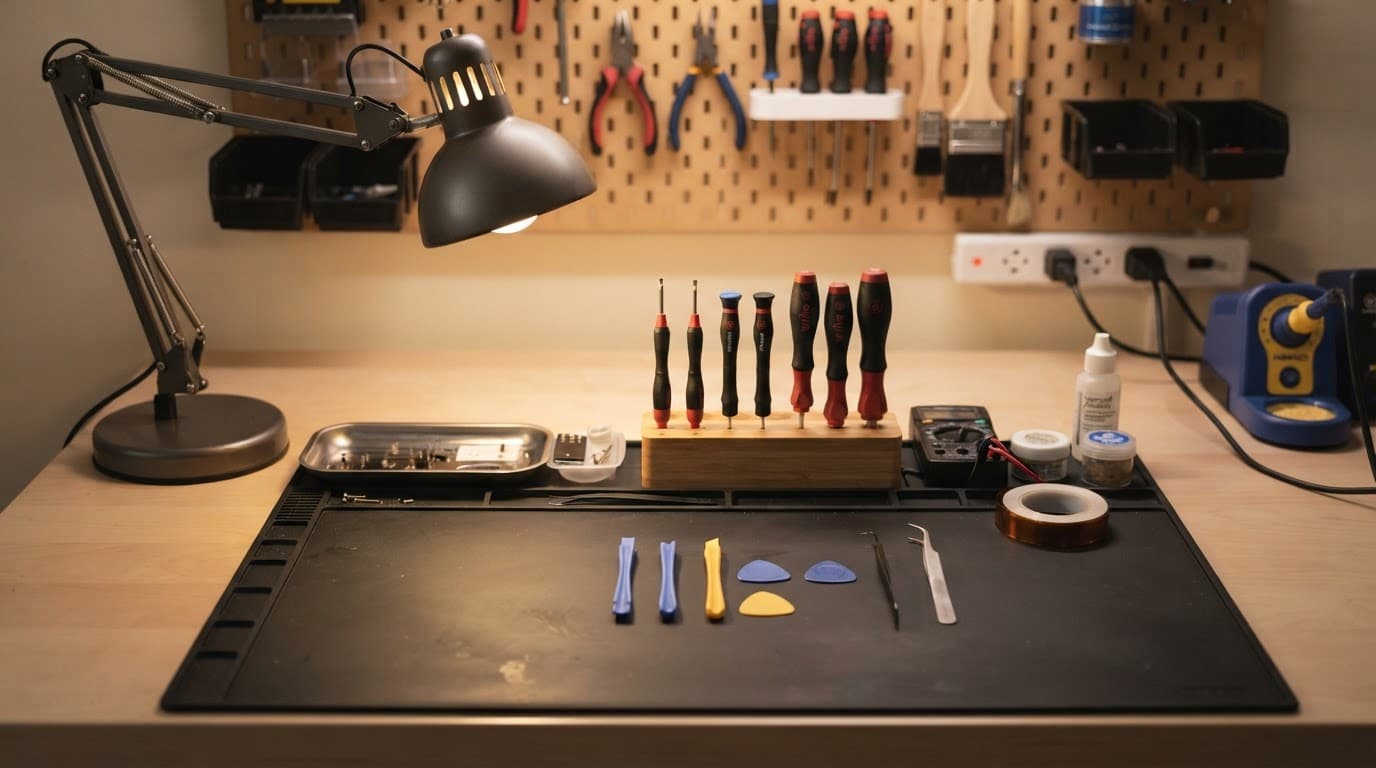
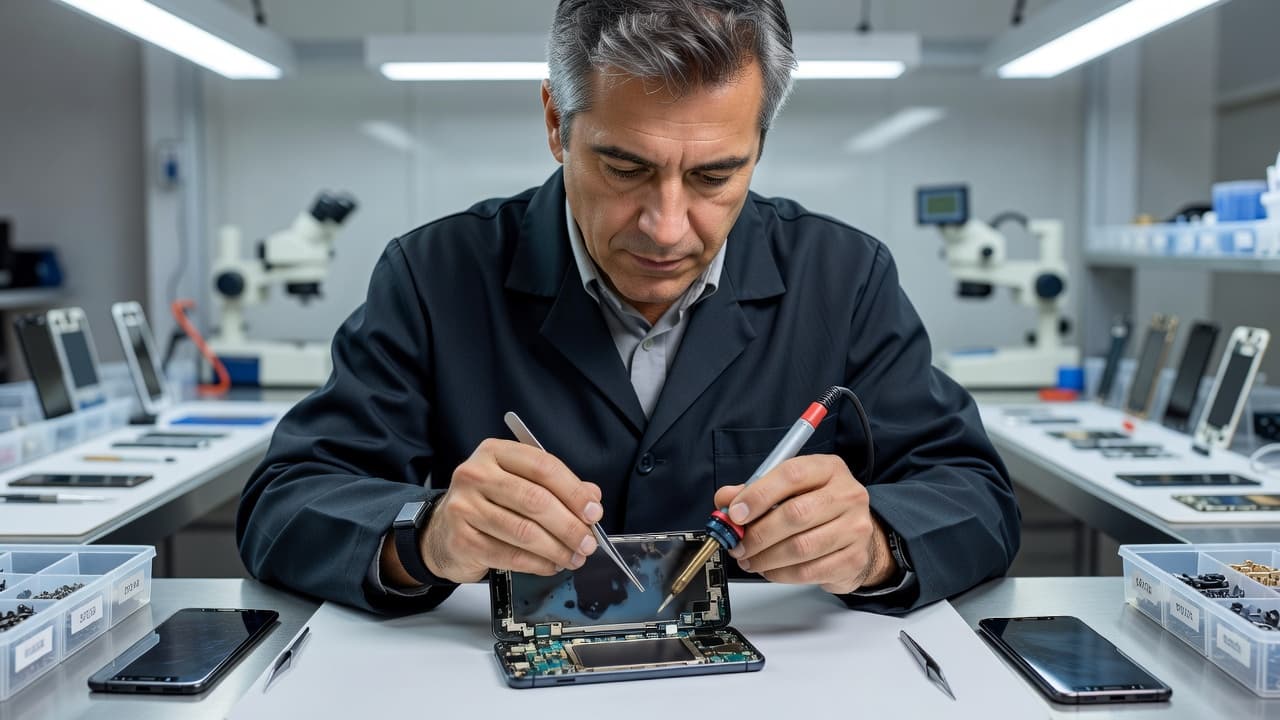
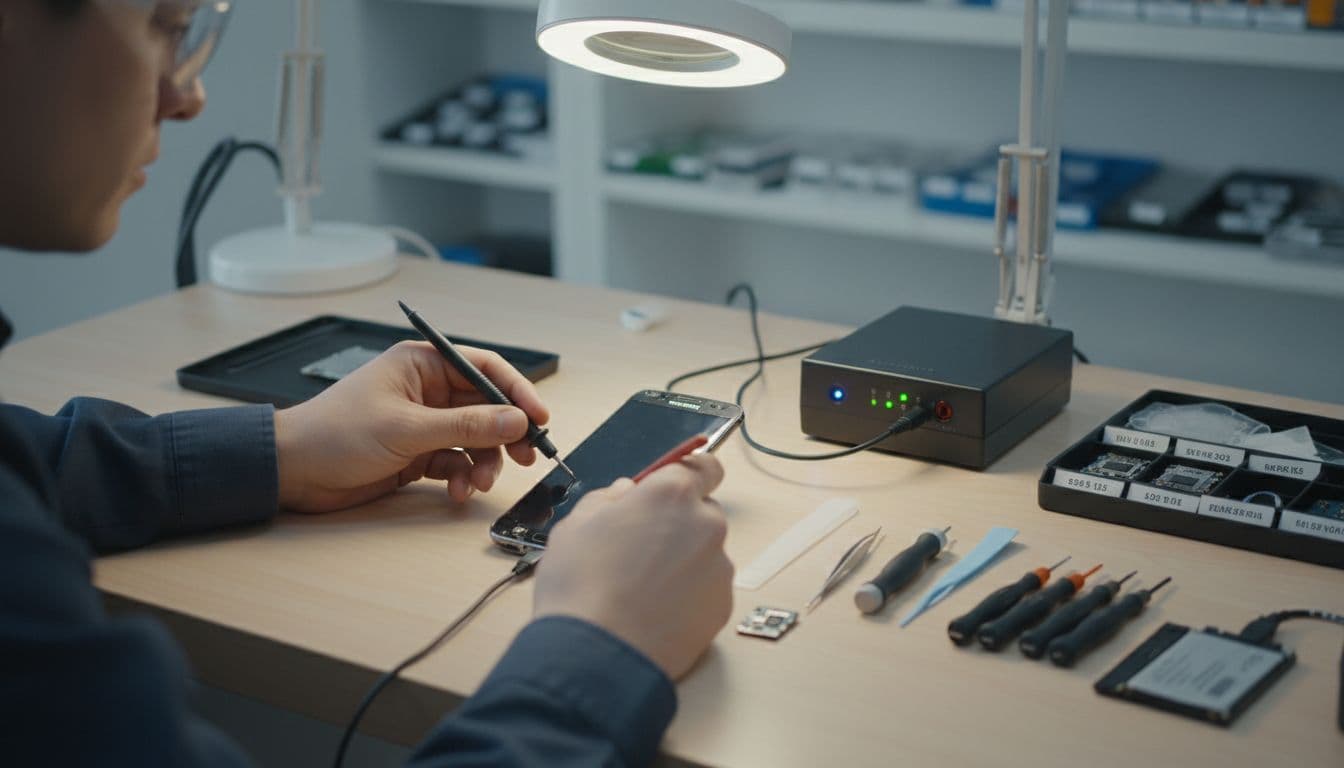
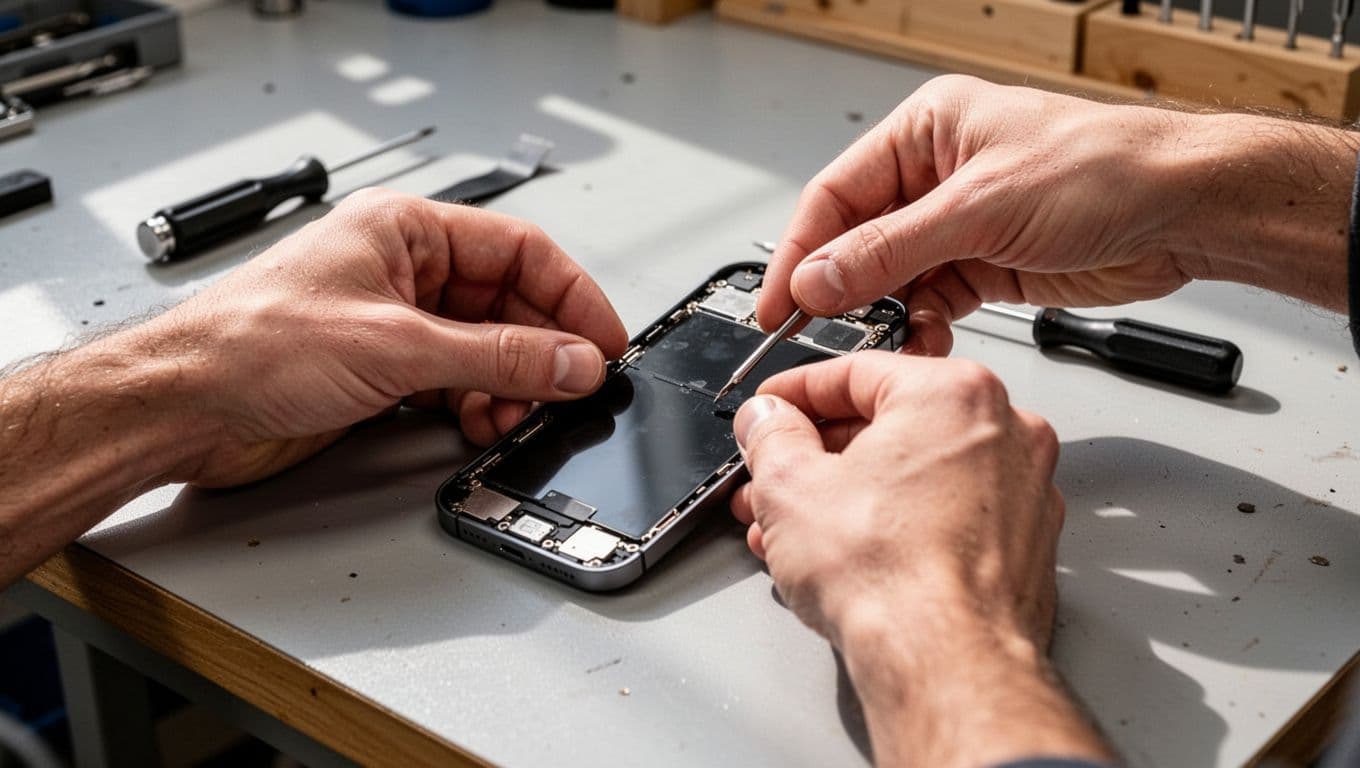
What Happens During a Samsung Screen Repair?
Many customers wonder what actually happens during the repair process. Professional Samsung Screen Repair involves several careful steps to ensure the device is restored properly.
Initial Assessment
When your phone arrives at Repair My Crack, our technicians begin by examining the device thoroughly. We assess both the visible screen damage and any hidden internal issues.
Diagnostic Testing
We test touchscreen functionality, display quality, charging, cameras, speakers, and buttons. This allows us to identify any additional problems.
Screen Removal
The damaged screen is carefully removed using specialist tools. Samsung devices are designed with delicate components, so professional handling is important.
Replacement Installation
A high-quality replacement screen is installed precisely to ensure proper fit and performance.
Device Reassembly
Once the new screen is fitted, the phone is reassembled carefully.
Quality Testing
Before returning the phone, we conduct extensive testing to confirm everything functions correctly.
This includes:
- Touchscreen responsiveness
- Display brightness
- Colour accuracy
- Camera functionality
- Speaker testing
- Charging checks
- Button responsiveness
Only once the device passes all checks is the repair considered complete.
The Importance of High-Quality Replacement Parts
Not all phone repairs are equal. The quality of replacement parts makes a major difference to the final result.
Low-quality screens may suffer from:
- Poor brightness
- Dull colours
- Reduced touch sensitivity
- Short lifespan
- Increased battery drain
- Display glitches
At Repair My Crack, we focus on using high-quality replacement parts to ensure repaired Samsung phones perform properly.
A quality repair helps restore the look and feel of your original device while improving durability and reliability.
Samsung Models We Commonly Repair
Samsung produces a huge range of smartphones, and screen damage can happen on any model.
Some commonly repaired devices include:
Whether you own a flagship Samsung device or a more budget-friendly model, professional screen repair is often available.
OLED and AMOLED Samsung Screens Explained
Samsung phones are known for their vibrant displays. Many Galaxy devices use AMOLED or Dynamic AMOLED screen technology.
These displays produce rich colours, deep blacks, and impressive brightness levels. However, they are also more complex and expensive than traditional LCD displays.
When repairing Samsung screens, proper installation is essential to maintain display quality.
A poorly fitted or low-grade replacement screen can affect:
- Colour accuracy
- Refresh rates
- Brightness
- Fingerprint sensor performance
- Battery efficiency
Professional repair technicians understand how to work safely with these advanced displays.
Can You Repair a Samsung Screen Yourself?
Some people consider DIY screen repair after watching online tutorials. While repair kits are widely available online, self-repair carries several risks.
Risk of Further Damage
Samsung phones contain delicate internal components that can easily be damaged during disassembly.
Waterproofing Issues
Improper repairs may affect the phone’s water resistance.
Poor-Quality Parts
Many cheap repair kits use inferior replacement screens.
Lack of Specialist Tools
Professional repair centres use specialist equipment designed specifically for mobile repairs.
Voiding Warranties
Unauthorised repairs may affect existing warranties.
While DIY repair may seem cheaper initially, professional repairs often provide better long-term value and reliability.
How Long Does Samsung Screen Repair Take?
One of the main advantages of professional repair is speed.
At Repair My Crack, many Samsung Screen Repairs can be completed within just a few hours depending on the model and the extent of the damage.
Compared with purchasing a new phone, repair is often much faster.
Buying a new phone usually involves:
- Researching replacement devices
- Transferring files and apps
- Re-entering passwords
- Reconfiguring settings
- Setting up banking apps
- Downloading software updates
A repair allows you to continue using your familiar device without major disruption.
Protecting Your Data During Repair
Your phone likely contains valuable personal information including:
- Photos
- Videos
- Messages
- Banking apps
- Contacts
- Work documents
- Emails
Replacing the phone entirely can create risks when transferring or backing up this information.
With Samsung Screen Repair, your existing data usually remains untouched.
At Repair My Crack, protecting customer devices and data is extremely important. Screen repairs generally allow customers to keep their information safely stored on the same device.
Is It Worth Repairing an Older Samsung Phone?
Many customers ask whether it makes sense to repair an older Samsung device.
The answer depends on several factors.
Consider Repair If:
- The phone still performs well
- Battery life is acceptable
- The damage is limited mainly to the screen
- You are happy with the phone’s features
- Repair costs are significantly lower than replacement
Replacement May Make More Sense If:
- The phone has multiple major faults
- The battery no longer performs properly
- Software support has ended
- Repair costs are close to the value of the device
In many cases, repairing an older Samsung phone remains worthwhile, especially if the device still meets your daily needs.
How Screen Damage Can Affect Phone Performance
A damaged screen does not only affect appearance.
Cracks and display issues can impact overall usability and performance.
Battery Drain
Damaged OLED displays may consume more power.
Ghost Touch Problems
Some cracked screens begin registering false touches.
Reduced Visibility
Display damage makes reading messages and viewing content more difficult.
Fingerprint Sensor Issues
Many Samsung phones include under-display fingerprint scanners that may stop working properly after screen damage.
Increased Internal Damage Risk
Once the screen is compromised, dust and moisture can enter more easily.
Repairing the screen quickly helps prevent additional complications.
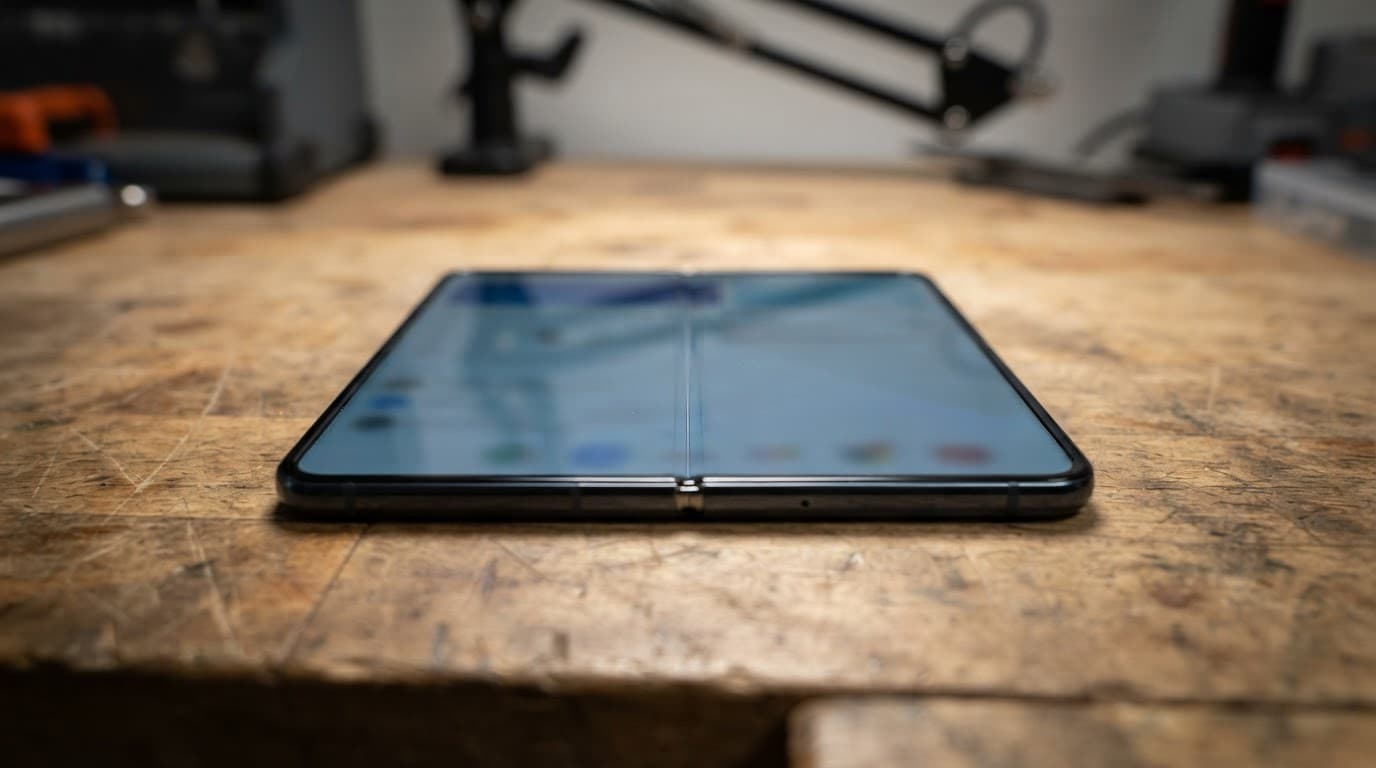
Foldable Samsung Screen Repairs
Samsung’s foldable phones, including the Galaxy Z Fold and Z Flip series, feature advanced flexible displays.
These devices require specialist repair expertise because the screen technology is more delicate and complex.
Foldable screens can suffer from:
- Creasing issues
- Dead pixels
- Hinge-related damage
- Display flickering
- Touch sensitivity problems
Professional handling is especially important for foldable Samsung repairs.
Tips to Prevent Future Samsung Screen Damage
Although accidents cannot always be avoided, there are several ways to reduce the risk of screen damage.
Use a Protective Case
Shock-absorbing cases help protect your phone during accidental drops.
Apply a Screen Protector
Tempered glass screen protectors add an additional layer of defence.
Avoid Back Pockets
Sitting on your phone can create pressure damage.
Keep Phones Away From Edges
Avoid placing phones near table edges or unstable surfaces.
Use a Secure Grip
Many people drop phones while multitasking or walking.
Avoid Extreme Temperatures
Extreme heat or cold may weaken screen durability over time.
While no solution guarantees complete protection, preventative measures can reduce the likelihood of future damage.
Why Professional Repair Matters
Choosing an experienced repair provider is important.
Professional technicians understand the complexities of Samsung devices and can complete repairs safely and accurately.
Benefits of professional repair include:
- Proper diagnostics
- Safe installation
- High-quality parts
- Reliable performance
- Faster turnaround times
- Thorough testing
- Reduced risk of further damage
At Repair My Crack, we focus on delivering reliable repairs that restore devices properly.
Mail-In Samsung Screen Repairs
Not everyone can visit a repair shop in person. Mail-in repair services provide a convenient alternative.
Customers can send their damaged Samsung phone securely for professional repair before having it returned quickly.
Mail-in services are especially useful for:
- Busy professionals
- Customers outside local areas
- People without nearby repair shops
- Urgent repair situations
Repair My Crack offers convenient repair solutions designed to minimise disruption.
Signs of a Poor-Quality Screen Repair
Unfortunately, not every repair service delivers the same standard.
Warning signs of poor-quality repairs may include:
- Loose screens
- Reduced brightness
- Poor colour accuracy
- Delayed touch response
- Visible gaps around the display
- Dust trapped under the screen
- Battery overheating
Choosing a reputable repair specialist helps avoid these problems.
Samsung Screen Repair vs Insurance Claims
Some customers consider making insurance claims for screen damage.
However, insurance claims often involve:
- Excess fees
- Long waiting times
- Refurbished replacement devices
- Complicated claim processes
Professional screen repair is frequently faster and more straightforward.
For many people, paying for repair directly works out more convenient than going through insurance.
How Much Does Samsung Screen Repair Cost?
Samsung Screen Repair pricing varies depending on:
- The phone model
- Display technology
- Severity of damage
- Parts required
- Additional issues discovered
Flagship Samsung devices with advanced AMOLED screens typically cost more to repair than older or budget models.
At Repair My Crack, we provide competitive pricing and transparent quotes.
Customers can contact us directly for accurate pricing based on their specific device.
Why Fast Repairs Matter
Modern smartphones play a major role in daily life.
Without your phone, simple tasks become inconvenient.
You may rely on your Samsung device for:
- Work communication
- Online banking
- GPS navigation
- Photography
- Social media
- Entertainment
- Contactless payments
Fast screen repair helps minimise downtime and allows you to return to normal quickly.
The Resale Benefits of Screen Repair
A damaged screen significantly reduces the value of your phone.
Potential buyers often avoid cracked devices because they worry about hidden problems.
Professional repair improves:
- Appearance
- Functionality
- Buyer confidence
- Trade-in value
- Resale potential
If you plan to upgrade your Samsung device in the future, repairing the screen first may help you secure a better resale price.
Samsung Screen Repair FAQs
How much does Samsung Screen Repair cost?
Repair pricing depends on the model and extent of the damage. Newer flagship devices with OLED displays generally cost more to repair than older models.
How long does repair take?
Many Samsung Screen Repairs can be completed within a few hours, although some models may require additional time depending on parts availability.
Will my data be deleted?
Screen repair usually does not affect your personal data. However, backing up your phone before any repair is always recommended.
Can screen repair fix black spots or flickering?
Yes, these issues are commonly caused by display damage and may require screen replacement.
Is it worth repairing a cracked Samsung phone?
In many cases, yes. Repair is often significantly cheaper than replacing the device entirely.
Do Samsung Screen Repairs come with testing?
Professional repair providers should thoroughly test the phone before returning it to the customer.
Can water-damaged screens be repaired?
Possibly. The repair required depends on how severe the water damage is.
Why Customers Choose Repair My Crack
At Repair My Crack, we understand how important your smartphone is to your daily life.
Our goal is to provide:
- Fast turnaround times
- Competitive pricing
- Professional workmanship
- High-quality replacement parts
- Thorough testing
- Reliable customer service
Whether your Samsung screen is lightly cracked or completely shattered, our experienced technicians can help restore your device.
We work carefully to ensure every repair meets high standards of quality and performance.
Final Thoughts
Samsung Screen Repair is often the smartest solution when your device becomes damaged. Instead of replacing an otherwise perfectly functional phone, professional repair allows you to restore the screen quickly and affordably.
A repaired Samsung phone can continue performing reliably for years while saving you money compared with purchasing a brand-new handset.
Repair also helps protect your personal data, reduces electronic waste, and maintains the resale value of your device.
At Repair My Crack, we specialise in professional Samsung Screen Repairs using high-quality replacement parts and efficient repair techniques. Whether your phone has cracked glass, display issues, or touchscreen problems, we are here to help.
If your Samsung screen is damaged, contact Repair My Crack today for a fast, reliable, and cost-effective repair service.