iPhone Screen Showing Purple Blotches After A Drop UK Fixes
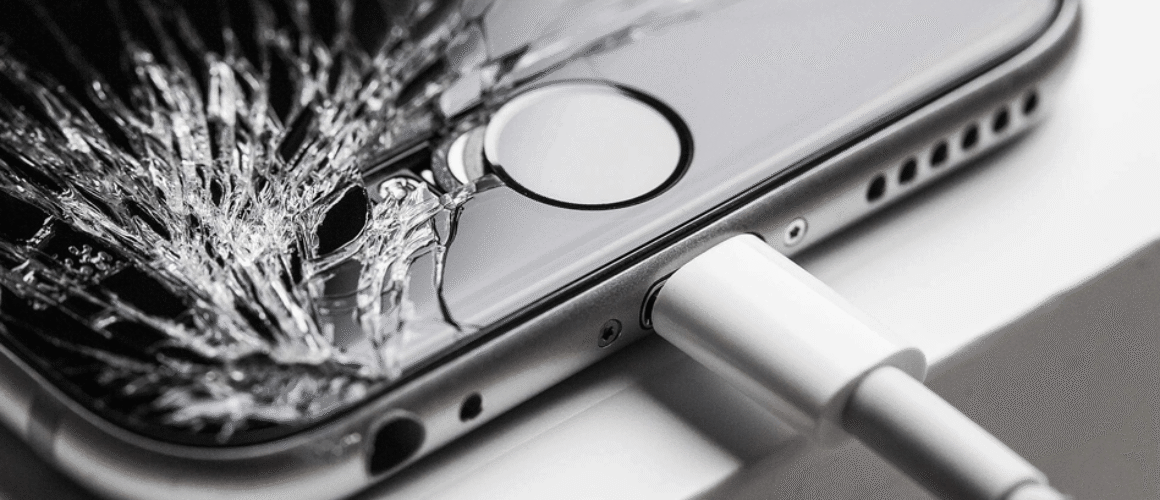
You drop your iPhone, pick it up, and there it is, a purple blob creeping across the display like spilled ink. Annoying, stressful, and usually badly timed.
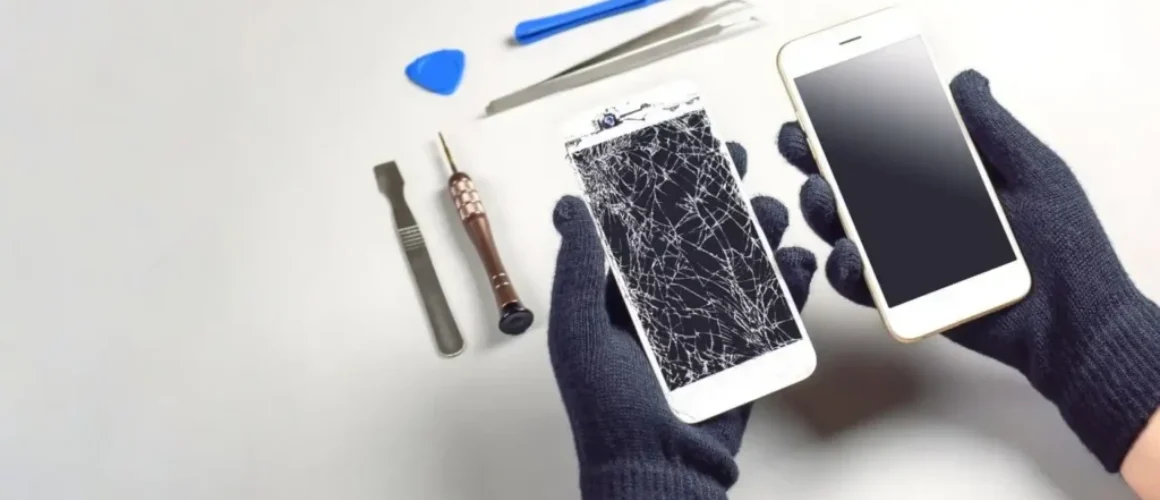
Here’s the straight answer: iPhone purple blotches after a drop are almost always physical screen damage, not an iOS bug. You can try a couple of quick checks, but if the mark stays put, you’ll likely need an iPhone screen replacement.
I’m James Waterston, and at Repair My Crack we see this every week. The good news is it’s fixable, and you’ve got decent UK options, including post-in repair if you’re not local.
Why iPhone purple blotches appear after a drop (and why they spread)
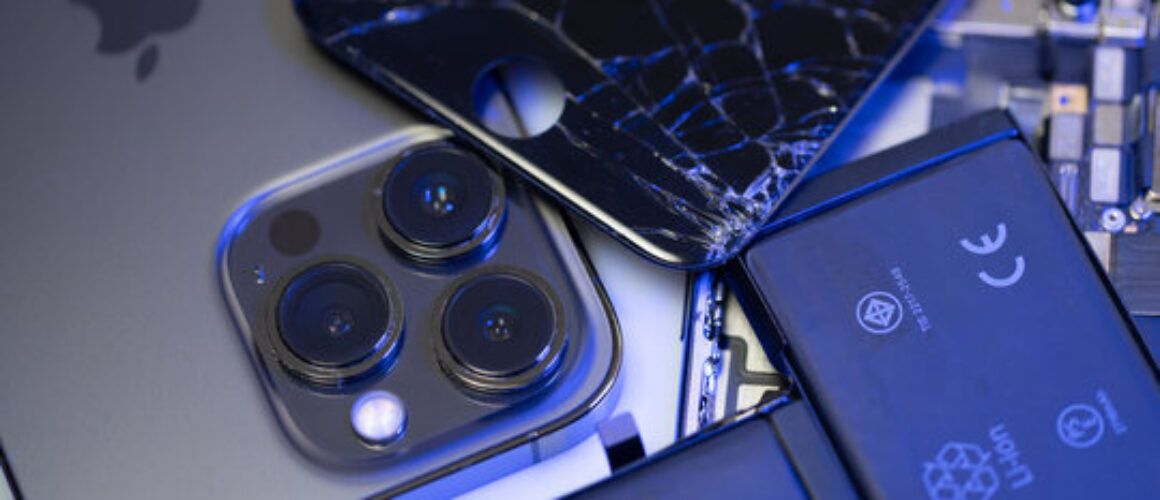
A modern iPhone display is layered. Even when the glass looks fine, the impact can damage the panel underneath. On OLED screens (common on newer iPhones), a drop can break microscopic parts of the display, so pixels stop behaving. On older LCD models, the impact can cause pressure marks and “bleeding” in the liquid crystal layer. Either way, purple is a classic sign.
A few patterns we often see:
- The blotch starts small, then grows over days.
- The mark is worse on dark backgrounds.
- Touch might still work, but the picture looks bruised.
- You may also get lines, flicker, or random dim patches.
One quick test helps you separate “screen problem” from “graphics problem”. Take a screenshot and view it on another device. If the purple blotch does not appear in the screenshot, it’s the display hardware. That’s the usual outcome after a drop.
If the blotch isn’t in your screenshot, don’t waste time reinstalling apps. You’re looking at a screen fault.
If you want a plain-English breakdown of lines and spots, this guide is a decent reference: lines or spots on your iPhone screen. You’ll notice the same theme, once the panel is damaged, it rarely “heals”.
Also worth saying: sometimes the drop triggers other issues at the same time. I’ve seen phones come in with purple blotches plus a broken charging port repair need, because the impact loosened the connector. If your device now needs phone not charging repair, mention it when you book, so we can test everything in one go.
What to do immediately (before you make it worse)
When a phone lands badly, it’s tempting to press the blotch, tap the glass, or squeeze the frame. Try not to. Pressure can make a damaged panel spread faster.
Do this instead:
- Back up your iPhone (iCloud or a computer). If the display fails fully later, you’ll be glad you did.
- Force restart the phone. It won’t fix impact damage, but it rules out a glitch.
- Check for obvious swelling. If the screen is lifting or the phone feels like it’s bulging, stop using it. A swollen battery needs attention and can be risky.
- Keep it cool and dry. Heat and moisture can turn a small fault into a bigger one. If the drop involved a puddle or sink splash, you may need water damaged phone repair UK diagnostics as well.
- Book a proper inspection if the mark stays. For most people, the real fix is a screen repair, not a setting.
A quick story from the bench: last week a customer in Essex brought in an iPhone 13 with a tiny purple dot after a drop. They’d carried on using it for three days. By day four it had turned into a palm-sized patch, and the display started flickering. The earlier you sort it, the better your odds of avoiding extra damage.
If you’re sitting there thinking, is it worth repairing a cracked iPhone screen (or a bruised one), it usually is, especially if the phone is otherwise solid. A good repair costs less than a replacement handset, and you keep your data and setup.
UK repair options for purple screen blotches (Apple, local, or post)
You’ve got three main routes in the UK, and each suits different situations.
Apple vs third-party repair (and the real-world trade-offs)
Apple support is tidy, but it can be pricey. Also, you may be without your phone longer than you’d like. That’s why people search for alternatives to Apple Store screen repair UK, especially when the phone is out of warranty or the damage is accidental.
Independent repair can be faster and better value, as long as you choose a trusted shop that fits quality parts and backs the work.
For context, here’s a simple price guide. Exact quotes depend on your model and what we find after testing.
| Repair type | Typical UK price range | Notes |
|---|---|---|
| iPhone screen replacement cost UK | £120 to £350+ | OLED models cost more, damage can spread |
| Samsung screen replacement cost UK | £140 to £380+ | Samsung panels are often pricier |
| phone battery replacement UK | £45 to £120+ | Prices vary by model and battery type |
| broken charging port repair | £45 to £110+ | Often paired with cleaning and diagnostics |
The takeaway: if your iPhone purple blotches are growing, screen replacement is normally the cost-effective fix.
Local Essex repairs and UK postal repairs
If you’re nearby, we do mobile phone repairs Essex, including phone screen repair Essex, iPhone repair Essex, and iPhone screen repair Essex. We also handle Samsung phone repair Essex and Samsung screen repair Essex, because a drop doesn’t care what logo’s on the back.
Not local? Use our postal phone repair UK option. A phone repair by post UK booking is straightforward: place your order online at Repair My Crack, pack the device securely, include your order number, and send it in. We aim to start work as soon as it arrives, often the same day.
We also support people and teams who rely on their kit for work. If you’re searching for business mobile phone repairs UK. business laptop and tablet repairs. trusted phone repair service UK, we can take care of that too, with clear communication and sensible turnaround targets.
Finally, a quick word on trust. It’s normal to look up feedback before you hand over your phone. People literally type searches like “Repair My Crack reviews. best phone repair shop in Essex“, and I don’t blame them. Look for consistent ratings, clear warranty terms, and real contact details.
For more real-world examples of purple lines and how people handle them, these threads can be useful context: purple line iPhone user discussion and iFixit screen spot repair Q&A.
FAQ: costs, timing, and what we can fix besides screens
How long does phone screen repair take UK?
It depends on model and parts availability, but many screen jobs are same-day. With post-in work, add delivery time each way. If you need cracked screen repair UK support quickly, book early and tell us the model, so we can plan parts and testing.
Do you only fix iPhones?
No. We do iPhone repairs and Samsung Repairs every day. That includes Samsung Phone repair for cracked displays, battery issues, and charging faults. If you’re comparing a fix cracked iPhone screen job with a Samsung equivalent, the process is similar, but Samsung screens often cost more to source.
What if it’s the battery or charging, not the screen?
A drop can knock more than the display. If your phone is dying fast, ask about iPhone battery replacement (including iPhone battery replacement Essex for local customers). If charging is unreliable, we can sort phone not charging repair alongside screen work, which saves time and hassle.
You’ll also see big claims online like “lifetime warranty phone repairs“. Always read the terms. What you want is clear, written cover and a shop that stands by the repair. We provide phone repair with warranty UK cover for peace of mind.
Getting your iPhone purple blotches fixed without the faff
Purple blotches after a drop usually mean the display has taken a hit, and it won’t improve on its own. A proper iPhone screen replacement is the fix in most cases, and it’s often more sensible than replacing the whole phone.
If you want affordable phone repairs UK without guesswork, book online and send it in, or pop in if you’re local. We’ll test the device, explain your options clearly, and get you sorted as fast as we can.
– James Waterston, Device Repair Specialist at Repair My Crack