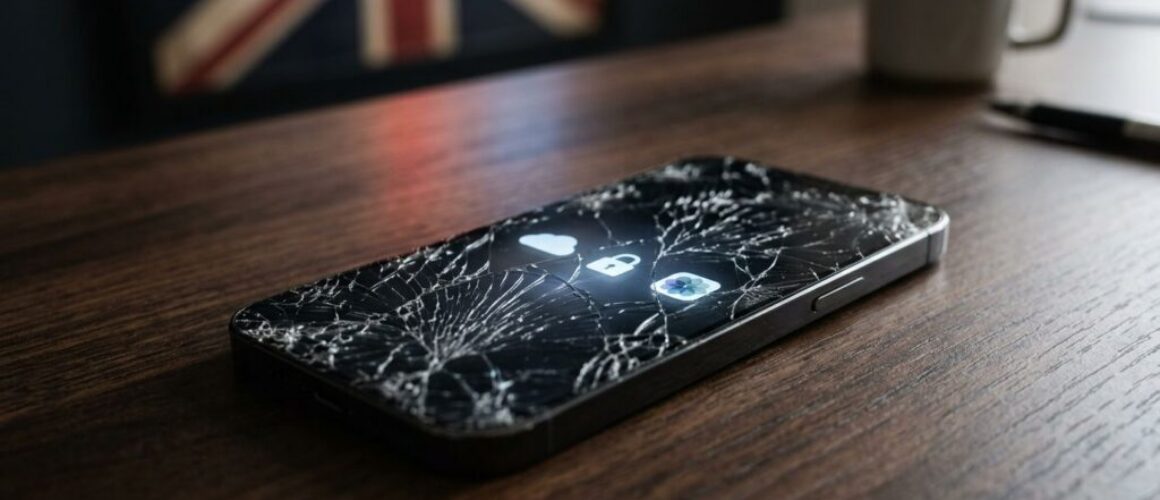
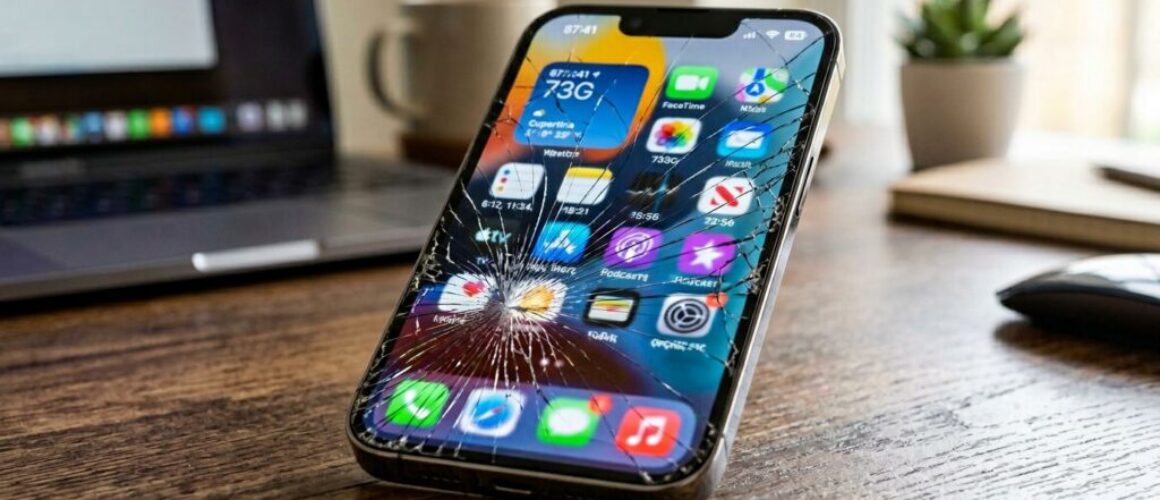
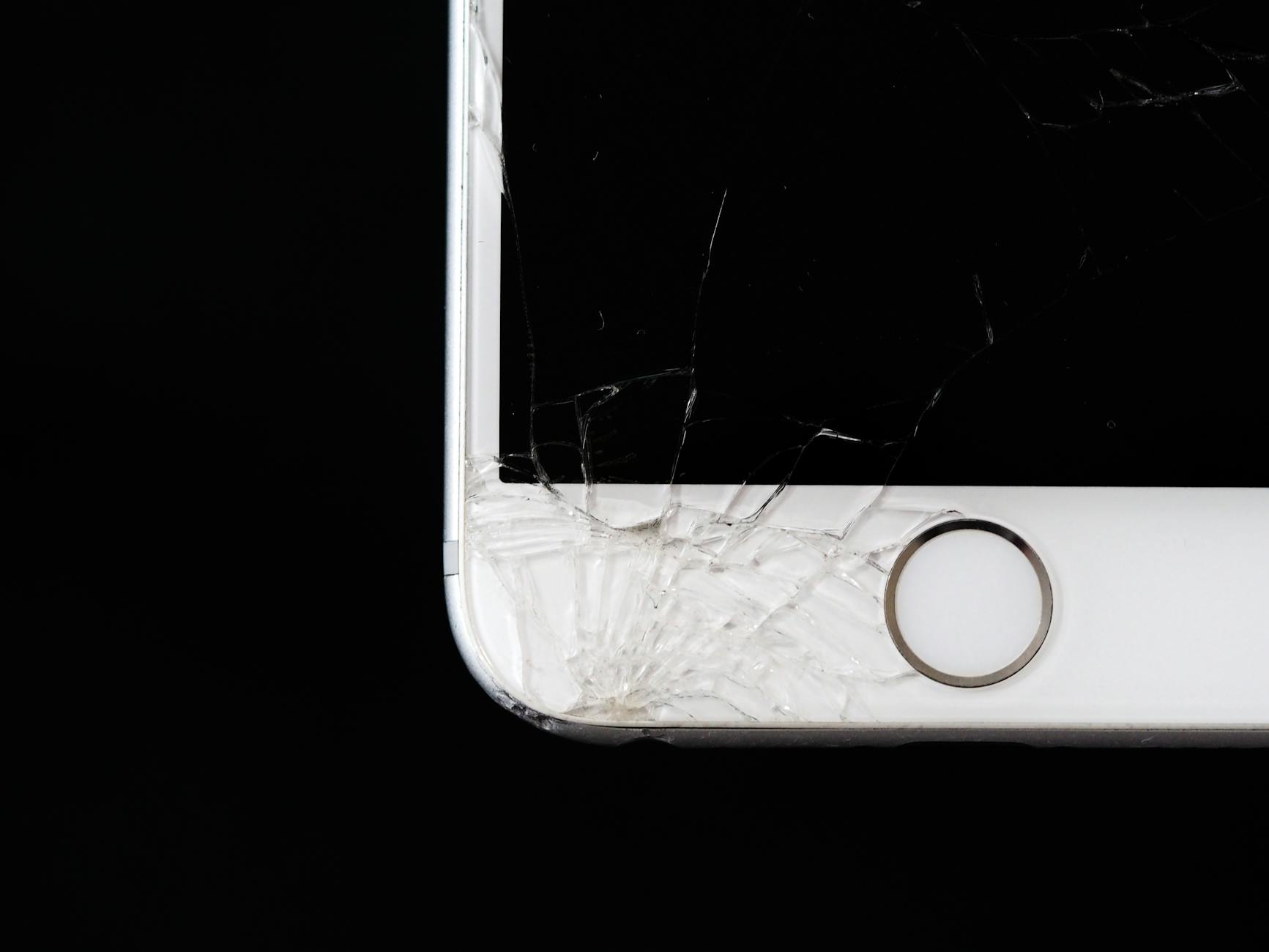
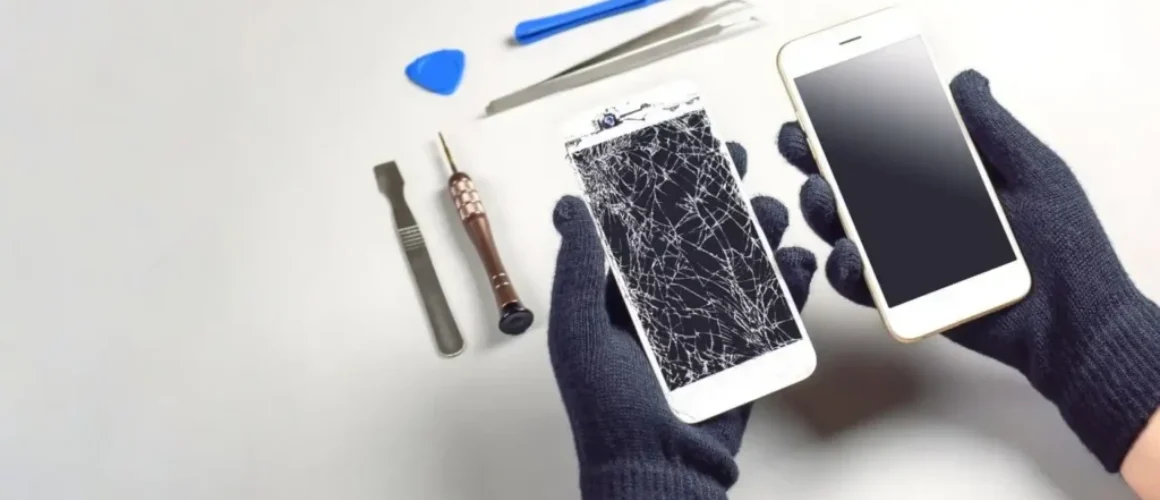
One dropped iPhone can turn a normal day into a scramble for photos, banking apps and work messages. When the screen goes black or shatters, the first worry usually isn’t the glass, it’s the data.
Across the UK, iPhone data recovery after screen damage is often possible, especially when the phone still powers on and the logic board is healthy. We see this every week at Repair My Crack, and the good news is simple, a broken display does not always mean lost memories.
Can a smashed iPhone still be recovered?
Yes, often it can. If the handset vibrates, rings, charges, or shows up on a computer, we usually have a solid chance. Screen-only faults are far easier than board faults.
The hard truth is that smashed glass and lost data aren’t always linked. Sometimes the screen is dead, but the phone is working fine underneath. In those cases, we can fit a test display, unlock the handset, back it up, then decide whether a full repair makes sense.
Trouble starts when the drop also damages the logic board, bends the frame, or follows liquid contact. Apple encryption protects your data well, but it also means recovery has limits if the phone cannot boot properly or accept the passcode.
Most people don’t search for iPhone data recovery UK first. They type in iPhone screen repair UK, cracked iPhone screen repair, or even iPhone battery replacement UK because the damage looks simple. Then we find the real priority is access to years of photos, notes and WhatsApp chats.
We hear the same panic on Samsung phone repair UK jobs too. If the storage is intact, recovery is usually about access, not magic. If you want the repair side explained in plain English, our complete guide to iPhone screen repair covers what happens when a damaged display is replaced properly.
What to do straight away to protect your data
First, stop testing the damage every five minutes. Repeated restarts, random charger swaps and hard presses on a broken screen can make a bad day worse. If the phone was dropped in water as well, don’t plug it in.
If the iPhone still powers on, keep the steps simple:
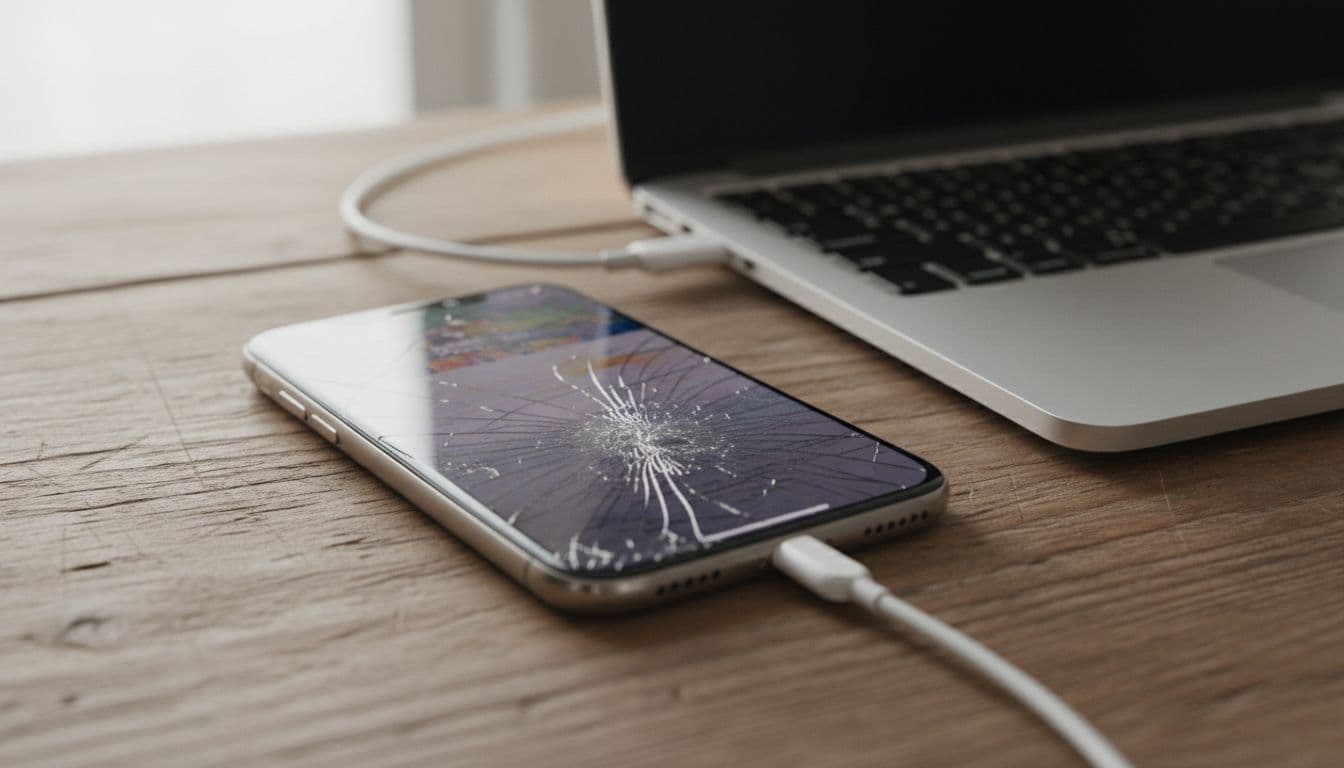
Plug it into the same Mac or PC it has trusted before.
Open Finder or iTunes and start a backup if the phone appears.
Keep it on stable power with a proper cable.
Stop if the screen is ghost-touching or entering the wrong passcode.
A practical guide on getting data off a broken iPhone makes the same point, a trusted computer can save a lot of stress. If the handset has never trusted that computer, the dead screen becomes a bigger problem because you may need on-screen approval.
If the phone keeps entering the wrong passcode, leave it alone. Too many failed attempts can lock it for longer.
We also tell customers not to peel cracked glass, not to heat the phone with a hairdryer, and not to try cheap DIY kits from online marketplaces. Those quick fixes often turn a recoverable phone into a board-repair job.
If you need to send the phone away, write down the passcode, your order number and the fault. Good mobile phone repair UK services will ask for that detail upfront, because it saves time and improves the chance of a clean recovery.
How we handle iPhone data recovery in the UK
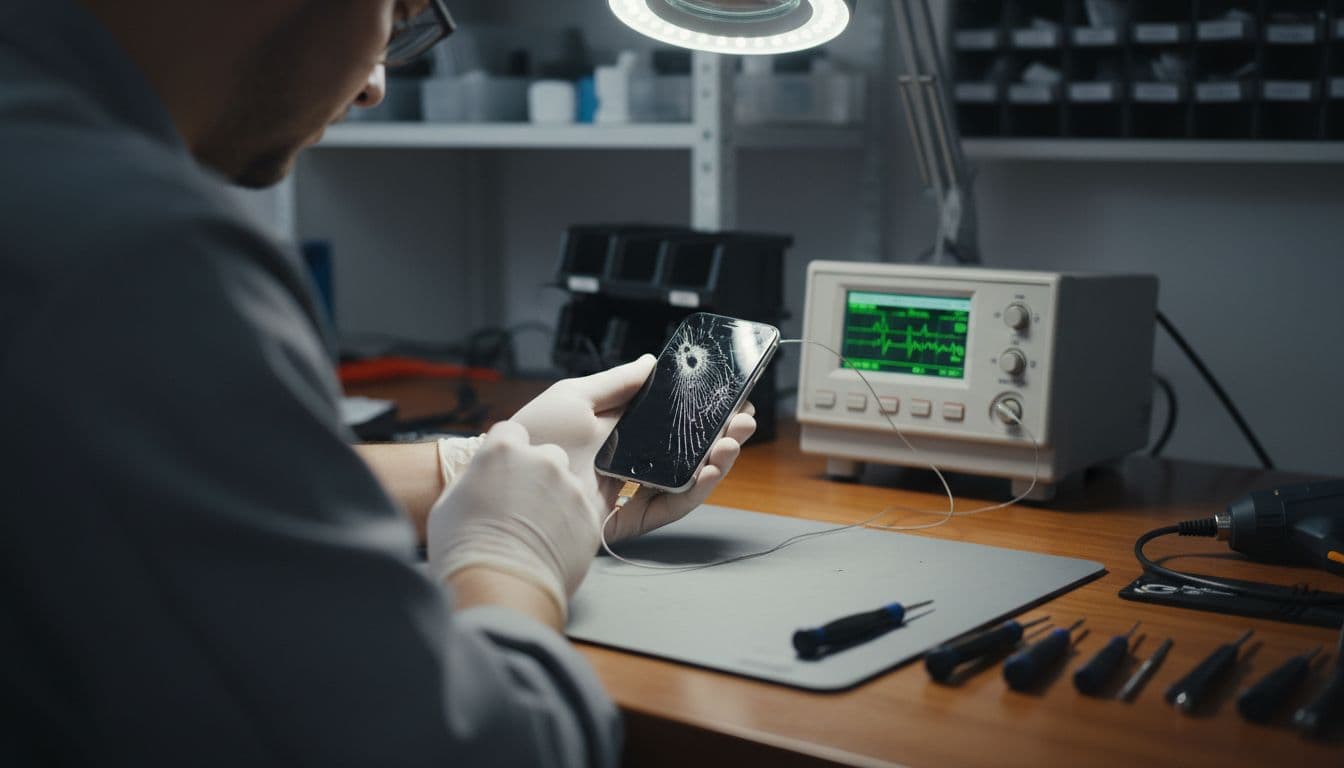
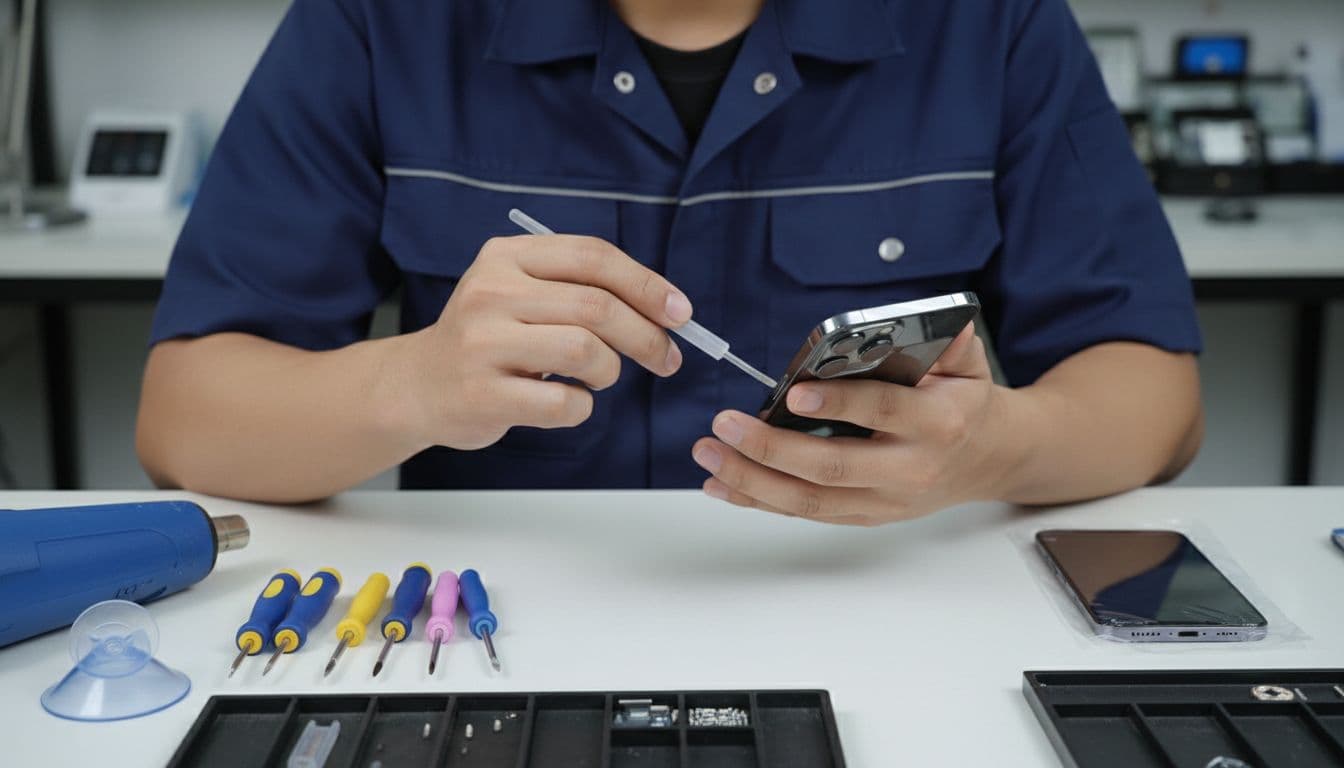
At the bench, we start with diagnosis, not guesswork. If the phone boots and only the display is damaged, we may fit a temporary screen to unlock it and back it up. If the battery is weak from age or impact, we may recommend sorting both issues together, and our guide to iPhone battery replacement cost in the UK helps set expectations.
Specialist recovery work in the UK often falls between about £99 and £399, depending on model, damage and whether board-level work is needed. A simple display swap costs far less than deep recovery work, so honest diagnosis matters.
A workshop example from Essex
Recently, we had an iPhone 12 from Essex with a black screen after a pavement drop. The customer could hear notifications, but touch was gone. We fitted a known-good test screen, unlocked the phone, ran a backup, and then completed the permanent repair. Within the hour, the photos were safe and the phone was usable again.
If you’re comparing phone repair Essex options, that’s the sort of process worth asking about. A shop should tell you whether it’s doing a proper diagnosis, a temporary access repair, or a full replacement with quality parts and warranty.
If you’re outside Essex
We also help people who are nowhere near Harlow. Our tracked postal phone repair process covers the steps, but the short version is simple, book online, pack the handset well, include your order number and passcode, then send it by tracked Royal Mail. We aim to start work once it arrives, often the same day, and we send it back tracked as well.
That matters if you need postal phone repair UK wide, or if you want mobile phone repair UK support without losing a day travelling. We handle iPhones, tablets and Samsungs, so the same setup works for Samsung phone repair UK jobs too.
For tougher cases, R3’s iPhone recovery page is useful because it explains why severe motherboard damage can stop recovery altogether. That matches what we see in real workshop jobs.
Conclusion
Screen damage feels dramatic, but it doesn’t automatically wipe an iPhone. If the phone still shows signs of life, quick and careful handling gives you the best chance of saving what matters.
For iPhone data recovery in the UK, the biggest mistake is poking at the device and hoping for the best. Get it checked, back it up if you can, and fix the screen properly after that.
If you’re stuck with a smashed screen right now, you can book online, bring it to us in Essex, or post it in and we’ll get it sorted as quickly as we can.
James Waterston, Device Repair Specialist at Repair My Crack
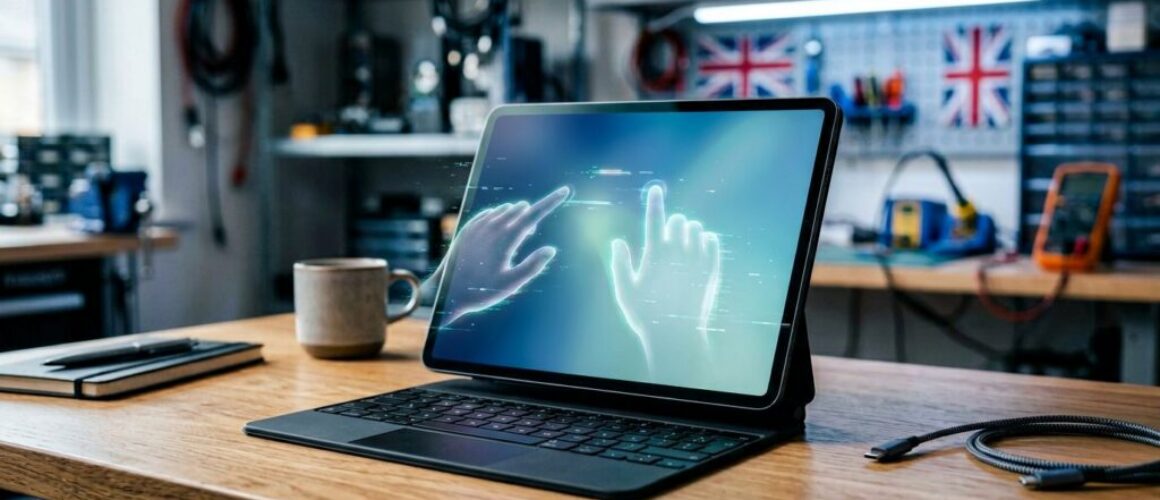
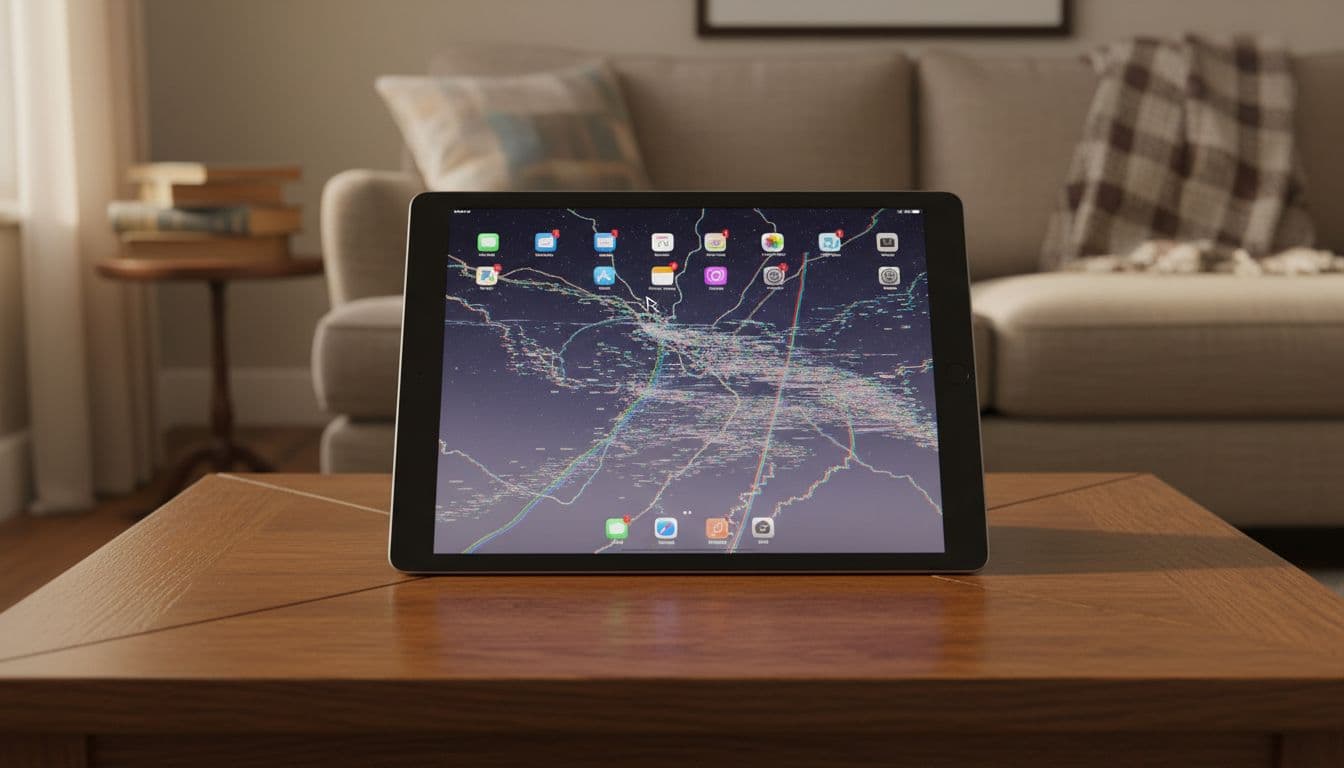
If your iPad is opening apps on its own, typing gibberish, or swiping without you, that’s iPad ghost touch. In 2026 we’ve seen more of it after iPadOS 26 updates, but drops and poor-quality screens still cause plenty of cases.
The good news is that it isn’t always terminal. Some iPads need a restart. Others need proper screen work. The trick is knowing which one you’ve got.
iPad Screen & Diagnostic Repairs
If ghost touch won’t go away, get your iPad looked at properly — book online today.
On our bench, we split ghost touch into two camps, software and hardware. Software faults tend to appear after an update with no visible damage. Hardware faults usually follow a drop, liquid, frame bend, or an earlier screen repair.
Reports on post-update iPad Air touch issues match what we’ve seen in the workshop. Other common triggers are damp screens, charger interference, thick protectors, and cheap replacement digitisers.
If ghost touch starts after a drop or screen replacement, the screen assembly jumps high on our suspect list.
The checks we do first
We start with the simple stuff, because it often works:
Back the iPad up if you can, then restart it fully.
Clean the screen, and remove the case and protector.
Unplug chargers, hubs, keyboards, and other accessories.
Check Accessibility settings such as AssistiveTouch, VoiceOver, and Switch Control.
Install the latest iPadOS build, then test touch in Notes.
If the problem only shows while charging, suspect the cable or plug first. If it started after a new protector, take it off. ESR’s ghost touch tips cover the same basics we give customers, strip the iPad back and test it in a clean state.
When the iPad still types by itself, the pattern matters. Random touches across the whole screen can point to software. A frantic corner, one dead strip, or touch that goes wild when the frame flexes usually points to hardware.
When another reset won’t fix it
Cracks, lifted edges, and even a slight bend can push an iPad from glitchy to unusable. The same goes for ghost touch that keeps returning after a restart.
Last month, we had an iPad Air in from Essex that had been repaired elsewhere. It typed nonsense while sitting untouched on a table. We found the screen fitment was too tight and the digitiser was shorting against the frame. We re-seated it, insulated the contact points, and tested it through several restart cycles. That stopped the ghost touch.
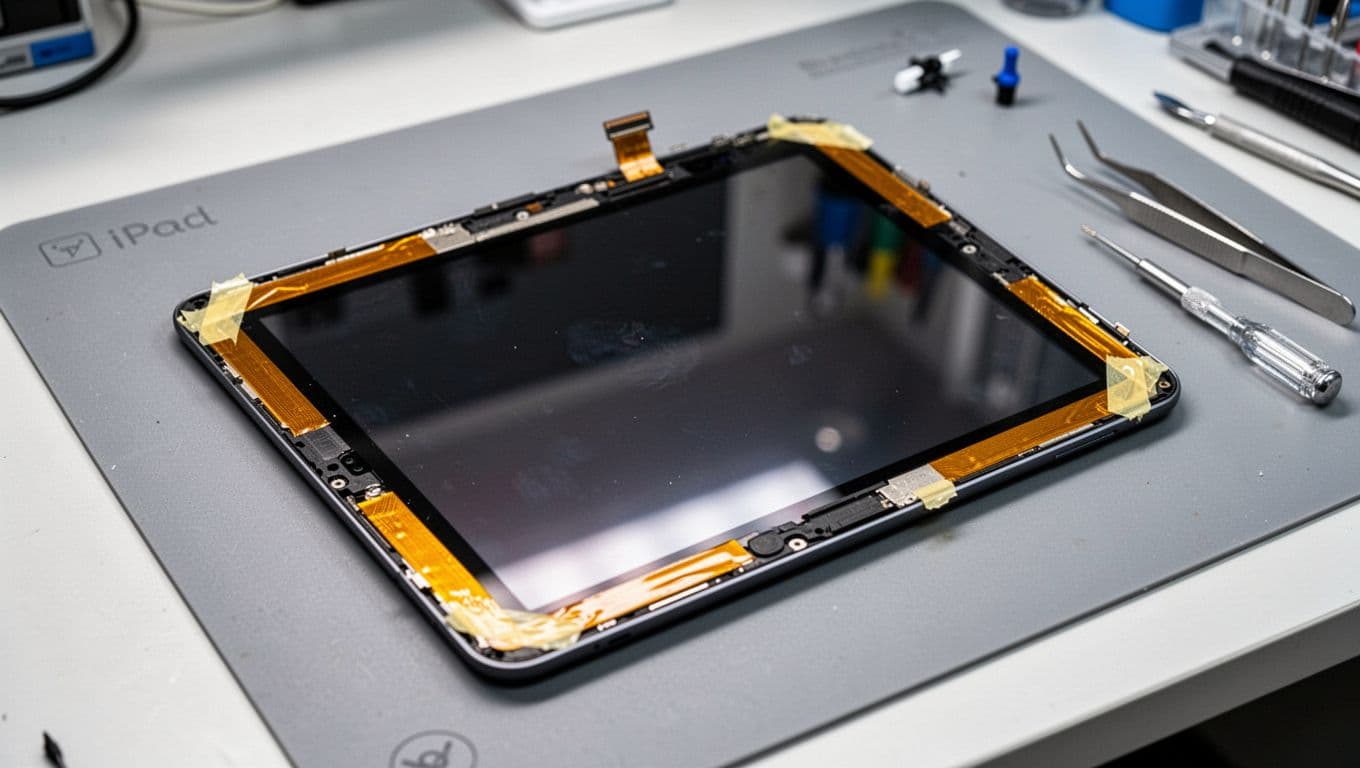
Some techs use thin insulating tape around the digitiser edges to stop contact with the frame. It can help on certain models, but opening an iPad is a brittle, heat-heavy job. It’s easy to crack the glass further.
We also see ghost touch after low-cost repairs. If a weak digitiser has gone in, re-fitting alone may not cure it. In those cases we replace the assembly with a better part and re-test the frame, cable seating, and touch accuracy before it goes back out.
If the screen itself is failing, replacement is often the cleanest fix. Our iPad screen repair cost UK guide gives a sensible 2026 ballpark, and we back repairs with a 12-month warranty, subject to terms.
Essex repairs, postal repairs, and the other faults we see
Although this post is about iPads, our bench is full of phones too. We handle iPhone screen repair UK jobs, iPhone battery replacement UK bookings, cracked iPhone screen repair work, samsung phone repair UK jobs, and wider mobile phone repair UK faults every week. That includes our phone repair Essex service and a secure postal phone repair UK option if you’re not local.
For ghost touch repairs, we ask customers to book online, pack the iPad well, include the order number, and send it tracked. We aim to start work as soon as it arrives. Once it’s here, we test the screen before and after repair, because a quick swap with no checks is where repeat faults start. We also keep pricing honest with our price promise.
Quick questions we hear a lot
Can an update cause iPad ghost touch on its own?
Yes, sometimes. We’ve seen it after iPadOS 26, especially where there’s no crack or impact history.
Can a case or protector cause it?
Yes, it can. Too much pressure around an edge, or a badly fitted protector, can trigger odd touches.
Will it go away if we ignore it?
Usually not. False taps often get worse, and they can lock you out with wrong passcodes.
Is it worth fixing an older iPad?
Often, yes. If the battery is sound and the iPad still does what you need, a repair is usually cheaper than replacing it.
An iPad that moves on its own feels haunted, but it usually isn’t. iPad ghost touch is normally a software glitch or a screen fault, and both can be diagnosed properly.
If yours is playing up, we can check it, quote it clearly, and get it sorted with minimum fuss. Book online, drop it into Essex, or send it in by post and we’ll do the rest.
James Waterston, Device Repair Specialist at Repair My Crack
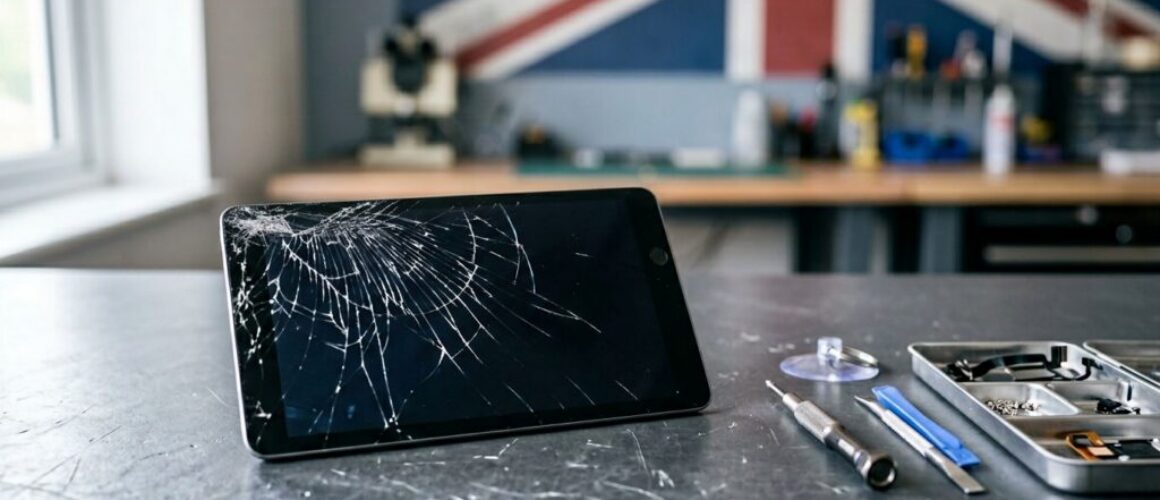
A cracked iPad screen always happens at the worst moment. One slip off the sofa, one knock against a door frame, and suddenly your “big iPhone” is full of spiderweb glass.
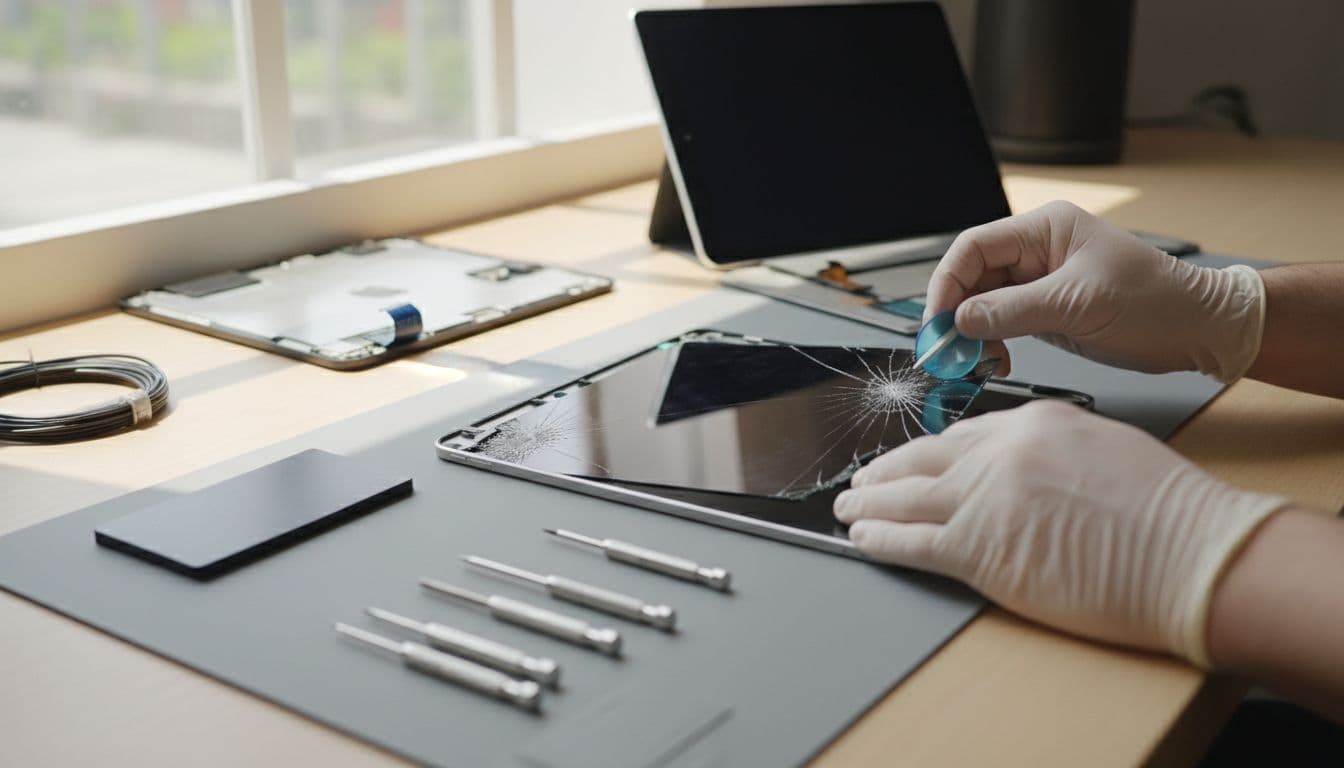
Here’s the straight answer: ipad screen repair cost uk prices in 2026 usually sit between £120 and £400 for most modern iPads at independent repairers, while top-end iPad Pro models can push higher. At Repair My Crack, our iPad screen repairs start from just £79.99, undercutting the typical market range — the exact price depends on your model and whether you choose our Standard or Premium screen option. Apple routes can cost more, unless you’ve got AppleCare+ (which can drop accidental damage fees dramatically).
Below we’ll break down real UK price ranges, what changes the bill, and how we handle repairs in our workshop at Repair My Crack.
Typical iPad screen repair cost UK in 2026 (by model)
Most people want a ballpark figure before they book anything. Fair. While every repair depends on the exact model number and damage type, our checks across UK pricing in early 2026 line up with a simple pattern: newer, laminated screens cost more, and iPad Pro screens cost the most.
iPad Screen Repairs from £79.99
Select your exact iPad model for a live, accurate quote — book online today.
Here’s a realistic guide to third-party repair pricing we’re seeing in the UK right now:
iPad model (common UK repairs)
Typical third-party range (2026)
What that usually covers
iPad (10th Gen)
£120 to £200
Screen assembly, fitting, testing
iPad Air (5th Gen)
£150 to £250
Screen replacement, touch checks
iPad mini (6th Gen)
£120 to £400
Wide range due to parts supply and damage type
iPad Pro 11-inch
£180 to £280
Higher cost display parts
iPad Pro 12.9-inch
£220 to £400+
Most expensive screens, more risk of frame damage
The big takeaway: a basic iPad screen repair is rarely “cheap” now, but it’s still usually far less than replacing the whole iPad.
If you’re comparing providers, it helps to look at broader UK pricing snapshots like Apple device repair price averages to see how costs vary by model and repair route. Also, some UK repairers publish model-specific examples, for instance iPad 11th Gen repair pricing (useful context even if you don’t use that shop).
If a quote sounds too good to be true, it often means corners are being cut on parts quality or testing time.
Why iPad screen replacement prices vary so much
Two iPads can look equally “cracked”, yet the repair cost can be miles apart. That’s because iPad screens aren’t all built the same.
Glass-only vs full display: what’s actually broken?
On some older models, it may be possible to replace just the front glass (digitiser). On many newer iPads, the glass and LCD are bonded (laminated), so the repair becomes a full screen assembly replacement. That changes the part cost, the labour, and the chances of hidden damage.
A few things that push the price up fast:
Laminated displays: More expensive parts and more careful fitting.
iPad Pro panels: Higher-grade screens, higher part costs.
Bent frames: A slight bend can stop a new screen sitting flat, so we have to correct the housing first.
“Ink” marks or lines: If you see black patches, purple bruising, or vertical lines, the LCD is damaged, not just the glass.
Extra faults from the same drop: Cameras can misalign, batteries can loosen, or charging ports can take a hit.
If you want a plain-English explanation of how screen layers fail (and why some repairs become full replacements), our own Apple LCD repair guide is a handy read before you spend money.
What we recommend before you book
We see people panic-book repairs, then realise they can’t unlock the iPad for testing or they’ve sent it in with half their life on it and no backup. A little prep makes everything smoother:
Back up to iCloud or a computer if the screen still responds.
Remove cases and screen protectors (they can hide frame bends).
Note your passcode (we may need it for proper testing, but never your Apple ID password).
Stop pressing on the crack. Pressure can spread LCD damage.
That last one matters. A cracked screen is like a chipped windscreen, it rarely improves with “leaving it a bit”.
Repair options in 2026: Apple, local shops, or postal repairs (plus a real workshop example)
In the UK, you’ve got three common routes:
1) Manufacturer repair
Apple repairs are consistent, but the cost can be higher. AppleCare+ changes the maths, because accidental damage fees can be much lower than paying out of pocket. If you’re covered, it’s often worth using.
2) Local repair (good for speed and face-to-face advice)
If you’re nearby, we’re set up for phone repair Essex and tablet repairs with a drop-in appointment service in Harlow. People like being able to show us the problem and get a clear answer there and then.
3) Post-in repairs (ideal if you’re not local)
A lot of our work is now nationwide. If you’re searching for postal phone repair UK, the process is simple: book online, pack securely, send tracked, then we test and repair as soon as it arrives. Our guide to mail-in phone repair UK walks through what happens from post to return delivery.
A quick story from our bench
Last month, we had an iPad Air come in with a thin crack across one corner. The customer said, “Touch is fine, it’s just annoying.” After testing, we found dead zones starting to form near the crack, plus a slight bend in the frame from the impact. We straightened the housing, replaced the screen, and then ran touch and brightness checks across the full panel.
That’s why we don’t like “quick swaps” with no testing. iPads are big, thin, and a bit unforgiving.
“Do you only do iPads?”
No. Most of our day-to-day work is mobile phone repair UK wide, and iPads sit right alongside phones on the bench. We handle iphone screen repair UK jobs constantly (including cracked iphone screen repair on newer models), as well as iphone battery replacement UK when batteries start dropping from 40% to 1% like a stone.
We’re also specialists in samsung phone repair UK, especially screen and charging faults. If you need those services, you can book through our iPhone repair service or our Samsung repairs pages.
Quick iPad screen cost FAQs we hear every week
Will a cheap screen look worse? Sometimes, yes. The biggest differences we see are brightness, colour tone, and touch feel. We talk through options so you can choose what suits your budget.
Is it worth repairing an older iPad? If it’s only the screen and it still runs your apps fine, usually yes. If the battery is swollen, the frame is badly bent, or it’s had water damage, we’ll be honest about whether it’s money well spent.
How long will it take? In-shop repairs can often be turned around quickly, while post-in times depend on delivery and parts availability. Either way, we aim to keep it simple and keep you updated.
Wrapping up: getting the right iPad screen fix for your budget
In 2026, ipad screen repair cost uk pricing is all about model, screen type, and whether the LCD is damaged. A good repair should come with proper testing, a clear warranty, and a quote that explains what you’re paying for.
If your iPad is cracked right now, we can help you book online, choose a repair route that fits, and get you back to normal with minimum fuss.
Can I book my iPad repair online?
Yes. Repair My Crack now offers online booking for iPad screen repairs across all major models, with free tracked Royal Mail postage or a drop-in appointment at our Harlow, Essex workshop.
– James Waterston, Device Repair Specialist at Repair My Crack
A broken iphone screen that still lights up and responds can feel like a mixed blessing. On one hand, you can carry on. On the other, every swipe reminds you it could get worse at any moment.
Our straight answer is this: if the crack is more than hairline, or you’ve got any odd display or touch behaviour, get it repaired sooner rather than later. A working screen can fail suddenly, and cracked glass also invites moisture and dirt inside.
We see this daily in our workshop, both from locals popping in for phone repair Essex jobs, and customers using our postal phone repair UK service. The pattern’s usually the same: small crack, left too long, then a bigger bill.
When it’s OK to keep using a cracked iPhone screen (briefly)
If the glass is cracked but the picture is perfect, and touch is normal, you might be fine to use it for a short while. Think of it like a cracked windscreen. You can still drive, but you wouldn’t ignore it forever.
Here’s a quick guide we use at the bench:
What you’re seeing
What it often means
What we’d do
Hairline crack, no sharp edges
Mostly cosmetic (for now)
Protect it and plan a repair
Cracks spreading from a corner
Pressure point, frame stress
Repair sooner to avoid OLED/LCD damage
Touch works, but feels “off”
Digitiser strain
Book in, it rarely fixes itself
Tiny chips on the edge
Glass is weakening
Don’t wait, it can start shedding
If you do keep using it, keep it sensible. Pop it in a case, add a proper screen protector, and avoid pockets with keys. Also, back up today, not “at the weekend”. When screens fail, they pick the worst time.
If your iPhone has lost water resistance because of cracks, a drizzle and a jeans pocket can be enough to cause corrosion.
Signs your broken iPhone screen needs repairing now
The moment you see any of the following, we’d treat it as a “book it in” job, not a “see how it goes” job. This is where cracked iphone screen repair stops being cosmetic and starts being risk control.
Sharp edges or lifting glass: It’s a safety issue, and shards can cut fingers and cheeks.
Ghost touches (apps opening by themselves): Usually digitiser damage, and it can lock you out.
Dead spots: Typing becomes a guessing game, then it often spreads.
Lines, flicker, black blobs, or discolouration: That’s display damage, even if it “still works”.
Face ID issues after a drop: Sometimes it’s screen related, sometimes it’s sensor alignment.
Moisture fogging under the glass: Treat that as urgent.
One more that catches people out: a screen that’s lifting at one edge can be a battery problem. If the phone feels thicker, wobbles on a table, or the screen is separating, you may need an iphone battery replacement UK as well as a screen. We don’t mess around with swollen batteries.
What we do in the workshop (and why “later” can cost more)
A proper screen repair isn’t just swapping glass and hoping for the best. We test touch, brightness, sensors, cameras, speakers, and charging behaviour before and after. That’s how we keep our mobile phone repair UK work consistent, whether it’s a walk-in device or one posted to us.
In simple terms, early repairs stay simple. Once cracks spread, they can stress the display panel underneath (especially on OLED iPhones). Then a “crack in the corner” turns into lines, flicker, or a full black screen.
A real example from our bench: a customer in Essex brought in an iPhone 13 with a small corner crack. It still worked, so they left it a month. After a wet commute and a few more knocks, the screen showed a bright green line and the speaker sounded muffled. We sorted it, but it needed extra cleaning and testing because moisture had started to creep in.
Prices vary by model and parts, so we quote properly once we confirm the fault. For broader context on how newer models can affect pricing, this iPhone 16 Pro Max screen repair cost guide shows why waiting can be expensive on the latest displays.
We also apply the same mindset to samsung phone repair UK jobs. A Galaxy with a “minor” crack can go from fine to unusable fast, especially if the frame is bent.
Repair options in the UK: drop-in, post, or manufacturer
Most people choose between three routes: manufacturer repair, a local shop, or a postal service. For many customers, a trusted independent option hits the sweet spot for speed and cost, especially for iphone screen repair UK work.
If you’re not near us in Harlow, our mail-in phone repair UK guide explains what happens from posting to return delivery. We aim to start repairs as soon as the device arrives, often the same day, and repairs include a warranty (12 months, terms apply).
Before you send any phone in, we recommend:
Back up your data (iCloud or a computer).
Remove your SIM.
Pack it like you’re posting glasses, not a T-shirt.
Include your order number and a clear fault description.
Share a passcode only if needed for testing, never your Apple ID password.
Sometimes, yes. If the phone has heavy housing damage, multiple faults, or you were already planning an upgrade, it can be worth doing the maths. This opinion piece on whether fixing a cracked iPhone screen is worth it shows the other side of the argument, especially if resale is your main goal.
Still, for most people, a repair is the easiest route back to normal, and it avoids the faff of setting up a new handset.
The takeaway
A broken iphone screen that still works is rarely “fine”, it’s just not finished breaking yet. If you’ve got sharp glass, touch glitches, display lines, or signs of moisture, we’d repair it now and prevent a bigger fault later. If you’re unsure, we can check it quickly and talk you through the options, from cracked iphone screen repair to battery work, including iphone battery replacement UK.
If you’re stuck with a cracked screen today, we can sort it via drop-in in Essex or a secure postal phone repair UK booking. Either way, we’ll get you back to a phone you can use without wincing.
– James Waterston, Device Repair Specialist at Repair My Crack
You drop your iPhone, pick it up, and there it is, a purple blob creeping across the display like spilled ink. Annoying, stressful, and usually badly timed.
Here’s the straight answer: iPhone purple blotches after a drop are almost always physical screen damage, not an iOS bug. You can try a couple of quick checks, but if the mark stays put, you’ll likely need an iPhone screen replacement.
I’m James Waterston, and at Repair My Crack we see this every week. The good news is it’s fixable, and you’ve got decent UK options, including post-in repair if you’re not local.
Purple Blotch Spreading? Get It Fixed Fast
Screen damage rarely improves on its own — get a live quote for your exact iPhone model.
Why iPhone purple blotches appear after a drop (and why they spread)
A modern iPhone display is layered. Even when the glass looks fine, the impact can damage the panel underneath. On OLED screens (common on newer iPhones), a drop can break microscopic parts of the display, so pixels stop behaving. On older LCD models, the impact can cause pressure marks and “bleeding” in the liquid crystal layer. Either way, purple is a classic sign.
A few patterns we often see:
The blotch starts small, then grows over days.
The mark is worse on dark backgrounds.
Touch might still work, but the picture looks bruised.
You may also get lines, flicker, or random dim patches.
One quick test helps you separate “screen problem” from “graphics problem”. Take a screenshot and view it on another device. If the purple blotch does not appear in the screenshot, it’s the display hardware. That’s the usual outcome after a drop.
If the blotch isn’t in your screenshot, don’t waste time reinstalling apps. You’re looking at a screen fault.
If you want a plain-English breakdown of lines and spots, this guide is a decent reference: lines or spots on your iPhone screen. You’ll notice the same theme, once the panel is damaged, it rarely “heals”.
Also worth saying: sometimes the drop triggers other issues at the same time. I’ve seen phones come in with purple blotches plus a broken charging port repair need, because the impact loosened the connector. If your device now needs phone not charging repair, mention it when you book, so we can test everything in one go.
What to do immediately (before you make it worse)
When a phone lands badly, it’s tempting to press the blotch, tap the glass, or squeeze the frame. Try not to. Pressure can make a damaged panel spread faster.
Do this instead:
Back up your iPhone (iCloud or a computer). If the display fails fully later, you’ll be glad you did.
Force restart the phone. It won’t fix impact damage, but it rules out a glitch.
Check for obvious swelling. If the screen is lifting or the phone feels like it’s bulging, stop using it. A swollen battery needs attention and can be risky.
Keep it cool and dry. Heat and moisture can turn a small fault into a bigger one. If the drop involved a puddle or sink splash, you may need water damaged phone repair UK diagnostics as well.
Book a proper inspection if the mark stays. For most people, the real fix is a screen repair, not a setting.
A quick story from the bench: last week a customer in Essex brought in an iPhone 13 with a tiny purple dot after a drop. They’d carried on using it for three days. By day four it had turned into a palm-sized patch, and the display started flickering. The earlier you sort it, the better your odds of avoiding extra damage.
If you’re sitting there thinking, is it worth repairing a cracked iPhone screen (or a bruised one), it usually is, especially if the phone is otherwise solid. A good repair costs less than a replacement handset, and you keep your data and setup.
UK repair options for purple screen blotches (Apple, local, or post)
You’ve got three main routes in the UK, and each suits different situations.
Apple vs third-party repair (and the real-world trade-offs)
Apple support is tidy, but it can be pricey. Also, you may be without your phone longer than you’d like. That’s why people search for alternatives to Apple Store screen repair UK, especially when the phone is out of warranty or the damage is accidental.
Independent repair can be faster and better value, as long as you choose a trusted shop that fits quality parts and backs the work.
For context, here’s a simple price guide. Exact quotes depend on your model and what we find after testing.
Repair type
Typical UK price range
Notes
iPhone screen replacement cost UK
£120 to £350+
OLED models cost more, damage can spread
Samsung screen replacement cost UK
£140 to £380+
Samsung panels are often pricier
phone battery replacement UK
£45 to £120+
Prices vary by model and battery type
broken charging port repair
£45 to £110+
Often paired with cleaning and diagnostics
The takeaway: if your iPhone purple blotches are growing, screen replacement is normally the cost-effective fix.
Local Essex repairs and UK postal repairs
If you’re nearby, we do mobile phone repairs Essex, including phone screen repair Essex, iPhone repair Essex, and iPhone screen repair Essex. We also handle Samsung phone repair Essex and Samsung screen repair Essex, because a drop doesn’t care what logo’s on the back.
Not local? Use our postal phone repair UK option. A phone repair by post UK booking is straightforward: place your order online, pack the device securely, include your order number, and send it in. We aim to start work as soon as it arrives, often the same day.
We also support people and teams who rely on their kit for work. If you’re searching for business mobile phone repairs UK. business laptop and tablet repairs. trusted phone repair service UK, we can take care of that too, with clear communication and sensible turnaround targets.
Finally, a quick word on trust. It’s normal to look up feedback before you hand over your phone. People literally type searches like “Repair My Crack reviews. best phone repair shop in Essex“, and I don’t blame them. Look for consistent ratings, clear warranty terms, and real contact details.
FAQ: costs, timing, and what we can fix besides screens
How long does phone screen repair take UK?
It depends on model and parts availability, but many screen jobs are same-day. With post-in work, add delivery time each way. If you need cracked screen repair UK support quickly, book early and tell us the model, so we can plan parts and testing.
Do you only fix iPhones?
No. We do iPhone repairs and Samsung Repairs every day. That includes Samsung Phone repair for cracked displays, battery issues, and charging faults. If you’re comparing a fix cracked iPhone screen job with a Samsung equivalent, the process is similar, but Samsung screens often cost more to source.
What if it’s the battery or charging, not the screen?
A drop can knock more than the display. If your phone is dying fast, ask about iPhone battery replacement (including iPhone battery replacement Essex for local customers). If charging is unreliable, we can sort phone not charging repair alongside screen work, which saves time and hassle.
You’ll also see big claims online like “lifetime warranty phone repairs“. Always read the terms. What you want is clear, written cover and a shop that stands by the repair. We provide phone repair with warranty UK cover for peace of mind.
Getting your iPhone purple blotches fixed without the faff
Purple blotches after a drop usually mean the display has taken a hit, and it won’t improve on its own. A proper iPhone screen replacement is the fix in most cases, and it’s often more sensible than replacing the whole phone.
Ready to Sort Your Screen?
Book online and send it in, or drop in if you’re local. We’ll test the device, explain your options clearly, and get you sorted fast.
You get your iPhone repaired, then the next day it rains (because, of course it does). The phone’s fine, but a little voice in your head starts up: “Is it still water-resistant… or have I now got a very expensive sponge?”
Here’s the honest answer most people need straight away: after an iPhone repair, you shouldn’t assume the same water resistance as before. Sometimes it’ll still cope with splashes, sometimes it won’t, and no decent technician will promise “waterproof”.
I’m James Waterston at Repair My Crack. I see this worry all the time after an iPhone screen replacement or iPhone battery replacement, especially when customers rely on their phone for work and travel.
What “water-resistant” really means on an iPhone (IP ratings in plain English)
Most modern iPhones are sold as water-resistant, not waterproof. That difference matters. Water resistance is more like a good raincoat than a drysuit. It helps in accidents, but it’s not a licence to swim with your phone.
Apple uses IP ratings (Ingress Protection). On many recent iPhones, you’ll see IP68, which in lab tests can mean surviving submersion for a period at a certain depth (it varies by model). Those tests use fresh water, steady temperature, and a phone in great condition.
Real life is messier. Your iPhone gets dropped, twisted in pockets, heated in cars, and chilled on winter commutes. Over time, the seals compress and tiny gaps can appear. Even without repairs, water resistance can fade.
Also, it’s worth being clear about warranty expectations. Apple says liquid damage is not covered under the standard warranty, even if your iPhone has an IP rating. You can read Apple’s own wording in Apple’s UK guidance on liquid damage.
So, if you’ve had a near miss with water before, you’re not imagining it. Two iPhones of the same model can behave differently, purely based on wear and tear.
iPhone water resistance repair: what changes after a screen, battery, or port job
When people ask about iphone water resistance repair, they usually mean one of three things: screen work, battery work, or a charging issue. All three involve opening the phone.
An iPhone’s water resistance comes from a mix of precision fit, screws torqued correctly, and factory adhesive seals around the display and frame. Once we open the device, that seal is no longer “factory fresh”. Even if we replace adhesive and fit everything carefully, it’s still not identical to how it left Apple’s production line.
A quick real-world example: last week I had an iPhone in for a fix cracked iPhone screen job. The owner told me it had survived the sink twice before. After the repair, I gave the same advice I give everyone: treat it like it’s lost its “sink privileges”. The screen was sorted, but I’d rather be boring than wrong.
Here’s where it often gets relevant:
iPhone repairs that open the device (screen, battery, housing) can reduce water resistance.
An iPhone battery replacement can disturb seals, even though the screen looks unchanged.
A broken charging port repair (or phone not charging repair) can be even trickier, because ports are obvious entry points for moisture.
If you need your phone to survive water, plan like it won’t. Use a case, avoid steamy bathrooms, and keep it away from sinks.
And if the worst happens, don’t “dry it with heat” and hope. Get proper help fast. This UK guide to handling water damage covers sensible first steps, and it matches what we see on the bench.
Repair choices in Essex and across the UK (costs, time, and peace of mind)
People find us in a few different ways. Some want mobile phone repairs Essex because they’re local and need help today. Others are searching mobile phone repair UK options because they’re nowhere near Essex. Either way, the questions are similar: cost, turnaround, and warranty.
In Essex, we get plenty of walk-in type enquiries for phone screen repair Essex, iPhone repair Essex, and iPhone screen repair Essex. We also do lots of Samsung work, so Samsung Repairs are a big part of our week, from Samsung Phone repair bookings to Samsung phone repair Essex jobs and Samsung screen repair Essex replacements.
For customers outside the county, our postal phone repair UK service keeps things simple. If you’ve searched phone repair by post UK and felt unsure, you’re not alone. The key is packing well, adding your order number, and sending it securely. We aim to start the repair as soon as it arrives, often the same day.
A lot of people also want a rough idea of pricing before they commit. These are typical UK ranges (exact quotes depend on model and what we find once opened):
Repair type (UK)
Typical range
Notes
iPhone screen replacement cost UK
£99 to £349
Model and screen type change the price a lot
Samsung screen replacement cost UK
£129 to £399
Many Samsung panels cost more as parts are pricier
phone battery replacement UK
£39 to £109
Includes iPhone battery replacement Essex bookings
Time matters too. For cracked screen repair UK jobs, we usually aim for fast turnaround, but it depends on parts and model. If you’re Googling how long does phone screen repair take UK, the best answer is: ask your shop for a realistic estimate for your exact handset.
Warranty is another one. Customers often look for phone repair with warranty UK, and that’s sensible. We provide a repair warranty for peace of mind, but I’ll be straight: you’ll also see phrases like lifetime warranty phone repairs online. Always read the terms, because “lifetime” often has limits.
Finally, if you’re comparing alternatives to Apple Store screen repair UK, it usually comes down to budget and convenience. Apple can be the right route for some people. On the other hand, independent repair can be faster and more flexible, especially if you need a human to talk it through.
Quick FAQ (the stuff people ask at the counter)
Is it worth repairing a cracked iPhone screen? Often, yes, especially if the phone is otherwise healthy. A new handset costs far more than a screen in most cases.
Can you guarantee water resistance after repair? No. We reseal carefully, but we won’t pretend it’s factory certified.
What if I’ve already got liquid damage? We can help with water damaged phone repair UK diagnostics. Quick action improves the odds.
Do you only repair iPhones? No, we handle iPhone and Samsung, plus other devices. We also support companies searching: business mobile phone repairs UK. business laptop and tablet repairs. trusted phone repair service UK.
People also look us up by name, for example Repair My Crack phone repair, or even the very specific search: Repair My Crack reviews. best phone repair shop in Essex. If you’re doing that now, you’re in good company.
The bottom line
After an iphone water resistance repair situation (screen, battery, or port), treat your iPhone as less water-resistant than before. It might cope with light splashes, but it’s not something to test in the rain.
If you need help with an iPhone screen replacement, iPhone battery replacement, Samsung repairs, or a charging fault, you can book with us at Repair My Crack and, if you’re not local, use our post-in service. We’ll get you sorted as quickly as we can, with clear advice and no nonsense.
– James Waterston, Device Repair Specialist at Repair My Crack
Why Apple Screen Repairs Are So Common: Do iPhone Screens Really Break Easier?
It’s no secret—smartphone screens break all too often. Whether it’s one accidental drop or a slip off the tabletop, many of us have faced that dreaded spiderweb crack. But why do some phones seem to crack so easily while others hold up better? The answer often lies in their design choices. Ultra-slim builds and edge-to-edge displays might look sleek, but they can leave your device more vulnerable. Add in factors like glass quality, frame materials, and shock absorption, and it’s clear that not all screens are created equal. Let’s explore why this keeps Apple screen repair shops busier than ever.
The Science Behind Screen Cracks
Modern smartphones might sit proudly as technological marvels, but their fragility often puts a dent in their reputation. We’ve all seen it: a momentary drop turning a pristine display into a web of cracks. But what causes the need for Apple Screen repairs? The answer lies in physics and materials science, which shape how screens handle the stress of impact.
Let’s explore how factors like energy, material strength, and sleek designs influence screen toughness.
Elastic Energy and Surface Stress
When you drop your phone, gravity takes over. The sudden impact isn’t just about the point of contact hitting the ground—it’s what happens inside the phone that matters. Here’s how it works:
The energy from the fall transforms into elastic energy, which spreads through the phone when it hits a hard surface.
Instead of being dispersed evenly, the energy often concentrates on weak points, especially areas where the glass meets the frame.
If the surface stress (the internal pressure caused by impact) exceeds the glass’s strength limit, cracks form.
Think about a balloon bursting: the pressure builds until it can’t withstand the force anymore. A phone’s glass behaves similarly—except small imperfections in the glass, like microscopic scratches or pits, often determine where the stress lines snap into cracks.
Not all phone glass or frames are created equal. Do you know why some screens—and even their frames—outperform others? It comes down to their materials.
Gorilla Glass has changed the game for phone displays. It’s made from toughened aluminosilicate glass—engineered to handle heavy drops and everyday wear. Its secret? A chemical strengthening process that makes it more resistant to cracks.
Metal frames, like aluminium, often add an extra layer of support. Aluminium absorbs impact better than plastic. However, when paired with brittle glass, it can create stress points during heavy impacts.
Let’s face it: as phones have become thinner and screens have gotten larger, the durability trade-off has been hard to ignore. Larger displays mean an extended surface area vulnerable to damage. Here’s why thin designs increase fragility and leads to an increase in Apple Screen Repairs:
Structural Weakness: There’s only so much reinforcement engineering can provide in ultra-slim designs. This often leads to weaker phone housings, especially under rotational forces (think when the phone twists mid-fall).
Flex Challenges: Thin displays have less room for flex during impact, which means cracks are more likely to form compared to thicker devices.
Edge-to-Edge Risks: Frameless and edge-to-edge displays make the sides of phones more prone to impact, often leading to shattering along the edges.
While thin designs look sleek, they lack the physical armour of chunkier phones from past generations. Isn’t it ironic that design perfection often comes at the cost of strength?
By understanding the forces at play and the materials used, you can see why screens break the way they do. Each design choice makes phones a blend of innovation and compromise—beautiful, but breakable.
Why iPhones Are Perceived as Fragile
Apple devices, particularly iPhones, often receive criticism for their perceived fragility. Sleek designs and cutting-edge technology come at a trade-off between style and durability. Let’s explore the underlying reasons that contribute to the narrative around fragile iPhones.
Material Choices in Apple Smartphones
Apple prides itself on using premium materials in its devices, such as Ceramic Shield. Introduced with the iPhone 12, Ceramic Shield offers up to four times better drop protection than previous models. This glass is infused with nano-ceramic crystals to enhance its toughness. But does it live up to the hype?
Pros of Ceramic Shield:
Improved Drop Resistance: In lab tests, Ceramic Shield demonstrates improved durability for frontal impacts.
Scratch Resistance: While it holds up against many scratches, it isn’t invulnerable. This remains a concern for users who opt out of screen protectors.
Cons of Ceramic Shield:
Not Completely Shatter-Proof: Despite Apple’s claims, real-world tests show phones still crack when dropped at awkward angles or on uneven surfaces.
Fragility at Edges: Typically, the weakest points of any material are its edges, and this holds true with Ceramic Shield.
As highlighted in TechRadar’s Ceramic Shield review, it’s a material tailored for better durability, but users still report damage under certain conditions.
Consumer Data on iPhone Screen Repairs
The numbers paint a clear picture: iPhone screen repairs are big business. According to a recent report by Statista, repair costs for iPhone displays can range significantly, with newer models costing upward of £329 to fix. Why is this so common?
Routine Cracks: Around 11% of iPhone owners currently use their device with a cracked screen, according to data shared by iResQ. This highlights an everyday durability issue for users.
Premium Costs: Given the high repair prices, users who don’t invest in cases or screen protectors risk a major financial inconvenience when accidents occur.
Market Impact: This fragility fuels a robust repair market encompassing both Apple stores and third-party services.
These consistent repair statistics demonstrate that breakage is far from rare. So, is fragility a built-in flaw, or simply an accepted part of technological progress?
Design Over Durability?
Apple’s unmistakable aesthetic comes down to its thin, minimalistic devices featuring edge-to-edge displays. While these designs maximise visual appeal, they often compromise durability.
How Design Choices Impact Durability:
Thinner Frames: The push for slimmer designs decreases the room for reinforcement materials, reducing impact absorption.
Edge-to-Edge Displays: With no bezel for protection, the glass takes the full brunt of any impact.
Glass Dominance: The growing use of seamless glass on both the front and back makes the device more prone to shattering.
This begs the question: is Apple prioritising form over function? Some argue that its focus on sleekness overshadows practical durability concerns. For more on how Apple balances these priorities, check out this analysis of Apple’s design vs durability.
While Apple design often leads the industry, there’s no denying it comes at a cost when it comes to durability. Choosing aesthetic innovation doesn’t seem to leave enough room for long-term ruggedness, resulting in the need for frequent Apple screen repairs. Without protective measures like cases and tempered glass, it’s clear that fragility becomes part of the ownership experience.
Comparing Apple to Android: Who Wins the Durability Test?
When it comes to durability, smartphones have come a long way, but not all devices are created equal. One of the largest points of comparison between Apple and Android devices is their screen resistance to cracks and impact. The materials used, repair costs, and even the rise of independent repair shops all contribute to this ongoing discussion. Let’s break it down:
Gorilla Glass versus Ceramic Shield: Compare these materials to determine which offers better protection.
The screen material of a smartphone plays a huge role in its durability. For years, Corning’s Gorilla Glass has set the industry standard for Android flagships like Samsung’s Galaxy series, while Apple’s Ceramic Shield now occupies the same level of prestige.
Gorilla Glass: Known for its toughness, newer versions such as Gorilla Glass Victus offer improved scratch resistance and drop performance. It has been tested to survive drops from up to two metres on rough surfaces.
Ceramic Shield: Apple’s Ceramic Shield, introduced with the iPhone 12, uses nano-ceramic crystals embedded in glass. Apple claims up to 4x better drop resistance compared to older iPhones.
So, how do they stack up? Real-world tests show that Gorilla Glass Victus often outperforms Ceramic Shield when it comes to scratches. However, Ceramic Shield is more reliable for front-facing drops but still isn’t shatterproof if the device lands awkwardly.
Repair Costs and Their Implications: Discuss the difference in repair costs and how it impacts consumer perception of durability.
When your phone does crack, repair expenses can either be a minor inconvenience or a full-blown financial shock. Shockingly, Apple outpaces many Android brands in terms of repair costs.
Apple Repairs: Replacing a screen for recent iPhones can cost upwards of £329, especially for Pro models. Repairing the back glass of an iPhone 15 might set you back £399.
Android Repairs: Many Android brands, such as Samsung, still have costly repair bills with their flagship models coming close to Apple’s price range. However, mid-range Android phones or those built with older Gorilla Glass versions often cost less.
The high costs of Apple repairs impact public perception. Consumers may see iPhones as more fragile, especially considering the Apple Screen repair process often limits aftermarket options. Interested in understanding specific examples? Check out this comparison of iPhone vs Samsung repair costs.
Independent Repair Trends: Delve into the role of independent repair shops like Repair My Crack in tackling screen issues.
The rise of repair shops such as Repair My Crack has provided some respite for budget-conscious phone users. These independent businesses tackle screen replacements at competitive rates, often significantly lower than official services. For instance:
Cost-friendly fixes: Independent repair shops walk a delicate line between affordability and quality, often using compatible or recycled parts.
Quick turnarounds: Many local shops aim to serve customers faster than mail-in programs offered by companies like Apple.
Growing trust: Reports show an increasing trust in certified local repairers over proprietary repair solutions.
A hidden benefit? These shops contribute to reducing electronic waste by reusing parts when possible. Read more about the latest trends shaping independent phone repair services.
By looking at both material durability and consumer repair preferences, it’s clear that both Apple and Android make their own trade-offs. From toughened glass to third-party solutions, the battle for screen survival continues. However, the choice often depends on how you’re willing to balance upfront cost, aesthetics, and long-term considerations.
Let’s face it: dropping your phone and breaking the screen is a frustrating (and costly) experience. However, thanks to a few practical strategies and accessories, you can protect your screen without sacrificing style or usability. Here’s how you can reduce the need for Apple Screen repairs.
The Importance of Tempered Glass Protectors
When it comes to defending your phone from cracks, tempered glass screen protectors are a must-have. They’re the unsung heroes of smartphone ownership and certainly worth the small investment.
Why use tempered glass?
Tempered glass screen protectors offer an extra layer of protection by absorbing the impact from drops and reducing the pressure directly reaching the phone’s original glass. Best of all, if the protector shatters, you can simply replace it without harming the phone itself. And unlike older plastic protectors, tempered glass maintains a smooth and clear screen that feels like you’re swiping directly on the phone.
Additional benefits include:
Scratch Resistance: Prevent mild wear and tear caused by keys or coins in your pocket.
Affordable Repairs: Swapping a £10 screen protector trumps a £300+ Apple screen repair any day.
Sensitive Touch: Thanks to advanced technology, most protectors don’t compromise touch response.
Phone cases have come a long way. These days, modern cases don’t just shield your phone—they let you show off your personal style while keeping your device intact.
What makes a good phone case?
Durability and shock absorption are the key ingredients here. High-quality cases such as OtterBox or SUPCASE use dual-layer technology, combining hard polycarbonate exteriors with softer thermoplastic interiors. This ensures that most impacts are absorbed before reaching the phone.
Popular options like the UAG Pathfinder Series or Spigen Tough Armor don’t skimp on sturdiness while also providing sleek, minimalist looks. For someone seeking all-around protection, rugged models tend to offer everything from edge reinforcements to drop-tested certifications.
How much do these cases help? Picture your phone getting tossed around—protective corners and extra grip on a case significantly reduce the chance of a fatal impact. Interested in the best available options? Check out this guide on the toughest rugged phone cases.
Care Tips for Everyday Use
Sometimes, smartphone damage is less about the big drops and more about small, daily lapses in care. Following a few simple steps can drastically reduce the likelihood of cracks creeping into your life.
Easy changes for longer-lasting screens:
Use a phone grip: Add a PopSocket or strap to reduce accidental fumbles during calls or selfies.
Avoid leaving it on edges: Placing your phone on the edge of a table or counter invites disasters.
Clean smartly: Use a soft microfiber cloth to keep dirt or grit from scratching the screen.
Be mindful of storage: Throwing your phone into a bag with keys or sharp objects is a recipe for scratches.
Keep it away during workouts: Vigorous gym sessions or outdoor runs can jostle phones into danger zones.
Cracking your phone screen can feel like the end of the world, but help is at hand—and Repair My Crack is a standout solution. If you’ve been putting off a repair due to sky-high prices or slow turnaround times, this service could be just what you need. They specialise in efficient, affordable, and customer-friendly repairs to keep your phone running like new.
It’s no secret that phone repairs can burn a hole in your wallet. However, Repair My Crack offers a cost-effective alternative without sacrificing quality. They use dependable, high-grade replacement parts to ensure a seamless fix, whether it’s for an intricate iPhone screen or other device issues. By keeping prices well below the average repair costs associated with big-name brands, they help save you money.
Also, worrying about hidden charges? With Repair My Crack, transparency is a priority. You’ll know upfront what you’re paying for, which is refreshing in an industry where costs can sometimes spiral unexpectedly.
Nobody wants to be left phoneless for days at a time, waiting for a repair. One of Repair My Crack’s key strengths is their quick turnaround times, with many fixes completed within hours. It’s a perfect solution for those who rely on their devices for work, family, and everyday errands.
Feeling unsure about handing over your phone? Their dedicated customer service ensures you’re informed and comfortable. Whether you need updates on your repair status or have questions beforehand, their approachable team is there to help. Think of them as the reliable friend who patches up your tech woes in no time.
By offering fast resolutions paired with stellar guidance, Repair My Crack stands apart in the otherwise daunting world of third-party repairs. Interested in learning more about independent repair perks? Have a glance at expert repair solutions tailored for the UK.
When it comes to fixing cracked phone screens, Repair My Crack transforms a frustrating dilemma into a smooth experience. Their balanced approach to affordability, speed, and exceptional service ensures you’re back in action without stress.
Conclusion
Smartphone fragility reflects the ongoing challenge of balancing innovation with resilience. Larger screens, thinner frames, and sleek designs often sacrifice durability, making some devices more prone to cracks. Material choices, structural engineering, and consumer usage patterns all contribute to how easily a phone screen might shatter after a drop.
Protecting your smartphone doesn’t have to be complicated. Accessories like tempered glass screen protectors and rugged phone cases significantly reduce the risk of damage and reduce the need for Apple Screen repairs. And when accidents happen, trusted repair services such as Repair My Crack keep devices on the go without breaking your budget.
Prioritising durability, alongside routine care, helps prolong the life of your device and avoids costly interruptions—ensuring your gadget serves you for years to come. How do you avoid common screen mishaps? Let us know in the comments.
By continuing to browse our site, you agree to the use of our cookies.
This website uses cookies to improve your experience while you navigate through the website. Out of these, the cookies that are categorized as necessary are stored on your browser as they are essential for the working of basic functionalities of the website. We also use third-party cookies that help us analyze and understand how you use this website. These cookies will be stored in your browser only with your consent. You also have the option to opt-out of these cookies. But opting out of some of these cookies may affect your browsing experience.
Necessary cookies are absolutely essential for the website to function properly. These cookies ensure basic functionalities and security features of the website, anonymously.
Cookie
Duration
Description
cookielawinfo-checkbox-analytics
11 months
This cookie is set by GDPR Cookie Consent plugin. The cookie is used to store the user consent for the cookies in the category "Analytics".
cookielawinfo-checkbox-functional
11 months
The cookie is set by GDPR cookie consent to record the user consent for the cookies in the category "Functional".
cookielawinfo-checkbox-necessary
11 months
This cookie is set by GDPR Cookie Consent plugin. The cookies is used to store the user consent for the cookies in the category "Necessary".
cookielawinfo-checkbox-others
11 months
This cookie is set by GDPR Cookie Consent plugin. The cookie is used to store the user consent for the cookies in the category "Other.
cookielawinfo-checkbox-performance
11 months
This cookie is set by GDPR Cookie Consent plugin. The cookie is used to store the user consent for the cookies in the category "Performance".
viewed_cookie_policy
11 months
The cookie is set by the GDPR Cookie Consent plugin and is used to store whether or not user has consented to the use of cookies. It does not store any personal data.
Functional cookies help to perform certain functionalities like sharing the content of the website on social media platforms, collect feedbacks, and other third-party features.
Performance cookies are used to understand and analyze the key performance indexes of the website which helps in delivering a better user experience for the visitors.
Analytical cookies are used to understand how visitors interact with the website. These cookies help provide information on metrics the number of visitors, bounce rate, traffic source, etc.
Advertisement cookies are used to provide visitors with relevant ads and marketing campaigns. These cookies track visitors across websites and collect information to provide customized ads.