Samsung Galaxy Screen Went Black but Phone Still Vibrates, Quick Checks and When It Needs a Display Repair (UK, 2026)
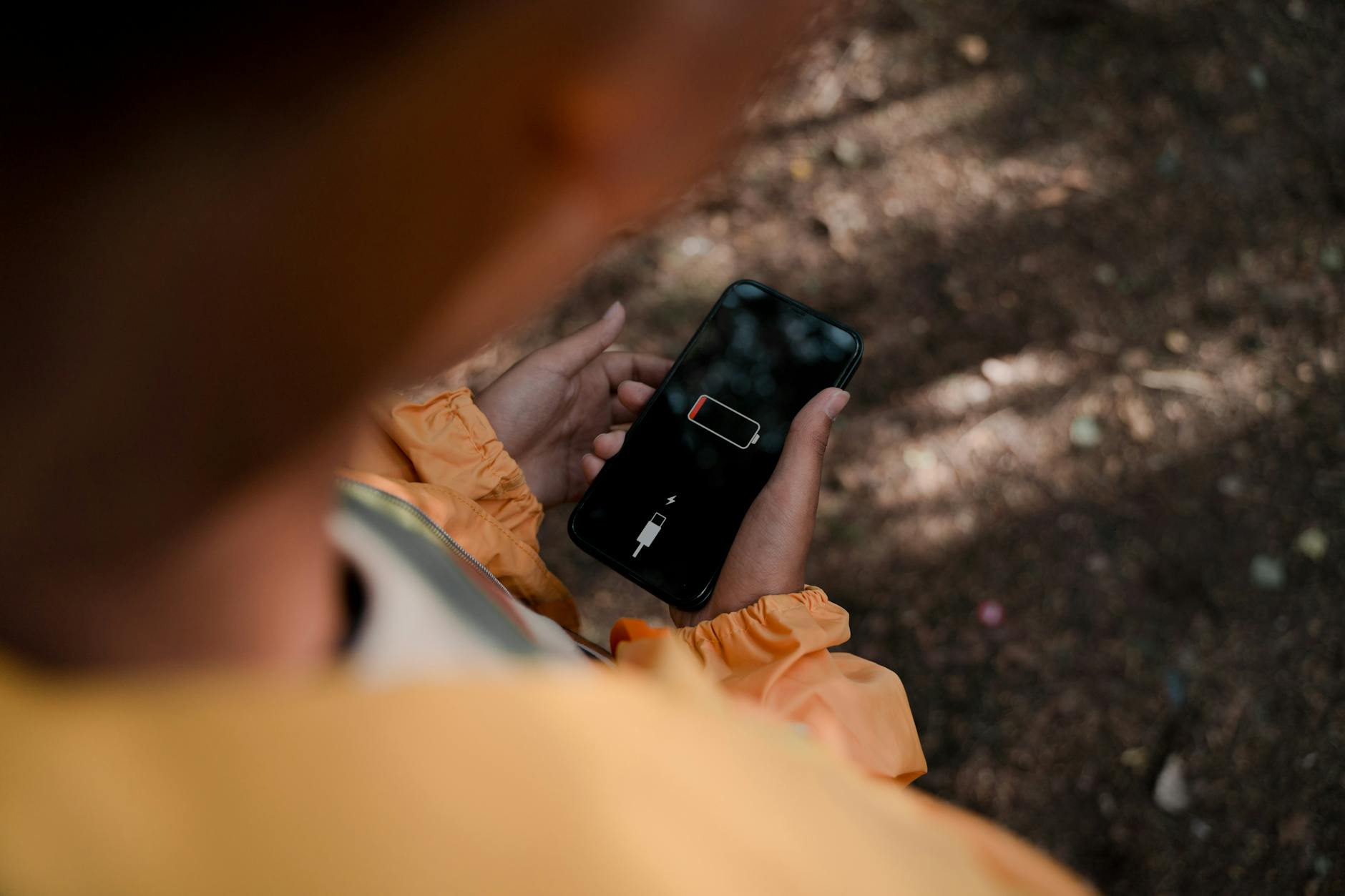
[Repair_All brand="Apple"]Your Samsung Galaxy black screen moment usually goes like this: the display is totally dead, but the phone still buzzes for calls, pings for notifications, or gives that reassuring vibration when you press the power button. It’s a bit of a nightmare, because it feels like your phone’s alive, but you can’t actually use it.
The good news is that this isn’t always a “new phone” problem. In many cases it’s a frozen system, a brightness issue, or a tired battery causing a weird boot. If it’s been dropped or had water near it, though, it can be a failed screen or a loose display connection, and that’s when a proper Samsung Phone repair makes sense.
I’m James Waterston from Repair My Crack, and below are the quick checks I run at the counter before we call it a screen fault.
Quick checks to try when your Samsung Galaxy screen is black (but it still vibrates)
Start with the simple stuff. You’re trying to answer one question: is the phone actually on and working, but the display is not showing anything?
- Force restart (the “unfreeze” move)
On many Galaxy models, press and hold Power + Volume Down for around 10 to 20 seconds. If it was a software crash, you’ll often feel a stronger vibration and see the Samsung logo. - Charge it properly for 20 minutes
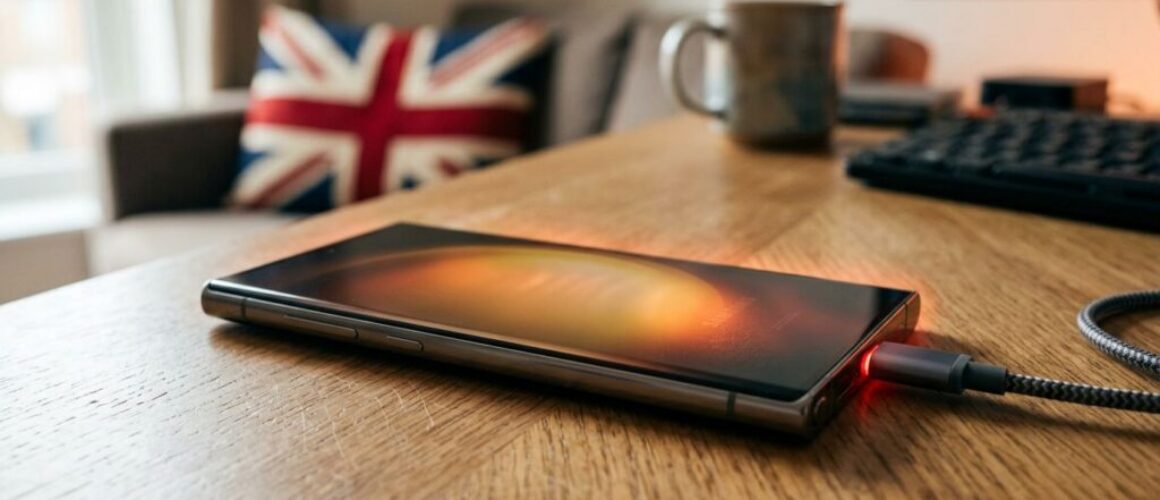
A low battery can make the phone behave strangely, especially if it’s been left flat. Use a wall plug you trust and a cable that’s not frayed. If it’s not responding to charge at all, it may be a phone not charging repair job, or even a broken charging port repair. - Check it’s not “on”, but the brightness is at zero
It sounds daft, but it happens. Go into a dark room and look for a faint glow. If you can get a call through, try answering and asking someone to guide you to brightness settings (hands-free helps). - Listen and feel for signs of life
Does it vibrate for notifications? Does it ring? Does it make the charging sound? If yes, the phone’s likely booted and the issue is mainly display-side. - Try an external display route (if you can)
Some Galaxy models support display output via USB-C hubs (and certain models support DeX). If it shows on a monitor, that’s a strong hint the screen itself has failed.
If you want Samsung’s official checklist, their support page on a black display is a decent reference point: Samsung’s blank or black display guide.
If none of the above changes anything, it’s time to look at the most common causes.
When a black Samsung screen is a software glitch, and when it’s a display fault
A working phone with a dead screen is a classic split: software crash versus hardware failure. The clue is usually in what happened right before the blackout.
More likely a software issue
You’ll often see this after an update, a stuck app, or overheating.
- The phone went black while you were using it, with no drop.
- You still get haptics, sounds, and vibrations.
- A force restart sometimes brings it back, even temporarily.
If it comes back and then goes black again, don’t ignore it. Back up your photos and contacts while you can. If it’s unstable, the next reboot might not be so kind.
More likely a screen or internal connection issue
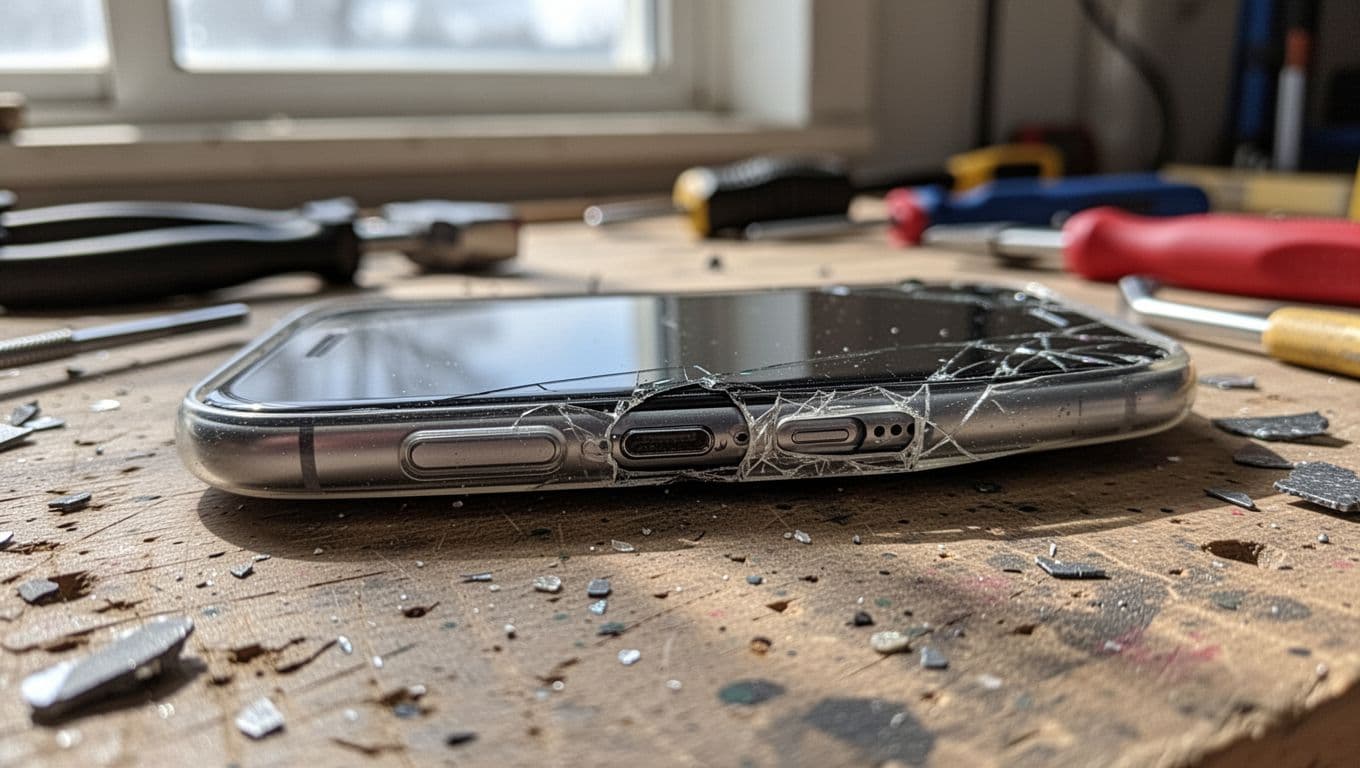
If the phone has been dropped, sat on, or knocked off a bedside table, the display can fail even without visible cracks. OLED panels can die from impact, and internal connectors can loosen.
Common signs I see in Samsung Repairs:
- No image at all, even though calls and alarms still work.
- The screen flashes once, shows a faint line, or stays pitch black.
- It went black right after a drop, or after moisture exposure (this can drift into water damaged phone repair UK territory).
These “phone still vibrates, screen dead” cases are so common you’ll even see real-world examples from other owners, like this: iFixit thread on a dead screen that still powers on and this one on a mid-range model: iFixit case with vibrations but black display.
Last week, I had a customer in who swore their Galaxy was “fine”. No cracks, no marks. It had slipped off the sofa onto a hard floor. The phone rang, buzzed, even connected to Bluetooth, but the panel was gone. New screen fitted, sorted.
Display repair: what to expect on cost, time, and whether it’s worth it
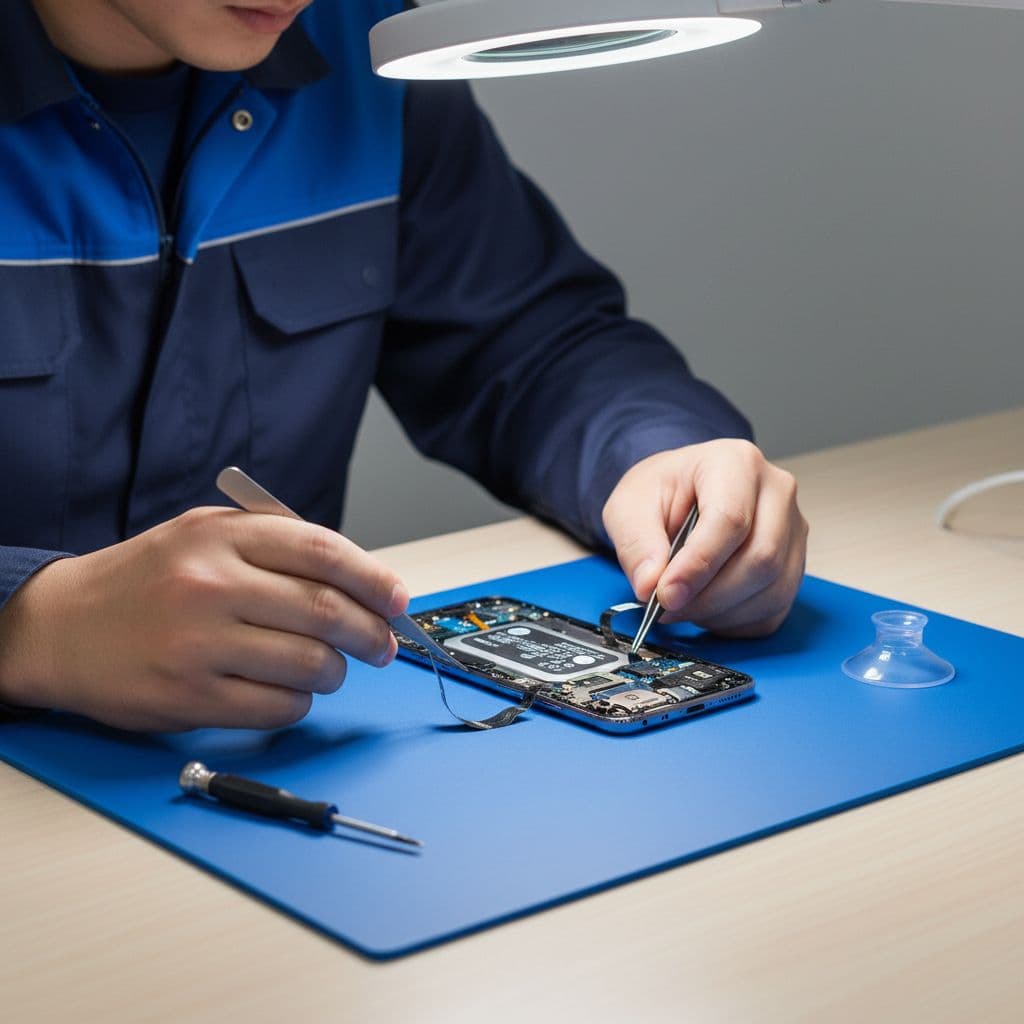
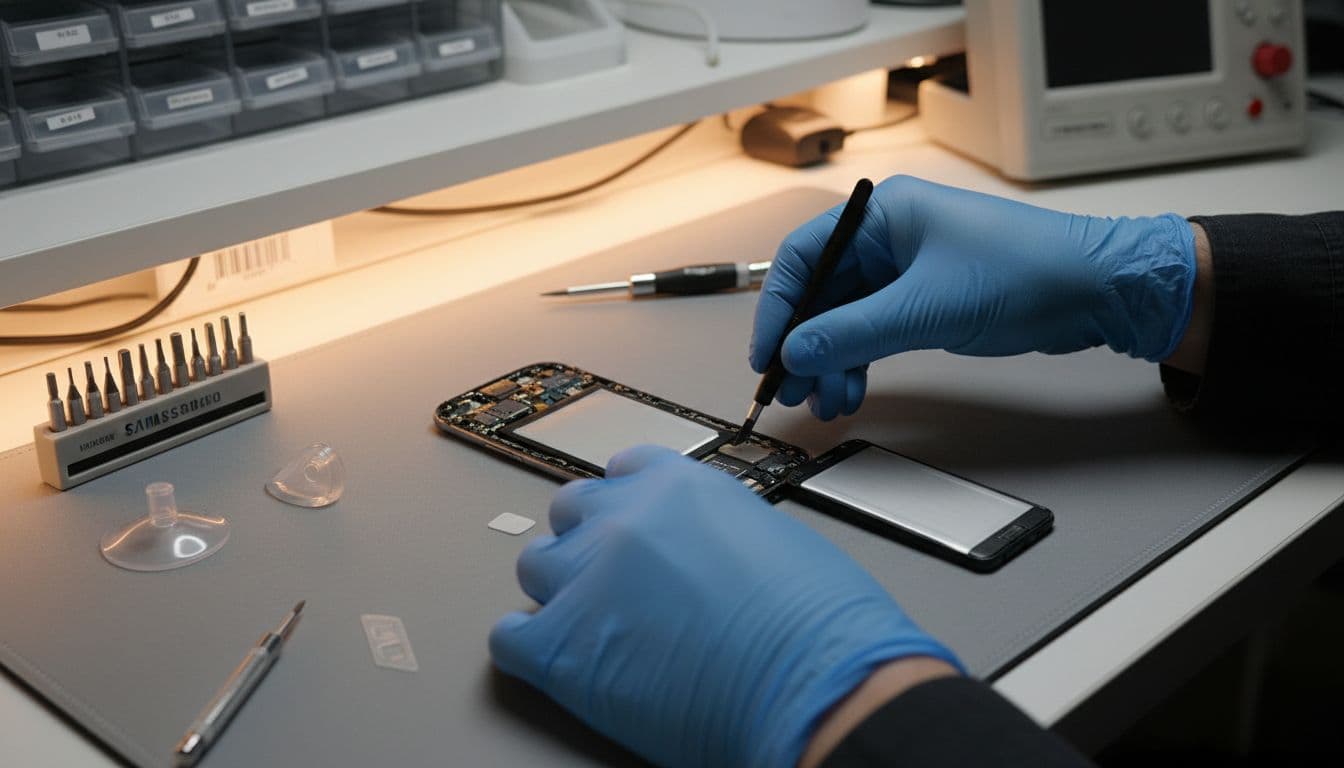
If your Galaxy has a confirmed screen fault, you’re usually looking at a display assembly replacement. That’s the panel and often the frame, depending on model.
Samsung screen replacement cost UK (and why it varies)
People ask for a flat figure, but it genuinely depends on the model and parts availability. As a rough guide, Samsung screen replacement cost UK can range from about £99 to £349+. Flagship Ultra models often sit at the higher end.
If you’re comparing quotes, make sure you’re comparing like-for-like parts quality and warranty terms, not just the headline price.
Get Your Exact Samsung Galaxy Screen Repair Price
Pricing depends on your exact Galaxy model — get a live, accurate quote instead of a general estimate.
Check My Galaxy Model’s Repair Price
How long does phone screen repair take UK?
In-shop, we aim for fast turnaround, and in many cases it can be done same day depending on parts and workload. For postal jobs, add delivery time both ways. If you’re searching “how long does phone screen repair take UK”, the honest answer is: it varies by device and logistics, but a good repair service should give you a clear expectation before you commit.
Don’t forget other faults that look like a black screen
Sometimes the screen is fine, but the phone can’t power it properly.
- A failing battery can cause random shutdowns, so a phone battery replacement UK can be the real fix.
- If it won’t accept charge reliably, that’s often a phone not charging repair.
- If liquid got in, don’t keep trying to power it on, book a diagnosis for water damaged phone repair UK.
And yes, we do the Apple side too. If you’re weighing up iPhone repairs, iPhone screen replacement, or an iPhone battery replacement, the same logic applies: fix it when the rest of the phone is in good shape. Customers ask me all the time, is it worth repairing a cracked iPhone screen? Usually yes, if Face ID still works and the phone isn’t bent. People also compare alternatives to Apple Store screen repair UK, especially when they want faster turnaround.
For budgeting, iPhone screen replacement cost UK varies by model just like Samsung. If you’re trying to fix cracked iPhone screen damage, get a quote based on your exact iPhone, not a generic price list. We also do iPhone battery replacement Essex for the classic “dies at 30%” problem, and we get asked about iPhone screen repair Essex and iPhone repair Essex daily.
Samsung phone repair Essex, and our phone repair by post UK option
If you’re local, we cover mobile phone repairs Essex, including phone screen repair Essex, Samsung phone repair Essex, and Samsung screen repair Essex. If you’re not nearby, our postal phone repair UK service is built for speed and peace of mind.
Here’s the basic flow for phone repair by post UK with us at Repair My Crack: book online, pack the phone securely, include your order number, and share any passcodes we genuinely need for testing (only what’s necessary). We aim to start repairs as soon as it arrives, often the same day.
A few trust points that matter when your screen is dead and your data’s on the line:
- We focus on affordable phone repairs UK, but we won’t cut corners on parts.
- We offer phone repair with warranty UK (ask us what’s covered for your specific repair).
- If you’re searching for Repair My Crack phone repair locally, you’ve probably also seen people mention Repair My Crack reviews. best phone repair shop in Essex. We work hard to earn that reputation, one repair at a time.
We also help businesses, because a dead handset at 9am can ruin a day’s work: business mobile phone repairs UK. business laptop and tablet repairs. trusted phone repair service UK.
If your “black screen” turns out to be something else, we can still help with charging issues, batteries, and diagnostics.
To wrap up: if your Samsung Galaxy black screen problem survives the force restart and a proper charge, and you still get vibrations, it’s often a display fault that needs a professional repair. Book in if you want it checked properly, and we’ll tell you straight what’s going on and what it’ll cost to fix.
Samsung Galaxy Black Screen: Quick Answers
How much does it cost to fix a Samsung Galaxy black screen?
Samsung Galaxy screen repair typically costs between £99 and £349+, depending on the model. A-series devices sit at the lower end, while flagship Ultra and Note models cost more due to larger, higher-spec displays. Get an exact price for your specific Galaxy model using our online repair checker.
Is a black screen with vibration always a hardware fault?
Not always. If the phone still vibrates, rings, and charges normally, the fault is almost always the display or its connector rather than the logic board or battery. A force restart and a 20-minute charge rule out the most common software causes before assuming it’s a screen replacement.
How long does a Samsung Galaxy screen repair take?
In-shop Samsung Galaxy screen repairs are often completed the same day, depending on parts availability. For postal repairs, add delivery time both ways using free tracked Royal Mail postage.
– James Waterston, Device Repair Specialist at Repair My Crack