Screen Protector on a Cracked Screen: Is It Safe?
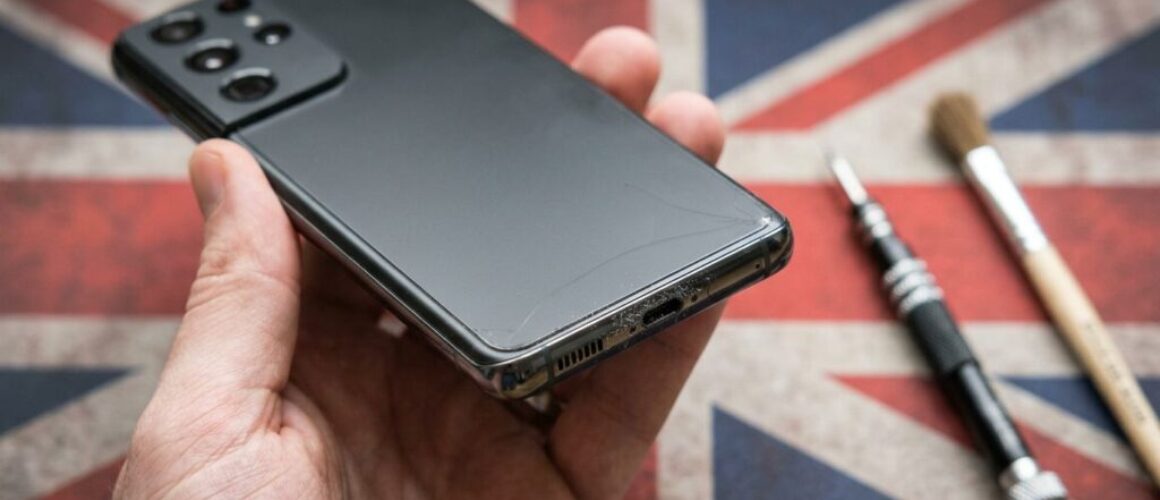
[Repair_All brand="Apple"]A cracked screen never happens at a convenient time. Your phone might still work, but the sharp edges, splinters and growing crack make every swipe a bit of a faff.
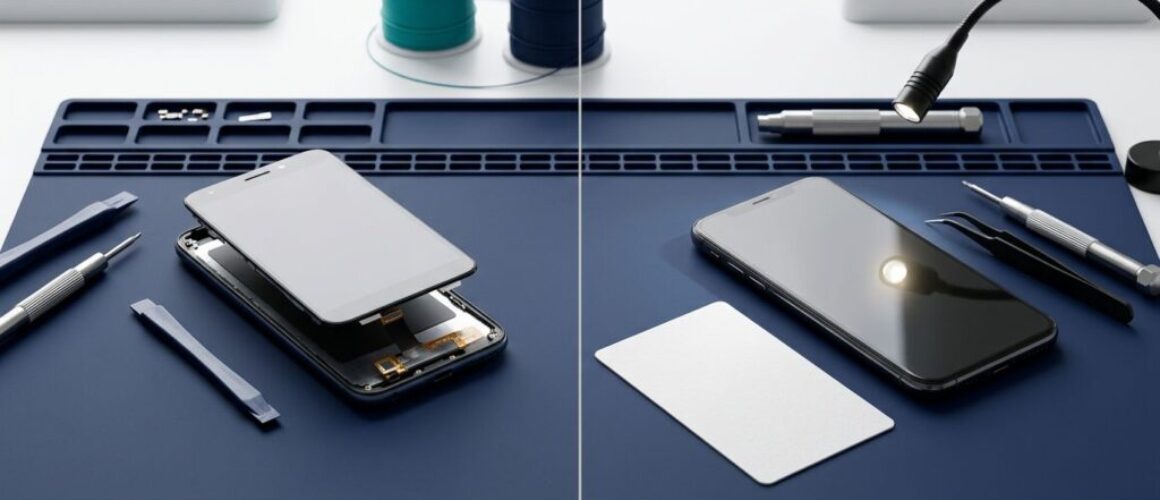
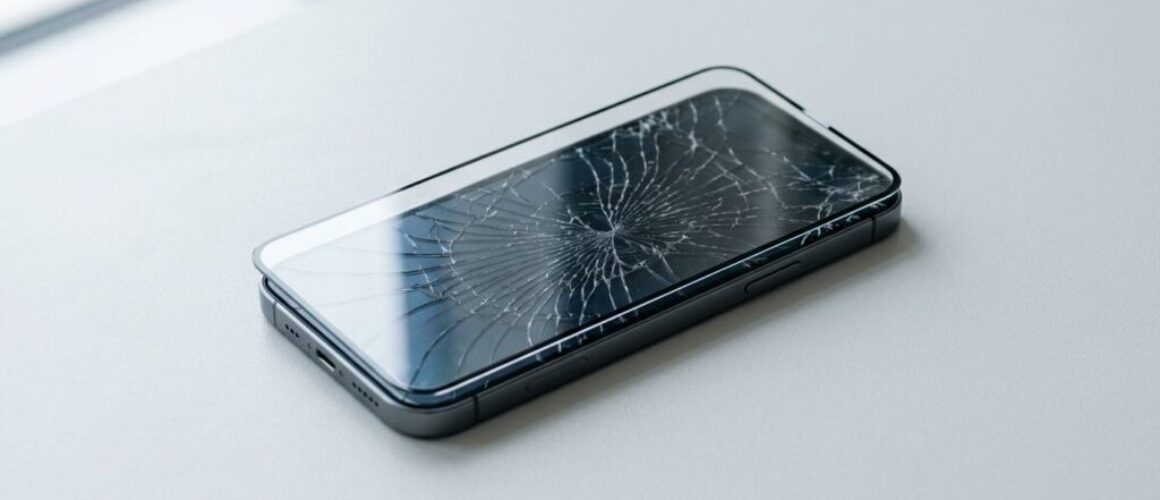
We can put a screen protector over a cracked phone screen as a short-term safety measure. However, it will not repair the glass, restore water resistance or stop damage underneath from spreading. The best choice depends on whether the display and touch function are still healthy.
Key Takeaways
- A protector can hold loose glass together and make a cracked screen safer to use.
- It cannot fix damaged OLED or LCD layers, poor touch response, black patches or flickering.
- A cracked screen may let moisture and dust into the phone, even under a case.
- Back up your phone before arranging a repair, especially if the crack is worsening.
- A professional repair is usually better value when the handset has one clear fault.
Can a screen protector go over cracked glass?
Yes, provided the phone is dry, the glass is not lifting, and there are no large loose pieces. A tempered-glass protector is usually the better choice because it adds a firm, smooth layer over the break.
That said, applying one over a crack can be awkward. Dust gets trapped easily, bubbles form around uneven areas, and the adhesive may not sit properly. If the crack has created a raised edge, pressing the protector down can make the damage worse.
A screen protector on a cracked screen works a little like tape over a chipped window. It can reduce the immediate mess, but the glass beneath is still compromised.
A protector buys time. It does not turn damaged glass back into a sound display.
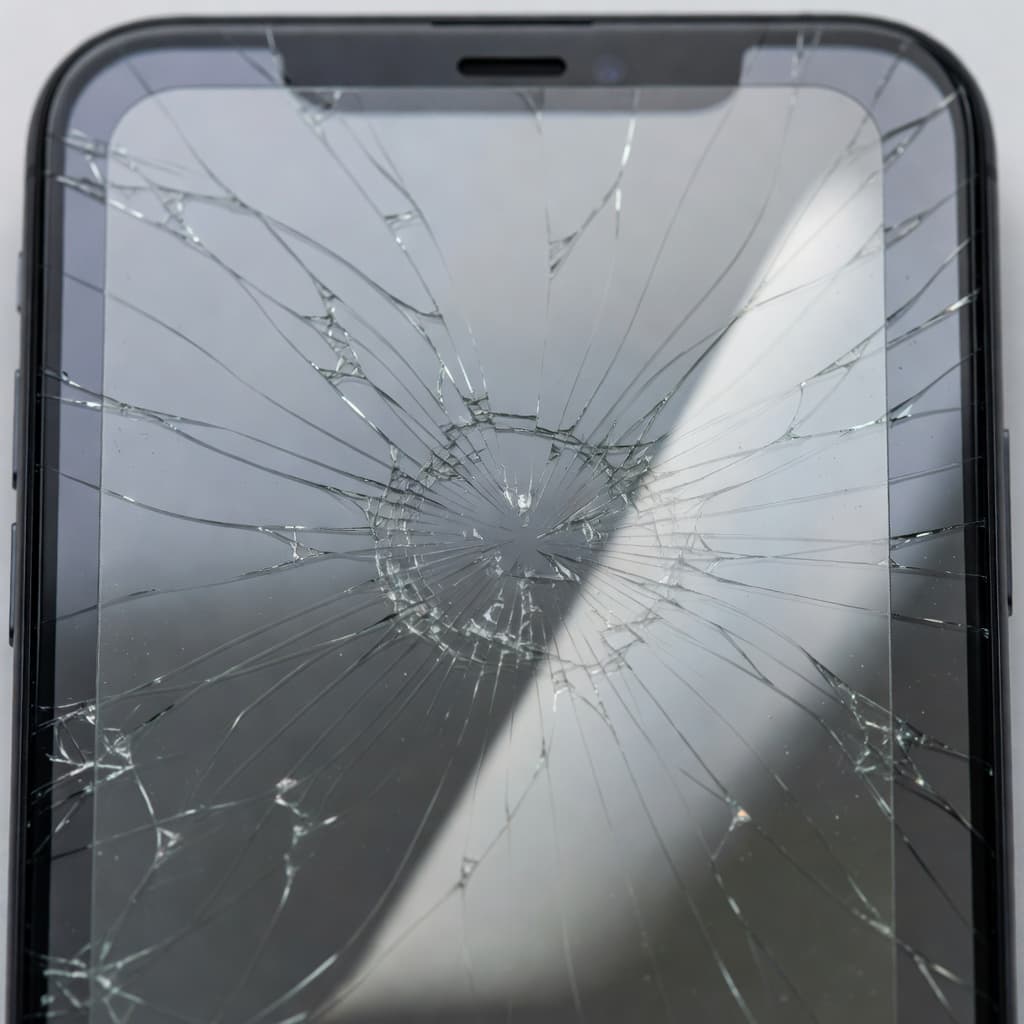
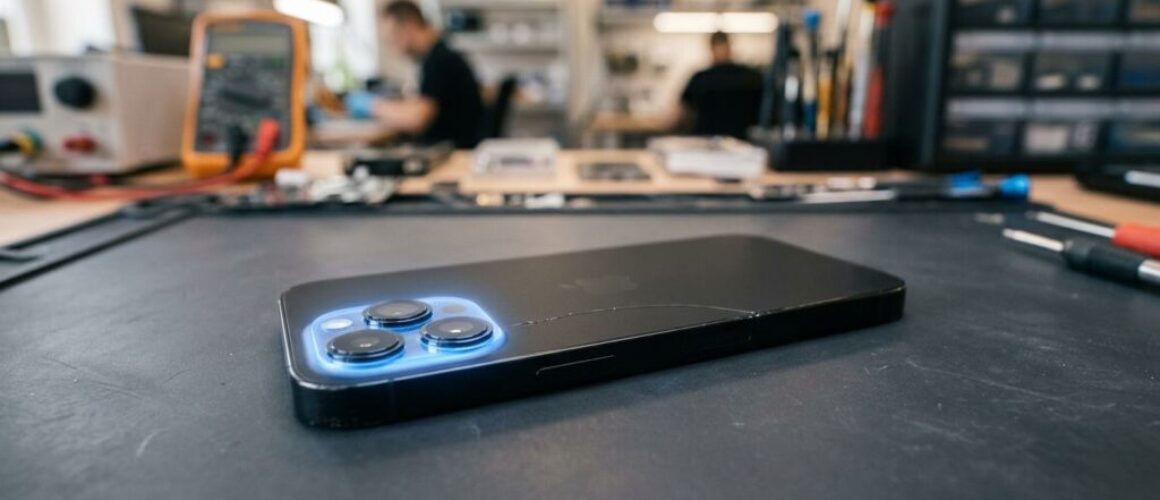
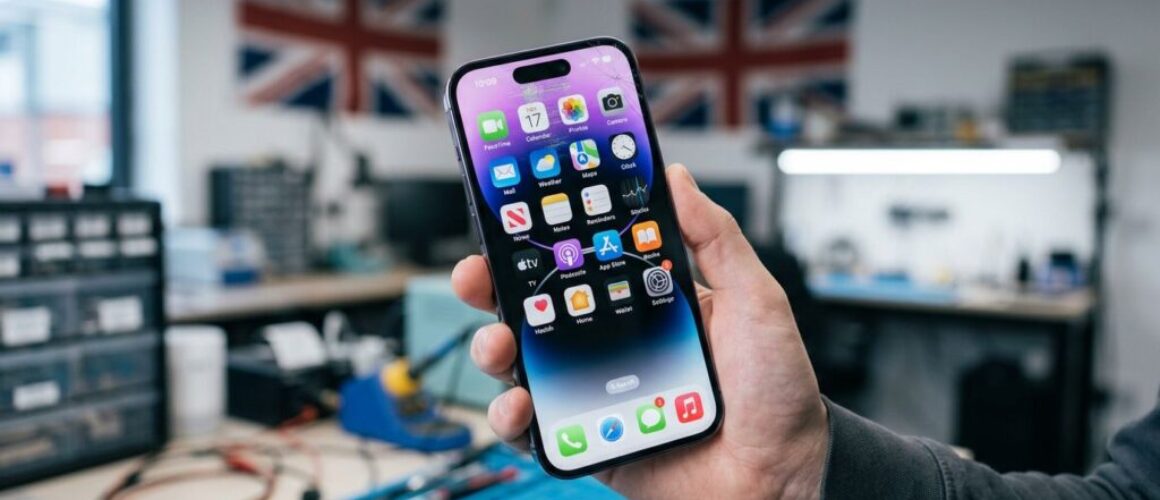
We see this regularly with iPhones and Samsung Galaxy models. The top glass might look like the only problem, yet the display underneath has taken the same impact. Lines, flicker, dead touch spots and dark patches can appear days later.
A cracked screen can also affect touch accuracy. This overview of cracked-screen risks explains why a damaged touch layer may become less responsive over time.
When a protector is a sensible temporary fix
A protector makes sense for a short period when the crack is small and the phone still behaves normally. It can stop a sharp edge catching your thumb, pocket lining or handbag.
We would consider it a reasonable stopgap if:
- The crack is limited to the outer glass.
- Touch works across the whole display.
- There are no black marks, green lines or screen flicker.
- The screen sits flush with the frame.
- The phone has not been exposed to water.
Use a fresh protector, clean the screen gently with a dry microfibre cloth, and avoid pushing debris into the damaged area. Do not pour cleaning fluid into cracks or scrape them with a pin.
A soft plastic film can also help if the screen is badly shattered. It will not feel as smooth as tempered glass, but it may be easier to apply over uneven damage. Either option is temporary, especially if the crack reaches an edge or corner.
Some people manage with damage for months, as the varied experiences in this Android cracked-screen discussion show. We would not rely on that approach if the display is already showing faults.
Signs the screen needs repair rather than a protector
A protector cannot repair the layers that create the picture or detect your touch. Modern iPhone and Samsung screens are bonded assemblies, so a hard impact often damages more than the visible glass.
Book a repair sooner if you notice any of these problems:
- Touch only works in certain areas.
- The display flickers, flashes or changes colour.
- Black or purple patches are spreading.
- The screen is lifting from the frame.
- Glass shards are coming away.
- Face ID, the selfie camera or proximity sensor behaves oddly after the drop.
Last week, we received an iPhone 13 from Essex with a protector fitted over a small corner crack. Within days, the display developed a bright green line and touch failed along one side. The protector had prevented splinters, but the OLED panel had already suffered impact damage. A quality display replacement and full testing got it working properly again.
For more detail on parts, testing and repair choices, our guide to professional phone screen repairs is a useful starting point.
What to do before booking a screen repair
First, back up photos, messages and authenticator apps while the phone still responds. Apple provides steps for backing up an iPhone, and Samsung users can back up through Samsung Cloud, Smart Switch or Google.
Then remove the case and check the frame. If it is bent, a new screen may not sit safely until we address the housing. Do not try to bend it straight by hand, with a clamp or under a heavy book. That can put pressure on the battery and internal boards.
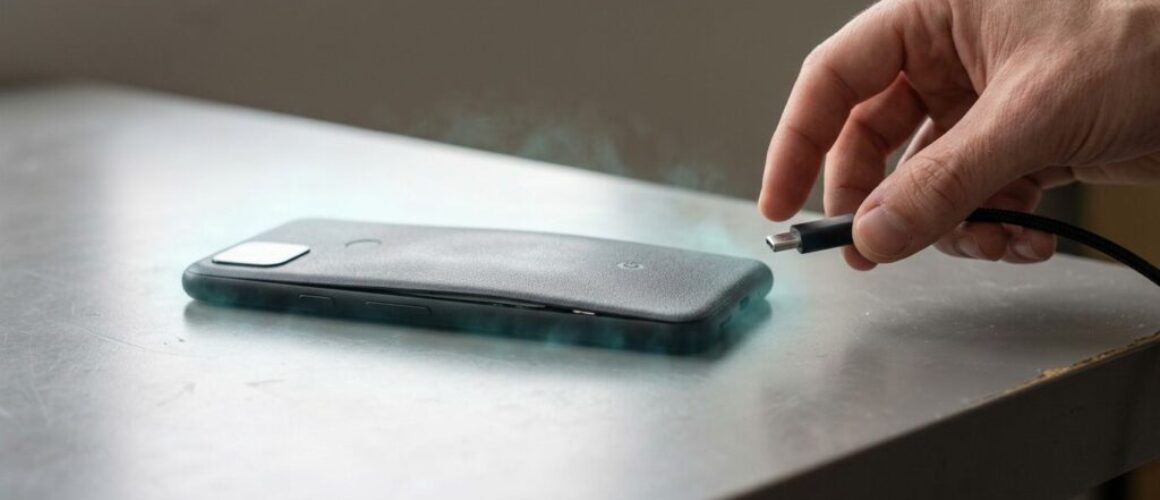
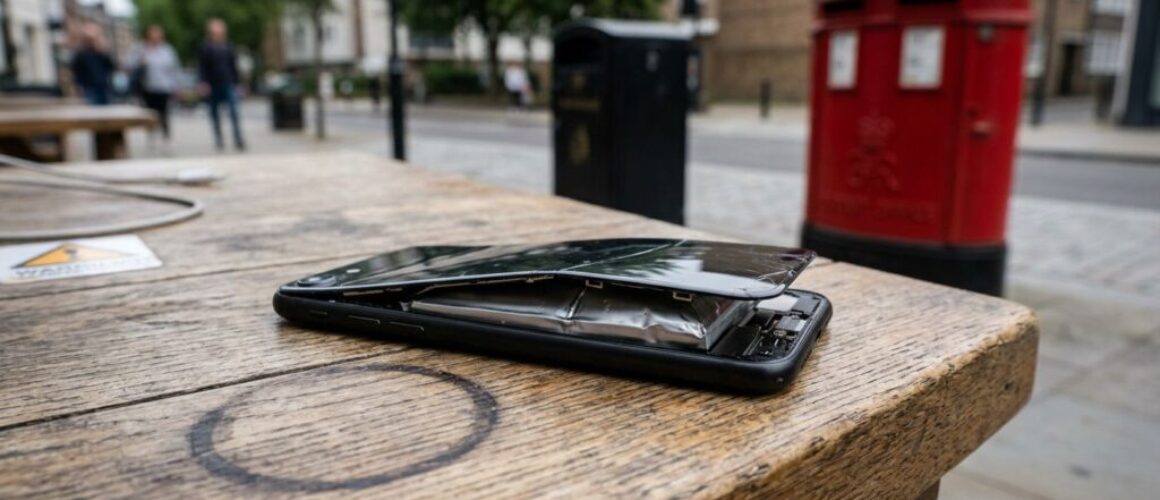
If the screen is lifting, the phone feels hot, or the battery appears swollen, power it off. Do not charge it until we have checked it.
Repair costs and when the maths works
For a healthy handset with one broken screen, repair usually beats replacement. Typical screen repairs sit around £60 to £180, depending on the model and type of panel. OLED screens on newer iPhones and Samsung Galaxy devices cost more than older LCD displays.
That applies whether customers search for iPhone screen repair UK options, cracked iPhone screen repair, or samsung phone repair UK services. We inspect the whole device before quoting, because a bent frame, weak battery or damaged port changes the job.
If your battery also drains quickly, it is worth checking the cost of an iphone battery replacement UK service at the same time. Combining work can prevent a second booking later.
We offer phone repair Essex appointments in Harlow and a postal phone repair UK service for customers elsewhere. Pack the handset securely, include your order number, and send it with tracked delivery. We aim to start express repairs as soon as devices arrive, often on the same day.
Final thoughts
A screen protector over cracked glass can make a phone safer for a while, but it is not a repair. It cannot restore a damaged display or protect the phone properly from moisture.
When the crack spreads, touch fails or the screen starts lifting, a proper screen repair is the sensible route. We can assess the fault, explain the part options and give a clear quote before any chargeable work begins.
– James Waterston, Device Repair Specialist at Repair My Crack