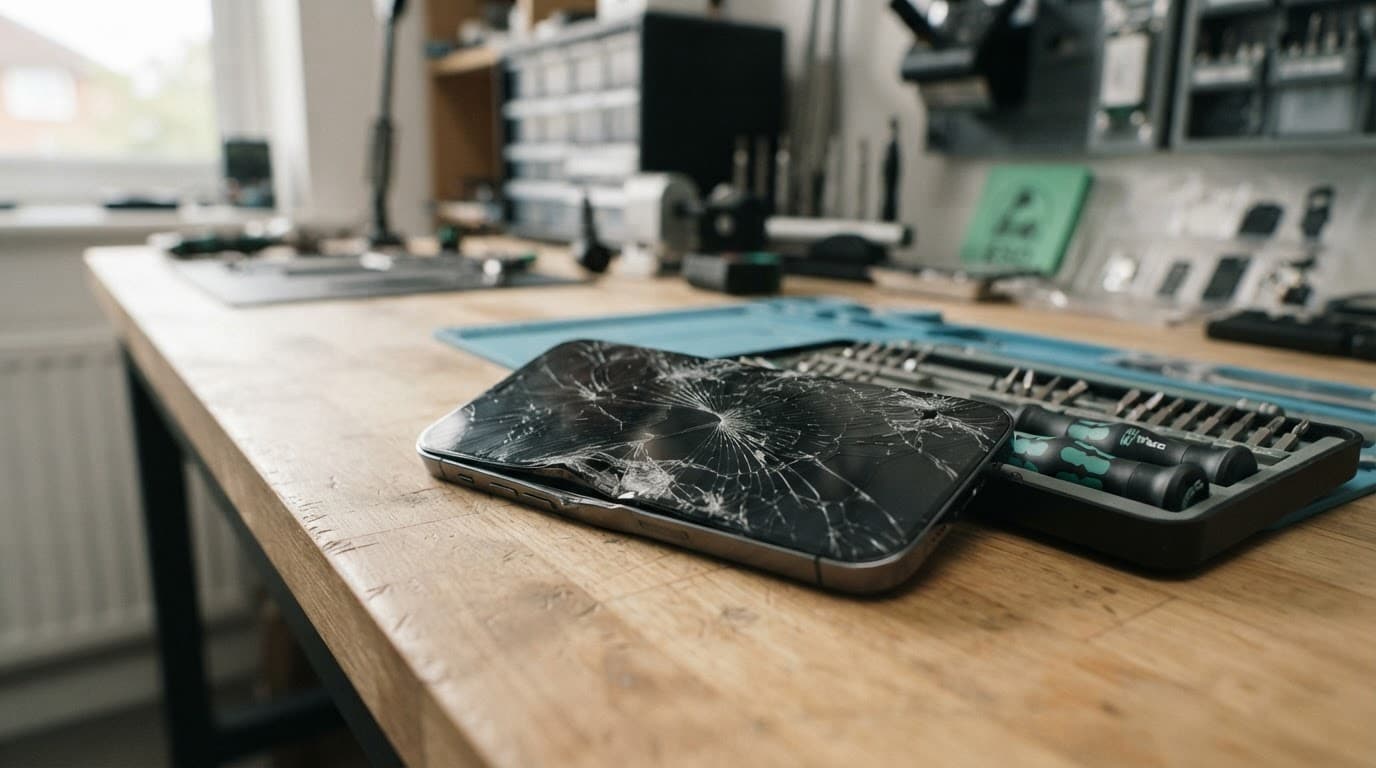
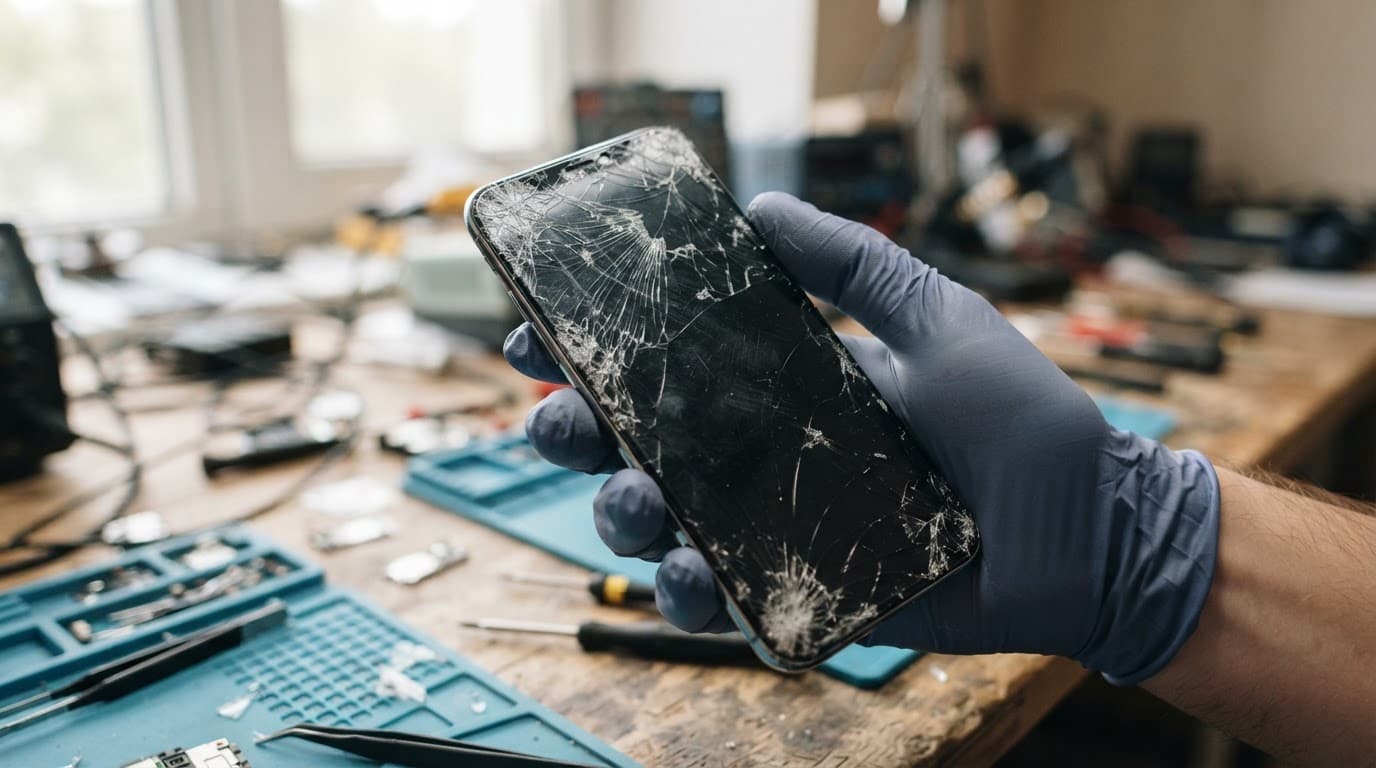
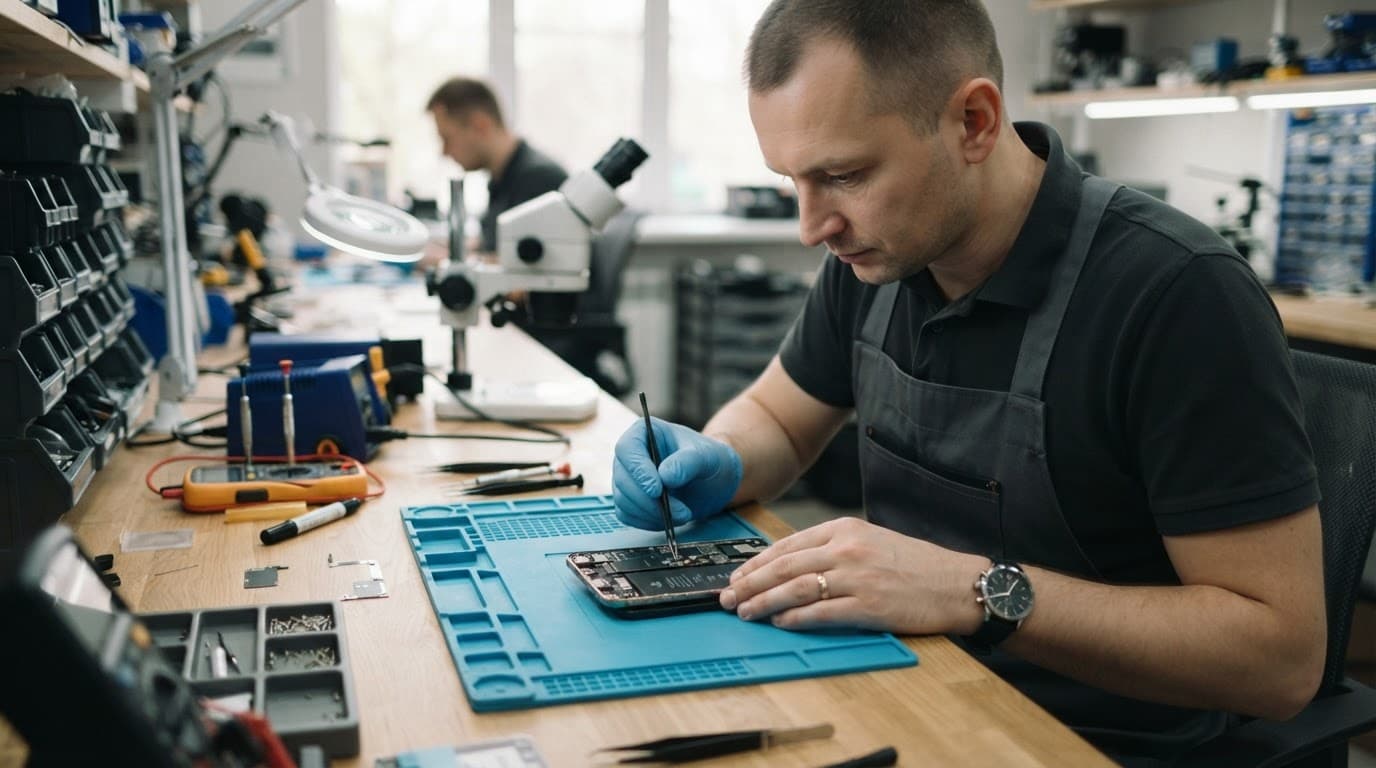
A car tyre over your mobile is enough to turn an ordinary day into a proper nightmare. The immediate question is whether the phone run over is salvageable or heading straight for the recycling bin, especially when it contains your banking apps, work messages and family photos.
Sometimes, the answer is yes. A smashed screen, damaged charging port, broken button or loose battery connection may be repairable. However, a crushed frame, swollen battery or cracked main board can make repair unsafe or poor value. We inspect the handset before recommending anything.
Switch it off if it feels hot, looks swollen or has a badly shattered display. Avoid charging it until the battery and internal components have been checked.
Can a phone run over be repaired?
Yes, many run-over phones can be repaired, but the result depends on where the impact landed and how far the damage travelled.
If the frame remains fairly straight, the battery is stable and the handset still boots, replacing the screen or a damaged component may restore normal use. A phone that has been flattened, twisted or crushed around the battery needs a more cautious assessment.
Modern mobiles contain several separate layers. The outer glass can break while the display still shows an image. The impact may also damage the touch sensor, camera, charging circuit, speakers or internal connectors. A handset that vibrates but shows no picture may still be running.
A working screen does not prove the phone is healthy. A hard impact can damage charging, cameras or internal connections without leaving an obvious mark.
Damage hiding behind the broken glass
We often find faults that are not obvious during a quick visual inspection. An iPhone component fault after a drop may affect Face ID, the camera, charging or the battery connection. A Samsung component fault after a drop can involve the OLED display, side rail or USB-C port.
A Google Pixel component fault after a drop may affect the screen cable, buttons or battery connector. An iPad component fault needs a full diagnosis too, particularly when the casing has bent and the display has lifted from its frame.
These faults need more than a glass replacement. We test the whole device so you are not paying to fix one visible problem while another serious fault remains.
When the handset is unsafe to use
Stop using the phone and arrange an inspection if:
The battery looks swollen, the screen is lifting or the phone becomes hot.
You smell burning, see smoke or notice a hissing sound. Move away from it and call 999 if there is an immediate fire risk.
The frame has sharp metal edges or loose glass.
The phone repeatedly restarts, sparks near the charging port or refuses to charge after the impact.
Do not bend the frame back, clamp the phone or use a hairdryer. These actions can damage delicate cables and make battery problems worse.
How we diagnose a phone run over in the workshop
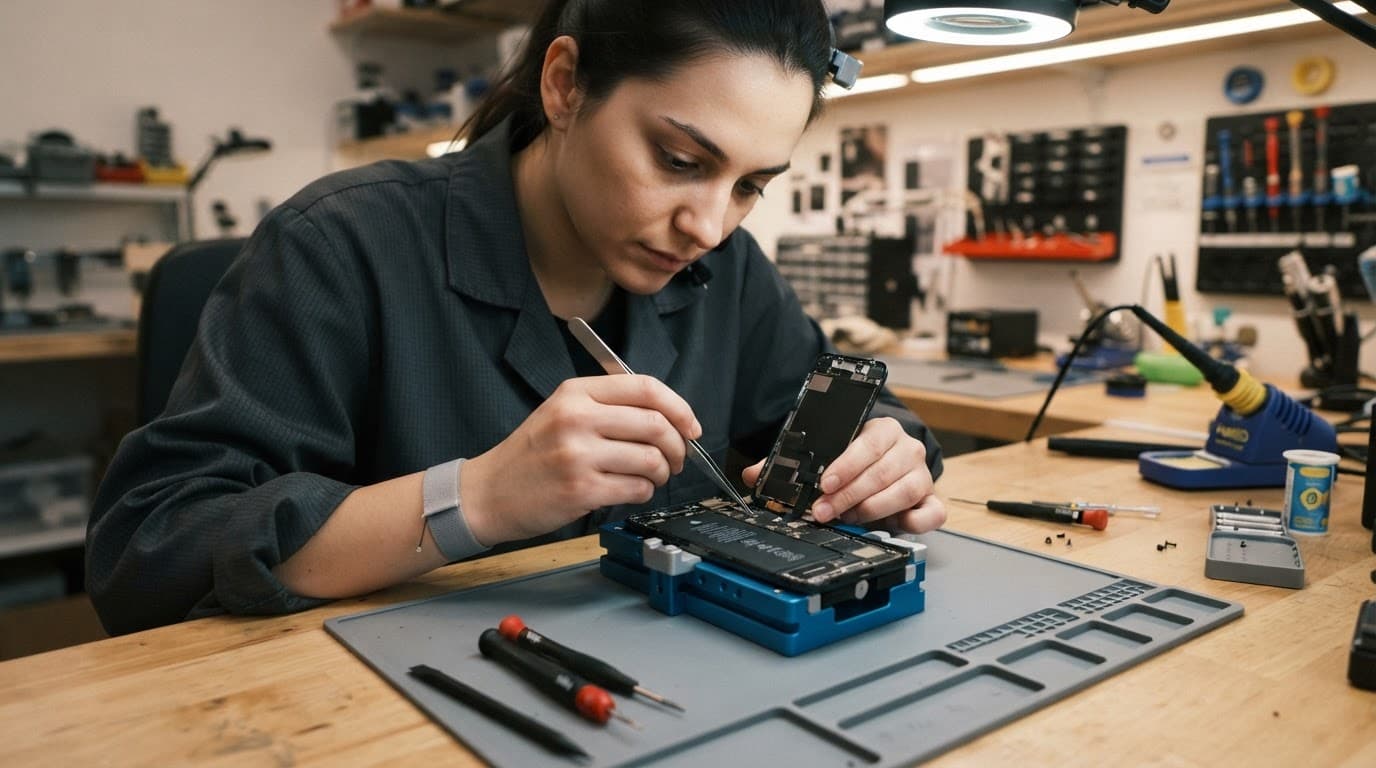
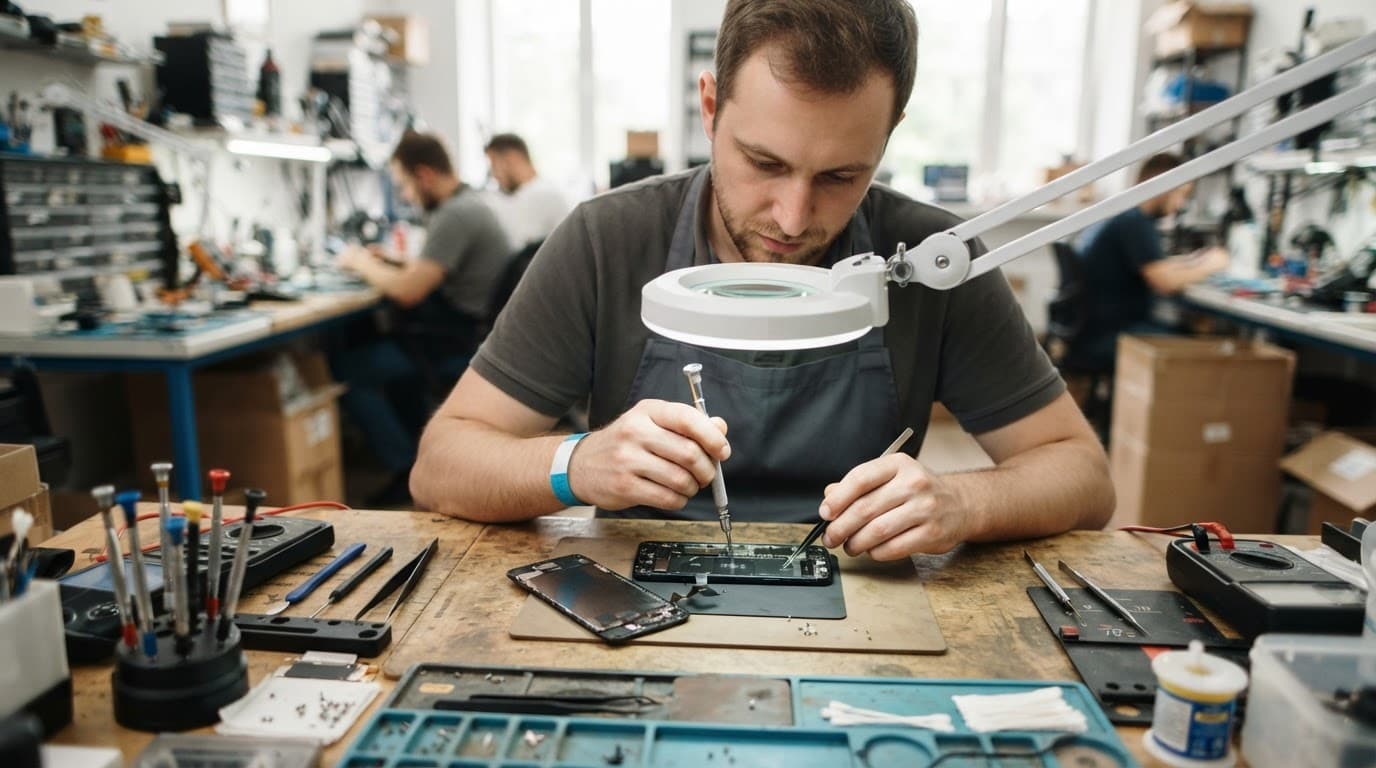
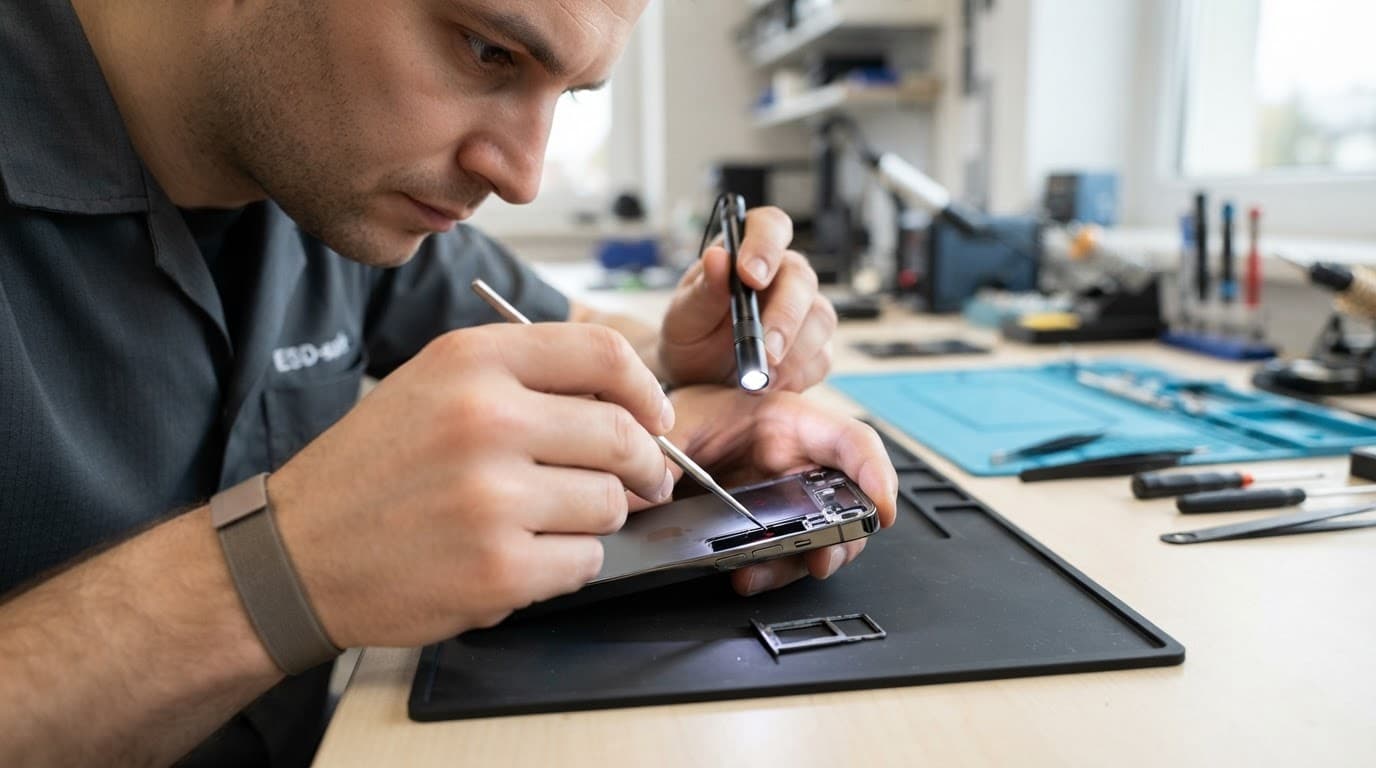
Our phone hardware troubleshooting in the UK starts with safety and a full inspection. We record the visible damage, check the frame for distortion and look for gaps around the display or rear cover.
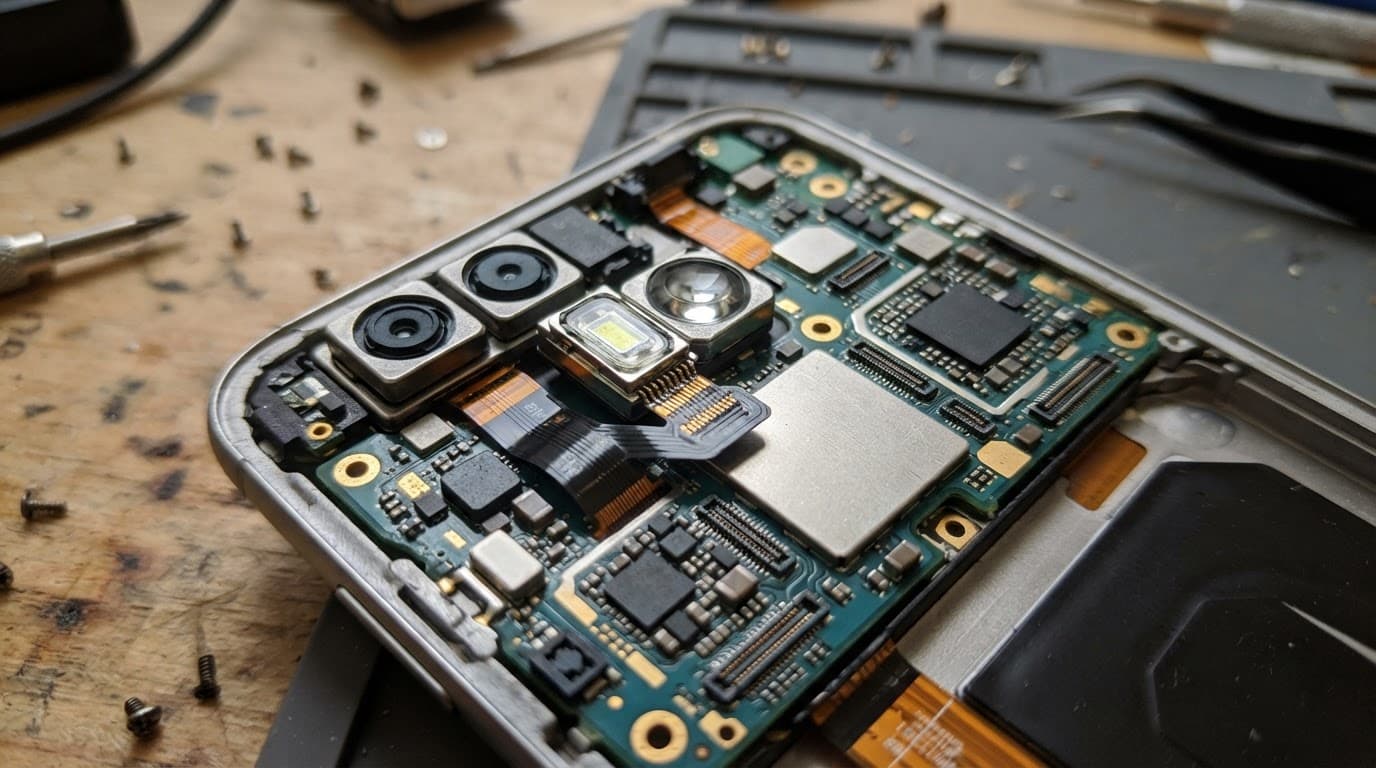
Next, we test the handset with suitable equipment. That includes the screen, touch response, cameras, microphones, speakers, buttons, biometrics, wireless functions and charging. We also check for battery swelling, loose connectors and signs of liquid entering through the cracks.
For Pixel owners, Google’s official repair guidance covers hardware problems such as cracked screens, charging faults and phones that will not turn on. Independent diagnostics can still be useful when accidental impact has caused several faults at once.
Screen or display fault symptoms to watch
Common warning signs include black patches, coloured lines, flickering, dim areas, ghost touches and sections of the display that no longer respond. A cracked screen can look usable at first, then develop dead touch areas after further pressure.
When a device won’t turn on or won’t charge, diagnosis should come before ordering a screen. The display may be dead while the phone itself is powered, or the impact may have damaged the charging path instead.
We also check whether another phone can call the handset, whether it makes notification sounds and whether a computer recognises it. These checks help separate a display fault from a deeper power or board problem.
Protecting data before further testing
If the screen still works, back up photos, contacts and important files before sending the phone anywhere. Use iCloud, Google, Samsung Cloud or a computer, depending on the device.
Avoid factory resets when the handset has suffered physical damage. If it will not boot and the data is important, repeated charging attempts can make a battery fault worse. Specialist phone data recovery services may be an option when normal repair cannot restore access.
Repair or replacement: the UK cost check
A repair usually makes sense when the phone is reasonably recent, the frame is mostly straight and the damage is limited to one or two parts. Replacement becomes more sensible when the handset has a crushed chassis, heavy corrosion, a damaged main board and a poor battery at the same time.
Our common guide prices are:
Repair
Typical UK guide price
Screen replacement
£60 to £180
Battery replacement
£40 to £80
Charging port repair
£50 to £90
Water-damage assessment or treatment
£60 to £120
These are guide figures, not fixed quotes for a phone run over. A premium OLED screen, bent frame or extra internal damage can increase the cost. We confirm the fault and explain the options before chargeable work begins. An inspection fee may apply if no fault is found.
Warranty terms also matter. Under our terms, premium iPhone screens have a 12-month warranty, while standard iPhone screen cover can differ. Batteries and other components have their own stated warranty terms. Independent repair may also affect a remaining manufacturer’s warranty, so check that before proceeding. Our UK phone repair warranty information explains the main conditions.
What to do before sending the phone
Take these steps before booking a repair:
Back up the device if it is safe to switch on and the display responds.
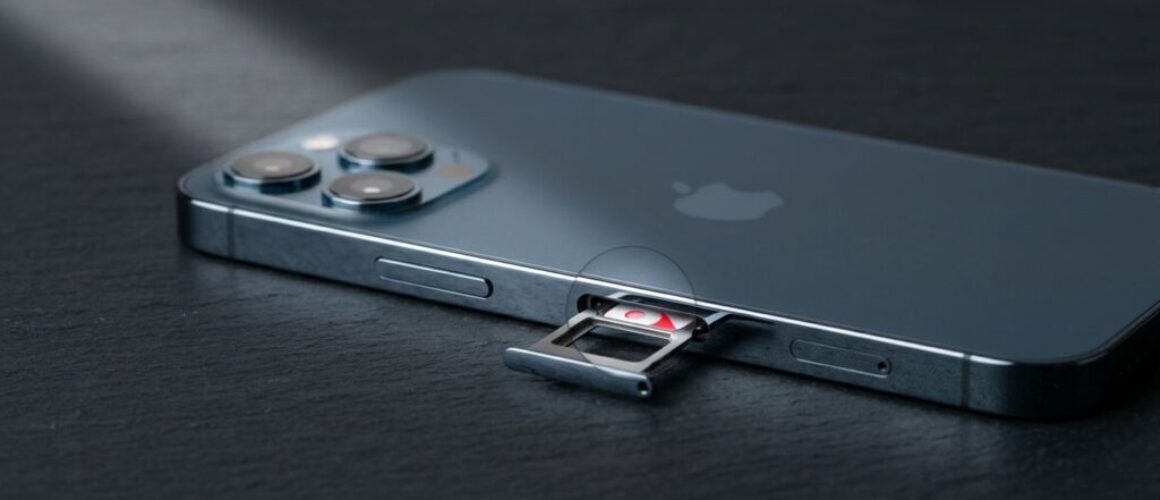
Power it down, remove the case and take out the SIM card.
Note every symptom, including charging behaviour, unusual heat, missing touch response or camera problems.
Pack the phone securely so it cannot move inside the box, then include the order details we request.
Customers in Harlow and Essex can arrange an appointment-only drop-in. For everyone else, our tracked postal phone repair service lets you book online and send the handset securely through Royal Mail. We aim to start work soon after it arrives, although timing depends on parts, workload and the damage found.
Conclusion: repair first, but do not gamble with safety
A phone run over is not automatically beyond repair. If the battery is safe, the frame is recoverable and the damage is limited, a screen or component repair may cost far less than replacing the handset.
The sensible route is a full diagnosis rather than a quick guess based on the cracked glass. Back up your data, stop using the device if it becomes hot or unstable, and ask for a clear quote before work begins.
James Waterston, Device Repair Specialist at Repair My Crack
A newly fitted screen may look ready straight away, but the phone screen adhesive still needs time to bond properly. Using the device too heavily too soon can leave the display sitting proud, create edge gaps, or weaken the seal.
The safe approach is simple: careful handling is usually fine once the screen has been fitted and held securely, but wait at least 24 hours before normal use. Liquid adhesives can need 24 to 48 hours for full strength. During that time, avoid pressure, moisture, tight pockets and heavy charging use.
The phone screen adhesive safe-use timeline
Repairers use different products. Some screens arrive with pre-cut adhesive strips, while others need a liquid adhesive around the frame. The product, temperature, frame condition and fitting pressure all affect the final bond.
Pre-cut strips can hold the display in place quickly, especially when the frame is clean and straight. However, a screen that looks flush is not necessarily fully cured. Liquid products begin setting within minutes, but many need much longer before they reach their strongest bond. This adhesive curing guide explains why the first day matters.
What to avoid during the first 24 hours
Keep the phone flat or handle it gently while the adhesive settles. We recommend avoiding:
Pressing hard around the edges or centre of the display.
Keeping the phone in a tight trouser pocket.
Charging it under a pillow or while using demanding apps.
Exposure to rain, steam, spills or a hot car.
Bending the handset or placing it under books, bags or other weight.
Don’t try to improve the fit by pushing the screen down yourself. Uneven pressure can damage the panel, disturb the cables or force adhesive into the sensor area. Apple also explains that water resistance is not permanent, so a repaired phone should never be treated as fully sealed against liquid.
When light use is reasonable
If the screen is secure, the phone is cool and no liquid adhesive has squeezed into the frame, brief light use may be acceptable after the initial set. We still advise waiting a full day before returning to normal work, gaming, travelling or exercise.
For phones repaired with liquid adhesive, a longer wait may be sensible. Ask the repairer exactly which product was used and whether the device should remain taped or clamped.
Screen and display fault symptoms after repair
A successful screen replacement should leave the display firmly seated and the handset working as expected. Check the phone carefully before removing any tape or protective film.
Common screen or display fault symptoms include:
Touch not responding in one area.
Flickering, coloured lines or black patches.
Uneven brightness or a yellow tint.
A screen that clicks, creaks or moves under gentle pressure.
A gap appearing along one edge.
Face ID, proximity sensors or under-display fingerprint recognition failing.
If a fault appears straight after repair, stop pressing the screen and contact the original repairer. Opening the phone elsewhere may affect the first repair warranty.
A drop can damage more than the glass
We recently had an iPhone 12 from Essex with shattered glass, intermittent charging and a small frame bend. The image still worked, so the owner assumed adhesive would solve everything. Testing showed a damaged display assembly and a worn charging port. We quoted for both faults rather than treating it as a simple glass job.
An iPhone component fault after a drop can affect the display, Face ID parts, battery connection or charging circuit. A Samsung component fault after a drop may involve the AMOLED panel, curved frame or fingerprint sensor. A Google Pixel component fault after a drop can also include the display cable, side buttons or rear housing.
Before relying on the repaired phone, run through a few basic checks. This is useful phone hardware troubleshooting in the UK, especially after a hard impact.
Unlock the phone and swipe across every part of the screen.
Check brightness, colour, cameras, speakers and the earpiece.
Test Wi-Fi, mobile signal, buttons and biometric unlocking.
Connect a known-good cable and check whether charging stays stable.
Make a short call and confirm the screen turns off near your face.
Inspect the edges for gaps, lifted corners or adhesive residue.
A device that won’t turn on or won’t charge needs diagnosis before anyone orders a screen. The cause could be the battery, port, power circuit or impact damage elsewhere.
An iPad component fault or diagnosis also needs a wider inspection because a bent aluminium frame can stop a replacement display sitting flat. Large screens are more vulnerable to pressure during fitting.
Stop using the phone if the screen lifts
A lifted corner is not a cosmetic nuisance. It can allow moisture inside and may point to a poor bond, a bent frame or battery swelling. Stop charging the device if the screen rises suddenly, the phone becomes hot, or the display starts separating.
Don’t straighten the frame at home. A repairer needs to check the battery, display cables and chassis before applying fresh phone screen adhesive. Samsung owners with fingerprint problems can also refer to our guide on Samsung fingerprint sensor repair after a screen replacement.
UK repair costs, warranty and sensible next steps
Repair prices vary by model, screen technology and extra damage. These are our usual guide ranges, not fixed quotes.
Repair
Typical guide price
Common warranty term
Screen replacement
£60 to £180
3 or 12 months, depending on screen
Battery replacement
£40 to £80
12 months
Charging port repair
£50 to £90
12 months
Water-damage assessment or treatment
£60 to £120
Separate terms apply
Premium OLED screens for newer iPhone and Samsung models can cost more. We confirm the fault and provide the repair cost before chargeable work begins where possible. An inspection fee may apply if testing finds no fault.
Repair My Crack offers express repairs with quality parts and accredited technicians. Customers in Essex can arrange an appointment-only drop-off in Harlow, while customers across the UK can use the postal service with tracked Royal Mail returns. We aim to start work soon after a device arrives, although parts, workload and additional damage affect timing.
Warranty cover normally applies to faults linked to the replacement part or workmanship. It does not usually cover a later drop, cracked glass, liquid damage or tampering with warranty seals. Check the exact term for the screen fitted, as premium iPhone screens and standard screens can have different cover.
Safe use starts with patience
A phone screen adhesive bond may look finished before it has reached full strength. Give the repaired device at least 24 hours without pressure or moisture, and allow longer when liquid adhesive was used.
If the screen lifts, shifts, flickers or loses touch response, stop using it and arrange an inspection. We can test the display and wider handset before recommending the right repair, whether you send it through our UK postal service or arrange a Harlow appointment.
James Waterston, Device Repair Specialist at Repair My Crack
A smashed screen shows the obvious damage, but it rarely tells the whole story. A phone can also have a bent frame, loose charging port, damaged camera or weak battery after the same accident.
Before we accept a parcel at Repair My Crack, our phone repair checklist starts with clear photos. They help us understand what happened, record the device’s condition and spot symptoms that may disappear before testing begins.
Build a phone repair checklist before packing
Take the photos before removing the phone from daily use. Use bright, even light and place the handset on a plain surface. Avoid flash if it creates glare across the screen.
Capture these views:
Photograph the front with the screen switched off, then take another image with it switched on.
Take a clear picture of the rear glass, including the camera area and any cracks.
Photograph each edge and corner, especially dents, gaps, lifted glass or a bent frame.
Take close-ups of chips, deep scratches, shattered sections and areas where the screen is lifting.
Photograph the charging port, speaker grilles, buttons and SIM tray.
If the phone still works, photograph the model details in Settings. Keep the IMEI private rather than sharing it in a public post.
Take the pictures before applying tape or putting the phone in a case. Keep the original files on your computer or cloud storage, because messaging apps can reduce image quality. A clear record also helps when comparing the condition at arrival with the condition after repair.
A photo of a crack is useful, but a photo of the phone’s behaviour can be even more helpful. Photograph screen or display fault symptoms such as coloured lines, black patches, flickering, dead touch areas, ghost touches or uneven brightness.
If touch still works, open a plain white screen and a dark screen. This makes marks, lines and bright spots easier to see. Take a picture of any warning message, unusual battery symbol or charging notification.
For a device-won’t-turn-on-or-won’t-charge diagnosis, photograph the handset connected to a known-good cable and charger. If the phone only charges at one angle, capture that position. A short video can help with intermittent faults, such as a button that works only sometimes or a display that flickers when the phone moves.
We recently saw an iPhone 12 with shattered front glass but a working image and mostly normal touch. Several days later, dead areas appeared near the impact point. The original photos showed the starting condition, while the later symptoms helped confirm that the complete screen assembly needed attention rather than a cosmetic glass repair.
Don’t keep pressing a cracked display to test it. Sharp glass can catch skin, and repeated pressure can worsen damage beneath the panel.
Record what happened to the handset
Write down the basic story while you still remember it. Include whether the phone fell onto a corner, landed face-down, was sat on, got wet or suffered pressure inside a bag. Mention when the fault first appeared and whether anything changed afterwards.
An iPhone component fault after a drop may involve the charging port, camera, Face ID parts or an internal connector, even when the screen still lights up. The same applies to a Samsung component fault after a drop, where a soft button, intermittent charging or a loose camera can be missed from the outside.
With a Google Pixel component fault after a drop, photograph the side buttons closely. We recently checked a Pixel whose volume-down key felt soft after a pavement impact. The display looked fine, but the side rail had shifted against the button assembly.
For an iPad component fault or diagnosis, photograph the whole frame and every corner. The larger laminated display can suffer damage to the glass, touch layer and LCD together. A picture showing whether the tablet still responds to touch gives the repairer more useful information before it arrives.
This detail supports phone hardware troubleshooting in the UK, particularly when a device has several symptoms but only one obvious mark.
Protect your data before sending the phone
Photos document the handset, but they don’t protect your personal data. Back up photos, contacts, messages and app data before posting the device if it still works.
Before packing, remove the SIM card and any memory card. Follow the repairer’s instructions about Find My, device locks and testing access. Never write your banking password, Apple Account password or screen passcode on the outside of the parcel.
Some repairs need a passcode so technicians can test cameras, speakers, charging and biometric functions. We explain why this may be needed in our passcode guidance for postal phone repairs. If you don’t want to share your usual code, ask whether a temporary passcode is suitable.
If the battery looks swollen, the screen is lifting or the phone becomes unusually hot, stop using it. Don’t post a device showing signs of a dangerous battery fault without speaking to the repairer first.
Send useful information with the parcel
When booking, give the exact model and describe the fault in plain language. “The screen is cracked” is helpful, but “the top-left corner cracked after a drop, touch still works, and charging now stops at 40%” gives us a much better starting point.
Add the order number inside the package, then wrap the phone securely so it cannot move around. We provide tracked Royal Mail options for customers across the UK, while local customers can arrange an appointment-only drop-off in Harlow, Essex. Our accredited technicians inspect the whole device before chargeable work where possible.
Clear photos can speed up communication, but they don’t replace proper testing. A hard impact may reveal a different fault once the handset is opened. If no fault is found, an inspection fee may apply under our standard charges. If testing changes the expected repair, we contact you with the available options before proceeding where possible.
A useful phone repair checklist records the front, back, edges, ports, symptoms and exact story behind the damage. It also gives you a proper backup and a safer handover.
Take the photos before the parcel leaves your hands, keep your personal details private and describe every fault you have noticed. When you need a repair, you can book online and send the device securely, or arrange a Harlow appointment if you’re nearby.
James Waterston, Device Repair Specialist at Repair My Crack
A dropped phone rarely shows every problem straight away. The display might still glow while a connector, battery contact or charging port has taken the hit, and the wrong repair mistakes can turn a manageable job into a much bigger bill.
We see this regularly across Essex and our UK postal repair service. A phone gets a quick home fix, a cheap part, or a blast of heat, then arrives with extra damage that could have been avoided. These are the five habits that cause the most trouble, plus the safer checks to make first.
Repair mistakes that create bigger bills
Modern phones pack delicate components into a very small space. A small movement inside the frame can affect the screen, camera, charging system or buttons. That is why the visible fault is not always the full fault.
1. Treating the visible damage as the whole problem
A cracked screen attracts attention, but the impact may have damaged more than the glass. The display assembly, touch layer, earpiece, camera, battery connection and frame can all suffer during the same fall.
An iPhone component fault after a drop can hide beneath a screen that still responds. Likewise, a Samsung may have a bent side rail or loose flex cable even when the glass looks perfect. Common screen or display fault symptoms include:
Lines, flickering or dark patches across the picture.
Touch that works only in certain areas.
A display that stays black while the phone still rings or vibrates.
Brightness, proximity sensor or front camera problems after a screen replacement.
We recently checked an iPhone 12 from an Essex customer after a pavement fall. The glass was shattered, but touch still worked. A few days later, black patches appeared and parts of the display stopped responding. Testing showed that the impact had damaged the screen assembly, not only the outer glass.
That is why we test the full handset before recommending parts. Our iPhone screen repair guide covers the warning signs in more detail, but the practical point is simple: do not assume the cheapest visible fix is the complete repair.
2. Forcing a port, button or screen into place
When a cable feels loose, a button sticks or a screen lifts slightly, many people press harder. That can bend connector pins, tear a flex cable or push a damaged battery further out of position.
A Samsung component fault after a drop often involves the side key, volume rocker or the thin cable beneath it. The button may still click, but the phone does not register the press. A dented frame can also hold the key down, causing repeated commands and rapid battery drain.
The same problem appears with tablets. If an iPad has a component fault, diagnosis should come before anyone starts prising around the display. iPads use strong adhesive and delicate cables, so a kitchen knife or metal tool can turn a charging or screen inspection into a full display replacement.
Avoid these common repair mistakes:
Do not use a pin to clear a charging port.
Do not press down on a lifted screen.
Do not force a cable into a port that feels blocked.
Do not poke around a stuck button with a knife or screwdriver.
Do not keep testing a sharp crack with your fingertip.
If the cable only works at one angle, or the phone flashes “Accessory not supported”, the port may have physical wear or corrosion. A simple clean might help when lint is the cause, but a damaged dock connector needs proper testing.
3. Using rice, hairdryers or heat after moisture exposure
Rice is still recommended in plenty of group chats, but it does not remove moisture from connectors and board shields. It can also leave dust and starch inside the charging port.
Heat creates another set of problems. A hairdryer or radiator can soften adhesive, damage seals and push moisture further into the handset. Charging the phone too soon is more serious because liquid around closely spaced USB or Lightning contacts can cause a short.
If your phone gets splashed, dropped in a sink or exposed to a drink, take these steps:
Disconnect the charger and remove accessories.
Switch the device off if it remains safe to handle.
Wipe the outside with a dry, lint-free cloth.
Leave it in a dry place without applying heat.
Arrange a proper inspection before charging again.
Water-damaged phone repair in the UK often starts with a careful internal inspection, cleaning and testing. Corrosion can continue after the outside appears dry, so a phone that works today may develop charging, microphone or camera faults later.
A working screen does not prove that the charging circuit or battery connection is safe.
4. Choosing the cheapest quote without checking what it includes
A low quote can look attractive until you discover that it covers only the part, not the labour, adhesive, testing or warranty. Two repair prices are only comparable when they describe the same result.
Here are broad UK guide prices for common jobs. Exact figures depend on the model, part grade and confirmed fault.
Repair type
Typical guide range
Screen replacement
£60 to £350
Battery replacement
£40 to £80
Charging port repair
£50 to £90
Water-damage treatment
£60 to £120
A newer OLED screen can cost more than an older LCD panel. A basic port clean costs less than replacing a damaged connector. Similarly, a phone with a bent frame may need extra work before a new screen can sit correctly.
Before booking, ask:
Which part grade will be fitted?
Does the price include testing and adhesive?
What warranty applies to this repair?
Will the repairer contact you if the diagnosis changes?
Are postage and return costs included?
We provide a price promise, quality replacement parts and a repair warranty with terms that depend on the work completed. We also explain the likely fault before chargeable work where possible. Consumer Reports’ screen-kit guidance highlights how easily DIY screen jobs can go wrong, even when instructions appear straightforward.
5. Resetting or opening the phone before protecting the data
A factory reset cannot reconnect a damaged flex cable or straighten a bent frame. It can, however, erase the information you wanted to save. Software checks have their place, but they should not replace sensible preparation after physical damage.
When a device won’t turn on or won’t charge, diagnosis should begin with safe checks:
Try a known-good cable and charger.
Remove the case and inspect the frame under good light.
Check for a lifted screen, cracked rear glass or unusual heat.
Call the phone from another handset to see whether it rings.
Hold the relevant restart buttons for the model.
Back up photos, contacts, messages and authentication details if it still works.
Good phone hardware troubleshooting in the UK follows the symptoms and the timing. If a fault began immediately after impact, hardware deserves more attention than repeated resets. A phone that clicks normally but ignores a button may have a damaged flex cable. A mushy or sunken button points more towards mechanical or frame damage.
Opening the handset at home adds risk. Screens, batteries and internal cables sit close together, while adhesive can make removal difficult. Our Samsung fingerprint troubleshooting guide explains how a poor screen fit can create sensor problems after an otherwise routine repair.
A safer diagnosis before sending a device for repair
A few basic checks can save time, but stop if the phone becomes hot, smells unusual, shows a swollen battery or has a lifting display. Never charge a handset that may still contain liquid.
For Google Pixel component fault after a drop problems, remove the case and check whether the side buttons still have springy feedback. Test the camera and torch as well, because a damaged camera connection can affect both. If the screen stays black, call the phone and listen for vibration or ringing.
Google Pixel customers can book a Google Pixel repair once the basic checks point towards hardware. For an iPad, make a note of whether the fault affects charging, touch, sound or the home button before arranging an iPad repair. Those details help a technician test the right areas first.
Back up the device before posting it whenever possible. Then remove your SIM card, record the fault clearly and package the handset securely. At Repair My Crack, customers across the UK can book online, use free tracked Royal Mail postage and include the order number with the device. We aim to begin work soon after it arrives, often on the same day, although parts and diagnosis can affect the timing.
When repair makes more sense than replacement
Repair is usually sensible when the phone has one clear fault, a straight frame, a healthy battery and no signs of liquid damage. A screen, battery, button or charging port repair can cost far less than replacing a working handset and transferring everything to a new one.
Replacement becomes more reasonable when several expensive problems have arrived together. A cracked display combined with a bent chassis, weak battery, unreliable charging and board corrosion may cost more than the phone is worth. We assess the whole device before recommending that route.
If the model is unclear or the fault does not fit a standard booking, get in touch before ordering parts. Customers with iPhones can book an iPhone repair, while Galaxy owners can Book a Samsung Repair and select the model and fault.
Keep a small fault from becoming a large bill
Most expensive repair outcomes start with a rushed decision. Forcing a cable, applying heat, ignoring moisture or choosing a quote without checking the parts can add damage that was never caused by the original accident.
Protect your data, stop using a dangerous device and arrange a full diagnosis when symptoms continue. Avoiding these repair mistakes gives your phone the best chance of a straightforward fix, a fair quote and a useful life after the repair.
A cracked mobile screen is annoying enough without being handed two vague choices: “original” or “compatible”. If you’re comparing original vs compatible phone screens, the cheaper option can look tempting, but the part grade affects colour, touch response, brightness, fit and long-term reliability.
The short answer is simple. An original or refurbished-original display usually gives the closest match to the screen your phone had when new. A good compatible screen can reduce the bill considerably, especially on an older model, but you need to know exactly what you’re buying. We inspect the whole device before chargeable work begins, because a smashed panel can hide frame, battery or charging damage.
Original vs compatible phone screens: the quick answer
An original screen comes from the phone manufacturer or uses the original display panel. In the independent repair market, “original” can mean a new genuine part, a screen removed from another phone, or a refurbished original panel with new glass. Those options aren’t identical, so the wording on a quote matters.
A compatible screen is made by a third-party manufacturer to fit a particular phone. Quality varies widely. Some premium compatible OLED displays look and feel close to the factory part, while basic LCD replacements can have obvious differences in black levels, brightness and touch response.
Choice
Main advantage
Main drawback
Usually suits
Genuine new screen
Closest factory match
Highest cost
New or premium phones
Refurbished original
Original panel at a lower price
Condition and availability vary
Flagship phones where quality matters
Premium compatible OLED
Good balance of price and performance
May differ in calibration or features
Recent phones on a budget
Basic compatible LCD
Lowest repair price
More visible differences on OLED phones
Older or lower-value devices
For a healthy recent phone with one damaged display, a quality compatible part often makes financial sense. However, an original panel is normally the safer choice when you rely on accurate colours, high refresh rates, strong outdoor brightness or an in-screen fingerprint reader.
Our phone screen repairs guide covers the wider repair process, including hidden damage and what to check before sending a device away.
What “original screen” really means
The word “original” sounds clear, but repairers use it in several ways. A manufacturer-authorised repair normally uses a genuine part supplied through the relevant service network. An independent repairer may fit a genuine screen removed from another handset, or a refurbished assembly built around an original display panel.
A refurbished original can be an excellent part. The display technology and panel may match the factory unit, while the outer glass has been replaced. The result can look very close to a new screen, although the part still needs proper inspection and testing.
We recommend asking these questions before accepting an “original” quote:
Is the screen a new genuine part or a refurbished original?
Is the complete display assembly included?
Will True Tone, fingerprint recognition or other model-specific features work?
Does the price include adhesive, fitting, testing and VAT?
What warranty applies to that exact part?
An original display usually offers the most predictable result. Colours tend to match the handset’s previous appearance, touch sensitivity should feel familiar, and the fit is designed around the original frame. On phones with curved glass or a laminated display, those details matter because even a small difference can affect how the screen sits.
The main downside is cost. Apple’s out-of-warranty screen prices for newer iPhones can reach roughly £389, depending on the model. Samsung and Google Pixel repairs also vary according to display size, panel type and parts availability. For an older handset, paying the full original-part price may not be sensible.
What a compatible screen includes
“Compatible” doesn’t mean automatically poor quality. It means the display was made by another manufacturer rather than the phone brand. The important question is the grade.
A basic replacement may use an LCD panel where the original phone used OLED. LCD screens need a backlight, so blacks can look grey and the assembly may be thicker. On an OLED phone, a compatible LCD can also change the viewing angles, brightness and battery behaviour.
OLED replacements usually sit closer to the original experience. Hard OLED panels use a rigid substrate and often cost less, but they can be less forgiving if the phone frame has a slight bend. Soft OLED panels use a more flexible construction and may provide a closer fit on models that originally had OLED. Neither option is automatically perfect, and the manufacturer, batch and testing process still matter.
The word “aftermarket” covers several grades rather than one standard product. A repair-community comparison of aftermarket screens shows why two repairs carrying the same label can produce different results. A separate guide comparing premium and aftermarket screens also separates the quality levels instead of treating every third-party panel as identical.
Good compatible displays can offer:
A much lower repair price.
Strong touch response and clear image quality.
OLED performance on models that need an OLED panel.
A sensible solution for an older phone.
A warranty that gives you a route back if the part develops a fault.
The risk comes when a quote only says “screen replacement” without stating the type. A very cheap price may reflect a basic LCD, limited brightness or no clear cover for later faults. We always ask which display grade is being fitted before comparing the cost.
Comparing colour, touch and everyday performance
The difference between original and compatible displays often becomes obvious during normal use rather than during a quick five-minute check.
Original panels usually provide the closest colour calibration. Whites should look natural, skin tones should remain consistent and dark areas should appear properly black on an OLED display. A compatible screen can still look excellent, but cheaper panels may appear cooler, warmer or less bright than the original.
Touch response matters just as much. A display can show a sharp image while missing taps, registering ghost touches or feeling slightly delayed. We test typing, swiping around the edges and dragging across the full panel. Edge response matters on larger phones, especially when using a case.
Brightness is another practical difference. A lower-grade compatible display may look acceptable indoors but become difficult to read outdoors. Auto-brightness and proximity sensors also need checking after a repair, because the front assembly can contain or sit beside delicate sensor components.
Samsung owners should ask about AMOLED quality and refresh rate. Many Galaxy phones use high-refresh-rate displays, and a cheaper replacement may not reproduce that smoothness. An in-screen fingerprint reader can also behave differently if the replacement panel, adhesive or calibration is unsuitable.
On iPhones, features such as True Tone and display-part messages depend on the model, the part and the repair process. Face ID components are particularly sensitive. A replacement screen cannot fix a damaged front sensor assembly, and careless handling can create a second fault.
A compatible screen is a reasonable choice when the phone has several years of use behind it, the price saving is meaningful and the repairer offers clear testing and warranty cover. An original or refurbished-original display is easier to justify on a recent Pro, Ultra or flagship handset that you plan to keep for years.
Screen or display fault symptoms that need checking
The common screen or display fault symptoms include cracked glass, dead touch areas, flickering, coloured lines, black patches and a display that stays dark even though the phone vibrates or rings.
A crack isn’t always the complete diagnosis. A drop can damage the touch layer while leaving the image intact. It can also bend the frame, loosen a connector or affect the battery and charging path. That is why we test the whole handset rather than replacing the visible panel without checking anything else.
Before booking, carry out these safe checks:
Back up photos, messages, contacts and authenticator apps while the screen still responds.
Remove the case and inspect the frame under good light.
Restart the phone, then test touch response across every corner.
Check brightness, cameras, speakers, microphones, buttons and charging.
Stop using the device if the screen is lifting, the phone becomes hot or the battery looks swollen.
Avoid pressing down on a lifting display. Don’t use a hairdryer, metal tool or clamp to remove a screen, and never try to straighten a bent phone by hand. Those actions can damage the battery or delicate flex cables.
Faults we see on different devices
An iPhone component fault after a drop may involve more than the display. A side impact can bend the rail, disturb the volume flex cable or leave Face ID unreliable. On an iPhone 12, we often see a cracked outer glass with a working image at first. Dead touch zones or black patches can appear later, which means the complete screen assembly needs replacing.
With a Samsung component fault after a drop, the curved edge, AMOLED panel and fingerprint reader need particular attention. A Galaxy may still power up while showing green lines, flickering or a dark section. A straight frame and an otherwise healthy phone usually make repair sensible, but a bent chassis can prevent a new panel from sitting safely.
A Google Pixel component fault after a drop can show up as a soft volume button, unreliable touch or a screen that works only intermittently. The phone may have no obvious crack. We check the side rail, display connector and internal components before blaming Android or a settings change. You can book a Google Pixel repair if the fault began after an impact.
For an iPad component fault or diagnosis, the larger laminated display makes the frame condition especially important. A corner impact can affect the glass, LCD, touch layer and housing together. If the iPad has a picture but ignores touch, a display assembly may be required rather than a glass-only repair. Our iPad repair service can assess the model and fault before work begins.
Good phone hardware troubleshooting in the UK starts with symptoms and testing, not guesswork. When a device won’t turn on or won’t charge, diagnosis should include the cable, port, battery, screen, connectors and power circuit. A black screen does not always mean a dead phone.
UK repair prices and the cost of each screen grade
Prices depend on the model, display technology, part grade and hidden damage. These are our general guide figures, not fixed quotes:
Repair
Typical UK guide price
Screen replacement
£60 to £180
Battery replacement
£40 to £80
Charging port repair
£50 to £90
Water-damage assessment or treatment
£60 to £120
Premium OLED screen on newer flagships
£200 to £350 or more
Older LCD phones usually sit at the lower end. Newer iPhone Pro, Samsung Ultra and other flagship models cost more because their OLED assemblies, high refresh rates and sensor arrangements are more expensive.
An original screen may cost substantially more than a compatible option. However, the cheapest compatible part isn’t always the cheapest repair in the long run if it needs replacing again or affects features you use every day. We compare the complete repair outcome, including the screen, adhesive, labour, testing and warranty.
If testing finds no fault, an inspection fee may apply under our standard charges. When we find additional damage, we contact you before carrying out chargeable work where possible. You should receive a revised choice rather than an unexpected bill.
A quote should tell you more than the word “screen”. Before booking, ask the repairer to confirm:
Whether the part is genuine, refurbished original, premium OLED, hard OLED or LCD.
How the replacement compares with the original for brightness, colour and refresh rate.
Whether touch, cameras, speakers, proximity sensors and fingerprint functions will be tested.
Whether the quoted price includes labour, adhesive, VAT and return postage.
How long the warranty lasts and whether it covers the part and fitting.
What happens if testing finds frame, battery, charging or liquid damage.
Check the phone’s overall condition as well. Repair usually makes sense when the handset has one clear fault, a healthy battery and a straight frame. Replacement may be more practical when the phone has a shattered display, heavy corrosion, poor battery life and charging problems at the same time.
Insurance can change the calculation. Compare the confirmed repair price with your policy excess and check whether using an independent repairer affects the cover. Manufacturer warranty terms can also change after an independent repair, so check those conditions before authorising work. Accidental damage is rarely covered by a normal manufacturer warranty.
How the postal repair service works
We serve customers in Essex and across the UK through our postal repair service. Customers can also arrange an appointment-only drop-off in Harlow. We provide tracked Royal Mail postage, tracked returns and aim to begin work as soon as a device arrives, although the total turnaround depends on delivery, parts and the fault found.
The usual process is straightforward:
Use the online Fix My Phone option and select the device and reported fault.
Back up your data, remove the SIM card and take off the case.
Power the device down if the screen is lifting, the phone is hot or the battery looks damaged.
Pack the handset securely so it cannot move inside the parcel.
Include the order number and any passcode requested for testing, following the booking instructions.
We inspect, quote where needed, repair and test the device before sending it back.
Our published terms distinguish between screen grades. Premium iPhone screens carry a 12-month warranty, while standard iPhone screens have a shorter warranty term. Batteries and other components are generally covered for 12 months, with separate terms for liquid damage and other specialist work. Accidental damage, liquid exposure after collection and tampered warranty seals can affect cover.
A Repair My Crack service may also affect a manufacturer’s warranty. If keeping that cover is your priority, contact the manufacturer first. The manufacturer may still exclude accidental damage, so compare the full cost and timescale before deciding.
Conclusion
The practical answer to original vs compatible phone screens depends on your phone, budget and expectations. A genuine or refurbished-original display gives the closest factory result, while a well-made compatible OLED can offer strong value when the part grade and warranty are clear.
Before accepting a cheap quote, check the display type, expected features, testing process and warranty. If the frame is bent, the battery is lifting or charging has become unreliable, ask for a full diagnosis rather than booking a screen blindly.
For a cracked screen in Essex or anywhere else in the UK, we can inspect the handset, explain the options and provide a clear price before chargeable work begins.
James Waterston, Device Repair Specialist at Repair My Crack
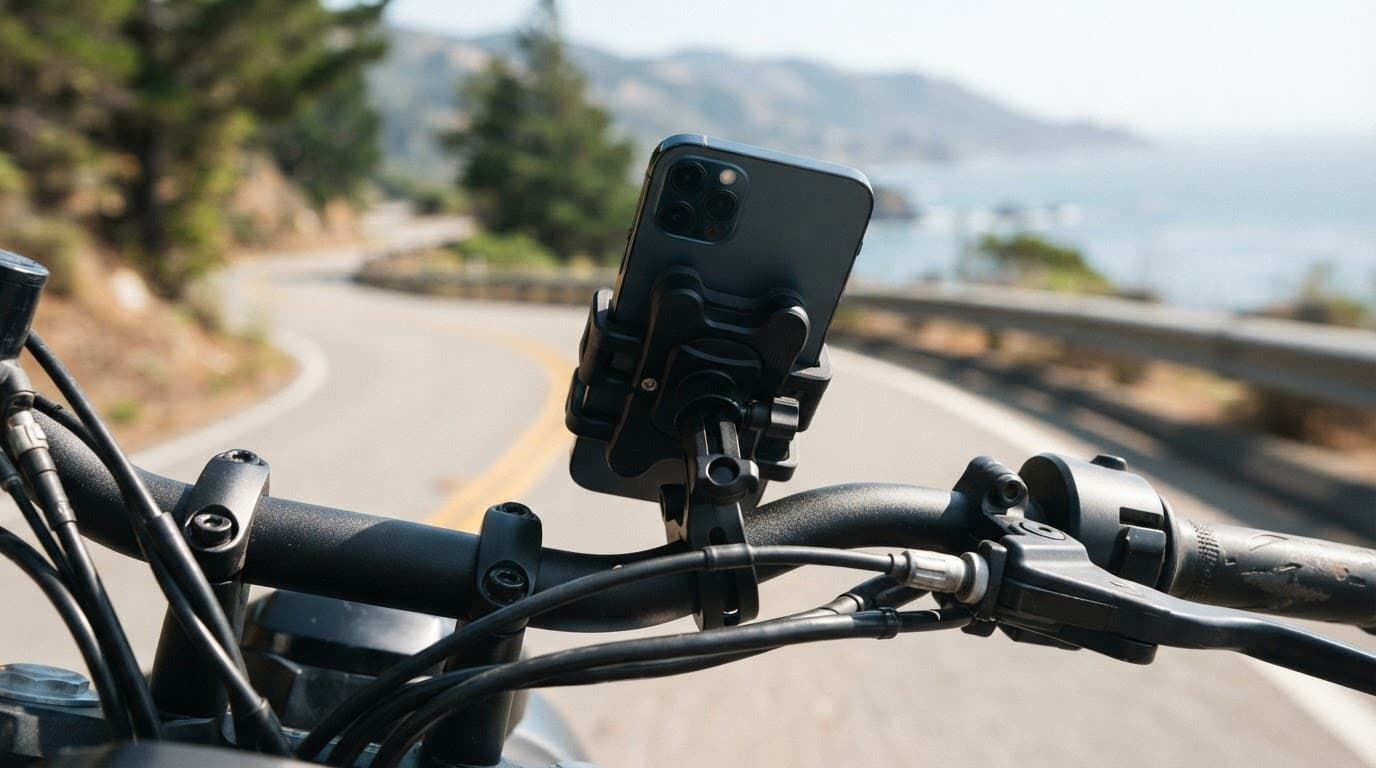
Your mobile phone can survive a few rainy commutes, then lose its camera after several hours on a handlebar mount. Motorbike mount iPhone camera damage usually starts inside the camera system, even when the exterior glass appears undamaged. An iPhone 13 can develop the same fault after repeated mounting vibration.
If the viewfinder shakes, autofocus hunts, or the phone makes a faint buzzing sound, the problem may not be an app or a dirty camera lens. We’ll explain what causes the fault, which bikes and mounts carry the greatest risk, and what repair options make sense in the UK.
Key Takeaways
Repeated vibration from a motorbike mount can damage the iPhone’s OIS and autofocus mechanisms, even when the outer camera glass looks undamaged.
Warning signs include a shaking viewfinder, persistent blur, autofocus hunting, clicking or buzzing, and one camera failing while others continue to work.
Rigid handlebar mounts, powerful petrol bikes, rough roads and long journeys create greater risk, while a vibration dampener can reduce—but not eliminate—transmitted vibration.
Remove the phone from the mount, test it while stationary, back up your data and stop using the mount if symptoms continue.
Confirmed internal damage usually needs a camera module replacement and a proper diagnostic, rather than replacement outer glass alone.
How motorbike mount iPhone camera damage starts
Modern phone cameras use tiny mechanical systems to keep images steady and focus accurately. Optical image stabilization (OIS) uses a moving lens system to counter movement. An iPhone 13, for example, has a stabilised assembly that shifts, while closed-loop autofocus moves the lens to focus. A gyroscope supplies movement data, while magnetic sensors can help monitor position, but neither proves mount damage by itself.
Those parts are small and finely balanced, so risk depends on vibration intensity, exposure duration and the phone’s stabilised hardware. The most severe patterns often begin with a high-powered internal combustion engine producing repeated high-amplitude vibrations. Engine vibrations travel through the frame, forks and handlebars to the motorcycle phone mount. A rigid mounting point then transfers much of that movement into the handset.
The outer camera lens may look perfect on an iPhone 13 while its internal camera module develops faults. Suspension wires, magnets, coils or position sensors can then become misaligned. The camera may still open but fail to hold a stable image. In other cases, the unit clicks or buzzes as OIS tries to settle.
A clear lens does not rule out internal camera damage. The failure can sit behind the glass, inside the stabilised camera unit.
Which bikes and mounts create the highest risk?
There isn’t a single engine type that guarantees damage. Risk depends on engine configuration, vibration amplitude, grip, road surface and journey duration. Mounting position and isolation quality also matter.
Large single-cylinder bikes, powerful parallel twins and some V-twins can create strong pulses through the chassis. High-capacity four-cylinder bikes can also transmit damaging vibration at certain engine speeds. A small scooter may produce less vibration, but a rigid handle bar mount on rough roads can still stress the phone’s camera.
This quick comparison shows how the engine, road, journey and mounting setup change the risk:
Motorcycle and mount setup
Camera risk
Sensible approach
Rigid handle bar mount on a high-powered petrol bike
High
Keep your primary phone off the mount where possible
Rigid mount on a small scooter
Medium
Keep journeys short and monitor symptoms
Shock-absorbing mount with a vibration dampener
Lower
Fit the system correctly and check it regularly
Silicone rubber strap for occasional navigation
Lower
Don’t treat it as guaranteed protection
Phone kept in a pocket or tank bag
Lowest
Use voice directions or stop safely to check
An iPhone 13 in a rigid clamp remains exposed to the same risk, whatever the motorcycle’s engine configuration. A shock-absorbing mount can reduce transmitted vibration more effectively than one that only grips the phone tightly.
Quad Lock offers a separately fitted vibration dampener for compatible mounts. Its benefit comes from isolation, not grip strength alone. RAM Mount and similar systems may use different designs, but no brand is automatically safe. Installation, position and the actual isolation system matter more than the brand name.
However, no universal independent test gives every mount a reliable percentage reduction. Mount design, installation, road surface and the motorcycle itself all affect the result. Proper isolation can reduce transmitted vibration, but it cannot make a high-powered bike completely risk-free.
An electric motorcycle isn’t automatically safe. Its motor usually produces less vibration, but road shocks, wheel imbalance, drivetrain movement and steering feedback can still reach the handlebar. Android phones face the same issue when they use OIS and moving autofocus systems. Samsung Galaxy and Google Pixel models aren’t immune simply because they run Android.
Warning signs of a damaged smartphone camera
The first sign is often a change in image quality rather than complete camera failure. Test the rear camera in good light. Then compare the 1x, wide-angle and telephoto cameras on an iPhone 13 if your model has them.
Look for:
Picture quality and stabilisation:
blurry photos remain soft after cleaning the glass.
A viewfinder that jitters while the phone is held still.
Video footage that shakes even when your hands are steady.
A black preview from one camera while other lenses still work.
Focusing:
Autofocus that repeatedly moves in and out without locking.
Focus that works at close range but fails on distant subjects.
Mechanical noise:
A faint clicking, rattling or buzzing noise near the camera.
App behaviour:
A camera app that takes longer to open, freezes or closes.
A damaged OIS unit can make the preview appear to vibrate while the phone is still, creating focus shaking. A damaged autofocus mechanism may leave every photo slightly out of focus. A technician can distinguish a gyroscope or software issue from physical damage to the stabilised camera assembly. Restarting the phone can rule out a temporary software glitch, but it won’t repair broken suspension wires or a displaced lens.
For phone hardware troubleshooting in the UK, we recommend recording the fault before sending the device away. Take a short video recording of the shaking viewfinder or buzzing noise using another mobile phone. That evidence helps a technician compare the symptom with the camera’s behaviour on the bench.
The same testing method applies to an iPhone component fault after a drop, a Samsung component fault after a drop, or a Google Pixel component fault after a drop. We check whether the fault affects one camera, several cameras or the whole handset.
A device that won’t turn on or won’t charge needs a wider diagnosis, particularly if it was dropped as well as mounted on a bike. Likewise, screen or display fault symptoms may point to separate impact damage rather than a camera problem.
Safe checks before booking a repair
Remove the phone from the mount, then test the camera while the phone is stationary.
Clean the outer camera lens with a soft microfibre cloth.
Restart the phone and test the camera in the standard camera app.
On an iPhone 13, compare each rear camera, front camera, video mode and flash.
Back up your photos and important data if the phone still works.
Stop using the mount if the shaking or noise continues.
Don’t tap the phone against your hand or shake it to free the lens. That can make a loose internal part move further out of position.
Repair, replacement and warranty options
After diagnosis confirms internal damage, a camera module replacement is usually needed rather than new outer glass, because glass alone cannot repair the mechanism. A technician removes the faulty assembly, fits a compatible replacement camera and tests autofocus, stabilisation, video, flash and photo consistency.
Some newer phones may need additional software checks or configuration after a component replacement. Poor-quality parts can create further issues, including inconsistent focus, altered colour or a camera app warning. Ask what part grade will be fitted and whether the quote includes testing and labour.
Apple Support warns against attaching iPhones to high-powered or high-volume motorcycles because of vibration. Apple’s standard warranty generally covers manufacturing defects, not accidental damage caused by riding conditions. AppleCare+ or another protection plan may offer a separate accidental-damage route, subject to its excess and terms.
For warranty claims, keep the diagnostic report, mount details and relevant proof of purchase.
Independent repair can be quicker and less expensive than replacing a flagship phone, but opening the handset may affect the manufacturer’s warranty position. Check that point before authorising work. If another repair shop recently fitted a screen or camera, contact that provider first, because using a different repairer may affect their cover.
At Repair My Crack, we inspect the whole handset before chargeable work begins. The following guide prices cover related repairs, not camera replacement:
Related repair
Typical UK guide price
Screen replacement
£60 to £180
Battery replacement
£40 to £80
Charging port repair
£50 to £90
Water-damage treatment
£60 to £120
A camera assembly replacement needs a model-specific quote because parts, availability and fitting time vary. For example, an iPhone 13 may require a specific assembly, so we don’t give a misleading blanket price before testing the phone.
A typical workshop scenario involves a rider with an iPhone 13 who reports a buzzing rear camera after several weeks using a rigid mount. The phone may have no cracked glass, yet the 1x camera shakes while the ultra-wide camera works normally. That pattern points towards a damaged stabilised camera module, which can often be resolved by replacing that individual assembly.
Our iPhone repair options and costs explain why a full diagnostic matters when several faults appear together. If you have an affected iPhone, you can book an iPhone repair and select the model before sending it.
We also handle affected Samsung and Pixel devices. Customers can Book a Samsung Repair or book a Google Pixel repair online. An iPad component fault or diagnosis follows the same basic process, although tablets are less practical for handlebar use. For that situation, you can book an iPad repair.
Our repair terms generally provide 12 months for batteries and other components, while screen cover depends on whether a premium or standard screen was fitted. Accidental damage after the repair is normally excluded, and tampering with warranty seals can affect cover. If testing finds no fault, an inspection fee may apply under the service terms.
Preventing vibration damage on future rides
The safest option is to keep your main mobile phone off the handlebars. An older handset used only for directions can serve as a navigation device, especially on long touring trips. If you’re using an iPhone 13, avoid leaving it on a rigid mount for extended rides.
If you do mount your everyday phone, use a properly isolated mount with a vibration dampener. Check the vibration dampener regularly for wear or loose fittings. Avoid rigid clamps that attach directly to the phone. Keep the device out of harsh weather, and don’t leave it mounted when the bike is parked.
Back up your phone before testing new mounting equipment. If the camera begins shaking, remove it immediately rather than waiting for the symptom to disappear. We also recommend using voice directions, a dedicated sat-nav or stopping safely before checking the screen.
Postal repairs are available across the UK. After booking, package the phone securely, include the order number and provide any passcode needed for testing. We aim to start work soon after the device arrives, although timing depends on the model, parts and any additional damage found. Customers near Essex can arrange an appointment-only drop-off in Harlow.
Frequently Asked Questions
Can a motorbike mount damage an iPhone camera?
Yes. Repeated vibration can damage the OIS and autofocus mechanisms, particularly when a phone is attached to a rigid handlebar mount for long journeys. The outer camera glass may remain intact even when the internal module has failed.
What are the main warning signs of vibration damage?
Common signs include a shaking viewfinder, persistent blur, autofocus that repeatedly hunts, and clicking or buzzing near the camera. One rear camera may also stop working while the other cameras continue to function normally.
Will a vibration dampener completely protect my phone?
No. A properly fitted dampener can reduce transmitted vibration, but it cannot make a motorbike mount completely risk-free. The safest option is to keep your main phone off the handlebars, especially on powerful bikes or rough roads.
Can a damaged iPhone camera be repaired?
Usually, confirmed internal damage requires replacement of the affected camera module rather than the outer glass. A technician should test autofocus, stabilisation, video, flash and image quality before recommending the repair.
Is motorbike vibration damage covered by Apple’s warranty?
Apple’s standard warranty generally covers manufacturing defects rather than accidental damage caused by riding conditions. AppleCare+ or another protection plan may provide a separate route, subject to its terms and excess.
Conclusion
Motorbike mount iPhone camera damage usually results from repeated vibration affecting the OIS and autofocus hardware. A buzzing sound, an unstable preview or persistent blur deserves attention, even if the camera glass looks untouched.
A vibration dampener lowers risk, but it does not make a rigid mount completely safe. Remove the handset, back up your data and arrange a proper camera diagnosis, whether it is an iPhone 13 or another OIS-equipped phone.
(James Waterston, Device Repair Specialist at Repair My Crack)
One drop onto a pavement can turn a perfectly usable iPhone 16e into an expensive-looking mess. The price of repairing your handset depends on the replacement part, damage beneath the glass and whether you use an independent workshop or Apple.
At Repair My Crack, we inspect the whole handset before chargeable work begins. This guide covers iPhone 16e screen replacement, what can affect the final bill and when professional help makes more sense than a DIY kit. A cracked display may hide a bent frame, faulty touch, charging problem or weakened battery.
Key Takeaways
Independent iPhone 16e screen replacement typically costs £65 to £170 for aftermarket options, while a genuine or refurbished Apple display may cost £170 to £280 or more.
The factory screen is OLED, so compare LCD, hard OLED, soft OLED and genuine Apple options carefully for contrast, fit, reliability and price.
A cracked display can hide damage to touch controls, the frame, proximity sensor, Face ID, charging system or logic board, so a full diagnosis should come before chargeable work.
Professional fitting is usually better value than DIY on a relatively new iPhone 16e, with many straightforward repairs taking around one to two hours when the correct part is in stock.
Before accepting a quote, confirm the exact screen grade, warranty and testing of touch, Face ID, True Tone, proximity sensor, charging and battery health.
iPhone 16e screen repair cost in the UK
The iPhone 16e launched in the UK at £599 for the 128GB model. That makes an iPhone 16e screen replacement far more sensible than replacing the whole phone when the rest of the device works properly.
An independent repair can vary in price because the iPhone 16e uses a 6.1-inch OLED display. The original technology affects an OLED screen replacement quote, as the screen, glass and touch layers are normally supplied as one complete display assembly.
One current UK listing advertises iPhone 16e work from £65, with genuine Apple parts available as an option. You can view its current iPhone 16e repair prices for another example of how part choices affect the bill.
These are sensible UK planning ranges, not guaranteed quotes. Spare parts availability, stock levels, part choice, labour, adhesive and testing can all affect the final repair price.
Replacement option
Typical UK guide price
What to expect
Budget LCD screen assembly
£65 to £95
Lowest price, but weaker contrast and viewing angles
Hard OLED assembly
£85 to £130
Better blacks than LCD, usually less flexible than soft OLED
Aftermarket soft OLED
£105 to £170
Closer to the original OLED experience and fit
Genuine or refurbished Apple display
£170 to £280+
Closest match to the original, with a higher price
Frame condition can also change the final bill, particularly if the housing is badly bent. A complete quote should include touch response and proximity sensor checks. Hidden damage to the logic board may alter the repair altogether.
Apple remains another route. Its official iPhone screen service information explains how to arrange a repair service and check the current cost. Apple pricing can be higher than workshop rates, particularly when accidental damage falls outside any cover.
For wider comparisons across older models, our UK iPhone screen repair pricing guide gives useful context. Newer OLED iPhones usually cost more to repair than older LCD models.
LCD, hard OLED or soft OLED: which part is right?
The factory iPhone 16e display is an OLED panel, marketed as Super Retina XDR. An OLED screen replacement using the same technology can preserve true blacks because individual pixels switch off.
Some suppliers offer a lower-cost aftermarket screen for the 16e, including LCD-based assemblies. An LCD screen uses a backlight, which can mean greyer blacks, lower contrast, different brightness and altered battery use. The display assembly combines the panel, glass and touch digitizer, so suppliers usually replace them together.
Hard OLED is closer to the original technology. Its less flexible backing can make it more vulnerable to pressure around the edges. Soft OLED uses a flexible substrate and generally offers a better fit, more consistent colour and a closer match to the factory screen.
Long-term reliability data for each aftermarket screen grade remains limited because the model launched in February 2025. We therefore assess the supplier, its spare parts, fit and testing process. Different OLED panels should not be treated as identical.
An original Apple display, or a carefully refurbished module using genuine Apple parts, is normally the closest visual match. It may still need software configuration after fitting, and its price may not suit every budget.
Before accepting a quote, ask:
Is the replacement an LCD, hard OLED, soft OLED or an original Apple module?
Does the price include adhesive, fitting and full testing?
Has the proximity sensor been tested after fitting?
Will the repairer check Face ID and True Tone?
What warranty cover applies to that exact screen grade?
Good fitting also matters, as poor alignment can affect the proximity sensor.
A cheap screen repair quote isn’t automatically poor value. It becomes risky when it includes an unverified part, unclear fitting work or limited cover.
Cracks can hide more than a damaged display
Common screen or display fault symptoms include black patches, flickering, coloured lines, dead touch areas, ghost touches and a completely dark display assembly. A phone can still ring or vibrate when the display has failed.
We recently saw this pattern on an iPhone 12. The front glass was shattered, but the image still appeared and most of the touchscreen worked. A few days later, dead touch areas developed near the impact point. The final repair needed a complete screen assembly, not cosmetic glass repair.
That is why a screen repair quote cannot be based on the crack pattern alone.
That is why we test:
Touch response across the whole panel.
Brightness, colour, lines and dark areas.
Face ID, earpiece function and proximity sensor.
Cameras, speakers, charging, battery health and the Action Button.
The frame for bends, gaps or pressure points.
Impact damage can also affect the logic board beneath the display. The same checks matter after a drop, even when the affected device or its internal parts differ. A tablet diagnosis starts with the same basic questions about power, display, charging, frame damage and liquid exposure.
If the device won’t turn on or charge, the diagnostic process must come before a replacement quote. A replacement display won’t solve a damaged charging circuit or logic board fault. It may instead need a charging port replacement. This is the practical side of phone fault diagnosis in the UK, rather than guessing from the crack pattern.
A replacement screen fixes a failed display. It cannot straighten a bent frame or repair damaged front biometric sensors.
Will Face ID stop working?
Replacing the screen does not normally remove biometric unlocking. The technician must carefully transfer or preserve the original front sensor and proximity sensor assembly.
Biometric unlocking can fail if the TrueDepth components were damaged in the drop, if a flex cable tears during removal or if the proximity sensor area is fitted incorrectly. In those cases, a new display alone won’t restore biometric unlocking.
True Tone may also need calibration, depending on the replacement and repair process. A reputable workshop should test it before returning the phone, rather than assuming everything is fine because the display lights up.
Is DIY iPhone 16e screen replacement worth it?
DIY repair kits are available, but a fix kit is not a simple glass swap. You need heat, opening tools, replacement adhesive, a steady work surface and enough experience to disconnect delicate cables without tearing them.
A damaged back panel is separate from the display, so it may need rear glass replacement rather than a new screen. The main risks include damage to the battery, proximity sensor, display cable or waterproofing seals. A small mistake can turn display fitting into a much larger repair. Heat applied in the wrong place can also damage the battery or surrounding components.
If you do attempt the repair, we recommend these preparations:
Back up the iPhone to iCloud or a computer before opening it.
Power it down fully and remove the case and SIM tray.
Work on a clean, well-lit bench, away from children and pets.
Keep screws organised because the wrong screw in the wrong hole can damage the logic board.
Test the display, touch, Face ID, True Tone, proximity sensor, battery health, cameras, charging and Action Button before sealing the phone.
For most people, professional fitting is usually better value on a relatively new iPhone 16e. Our complete iPhone screen repair guide covers the wider process and the questions to ask before handing over your phone.
Repair times, warranty and postal service
At an independent workshop, a straightforward iPhone 16e screen repair often takes one to two hours. This assumes the correct part is in stock. It’s not a guarantee, because workload, hidden damage or a logic board issue can affect timing or eligibility.
Our Harlow, Essex repairs are appointment-based. Customers across the UK can use our nationwide mail-in repair service with tracked Royal Mail postage. We aim to start work as soon as the phone arrives, often on the same day, then return it using tracked delivery.
Back up your data first, remove the SIM card and pack the phone inside a sturdy box with protective padding. If possible, check the proximity sensor before posting the phone. Include the order number and provide a passcode only when software testing requires it.
Repair My Crack offers a price promise and a clear repair price, with quality replacement parts fitted by accredited technicians. Testing before return includes the proximity sensor, Face ID and battery health. Premium iPhone screens carry a 12-month warranty, while standard iPhone screens carry a three-month term; other components generally carry 12 months under the published terms.
Accidental damage after collection and liquid damage are normally excluded. An independent repair may also affect the manufacturer’s cover, so check the manufacturer’s terms before choosing a repair route. If inspection finds no fault, an inspection fee may apply under standard charges. A battery replacement is quoted separately from screen work.
The sensible answer on iPhone 16e screen repair cost
For a healthy iPhone 16e with one damaged display, paying for a repair usually makes financial sense. Budget around £65 to £170 for independent replacement options, while a genuine or refurbished Apple display may cost £170 to £280 or more.
Choose the part grade carefully, check what the warranty covers and confirm Face ID, touch, charging and battery health are tested before the phone comes back to you. If the frame is straight and the board has no liquid damage, a new display can give the handset plenty more useful life.
When you’re ready, you can book an iPhone repair online or contact our team for a model-specific quote before chargeable work begins.
James Waterston, Device Repair Specialist at Repair My Crack
iPhone 16e screen repair FAQs
Will iOS show a non-genuine screen message?
It may. iOS can display a parts warning when it cannot verify a replacement display as an official Apple component. The warning doesn’t necessarily stop the display or touch controls working, but it may remain in the device settings.
Can an LCD screen replace the original OLED panel?
Some LCD-compatible assemblies are sold for the iPhone 16e, but they don’t match OLED contrast, black levels or viewing angles. Soft OLED is usually a better budget choice when available.
How long does a professional replacement take?
Many walk-in replacements take around one to two hours once the correct panel is available. Postal work takes longer because of delivery, although we aim to begin testing promptly after arrival.
Will the repair remove Face ID?
A careful display replacement should preserve biometric unlocking by transferring the original sensor assembly. It can still fail if the drop damaged the TrueDepth system or a cable during the work. The proximity sensor should also be tested afterwards.
Should the proximity sensor be tested after replacement?
Yes. It should respond during calls and switch the display off when covered.
What should a technician check before returning the phone?
They should check the proximity sensor, touch response, brightness, cameras and biometric unlocking. Testing these functions helps catch faults before collection or dispatch.
Could the repair affect the Action Button?
Not normally. It isn’t part of the display, but it should still be tested alongside the volume controls and mute function.
Is the cheapest option always best?
No. Compare the panel type, testing, adhesive, labour and support offered by the technician. A slightly higher quote for a properly tested soft OLED or premium panel can offer better value than fitting a poor-quality part twice.
When your mobile hits the floor, the first worry is often the display. Safety around a damaged display matters because broken glass can cause cuts, and the impact may have affected other components.
A cracked screen may be usable briefly if the fracture is small and stable, the glass feels smooth, and the frame is straight. Stop using the handset if you notice sharp edges, spreading fractures, a lifting display, unusual heat or charging faults.
Key Takeaways
A small, smooth and stable corner crack may be manageable briefly, but stop using the handset if the glass is sharp, the damage is spreading, the display is lifting, or the phone becomes hot.
Use clear packing tape as a temporary cover and avoid sliding your finger over damaged glass. Only fit a screen protector or case when the phone is flat, stable and free from loose glass or swelling.
Power down and don’t charge a handset showing heat, swelling, chemical smells, smoke, unusual battery drain or charging faults. Move away from a smoking or burning device and call 999 without handling it.
Back up your data and arrange a full inspection, as a drop can damage the battery, frame, connectors, cameras, charging port or internal components as well as the visible screen.
Compare the confirmed repair cost with the phone’s current value, remaining lifespan and any other faults, and check your mobile insurance before paying privately.
Is your handset safe to keep using after a crack?
A small hairline crack in a corner is usually a low-risk cosmetic issue when the glass feels smooth, the frame is straight and the display works normally. If touch sensitivity remains reliable and no fragments are coming away, you may be able to use the handset briefly while arranging a repair.
That changes when the crack reaches the edge, covers much of the display or forms spider web cracks. Several intersecting fractures put more pressure on the glass, and everyday tapping or a tight pocket can make the damage spread.
Use this quick guide to judge the situation:
What you notice
Likely risk
Sensible next step
One smooth hairline crack
Mostly cosmetic
Use a fitted screen protector and protective phone case only when the glass is flat and stable. Don’t force either over moving glass, a bent frame or a swollen handset; arrange repair when practical
Rough edge or loose glass
Finger cuts and further breakage
Stop touching the damaged area and cover it
Black patches, lines or dead touch areas
Display assembly damage
Back up your data and book an inspection
Heat, swelling or chemical smell
A swollen battery or electrical fault
Power down and don’t charge the handset
Crack followed by moisture exposure
Corrosion and internal damage
Switch it off and seek a proper diagnosis
A damaged display also weakens the phone’s original seal. Water resistance depends on adhesives, gaskets and an intact housing, so don’t rely on an IP rating after serious damage.
A handset can remain fully usable while hidden faults are developing. A reliable touch response and bright display don’t rule out a damaged battery, charging port or internal connector.
How broken glass can cut your finger
Modern phone displays usually have an outer glass layer, a digitizer layer with a touch sensor, and the actual display panel. A cracked screen can release tiny fragments along its fracture lines. Loose glass shards may feel like grit rather than large pieces, so they are easy to miss.
The risk increases if you slide your finger across a crack, wipe the display with a cloth, or put the phone in a pocket with keys. Fine splinters can catch on skin or clothing. This explanation of tiny glass fragments covers why a damaged display deserves more care than a simple scratch.
Until the repair, take these steps:
Turn the phone off if the display is badly shattered or touch controls behave unpredictably.
Avoid testing the crack with your fingertip. Hold the handset by its undamaged edges.
Apply clear packing tape over the damaged area as a temporary fix. Smooth it down without pressing hard.
Fit a quality screen protector only if the display is reasonably flat and no glass is moving underneath it.
Use a protective case with a raised lip, but don’t force a tight case over a bent or swollen phone.
If you cut your finger, wash the wound with clean water and apply firm pressure with a clean dressing. Contact NHS 111 or attend A&E if the cut is deep, won’t stop bleeding, contains embedded fragments or causes numbness. Don’t pick fragments out with bare fingers.
Warning signs that mean you should power down
The most serious risk after a drop isn’t always the glass. Lithium-ion batteries can suffer battery damage if an impact bends the housing, damages a cell or crushes a nearby connector. A damaged circuit can also create an electrical short, leading to unusual heat generation.
Heat alone doesn’t prove there’s a battery fault. However, a handset that becomes unusually hot after the display breaks shouldn’t go straight back into your pocket or onto charge.
Power it down as soon as you can if you notice:
The display or back is lifting away from the frame, suggesting a swollen battery.
The handset becomes hot while idle or during light use.
You smell chemicals, burning plastic or a sweet, solvent-like odour.
The battery drains suddenly, the handset restarts or shuts down without warning.
Charging only works at one angle, repeatedly stops or makes the connector hot.
You hear hissing, crackling or popping.
Smoke appears, or the device shows signs of swelling.
If the handset is safe to handle, unplug it and switch it off. Put it on a cool, non-flammable surface away from bedding, paper and other items that could catch fire. Don’t press a lifting display back into place, puncture the battery or continue charging it.
A smoking or burning device needs distance, not another troubleshooting attempt. Leave the area and call 999. Don’t handle a hot handset or one showing swelling.
Moisture is another reason to stop. Rain, a spilled drink or condensation can pass through a broken display edge and reach the touch circuitry, connectors and logic board. Moisture damage can lead to internal damage even when the handset still appears to work. A device that won’t turn on or won’t charge needs a full diagnosis before anyone orders a part.
What a drop can damage besides the glass
A broken display shows where the phone took the impact, but not every fault inside. The frame may have bent, a connector may have shifted, or the charging port may have taken another knock.
An iPhone component fault after a drop can affect the display, Face ID sensors, cameras, buttons or charging circuit. A Samsung component fault after a drop may involve the OLED panel, side frame or an internal flex cable. Samsung’s curved displays can be costly because the screen assembly often contains several bonded layers.
A Google Pixel component fault after a drop may appear as a loose connection, camera problem or intermittent charging. With an iPad, an iPad component fault or diagnosis may involve the digitiser, display connector or charging circuit. A tablet can look fine while its larger panel has lost touch response in one section.
For phone hardware troubleshooting in the UK, we start with basic checks:
Remove the case and inspect the frame for bends or pressure around the buttons.
Test the touch screen across the full panel, including areas without visible damage.
Record any change in touch sensitivity while testing different sections.
Check cameras, speakers, microphones, Face ID or fingerprint unlocking.
Try a known-good cable and charger, but stop if the phone heats up.
Save copies of photos, contacts and important files before further testing.
Common screen or display fault symptoms include flickering, coloured lines, dark patches, ghost touches or dead zones from a faulty touch sensor, uneven brightness and intermittent touch response.
We recently checked an iPhone 12 where the glass was shattered, but the picture looked normal. After further use, black patches and dead touch areas appeared. The complete display assembly needed replacing, rather than a cosmetic glass-only fix. That is why we check the frame, cameras, audio, biometrics and charging before chargeable work begins.
Repair or replacement: what makes financial sense?
A phone screen repair can make sense when the phone has a straight frame, healthy battery and one clear fault. A £150 repair on a recent phone worth around £400 second-hand is a different decision from the same repair on an older handset worth £180.
We compare the confirmed repair quote with the phone’s current used value, expected remaining life and other faults. Include the cost of tools and the risk of a DIY repair in your calculation. If the battery is weak and the charging port is damaged too, repairing only the glass may not be the best use of your money. Also check your mobile insurance before paying privately, particularly after accidental damage.
These are useful Repair My Crack guide prices, although the exact quote depends on the model, part and damage found:
Repair
Typical UK guide price
Screen replacement
£60 to £180
Battery replacement
£40 to £80
Charging port repair
£50 to £90
Water-damage assessment or treatment
£60 to £120
Premium iPhone and Samsung OLED screens can cost more than these figures. Ask which display grade the replacement screen uses, whether testing and adhesive are included, and whether warranty coverage includes the part and labour, with exclusions explained. The listed term varies by part, with premium iPhone screens having 12 months and standard iPhone screens having a shorter term. Accidental damage after collection and liquid damage are normally excluded.
For model-specific options, you can book an iPhone repair or Book a Samsung Repair. We offer express repairs with quality replacement parts, but timing depends on stock, workload and the condition of the device.
Getting a damaged phone repaired safely in the UK
Cloud services such as iCloud, Google One and Google Drive make it easy to backup data before repair. Save copies of photos and contacts, and check you can restore access to two-factor authentication elsewhere.
If the phone still works, remove your SIM if appropriate and photograph its condition before sending it. A technician may need your passcode to test functions after repair. We handle customer data carefully, but a current backup gives you peace of mind.
Avoid a DIY screen replacement unless you have the correct tools and experience. Opening a damaged handset as a DIY repair can release loose fragments, tear display cables or puncture a damaged battery. Guidance on safe screen work from SlashGear explains why this work can be riskier than it first appears.
A handset with a cracked screen, loose glass, heat, swelling or liquid exposure shouldn’t be posted until it has been assessed.
You can also use our phone screen repair service if the handset is safe to send. A reputable repair shop or professional phone repair service can advise on the safest option. We serve customers in Essex, offer appointment-only drop-off in Harlow and provide postal repairs across the UK. Pack the phone securely, include your order number and follow the booking instructions. We aim to start work soon after arrival, often on the same day, but confirm timing after inspection.
Frequently Asked Questions
Can I keep using a phone with a small crack?
You may be able to use it briefly if the crack is small and stable, the glass feels smooth, the frame is straight and all functions work normally. Arrange a repair promptly and stop using it if the fracture spreads or any glass becomes loose.
What should I do if the broken glass feels sharp?
Don’t test the crack with your fingertip or slide your finger across it. Switch the phone off if necessary, hold it by its undamaged edges and cover the area with clear packing tape without pressing hard.
How can I tell whether a cracked phone has battery damage?
Power down if the phone becomes unusually hot, the display or back lifts, the battery drains suddenly, charging becomes unreliable, or you smell chemicals or burning plastic. Don’t press a lifting display back into place or continue charging the handset.
Can I use a cracked phone in the rain?
No. A damaged display can weaken the phone’s original water resistance and allow moisture to reach internal connectors and circuitry. Switch it off after liquid exposure and arrange a proper diagnosis, even if it still appears to work.
Is it better to repair or replace a cracked phone?
Compare the confirmed repair quote with the phone’s current used value, expected remaining life and any faults affecting the battery, charging port or frame. Check your mobile insurance and ask which replacement part, testing and warranty are included before approving the work.
What to do next
A smooth corner fracture may be manageable briefly, especially inside a protective case.
Arrange prompt help if the edges are sharp, the damage is spreading, or moisture is present.
Stop using the handset if it becomes unusually hot or swollen.
Back up your files, stop charging a hot or swollen device, and arrange a full handset inspection. Don’t assume the visible fault is the only problem.
For a clear quote or advice about a handset that isn’t listed, get in touch.
James Waterston, Device Repair Specialist at Repair My Crack
A red iPhone liquid contact indicator can help explain why Apple has refused a warranty repair, but checking it incorrectly can cause more damage. The tiny indicator is usually hidden inside the SIM card opening, and you can inspect it without dismantling the phone.
In most cases, a white or silver indicator means no liquid contact has been recorded. A solid red indicator means it has touched water or another water-based liquid. We’ll show you where to look, what the colour means, and when a professional inspection makes more sense.
Key Takeaways
A white or silver liquid contact indicator usually means no recorded liquid contact, while a solid red indicator confirms exposure to moisture and normally remains red after drying.
On iPhones with a SIM tray, inspect the indicator through the SIM opening using a bright light and the correct eject hole—never scrape, spray or dismantle the phone.
US eSIM-only iPhones don’t have an accessible external indicator, so look for signs such as camera fog, charging alerts, muffled sound or unexpected faults instead.
If the phone has recently been wet, switch it off, disconnect cables and avoid charging, rice, hairdryers and other heat sources.
A red indicator doesn’t prove that every component has failed or identify the cause of a fault, so a professional diagnosis is safer before approving repairs or assessing warranty options.
What the iPhone liquid contact indicator tells you
Apple installs Liquid Contact Indicators, often called LCIs, inside many iPhone models. They are commonly described as a water damage indicator. An LCI is also called a liquid damage indicator and records moisture contact rather than the amount or timing of exposure.
LCIs react to moisture and turn red, remaining red after the phone dries. Drying the handset won’t reverse that colour change.
The indicator only confirms contact with liquid. It doesn’t show:
How much water entered the phone
When the exposure happened
Whether the logic board is damaged
Whether the phone needs a particular replacement part
Whether liquid caused the current fault
A red LCI can appear on a phone that still works normally. Corrosion can develop later after water exposure, especially with salt water, sugary drinks or condensation.
The explanation of liquid damage and LCIs from Apple support confirms that the indicator is normally white or silver before contact with a water-based liquid.
Water resistance doesn’t change this assessment. It can weaken after drops, repairs and normal wear, so an iPhone rated as water resistant isn’t safe to submerge or use in the bath.
How to check the indicator safely
You’ll need a SIM ejector tool, a straightened paperclip and a bright torch. A desk lamp can work, but a narrow beam makes the tiny indicator easier to see.
Before starting, back up the phone if it still works. If it has recently become wet, switch it off and disconnect every cable. Don’t turn on a recently wet phone to see whether it has recovered.
Follow these steps:
Remove the case so it doesn’t obstruct the SIM card tray.
Find the small eject hole beside the tray.
Push the tool straight into that hole with gentle, steady pressure.
Pull the tray out without twisting or forcing it.
Shine a light into the opening at roughly a 45 degree angle.
Look for the water damage indicator, which appears as a small strip or dot that is white or silver, or solid red.
If moisture is present, leave the tray out and arrange an inspection.
Use the tool only in the SIM eject hole. iPhones have microphones and other openings nearby, and pushing a paperclip into the wrong hole can damage them. Don’t scrape the indicator, rub it with a cotton bud or spray anything into the phone.
A phone torch can help, but use another device if your iPhone has been wet and switched off. Avoid using a hairdryer, radiator or heat gun. Heat can damage the battery, soften adhesives and push moisture further inside.
A red indicator confirms contact with moisture, but it doesn’t prove that every part inside has failed.
Checking eSIM iPhones without a SIM tray
US versions of eSIM iPhones generally use eSIM only. They don’t have an accessible SIM card tray, so there is no external indicator through that opening. UK versions can differ, so check the physical handset rather than relying on the model name alone.
Without a SIM slot, don’t open the phone at home to search for an inaccessible internal LCI. Modern iPhones use strong adhesive, delicate display cables and tightly packed batteries. A DIY inspection can turn a moisture check into a screen, back-glass or battery repair.
Instead, look for other signs:
Fog or droplets inside a camera lens
A liquid-detection alert when you connect a cable
Intermittent charging or a loose connection
A speaker or microphone that suddenly sounds muffled
Face ID, cameras or wireless charging behaving oddly
Random restarts, overheating or a phone that won’t turn on
Camera fog deserves attention because it shows moisture has reached a sealed internal area. It may clear as the phone cools, but that doesn’t prove the inside is dry. Switch the phone off, avoid charging it and arrange a proper inspection.
If you see a warning about liquid in the Lightning or USB-C connector, follow Apple’s liquid-detection guidance. Charging while the connector is wet can corrode the contacts and cause permanent damage.
What a red indicator means after the phone dries
The water damage indicator can stay red for the rest of the phone’s life. It won’t reset after a few hours in a dry room, and rice won’t restore it. Rice can also leave dust and starch around ports, so we don’t recommend using it.
A water damaged phone may still appear functional after drying. A red result doesn’t prove that liquid damage has affected every component. Some devices need cleaning and testing, while others have damage to the display, charging port, battery or logic board.
The warning signs matter more when they appear alongside a red LCI. These are common screen or display fault symptoms:
Flickering, lines or black patches
Touch working only in certain areas
A screen that stays black while the phone vibrates
Brightness that changes unexpectedly
A display lifting away from the frame
Power problems need the same care. A diagnosis for a device that won’t turn on or won’t charge should begin with inspection, not repeated cable tests. Connecting power to a wet phone can turn a clean-up job into a board repair.
The same principle applies to impact damage. An iPhone component fault after a drop can sit alongside moisture-related corrosion, a bent frame or a weakened battery. We also see a Samsung component fault after a drop and a Google Pixel component fault after a drop where the visible crack hides a second internal problem.
Warranty, repair costs and your options
Apple’s standard one-year limited warranty doesn’t normally cover accidental liquid damage. Apple’s important iPhone handling information also explains this exclusion from limited warranty coverage. Accidental damage is generally assessed separately from manufacturing faults, so a red LCI can affect the outcome of a warranty assessment.
An independent repair may also affect the manufacturer’s warranty. If preserving Apple’s repair route matters most, check the Apple warranty terms before authorising independent work. This type of fault usually isn’t covered, so many owners compare an official quote with an independent quote for liquid damage.
Typical UK guide prices for this type of work can look like this:
Fault or service
Guide price
Initial moisture treatment
£60 to £120
Partial fault recovery
£80 to £180
Screen fault after liquid exposure
£120 to £280 or more
Battery replacement after confirmed testing
£40 to £80
Charging port repair
£50 to £90
These are UK guide figures, not fixed quotes. The exact cost depends on the model, corrosion, part availability and whether the logic board needs specialist work. If no fault is found, an inspection fee may apply under the repairer’s standard charges.
At Repair My Crack, moisture-related services have their own warranty terms, so check the quote before approving work. Other components and batteries generally carry a 12-month repair warranty under our terms, while moisture-related services can have a shorter three-month term. Warranty seals may also be fitted after a repair, and tampering with them can affect cover.
When a proper diagnosis is more useful than the indicator
We test the whole handset and its internal components before recommending chargeable work. That includes power, charging, display, cameras, speakers, microphones, buttons and signs of corrosion.
One common workshop example involves an iPhone 12 that arrived after a hard drop. The front glass was shattered, but the image still appeared. A few days later, black patches and dead touch areas developed. The impact had damaged the display beneath the glass, so a complete screen assembly was needed rather than a cosmetic glass repair.
An iPad component fault or diagnosis follows the same logic. The most visible mark isn’t always the part that failed. Good phone hardware troubleshooting in the UK should identify the cause before anyone replaces expensive parts.
We offer express iPhone and Samsung repairs in Essex, with postal repairs across the UK. You can book an iPhone repair online, send the device using tracked Royal Mail postage, or arrange an appointment-only drop-off in Harlow. We aim to begin work as soon as the device arrives, although corrosion or moisture-related faults can take longer when careful testing is needed.
Questions we hear about iPhone water damage
Can the water damage indicator turn white again?
No. Once activated, it normally remains red, even if the phone dries completely.
Where is the indicator on an iPhone 4?
Older iPhone 4 models can expose LCIs through openings such as the headphone socket and 30-pin dock connector, rather than the SIM area alone. Don’t insert tools into either port. Use a bright light and ask a technician if the colour is unclear.
Is camera fog enough to prove water damage?
It strongly suggests moisture inside the camera area, but it doesn’t show how far the liquid has travelled. Switch the phone off and arrange an inspection.
Can a red LCI be a false positive?
A red LCI usually means contact with a water-based liquid. Reflections, poor lighting and dirt can make a tiny indicator hard to judge, though. If the colour is ambiguous, don’t scrape it or dismantle the phone. A technician can inspect it under magnification.
Conclusion
The safest check is simple: switch off a recently wet iPhone, remove the SIM tray if it has one, and inspect the indicator with a bright light at a 45 degree angle. A pale or metallic indicator suggests no recorded contact, while red confirms moisture has reached it, even if the phone now looks dry.
US eSIM-only models need a different approach because they lack an external tray and visible LCI. Charging alerts and sudden hardware faults deserve attention, so a proper inspection is safer than repeated testing at home.
A red indicator isn’t a final verdict. It’s a reason to stop charging, protect your data and get the whole device checked.
James Waterston, Device Repair Specialist at Repair My Crack
When a Pixel lands on a corner, the screen isn’t always the only thing that suffers. A Pixel torch not working fault can appear straight away, even when the phone still unlocks, makes calls and looks mostly fine.
The short answer is that the torch may have lost its connection to the rear camera or flash circuit. Android can also disable the torch when the camera is stuck, the phone is too hot or the battery is critically low. We can rule out the simple causes first, then inspect the handset properly if the fault started with the impact.
Pixel torch not working: what the drop may have damaged
The torch uses the LED flash beside the rear camera. It isn’t a separate plug-in light that sits away from the rest of the phone. The flash, camera module and main board communicate through small connectors and flexible cables, so a sharp impact can disturb one part of that chain.
Several faults can produce the same greyed-out or unavailable torch icon:
A camera or flash connector may have shifted after the phone hit the floor.
The rear camera module may have suffered impact damage.
A bent frame can press against internal parts and stop a connection sitting correctly.
Cracked rear glass can let in dust or moisture, especially when the phone is used outdoors.
A damaged power circuit may prevent the LED from receiving power.
The torch may be temporarily blocked by the camera app, heat protection, low battery or a software fault.
The rear camera is a useful clue. If the torch fails but the camera works normally, the LED circuit or its connection may be the problem. If the camera also shows a black preview, crashes or refuses to focus, the camera assembly or a shared connection deserves closer attention.
Google’s Pixel support community includes reports where rear camera failure and a disabled flashlight appeared together. That does not prove every torch fault is hardware-related, but it shows why testing both features matters.
A small crack around the camera area can also make later moisture damage more likely. Even if the torch returns for a while, repeated failure after a drop shouldn’t be ignored.
Safe checks before booking a repair
A few checks are safe to try at home. They won’t repair a broken connector, but they can separate a temporary software problem from damage caused by the fall.
Remove the case and check the phone under good light. A tight case can hold a damaged button or press against a slightly bent frame.
Restart the Pixel, then test the torch from Quick Settings. Also test the rear camera, flash in the camera app and video recording.
Close the camera, QR scanner, Snapchat, Instagram and any other app that may be using the camera. Android can keep the torch unavailable while another app has control of the camera.
Check whether the handset feels unusually hot or has a very low battery. Let it cool naturally and charge it with a reliable cable if the phone looks physically safe.
Back up your photos, contacts, messages and authenticator information while the phone still works.
A camera app update or a restart may solve a software glitch. However, if the torch stopped immediately after the impact and remains unavailable, repeated resets are unlikely to help. Avoid a factory reset before a hardware inspection, because it can erase useful information without fixing a damaged part.
Don’t use a hairdryer, radiator or kitchen tool to open the Pixel. Heat can damage the battery and screen adhesive, while a screwdriver in the wrong place can turn a loose connector into a torn cable. If the screen is lifting, the phone is getting hot, or the battery looks swollen, switch it off and don’t charge it.
A general phone flashlight troubleshooting guide also covers low battery, power-saving settings and camera-related causes. Those checks are sensible, but physical damage needs a different approach.
How a repairer finds the real fault
We start with the phone’s history. A drop onto a corner suggests different risks from a handset that was squeezed in a bag or exposed to water afterwards. We then inspect the frame, rear glass, camera lens and gaps around the housing before opening anything.
The next stage is functional testing. We check:
Whether the rear and front cameras open reliably.
Whether the rear camera focuses and records video.
Whether the torch works from Quick Settings and another app.
Whether the phone charges normally and stays at a safe temperature.
Whether other features failed at the same time, such as vibration, microphones or wireless charging.
Inside the handset, we look for a displaced connector, torn flex cable, cracked camera module, pressure from the frame or signs of corrosion. A connector can sometimes be reseated. Other cases need a camera or flash-related part. Board damage needs more careful assessment, and repair may not be sensible if several circuits have failed.
A familiar workshop pattern is a Pixel that arrives after a corner impact with a grey torch icon, a rear camera that struggles to open and no obvious problem with calls or Wi-Fi. We test the camera and flash together, inspect the connection, then check the handset again after any repair. That stops us from replacing a part that was never responsible for the fault.
When the camera and torch fail together after a drop, replacing the LED alone may not solve the problem. The shared connection and camera assembly need testing first.
Torch or Camera Not Working? Get It Checked
We test the camera and flash together before quoting — no guesswork.
Repair costs and when replacement makes more sense
There isn’t a responsible flat price for every Pixel torch fault. The cost depends on whether the problem is a loose connection, a camera module, a damaged frame, liquid corrosion or a board-level fault. We confirm the fault and explain the options before chargeable work begins.
For context, guide prices for common UK repairs often fall within these ranges:
Repair type
Typical guide range
Screen replacement
£60 to £180
Battery replacement
£40 to £80
Charging port repair
£50 to £90
Water-damage treatment
£60 to £120
Pixel torch or camera fault
Quote after inspection
These figures are guides, not fixed promises. A screen, battery or charging port may have been damaged during the same fall, so the final repair can involve more than the original symptom suggests.
Repair usually makes sense when the Pixel has one clear fault, a healthy main board, a reasonably straight frame and good battery life. Replacement becomes more sensible when the phone has heavy corrosion, a badly twisted chassis, several major faults or a repair cost close to the value of the handset.
The same judgement applies beyond Pixel work. A cracked iphone screen repair is often worthwhile when the rest of the phone is sound. Someone comparing iphone screen repair UK options should ask whether the quoted part includes fitting, adhesive, testing and warranty. An iphone battery replacement UK job also needs proper testing first, because poor charging can come from the port rather than the battery.
Independent repair can affect a manufacturer’s warranty, so check those terms before booking. Our repair terms also distinguish between parts. Batteries and other components carry 12 months’ cover, while screen warranty depends on the screen type stated in the quote. If no fault is found, an inspection fee may apply under the standard charges.
Choosing a repair service in Essex or across the UK
People searching for phone repair Essex often want a quick local inspection. We offer appointment-only drop-in repairs in Harlow, Essex, alongside express repair options for common smartphone faults. Our accredited technicians use quality replacement parts and test the handset after the work.
Customers who live elsewhere can use our postal phone repair UK service. You can book online, package the phone securely, include the order number and provide any necessary passcode details. Back up your data first, remove the SIM card and avoid sending loose accessories unless we ask for them. Free tracked Royal Mail postage and tracked returns help keep the journey clear.
We aim to start work as soon as the device arrives, often on the same day, although parts availability and the fault itself affect the timescale. A postal repair still needs proper testing, so a complicated camera or board fault may take longer than a straightforward screen replacement.
Our phone screen repair turnaround times guide explains why testing can take longer than fitting a replacement part. The same principle applies to a Pixel torch fault. The visible symptom may take seconds to describe, but the correct diagnosis requires checking the rest of the handset.
We also handle mobile phone repair UK enquiries across common iPhone and Samsung faults. For example, our Samsung phone repairs cover camera, charging, battery and screen problems. The same post-drop checks matter whether the handset is a Pixel, Galaxy or iPhone.
Quick answers about Pixel torch faults
Can a restart fix the torch?
Yes, if an app has held the camera open or Android has temporarily disabled the LED. A restart won’t fix a damaged connector, camera module or board.
Is it safe to keep using the Pixel?
If the phone is cool, the frame is straight and the battery looks normal, limited use is usually reasonable while arranging an inspection. Stop using it if the handset heats up, the screen lifts, the rear glass opens or charging becomes unreliable.
Will a repair erase the data?
Routine hardware repairs usually focus on parts rather than storage. Even so, we recommend backing up before sending or opening any device. A drop can reveal a separate fault, and a backup protects your photos and files if the repair becomes more involved.
Conclusion
A Pixel torch not working after a drop often points to a camera, flash connection or internal power fault rather than a simple torch setting. Test the camera, restart the phone, back up your data and inspect the frame, but don’t heat, bend or pry open the handset.
If the fault remains, a proper diagnosis gives you a clearer choice between a sensible repair and replacement.
Get an Instant Price for Your Pixel
Free tracked postage both ways, insured up to £750, with a 12-month warranty on every repair.
This website uses cookies to improve your experience while you navigate through the website. Out of these, the cookies that are categorized as necessary are stored on your browser as they are essential for the working of basic functionalities of the website. We also use third-party cookies that help us analyze and understand how you use this website. These cookies will be stored in your browser only with your consent. You also have the option to opt-out of these cookies. But opting out of some of these cookies may affect your browsing experience.
Necessary cookies are absolutely essential for the website to function properly. These cookies ensure basic functionalities and security features of the website, anonymously.
Cookie
Duration
Description
cookielawinfo-checkbox-analytics
11 months
This cookie is set by GDPR Cookie Consent plugin. The cookie is used to store the user consent for the cookies in the category "Analytics".
cookielawinfo-checkbox-functional
11 months
The cookie is set by GDPR cookie consent to record the user consent for the cookies in the category "Functional".
cookielawinfo-checkbox-necessary
11 months
This cookie is set by GDPR Cookie Consent plugin. The cookies is used to store the user consent for the cookies in the category "Necessary".
cookielawinfo-checkbox-others
11 months
This cookie is set by GDPR Cookie Consent plugin. The cookie is used to store the user consent for the cookies in the category "Other.
cookielawinfo-checkbox-performance
11 months
This cookie is set by GDPR Cookie Consent plugin. The cookie is used to store the user consent for the cookies in the category "Performance".
viewed_cookie_policy
11 months
The cookie is set by the GDPR Cookie Consent plugin and is used to store whether or not user has consented to the use of cookies. It does not store any personal data.
Functional cookies help to perform certain functionalities like sharing the content of the website on social media platforms, collect feedbacks, and other third-party features.
Performance cookies are used to understand and analyze the key performance indexes of the website which helps in delivering a better user experience for the visitors.
Analytical cookies are used to understand how visitors interact with the website. These cookies help provide information on metrics the number of visitors, bounce rate, traffic source, etc.
Advertisement cookies are used to provide visitors with relevant ads and marketing campaigns. These cookies track visitors across websites and collect information to provide customized ads.